

Convert Your Bank Statements to Excel or CSV Instantly
Saved me hours of manual work with my client's bank statements. Hassle-free and clean file conversion.

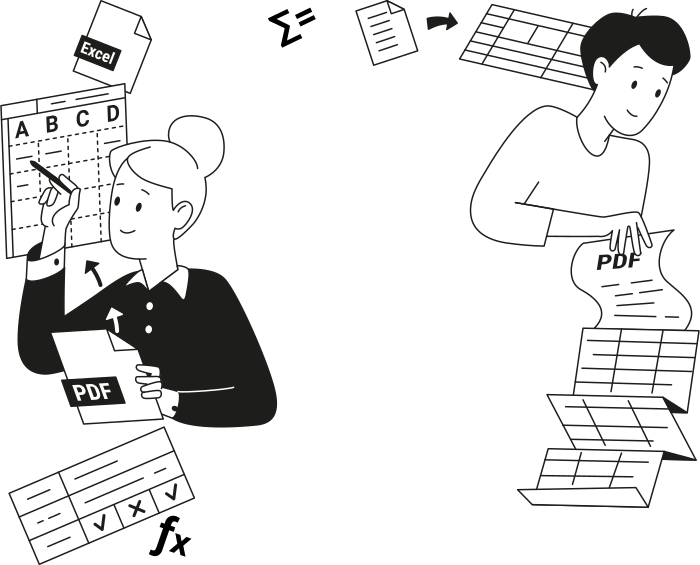
Why Convert PDF Bank Statements to Excel or CSV?
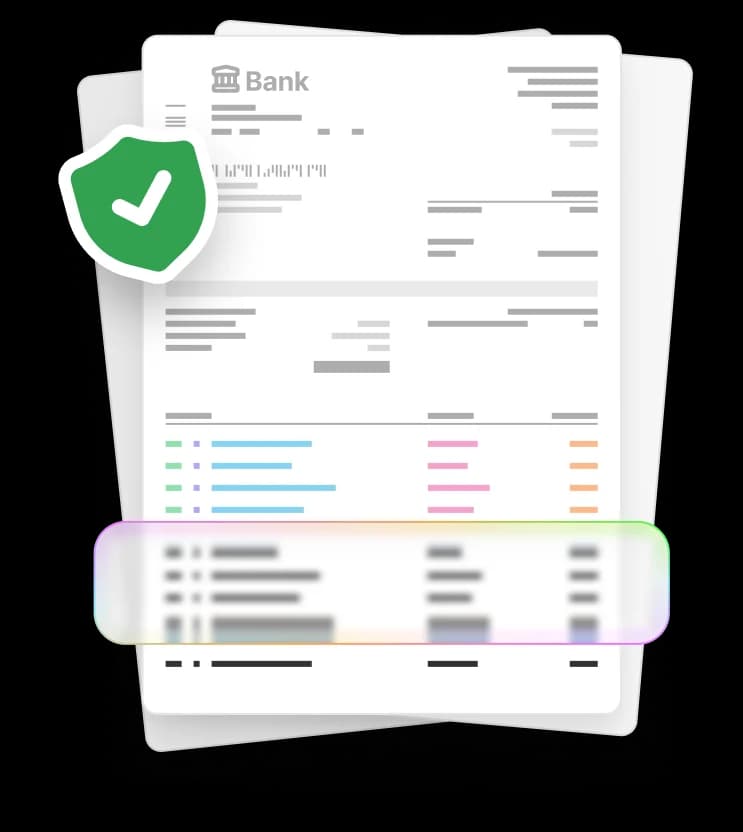
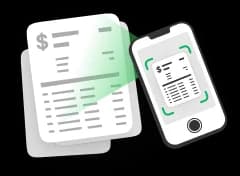
Static PDF bank statements become editable Excel or CSV files you can analyze, update, and share.
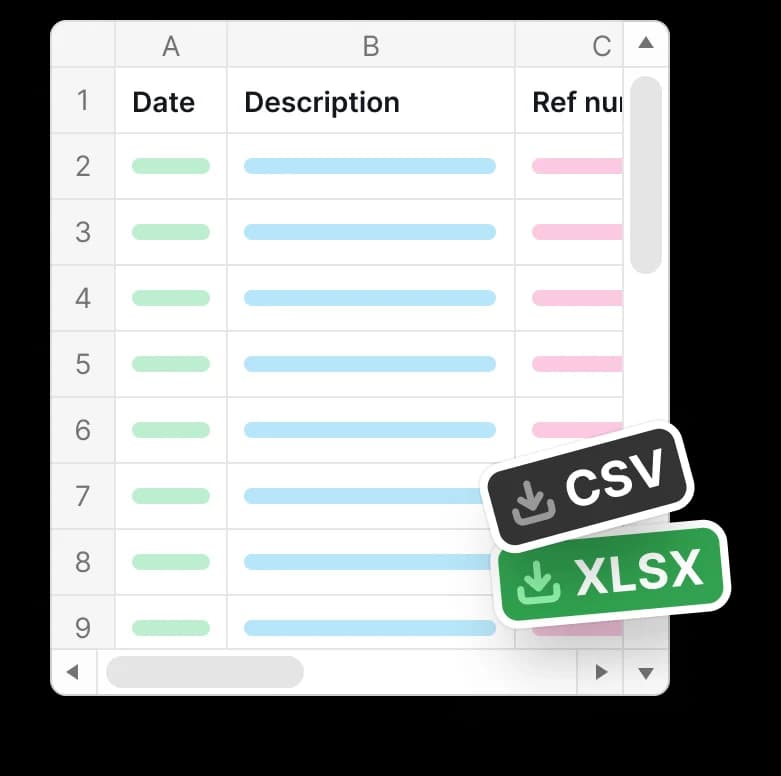
By exporting bank transactions into Excel or CSV, you avoid manual data entry, save time, and minimize errors.
Built for Accurate Bank Statement Conversion
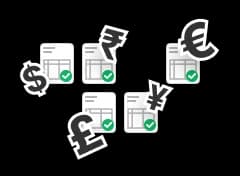

Made for Anyone Working With Numbers
Accountants and Bookkeepers
Small Business Owners
Freelancers and Contractors
Individuals Managing Personal Finances
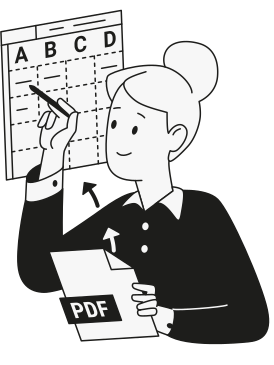
Convert Your Bank Statements Today
Upload your bank statement and convert it to Excel or CSV in minutes with our PDF tool.









Comece a editar seu PDF


Consegui alterar texto, anotar o arquivo, reorganizar páginas e converter meu documento de e para PDF, tudo com uma única ferramenta de edição. Simplesmente incrível.

How to Convert Bank Statements to Excel or CSV
 1
1
Upload your PDF bank statement
 2
2
Choose Excel or CSV conversion
 3
3
Download your file
Por que as pessoas preferem o pdf.net
Simples e fácil para o uso diário
Nosso editor de PDF online tem uma interface limpa, intuitiva e fácil de usar, projetada para iniciantes e profissionais. Você pode navegar com facilidade e editar seu arquivo PDF, mesmo que nunca tenha feito isso antes.

Editor de PDF tudo em um
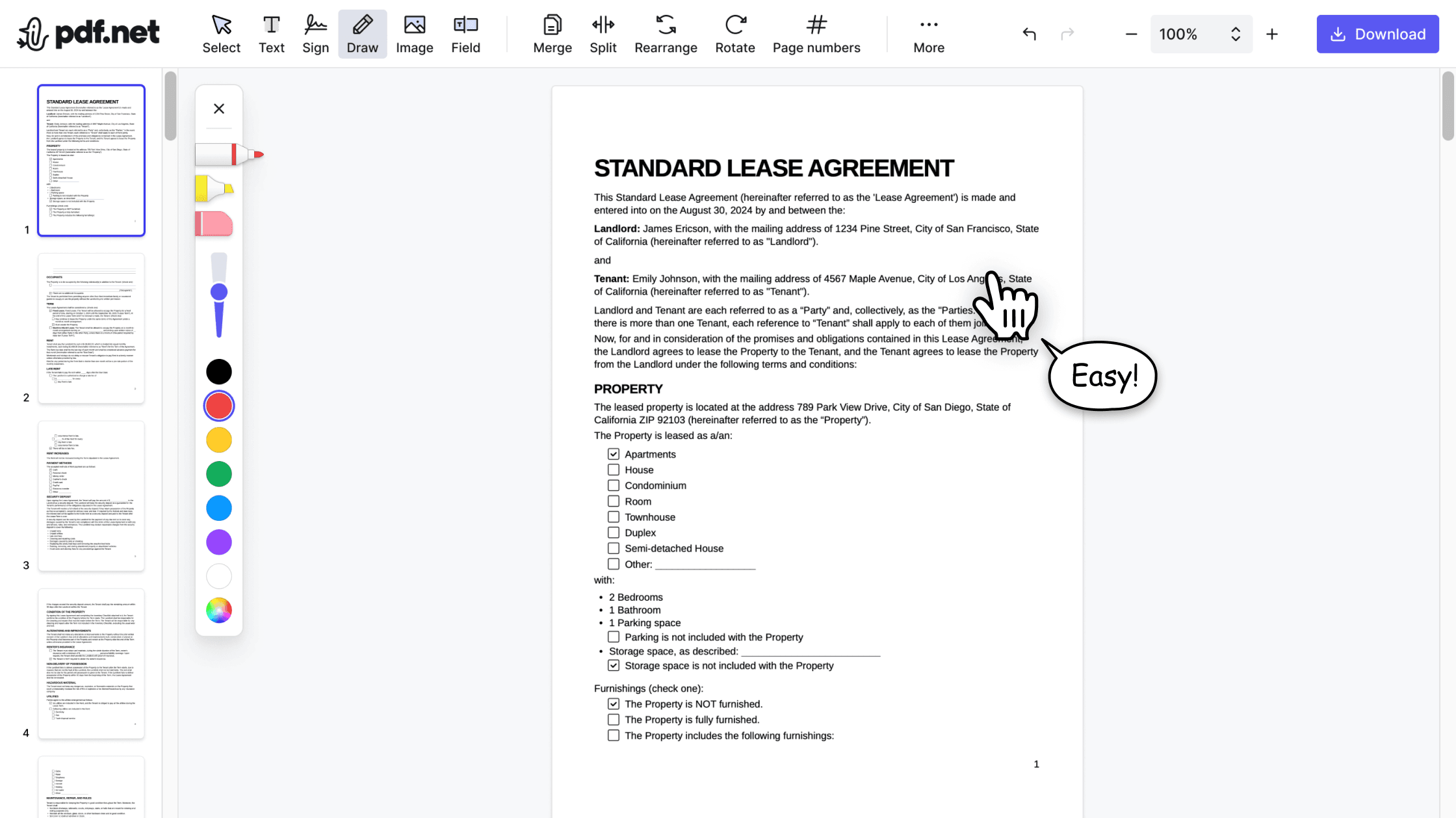
Nosso editor oferece um conjunto robusto e completo de recursos que permite personalizar seus documentos, juntá-los, assiná-los e muito mais. Não há mais necessidade de transferir seus arquivos entre vários aplicativos.

Mantém a formatação sem problemas
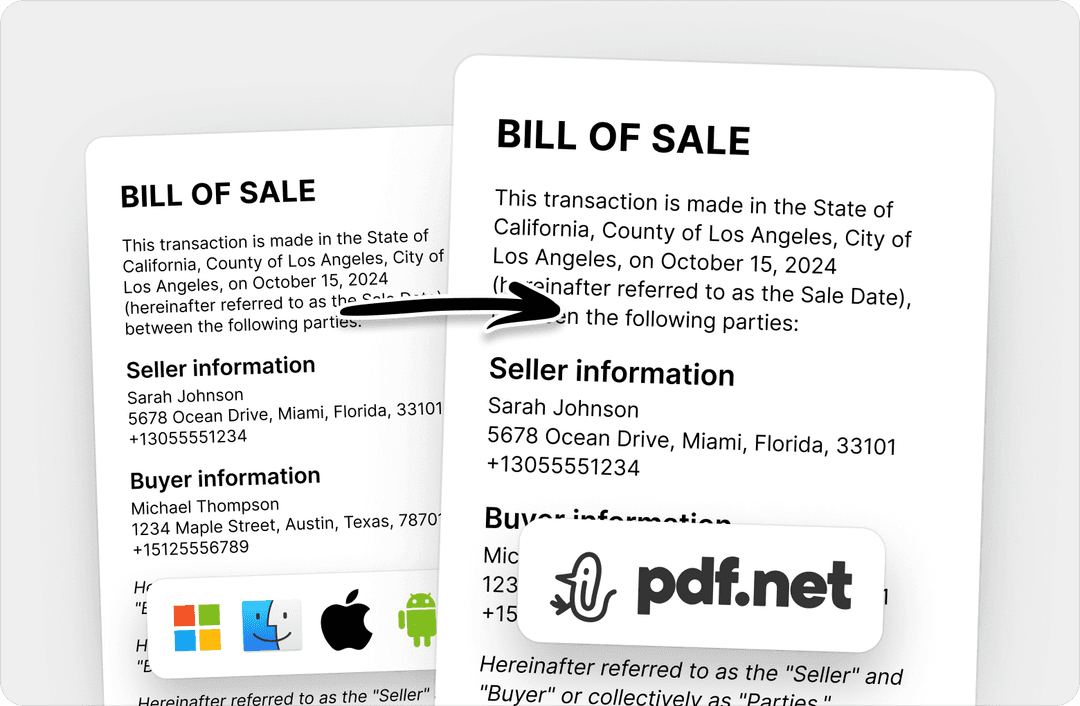
Chega de documentos bagunçados e formatação inconsistente em vários sistemas ou dispositivos. Nosso editor de PDF online é compatível com várias plataformas e mantém a uniformidade, seja no PC, MacOS, smartphone ou tablet.
Pessoas do mundo todo confiam no pdf.net para editar seus documentos
Usei muitos editores online, mas este é o primeiro que manteve a formatação de forma consistente quando converti PDF em arquivos DOC e PNG.


Usei muitos editores online, mas este é o primeiro que manteve a formatação de forma consistente quando converti PDF em arquivos DOC e PNG.
Este editor se tornou instantaneamente minha opção principal para PDFs, porque torna fácil e intuitivo adicionar e reescrever texto.

Eu tinha um arquivo PDF longo que precisava dividir em dez documentos menores. Este editor de PDF online me ajudou a fazer isso em menos de cinco minutos.

Eu tinha meia hora para editar e assinar um PDF antes de enviá-lo ao cliente, e esta ferramenta salvou meu dia.

Perguntas frequentes
- Are my bank statements safe when using this converter tool?
- Yes, your bank statements are safe when using our converter tool. They are processed through secure connections and handled privately, with files automatically removed after conversion to protect sensitive financial information.
- What file formats are supported for bank statement conversion?
- The tool supports PDF bank statements and lets you export them to Excel or CSV formats. These files can be opened and used in common spreadsheet and accounting software for reviewing transactions, organizing records, and financial reporting.
- Can I convert multiple bank statements at once?
- No, you cannot convert multiple bank statements to CSV or Excel at once. Our online PDF tool currently processes one file at a time to maintain reliable results. However, we may expand this feature in the future to support batch conversions.
- How accurate is the conversion from PDF to CSV or Excel?
- Our bank statement converter accurately extracts transaction tables, including dates, descriptions, and amounts, and converts them into structured Excel or CSV files suitable for financial analysis.
- Do I need special software to convert bank statements?
- No, you don't need special software to convert bank statements. Our converter is fully browser-based. With a reliable Internet connection, you can upload, convert, and download Excel or CSV files directly from your browser.
- Can I edit the Excel or CSV file after conversion?
- Yes, you can edit the Excel or CSV file after conversion. Once you download your bank statement in Excel or CSV format, you can open it in spreadsheet tools to sort transactions, adjust data, add notes, and prepare reports as needed.
- Can I convert to Excel using this bank CSV export tool?
- Yes, you can convert to Excel using this bank CSV export tool. Just choose the Excel format before you download and get a spreadsheet-ready file for sorting, editing, and financial analysis.
- Can I download my bank statement in an Excel template format?
- You can download your bank statement and edit it into an Excel template. A bank statement Excel template allows you to organize transactions, add formulas, and customize the layout for tracking, reporting, or record keeping.