

Convert Your Bank Statements to Excel or CSV Instantly
Saved me hours of manual work with my client's bank statements. Hassle-free and clean file conversion.

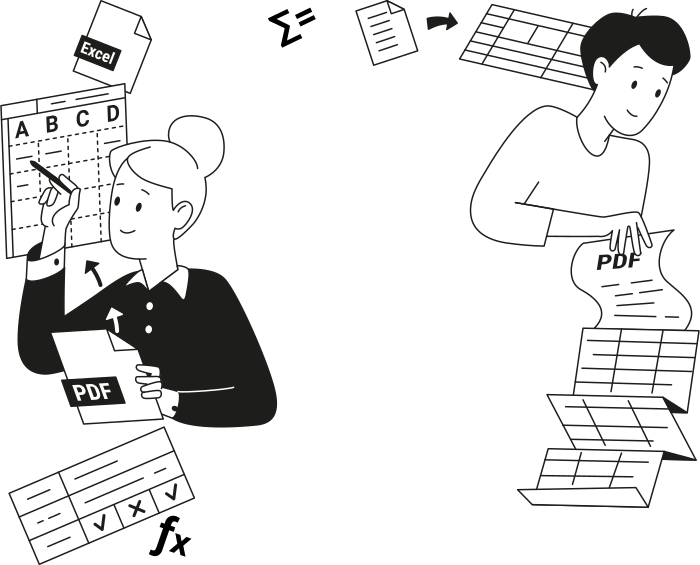
Why Convert PDF Bank Statements to Excel or CSV?
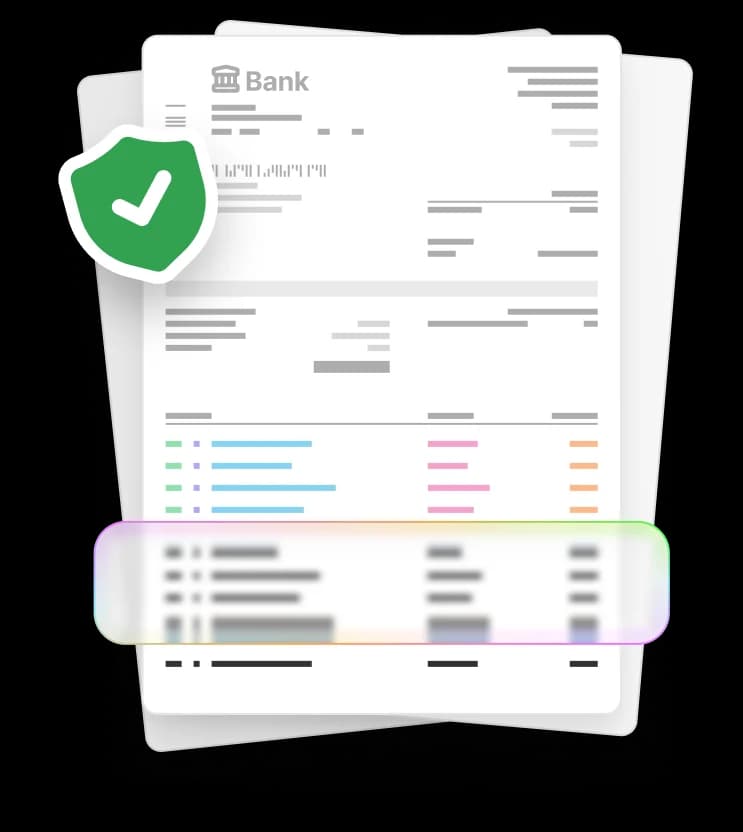
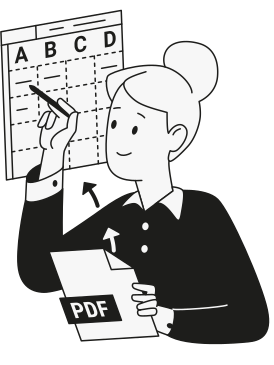
Static PDF bank statements become editable Excel or CSV files you can analyze, update, and share.
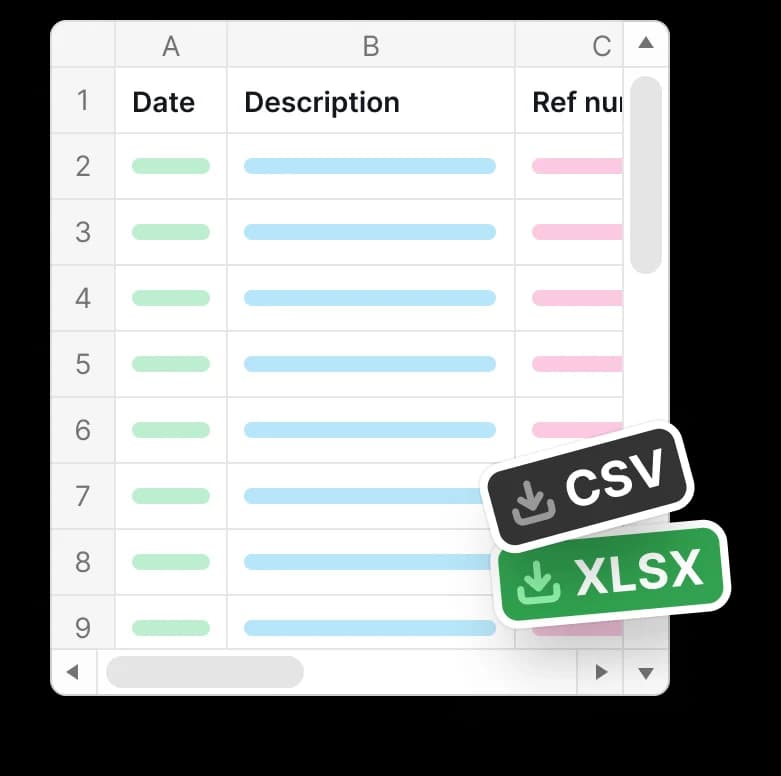
By exporting bank transactions into Excel or CSV, you avoid manual data entry, save time, and minimize errors.
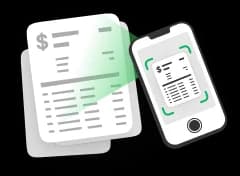
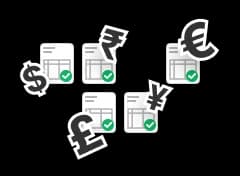
Built for Accurate Bank Statement Conversion

Made for Anyone Working With Numbers
Accountants and Bookkeepers
Small Business Owners
Freelancers and Contractors
Individuals Managing Personal Finances
Convert Your Bank Statements Today
Upload your bank statement and convert it to Excel or CSV in minutes with our PDF tool.









Comienza a editar tu PDF


Conseguí cambiar texto, anotar el archivo, reorganizar páginas y convertir mi documento desde y hacia PDF, todo con una sola herramienta de edición. Increíble.

How to Convert Bank Statements to Excel or CSV
 1
1
Upload your PDF bank statement
 2
2
Choose Excel or CSV conversion
 3
3
Download your file
Por qué la gente prefiere pdf.net
Simple y fácil para uso diario
Nuestro editor de PDF en línea cuenta con una interfaz limpia, intuitiva y fácil de usar diseñada para aficionados y profesionales por igual. Puedes navegar con facilidad y editar tu archivo PDF, incluso si nunca lo has hecho antes.
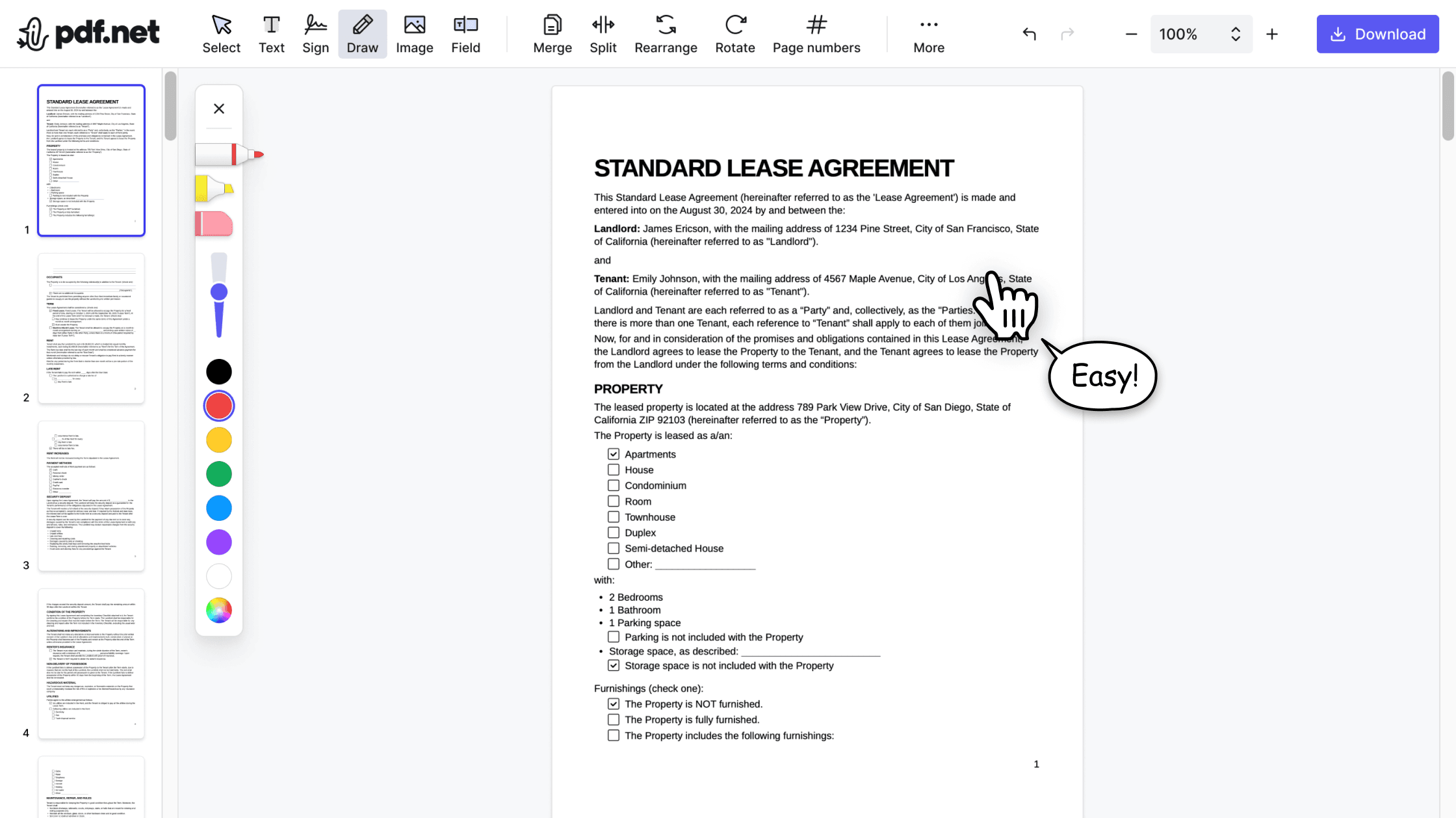

Editor de PDF todo en uno
Nuestro editor ofrece un conjunto robusto y completo de características que te permiten personalizar tus documentos, unirlos, firmarlos y mucho más. Ya no necesitas transferir tus archivos entre varias aplicaciones.

Manteniendo el formato sin problemas
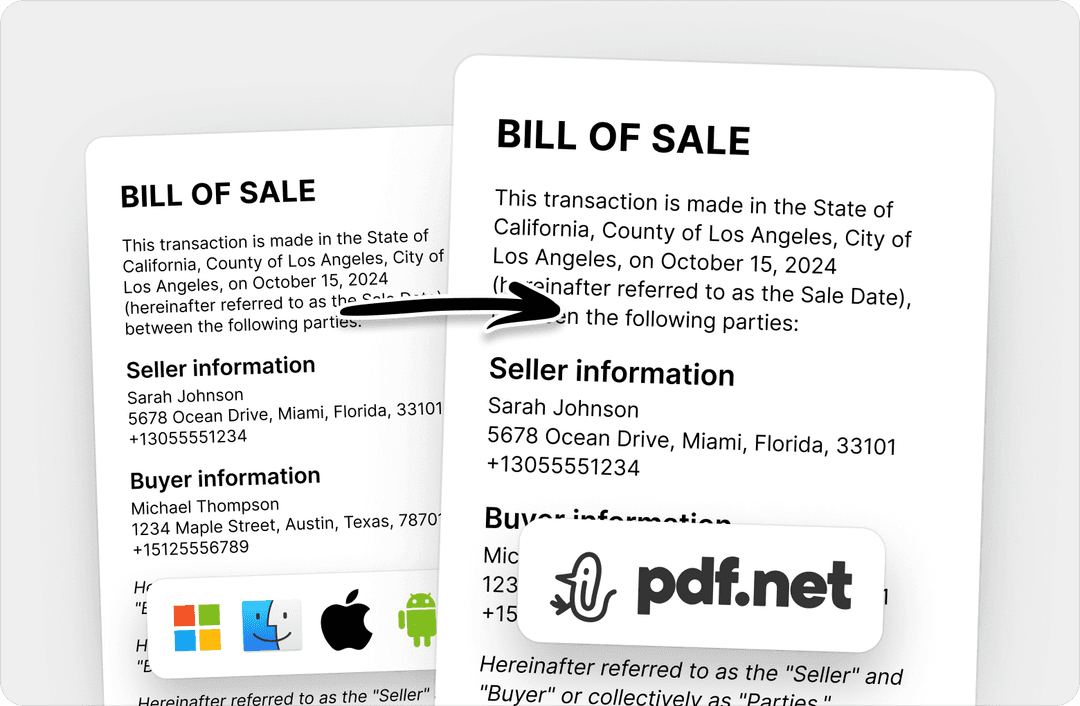
No más documentos desordenados y formateados de manera inconsistente en múltiples sistemas o dispositivos. Nuestro editor de PDF en línea es compatible entre plataformas y mantiene la uniformidad ya sea que uses una PC, MacOS, un smartphone o una tableta.
Gente de todo el mundo confía en pdf.net para editar sus documentos
He usado muchos editores en línea, pero este es el primero que mantuvo consistentemente el formato cuando convertí PDF en archivos DOC y PNG.


He usado muchos editores en línea, pero este es el primero que mantuvo consistentemente el formato cuando convertí PDF en archivos DOC y PNG.
Este editor inmediatamente se convirtió en mi herramienta preferida para PDFs porque hace que añadir y reescribir texto sea fácil e intuitivo.

Tenía un archivo PDF largo que necesitaba dividir en diez documentos más cortos. Este editor de PDF en línea me ayudó a hacerlo en menos de cinco minutos.

Tenía media hora para editar y firmar un PDF antes de enviarlo al cliente, y esta herramienta me salvó el día.

Preguntas frecuentes
- Are my bank statements safe when using this converter tool?
- Yes, your bank statements are safe when using our converter tool. They are processed through secure connections and handled privately, with files automatically removed after conversion to protect sensitive financial information.
- What file formats are supported for bank statement conversion?
- The tool supports PDF bank statements and lets you export them to Excel or CSV formats. These files can be opened and used in common spreadsheet and accounting software for reviewing transactions, organizing records, and financial reporting.
- Can I convert multiple bank statements at once?
- No, you cannot convert multiple bank statements to CSV or Excel at once. Our online PDF tool currently processes one file at a time to maintain reliable results. However, we may expand this feature in the future to support batch conversions.
- How accurate is the conversion from PDF to CSV or Excel?
- Our bank statement converter accurately extracts transaction tables, including dates, descriptions, and amounts, and converts them into structured Excel or CSV files suitable for financial analysis.
- Do I need special software to convert bank statements?
- No, you don't need special software to convert bank statements. Our converter is fully browser-based. With a reliable Internet connection, you can upload, convert, and download Excel or CSV files directly from your browser.
- Can I edit the Excel or CSV file after conversion?
- Yes, you can edit the Excel or CSV file after conversion. Once you download your bank statement in Excel or CSV format, you can open it in spreadsheet tools to sort transactions, adjust data, add notes, and prepare reports as needed.
- Can I convert to Excel using this bank CSV export tool?
- Yes, you can convert to Excel using this bank CSV export tool. Just choose the Excel format before you download and get a spreadsheet-ready file for sorting, editing, and financial analysis.
- Can I download my bank statement in an Excel template format?
- You can download your bank statement and edit it into an Excel template. A bank statement Excel template allows you to organize transactions, add formulas, and customize the layout for tracking, reporting, or record keeping.