

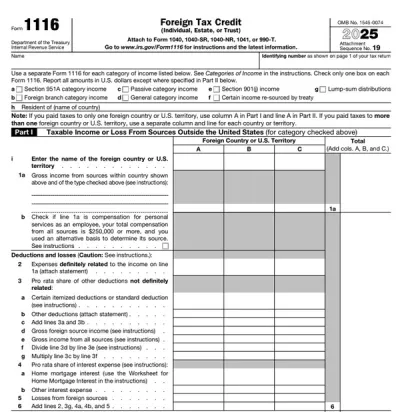
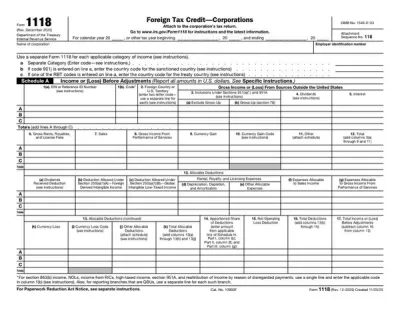
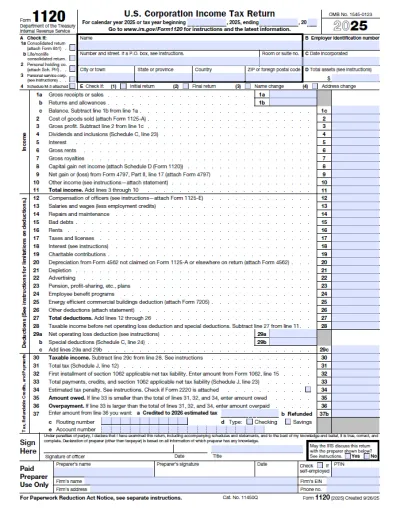
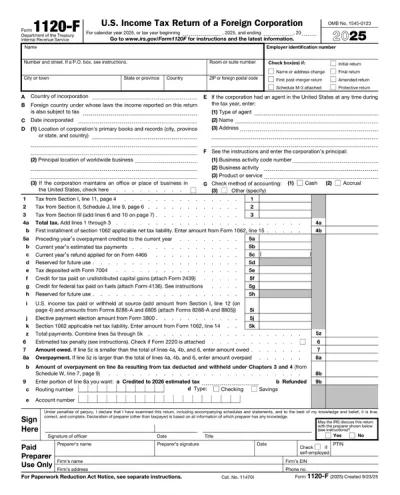
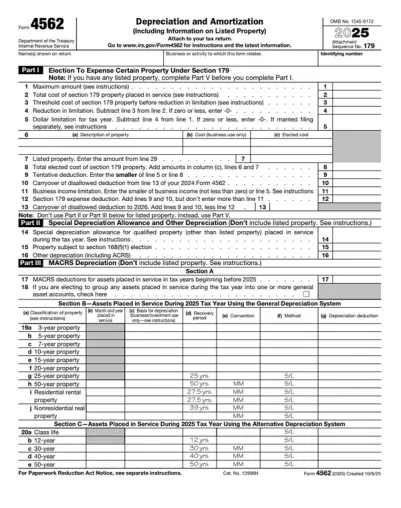
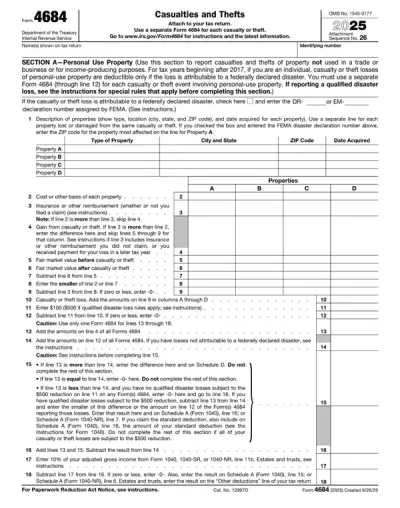
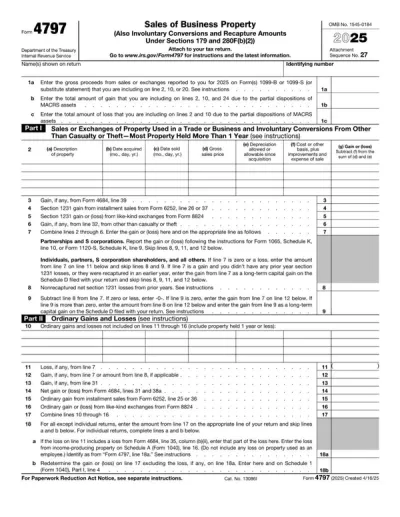
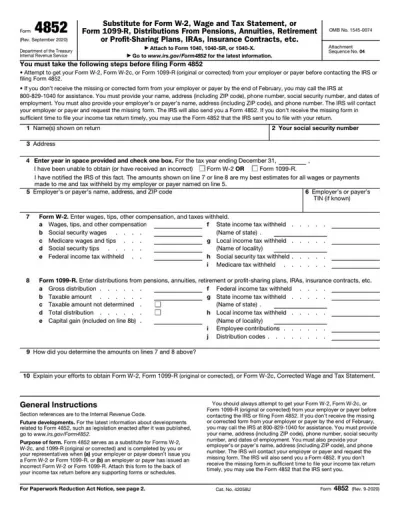
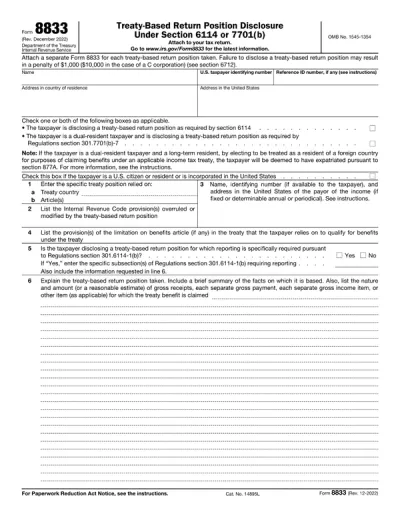
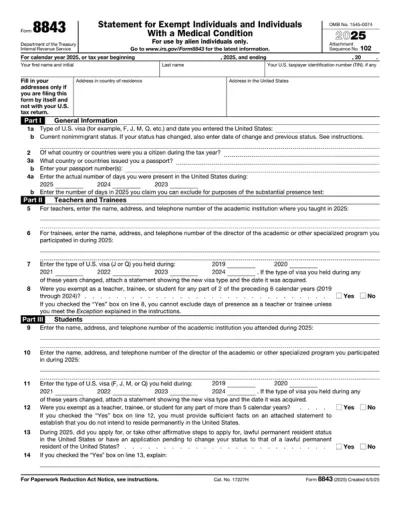
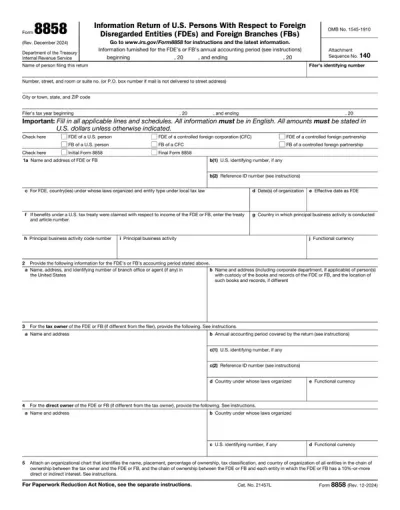
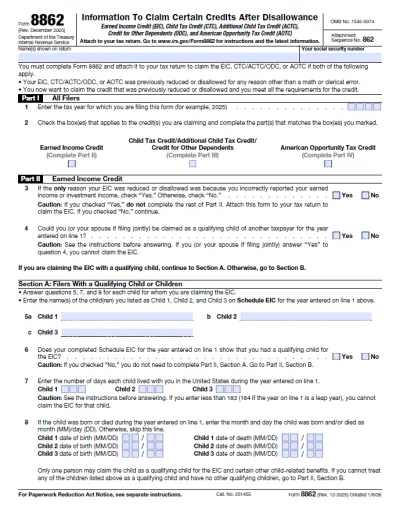
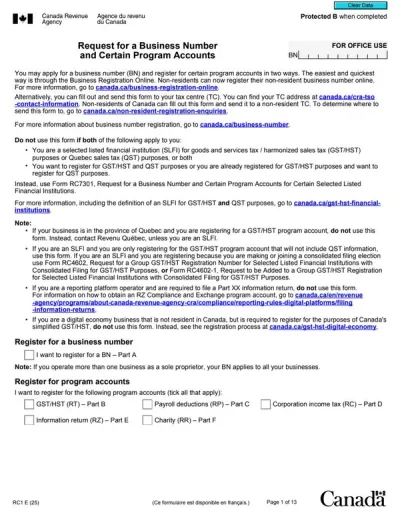
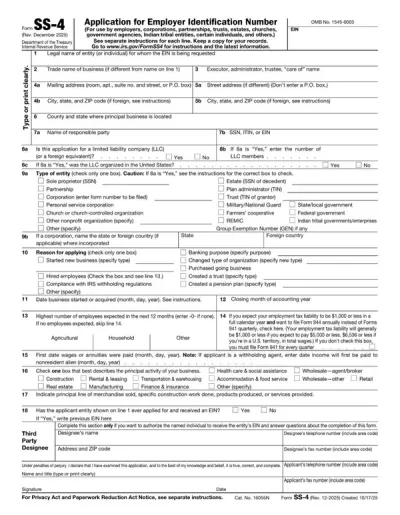
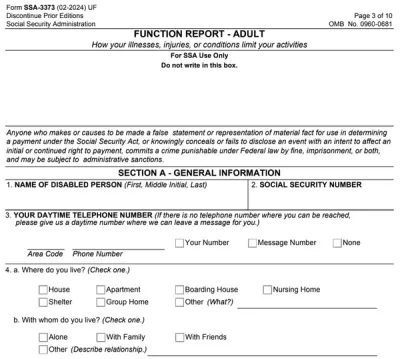
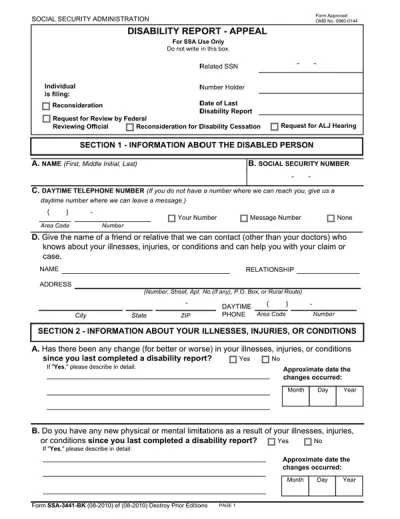
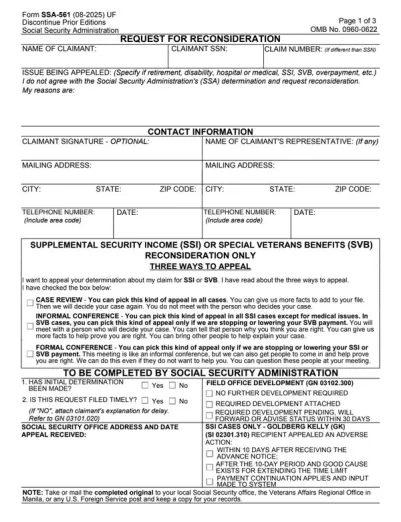
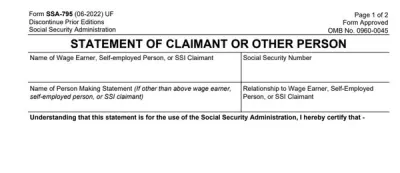
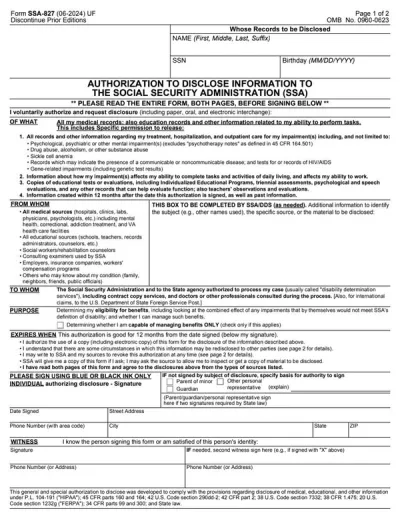
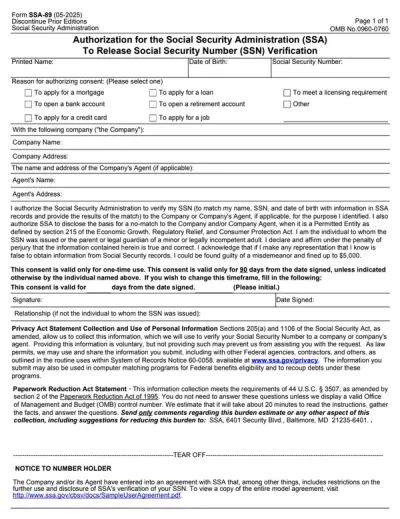


Frequently asked questions
What is a fillable PDF form?
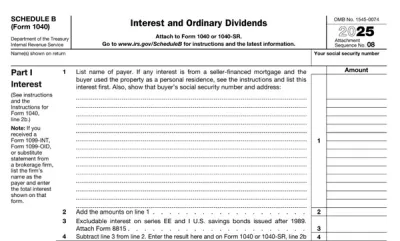
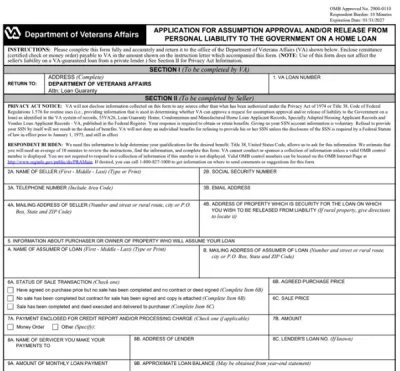
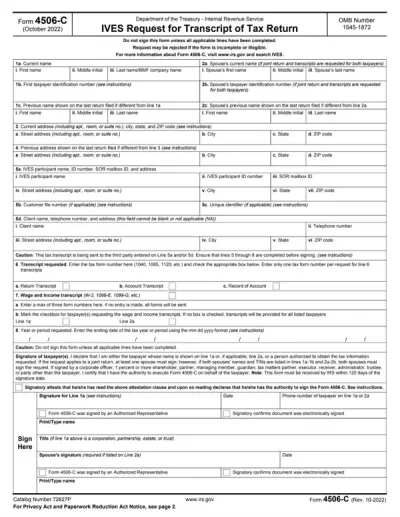
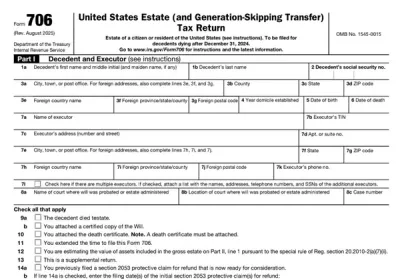
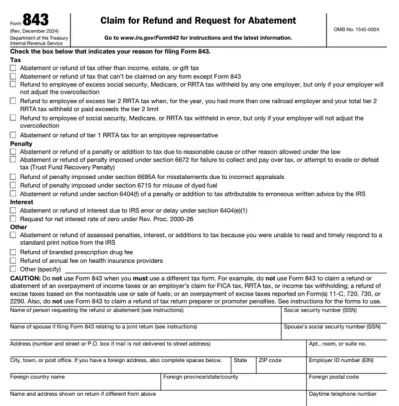
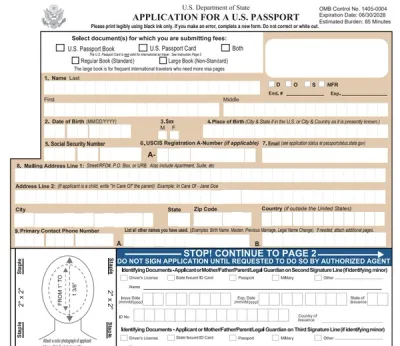
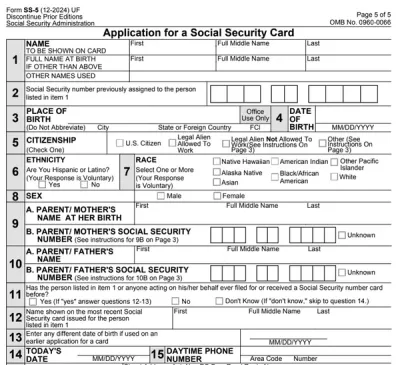
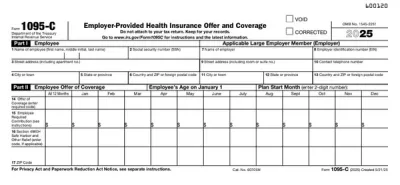
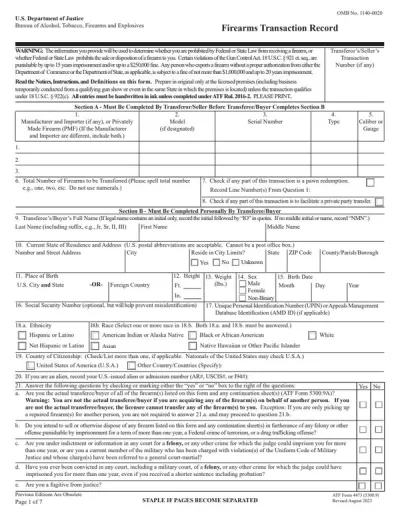
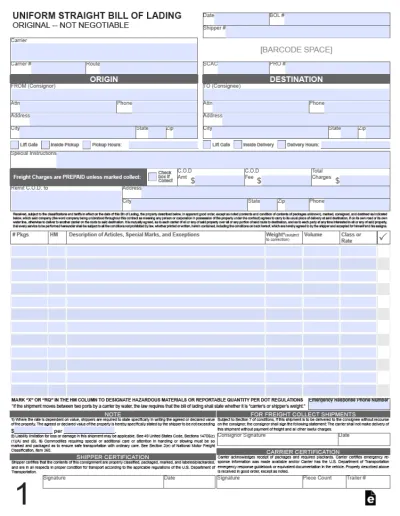
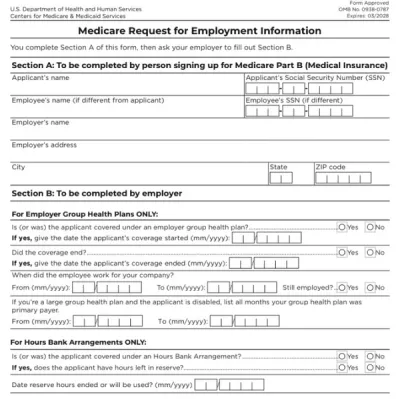
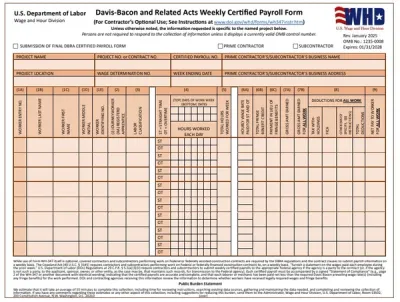
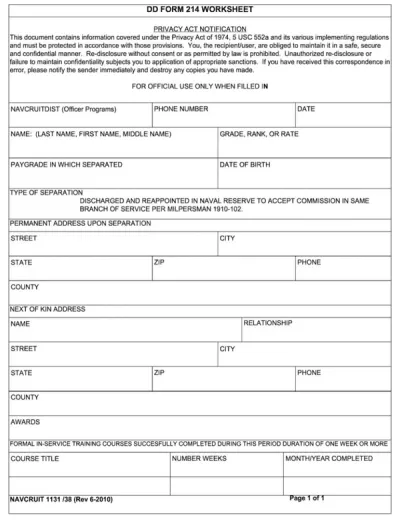
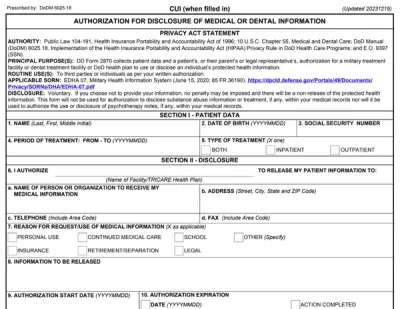
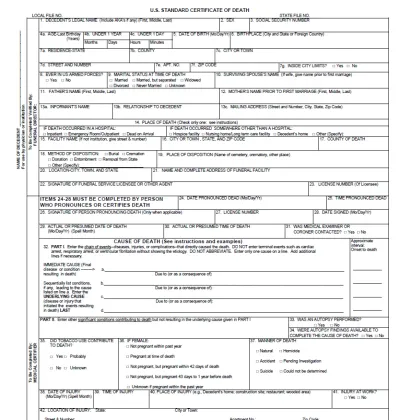
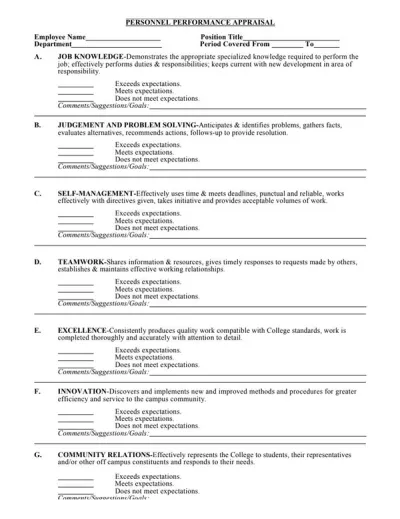
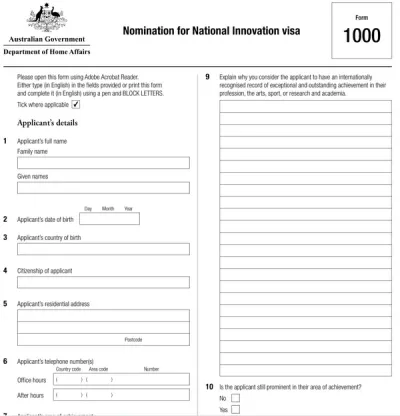
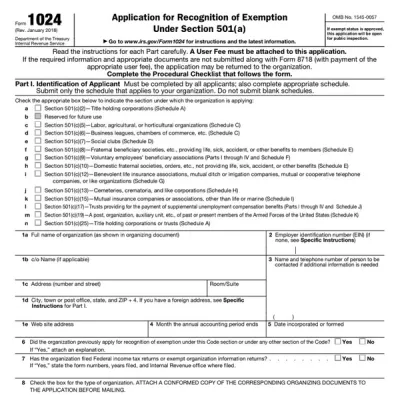
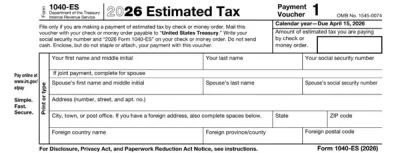
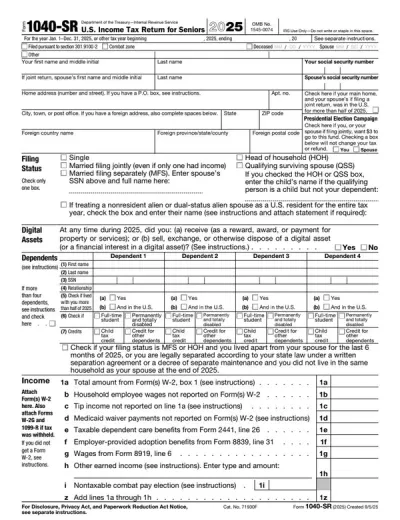
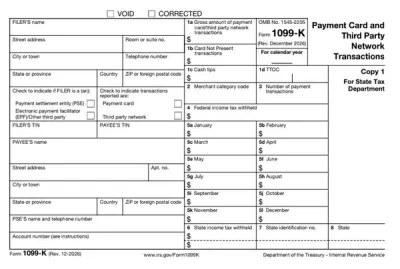
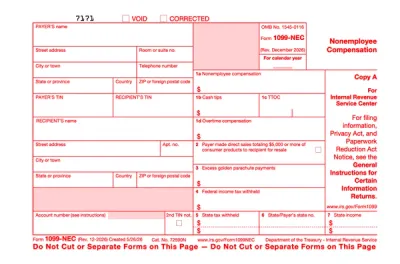
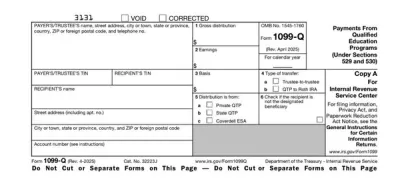
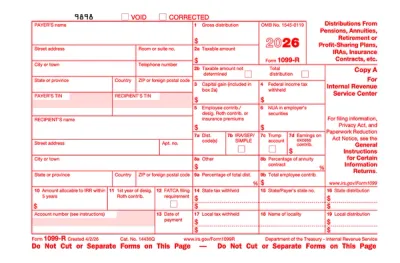
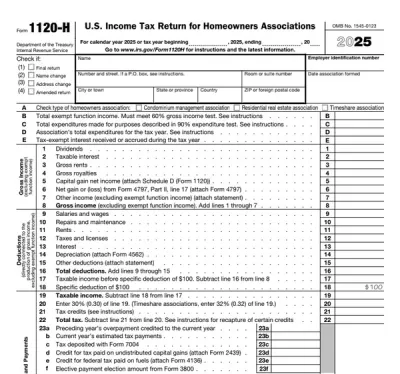
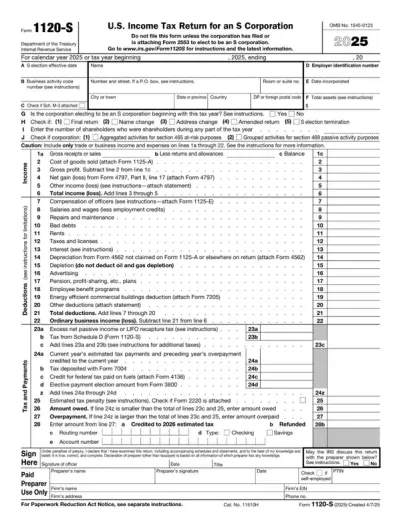
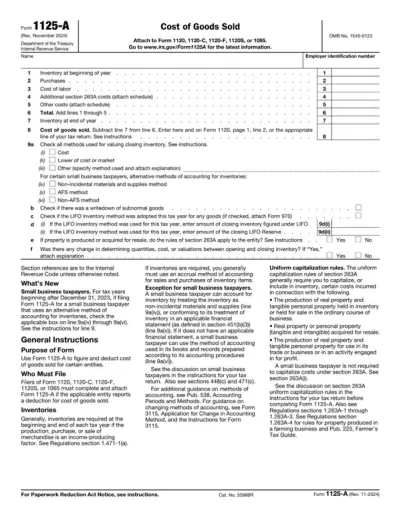
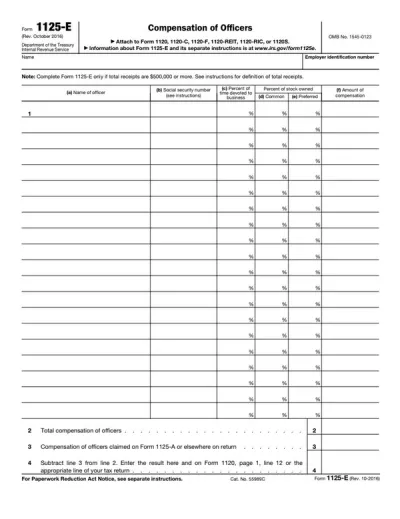
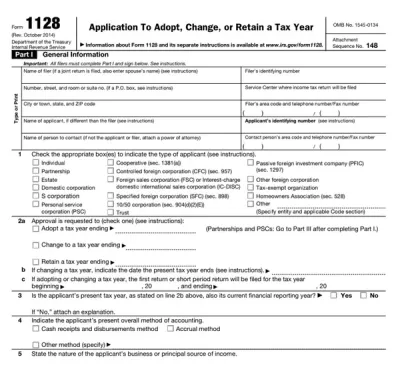
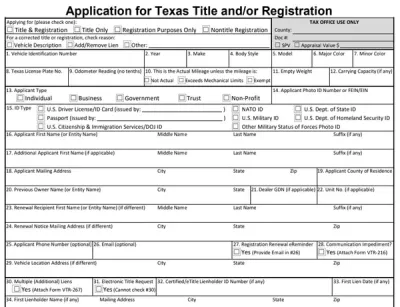
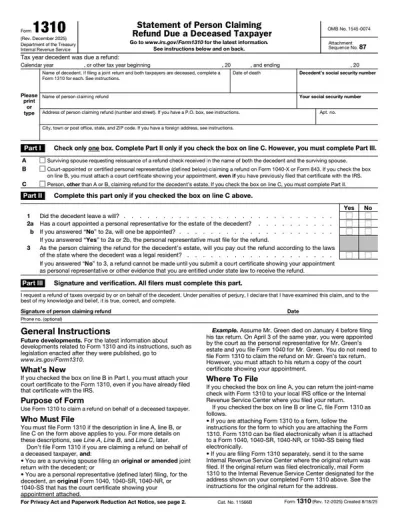
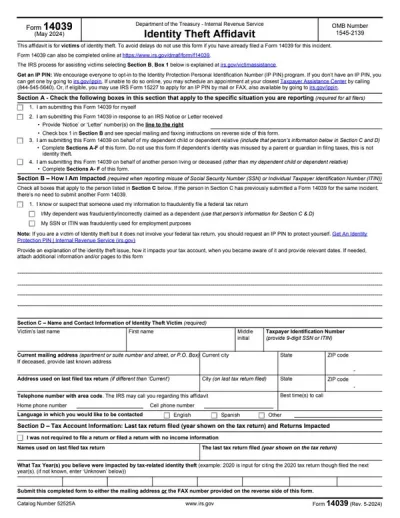
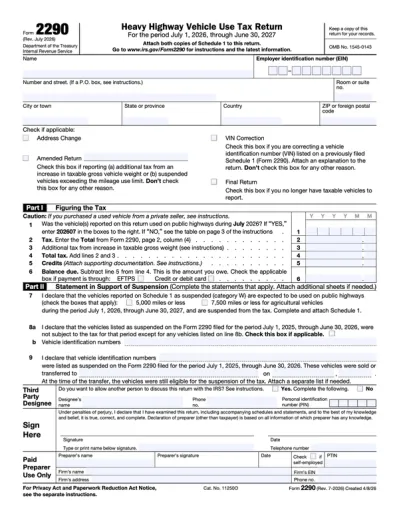
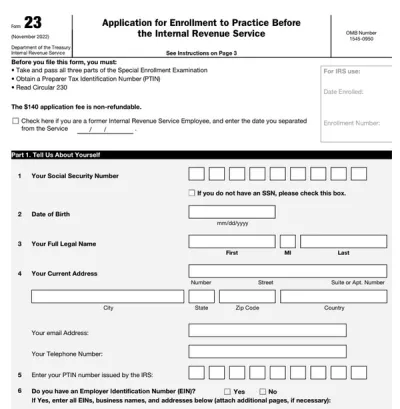
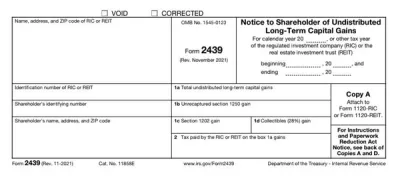
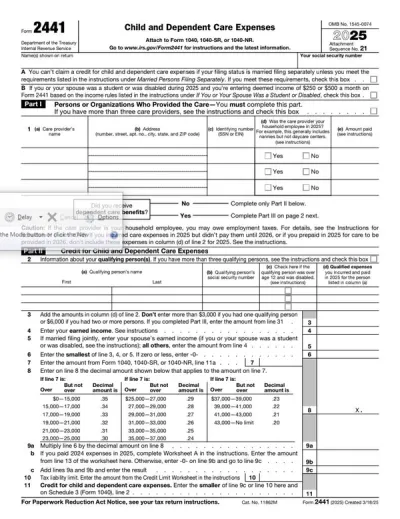
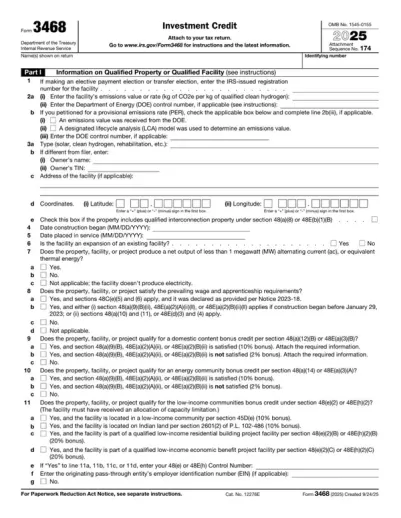
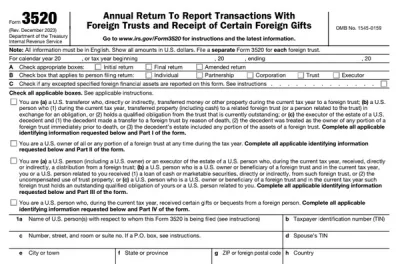
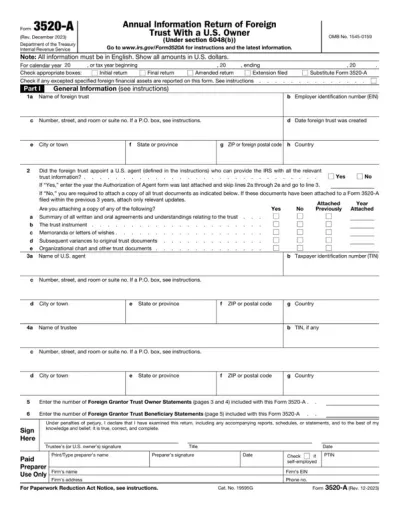
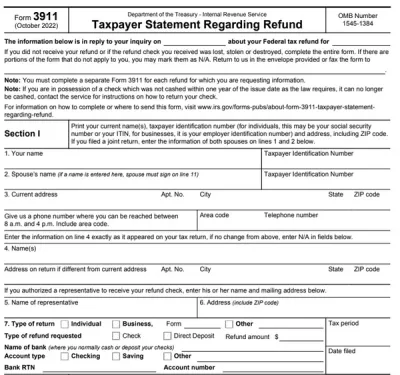
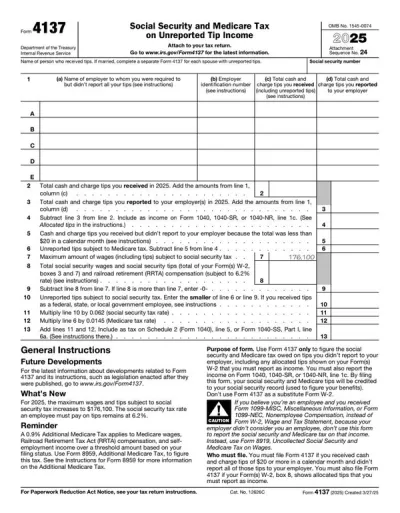
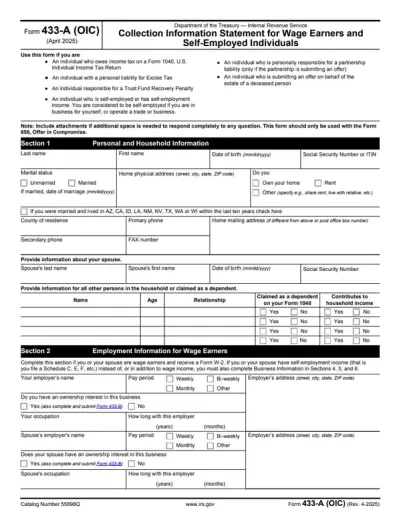
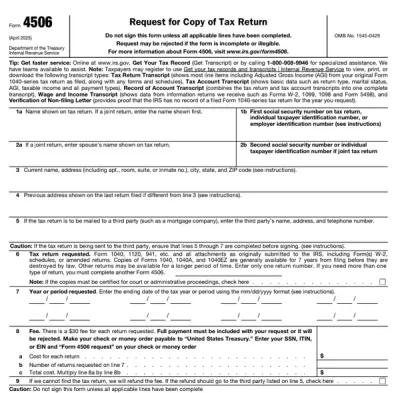
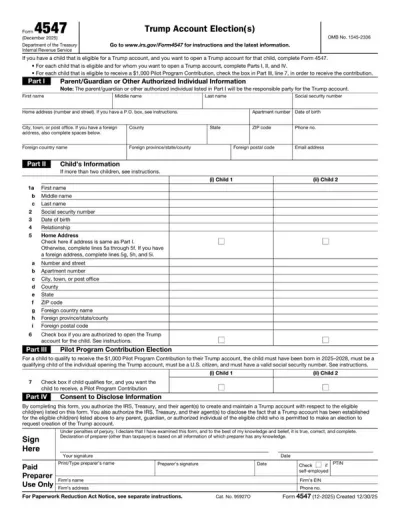
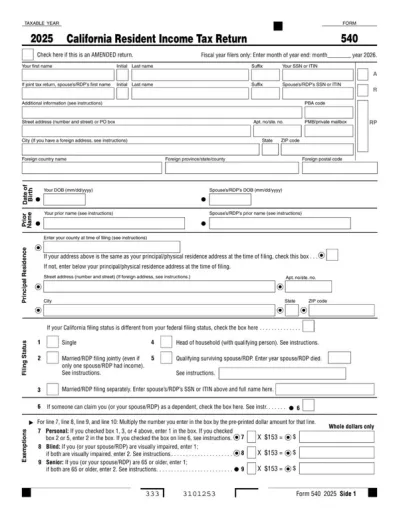
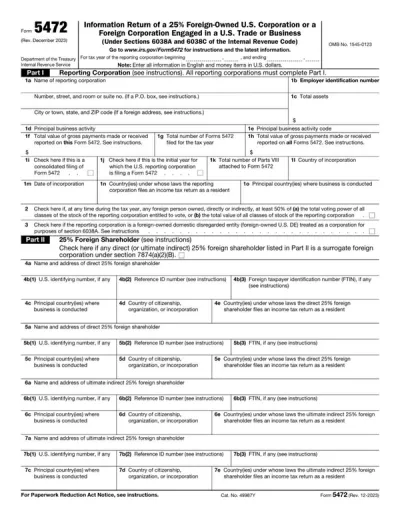
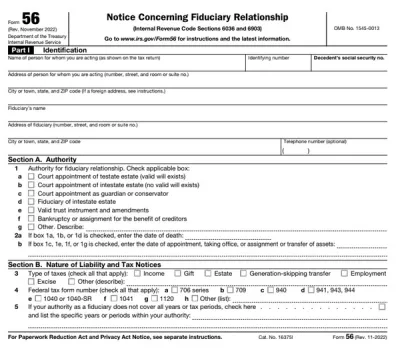
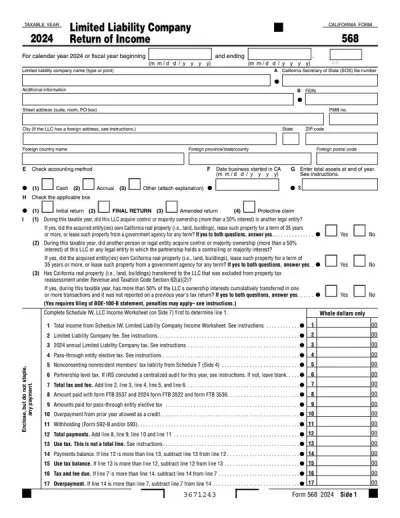
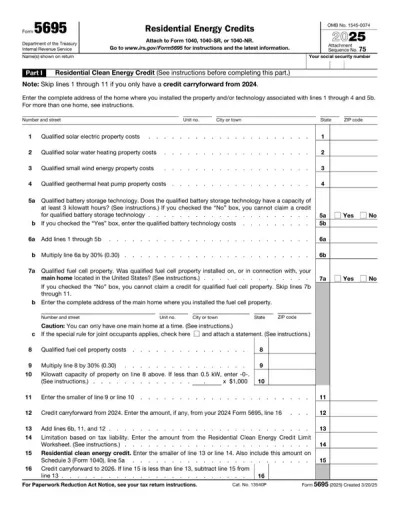
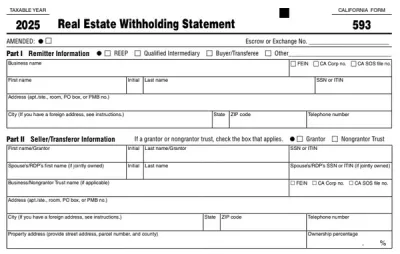
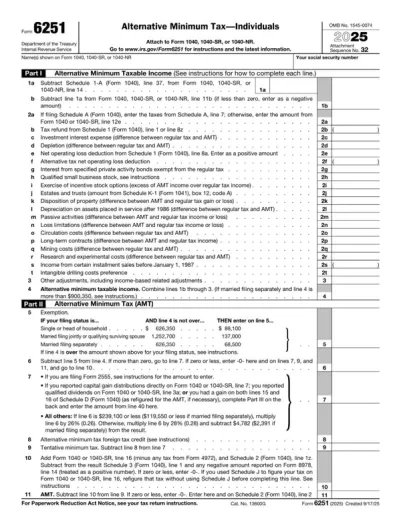
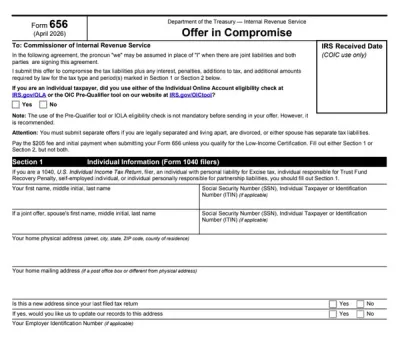
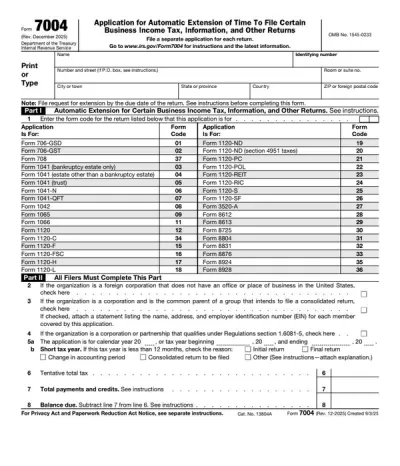
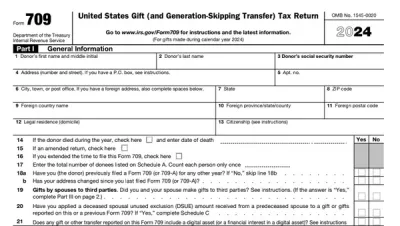
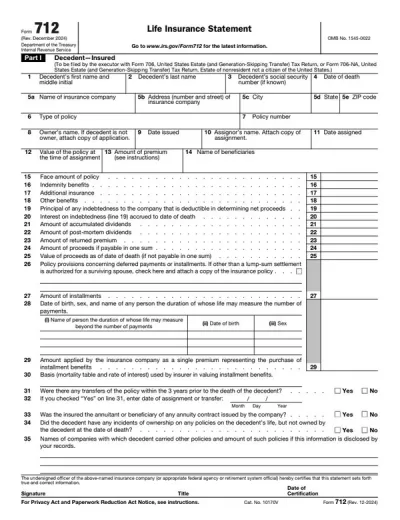
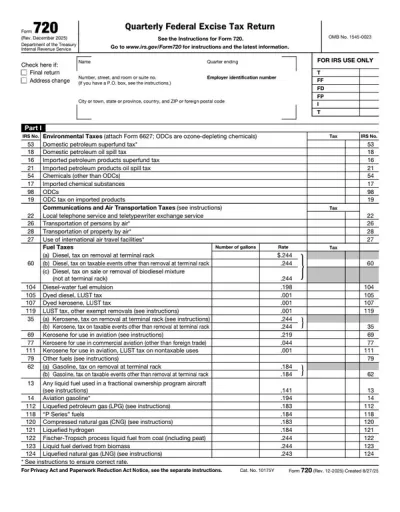
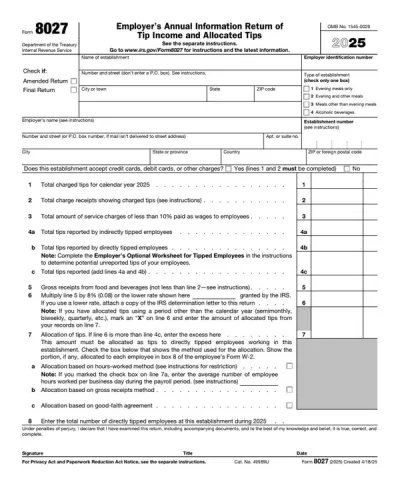
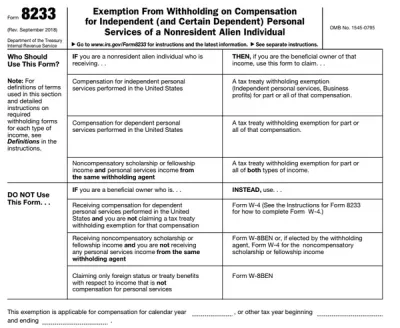
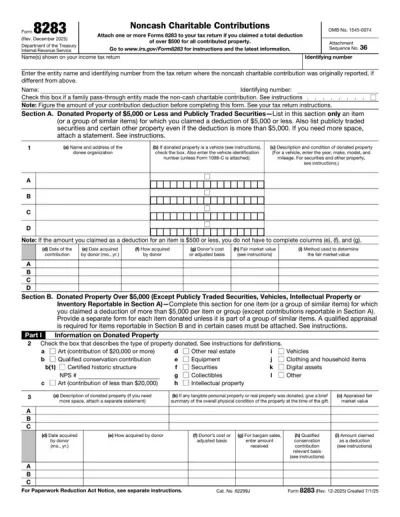
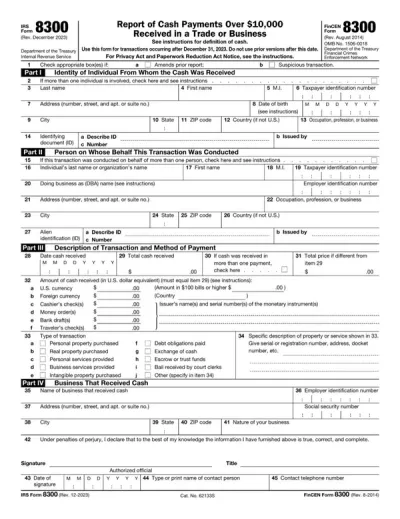
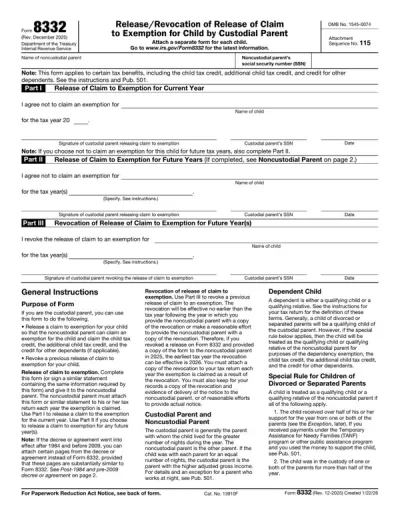
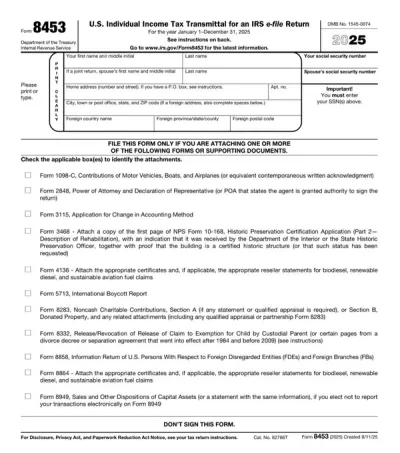
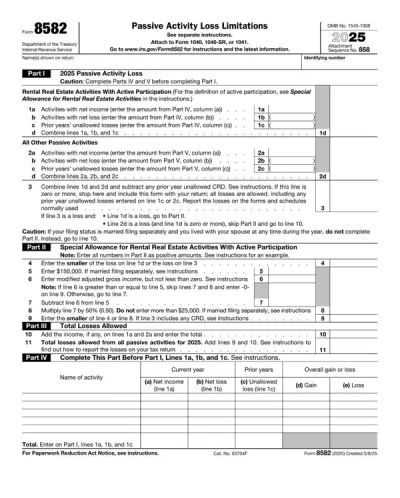
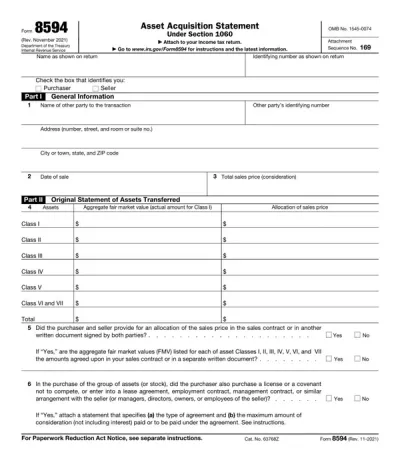
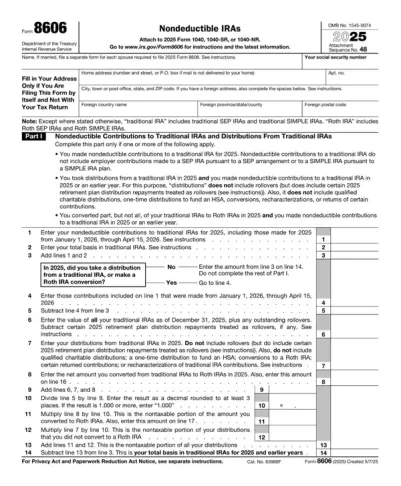
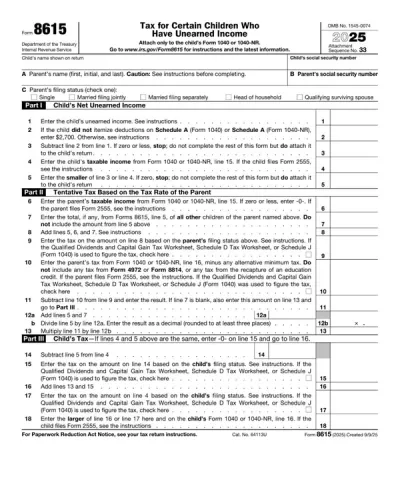
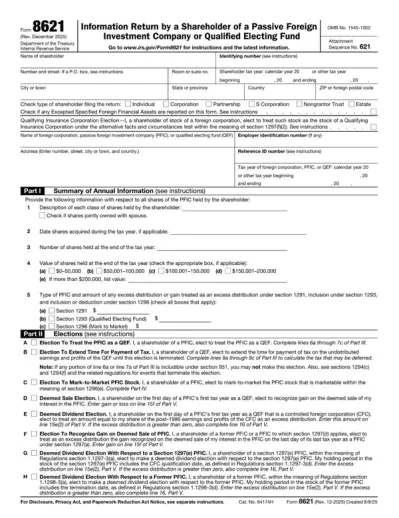
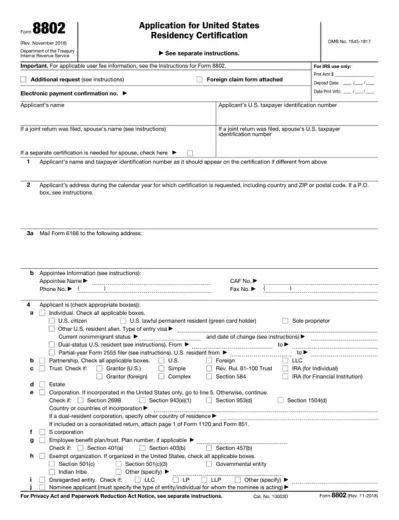
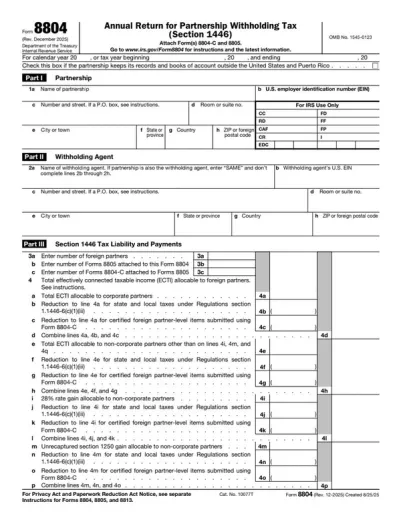
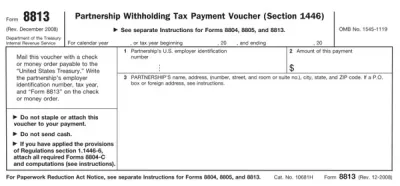
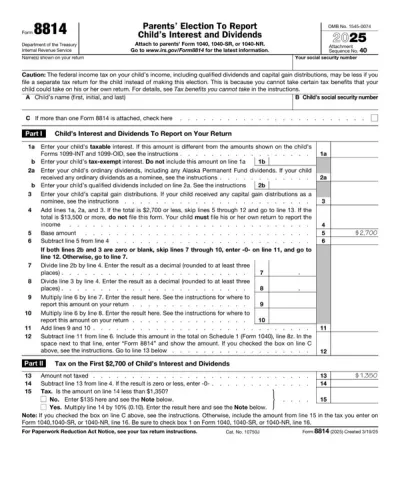
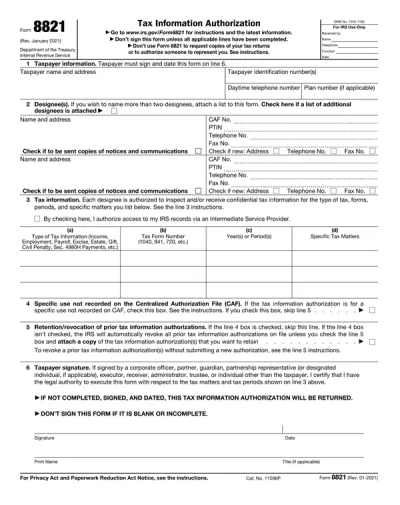
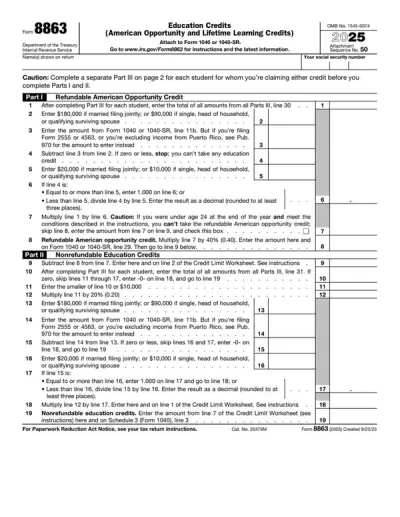
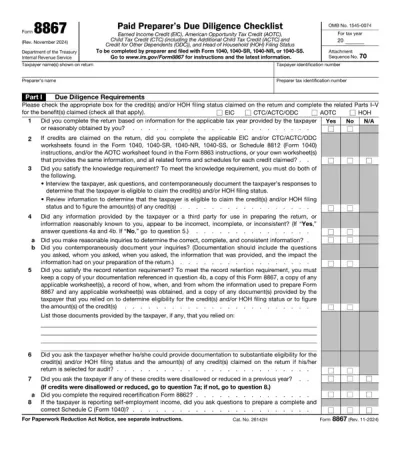
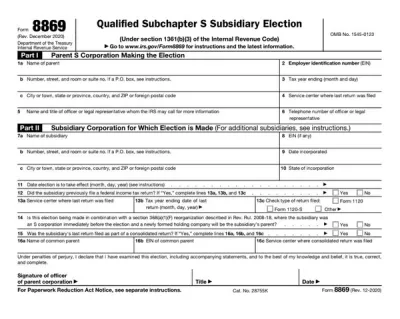
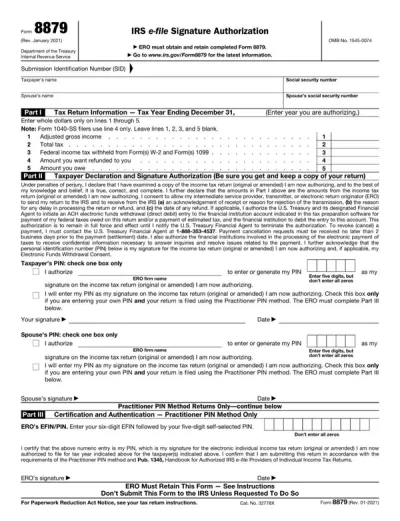
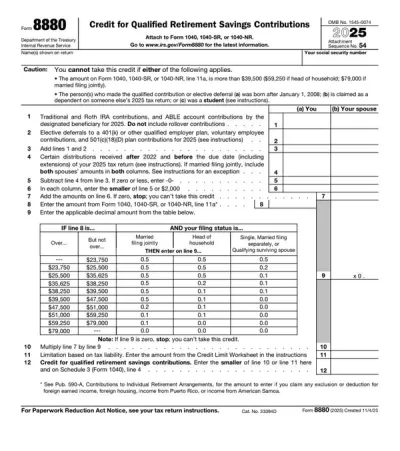
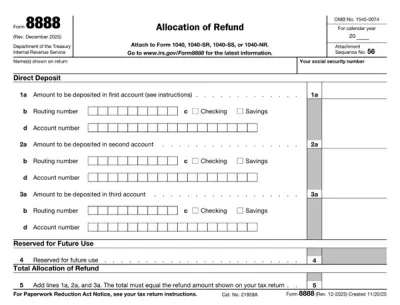
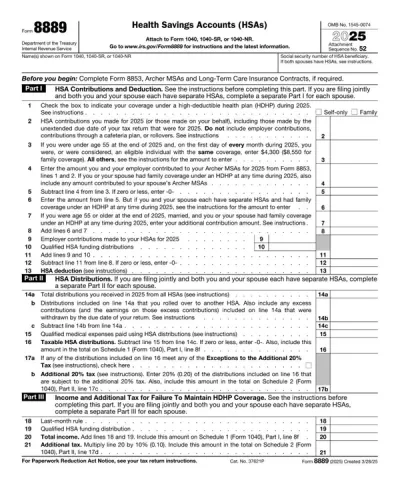
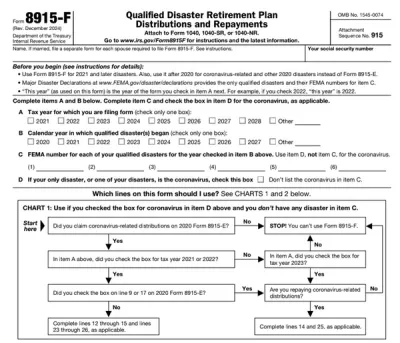
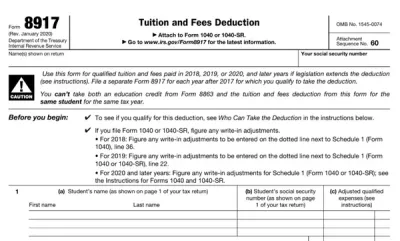
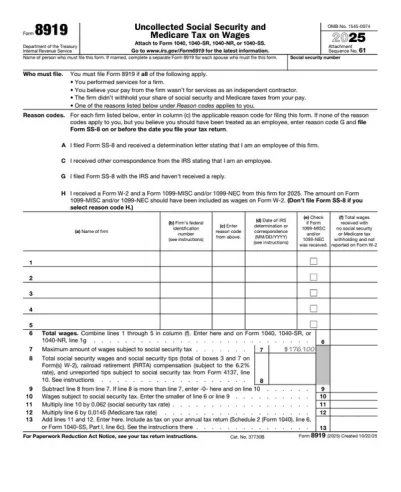
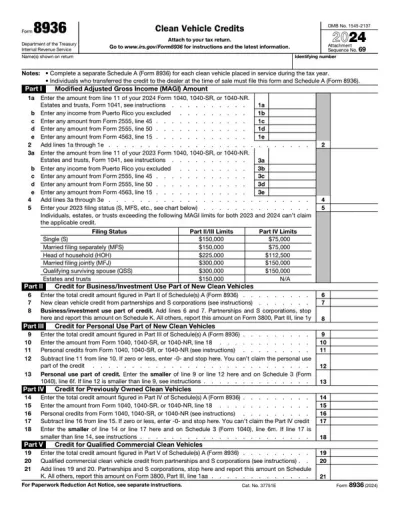
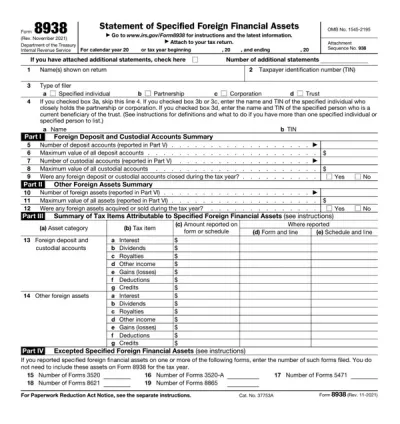
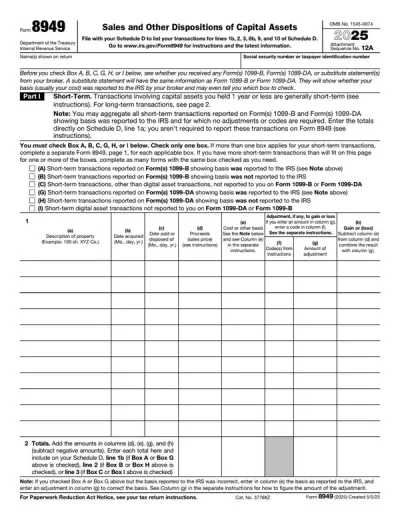
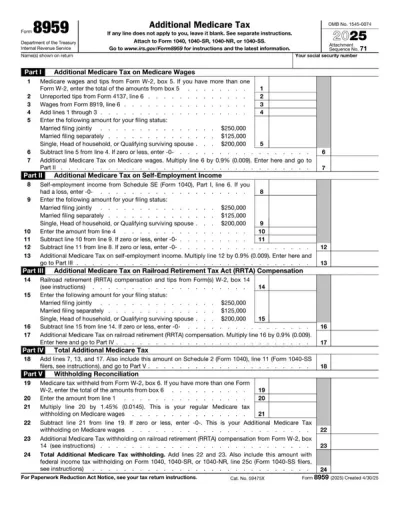
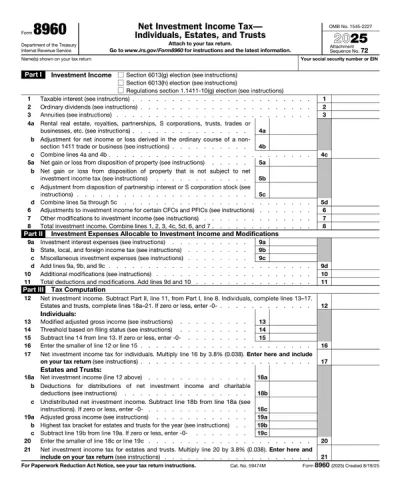
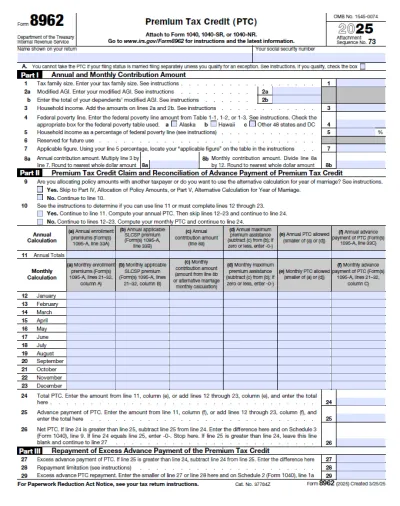
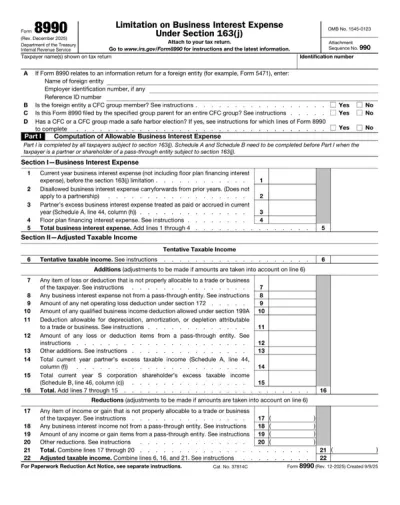
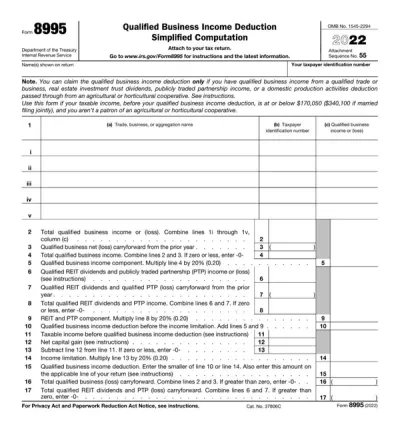
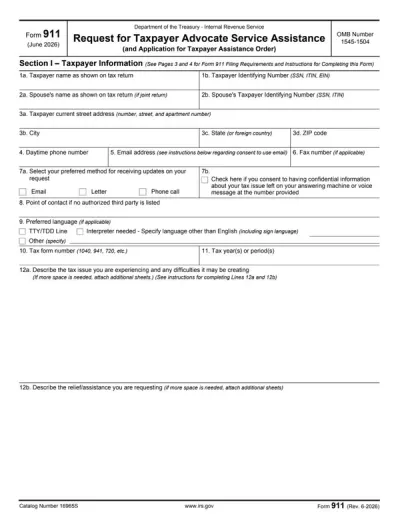
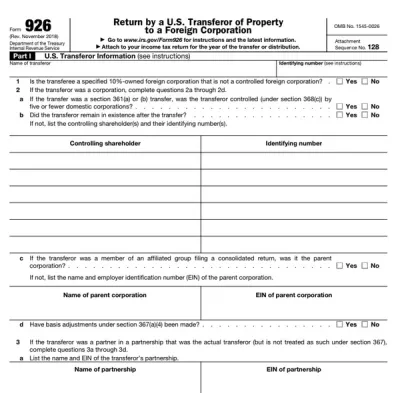
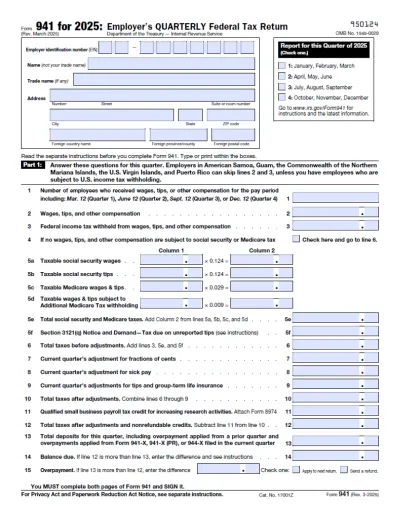
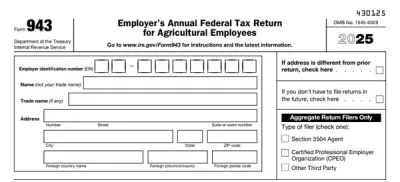
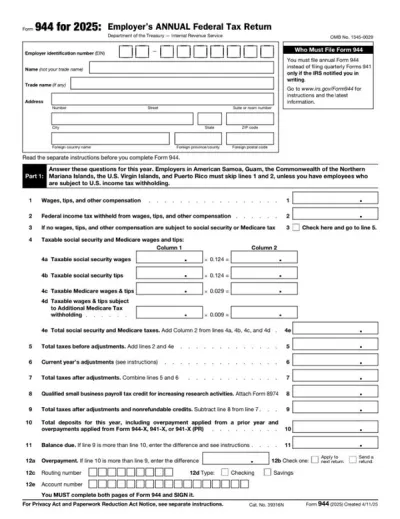
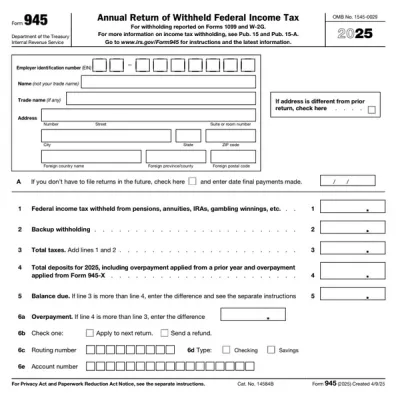
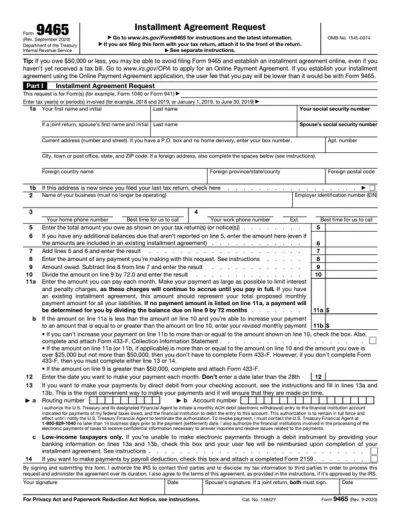
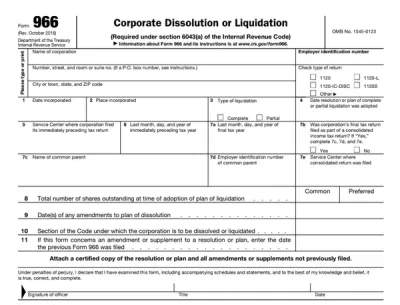
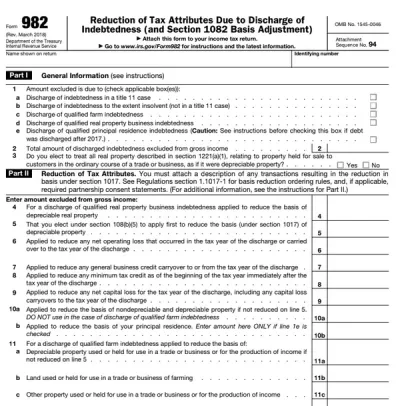
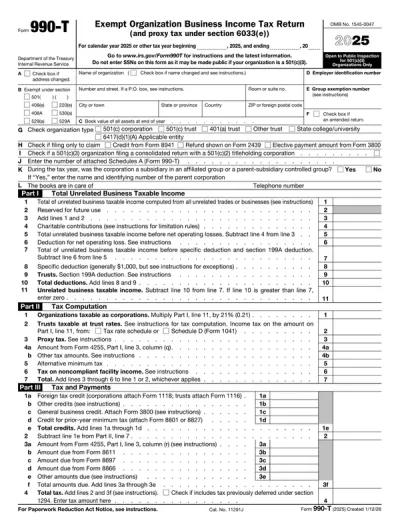
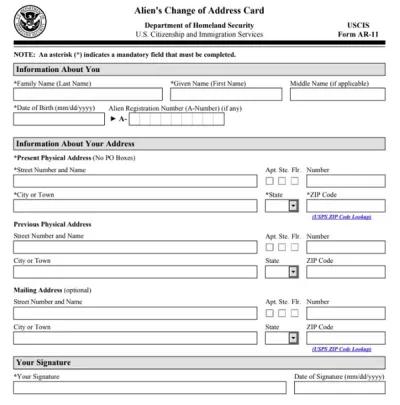
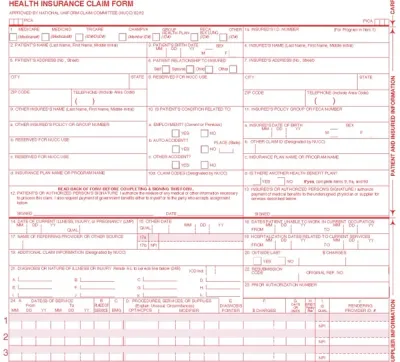
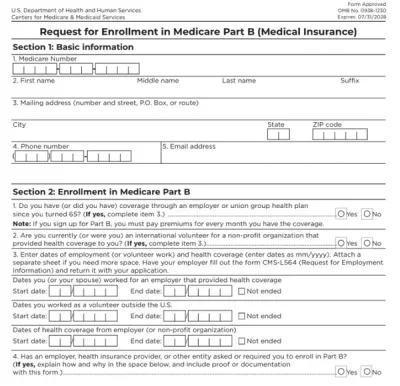
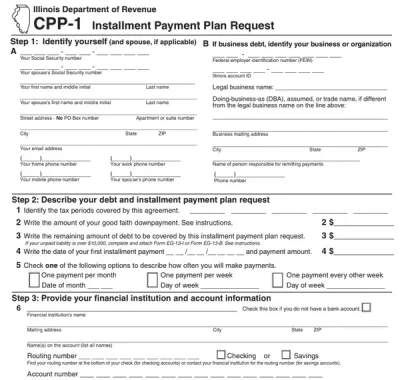
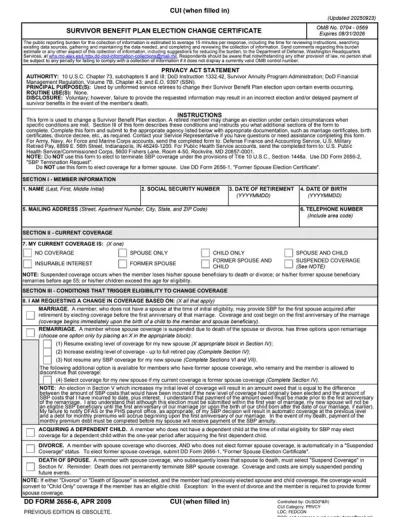
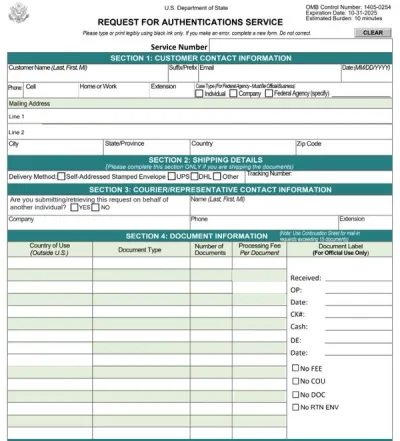
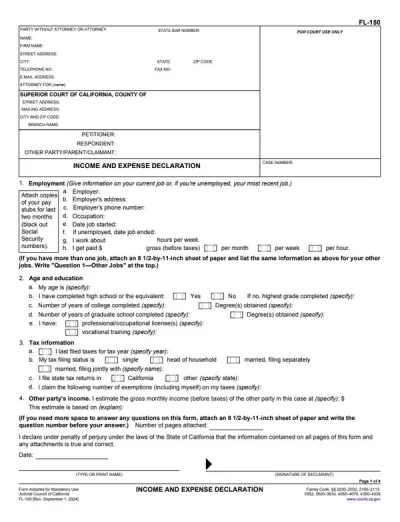
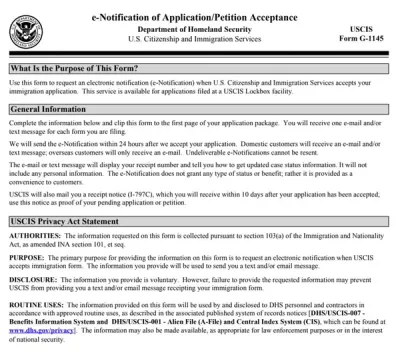
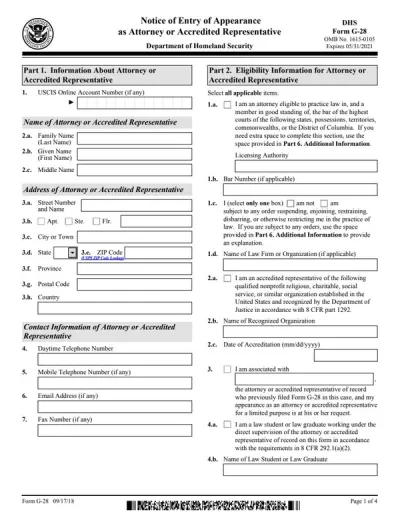
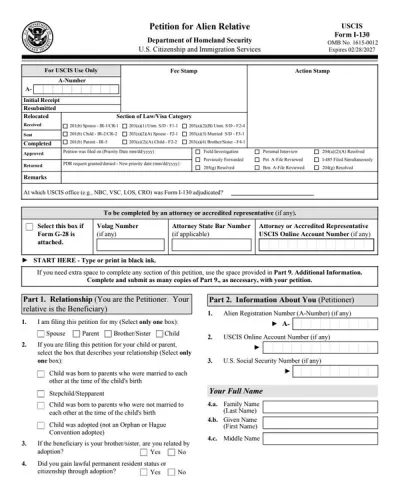
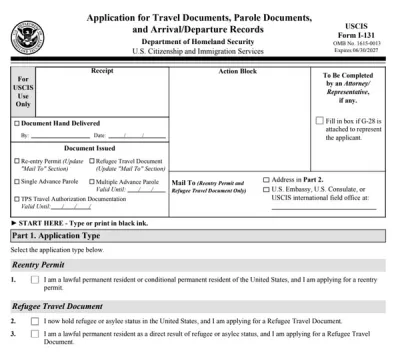
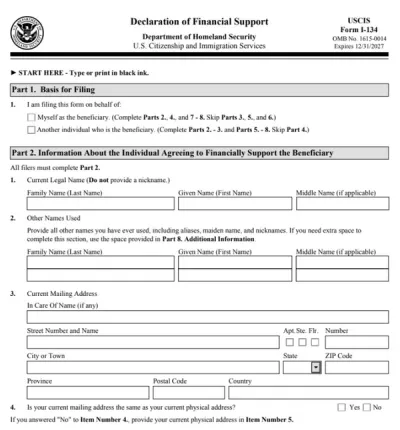
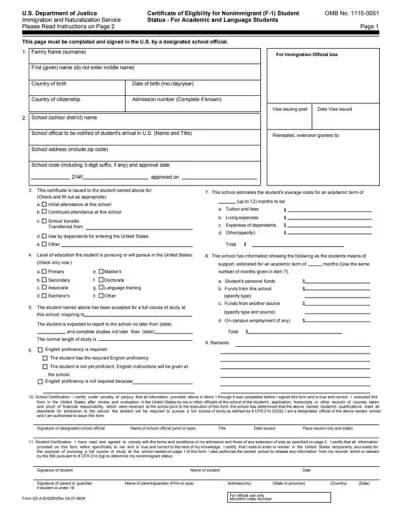
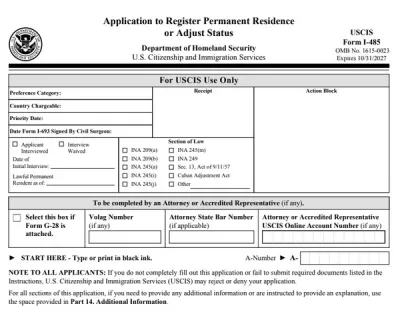
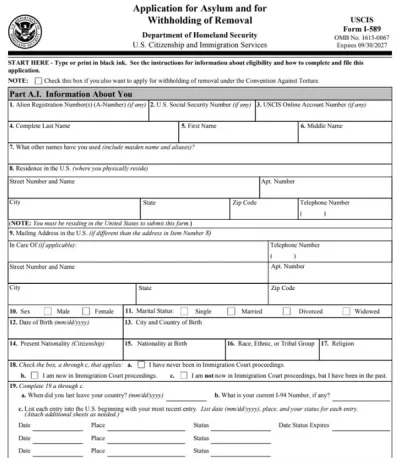
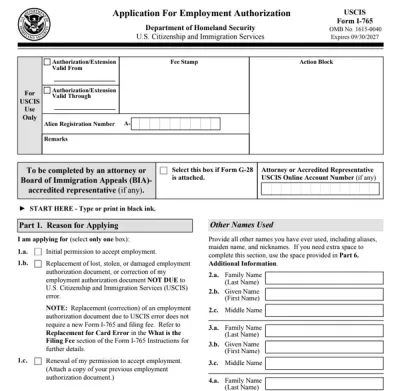
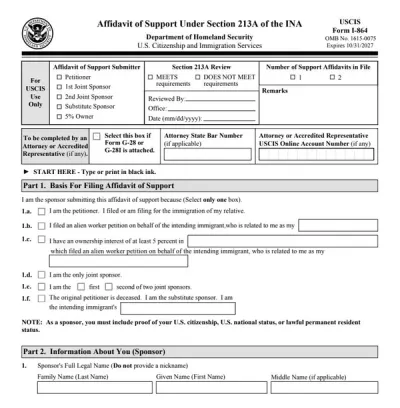
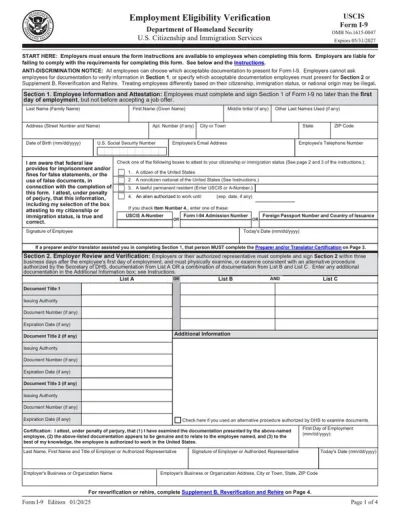
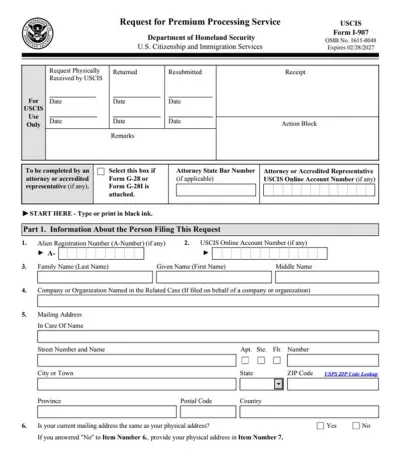
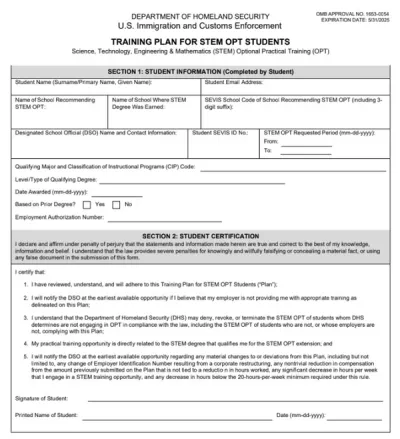
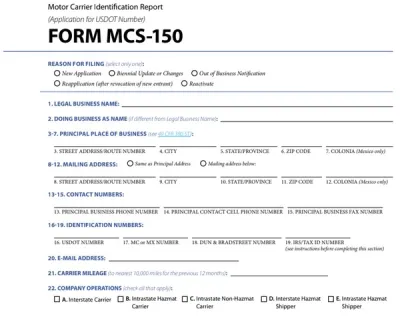
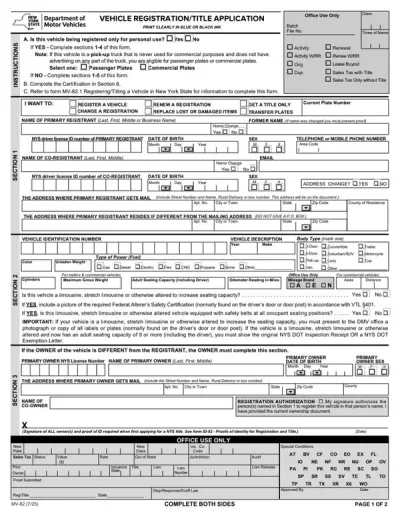
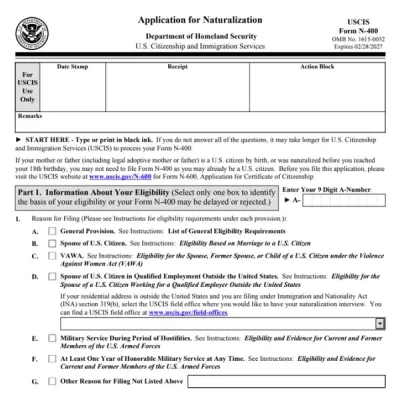
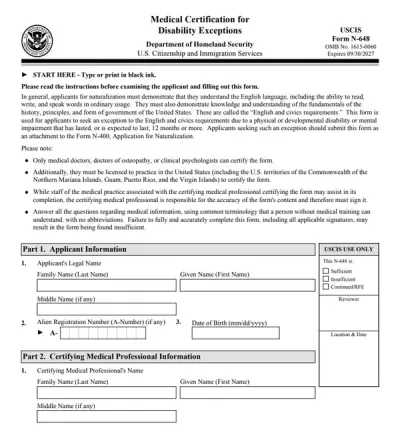
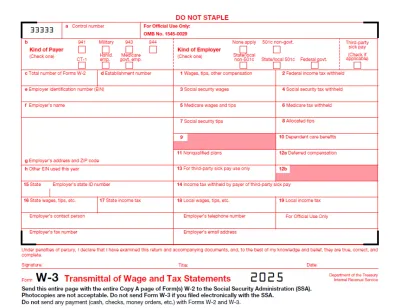
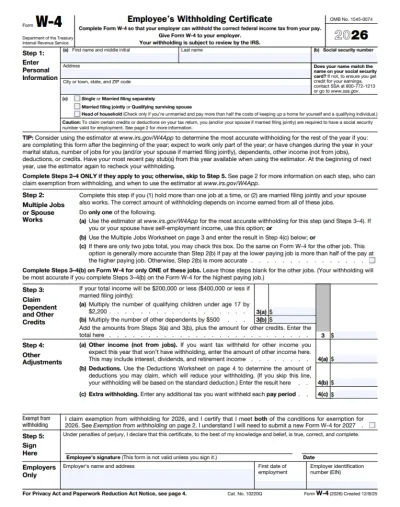
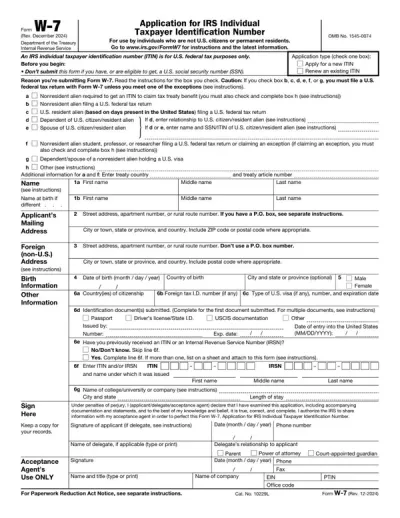
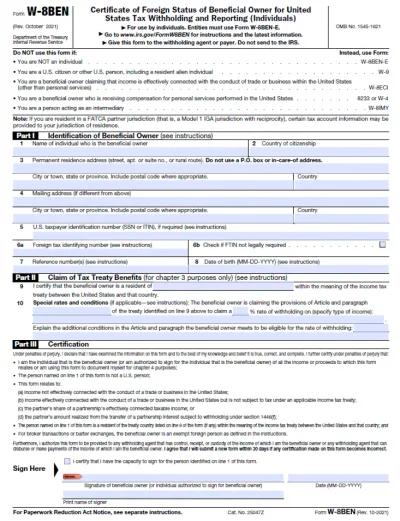
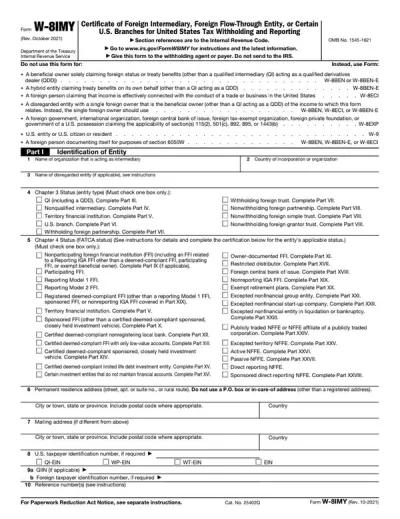
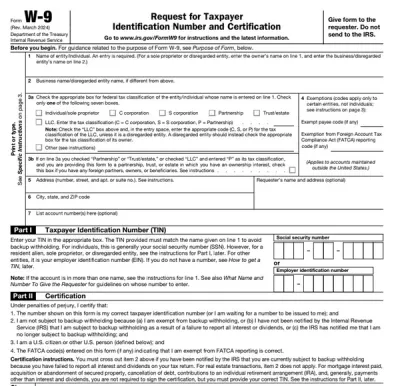
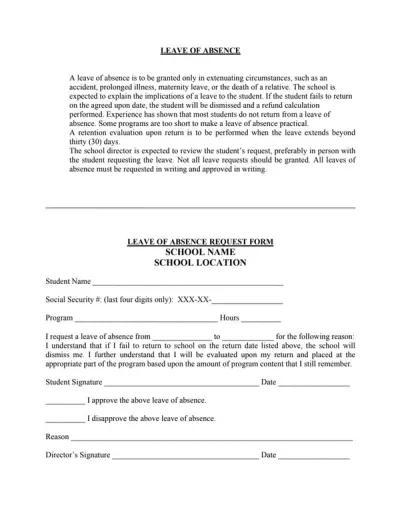
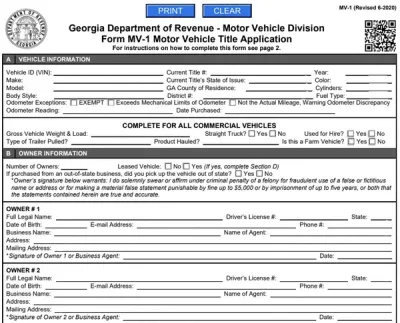
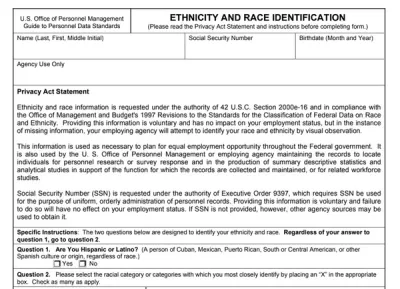
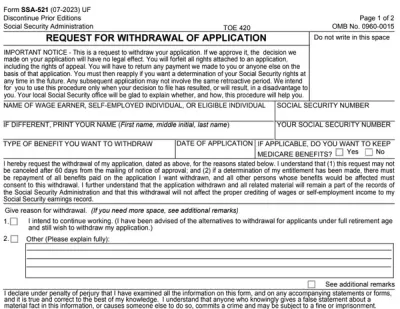
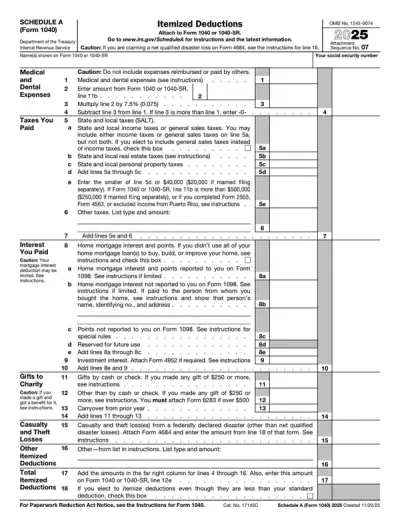
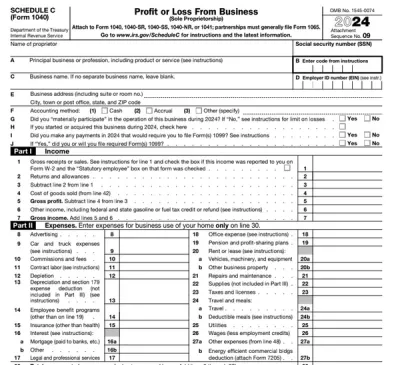
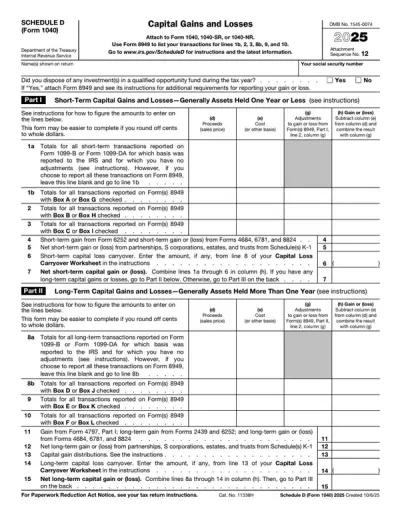
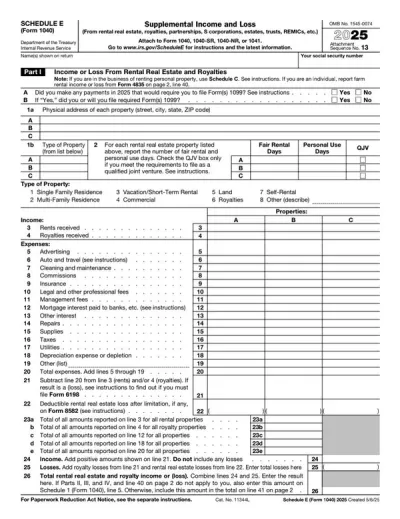
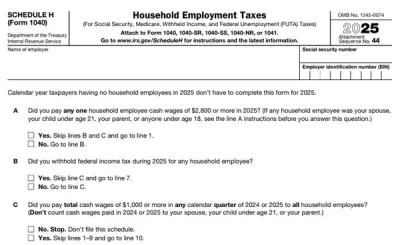
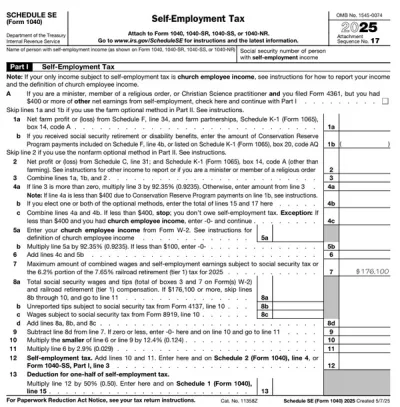
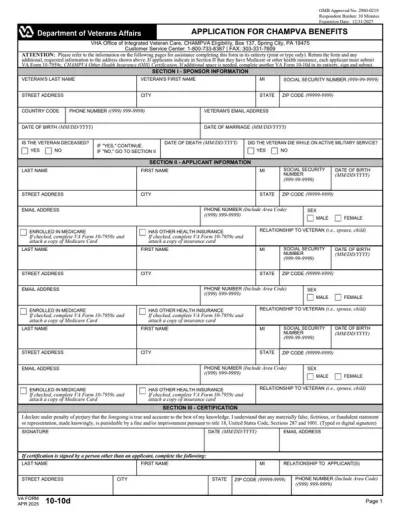
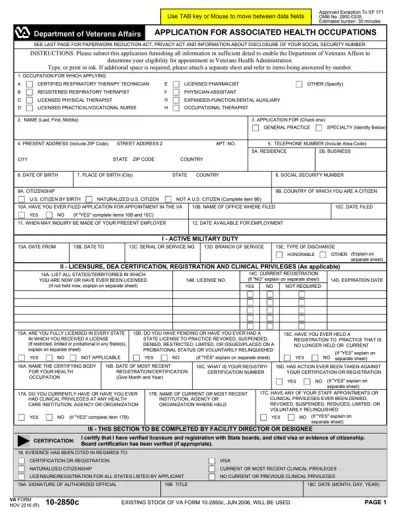
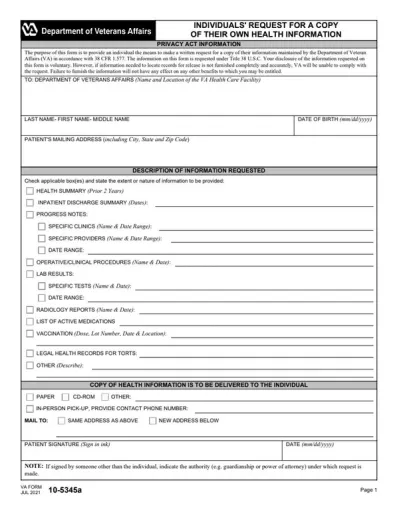
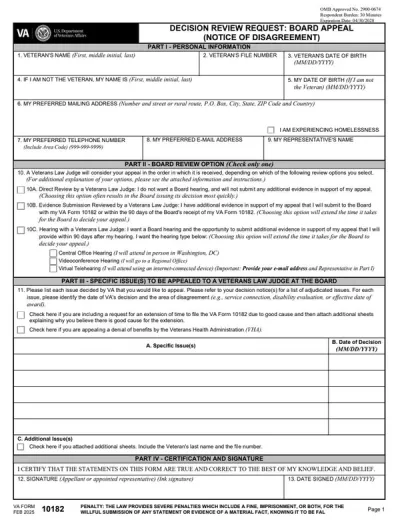
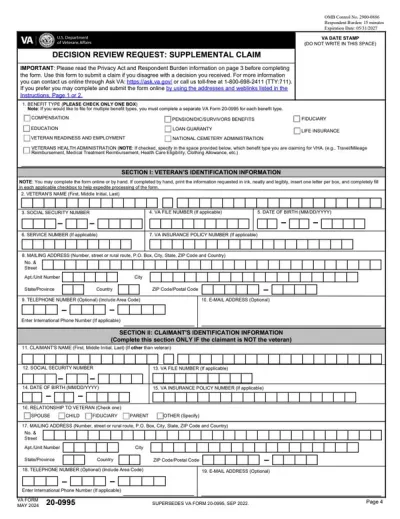
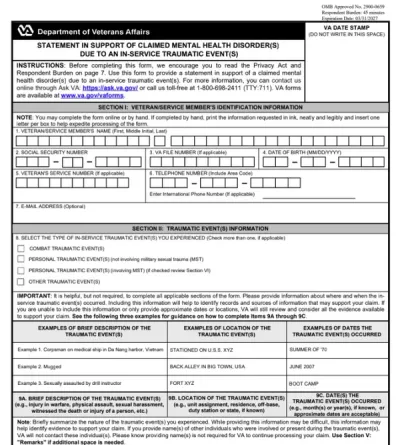
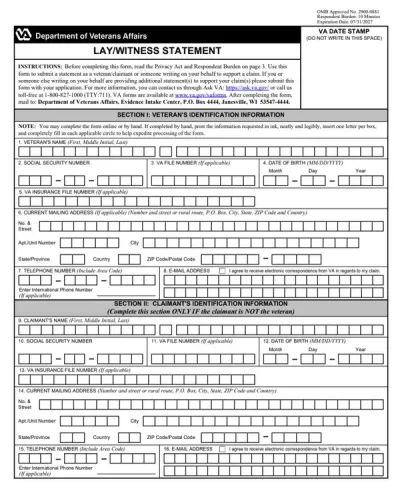
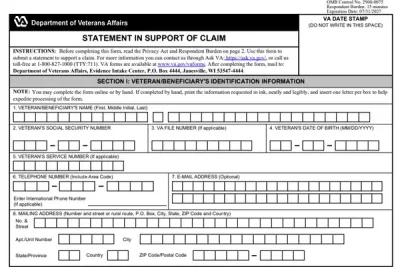
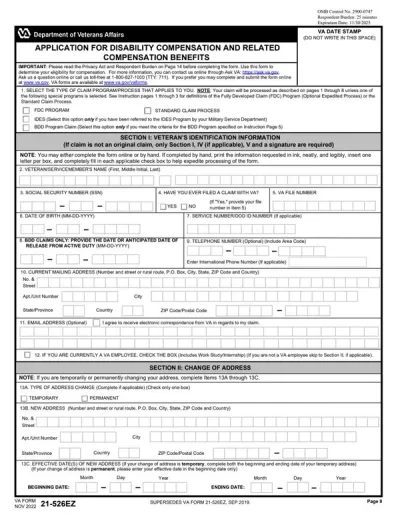
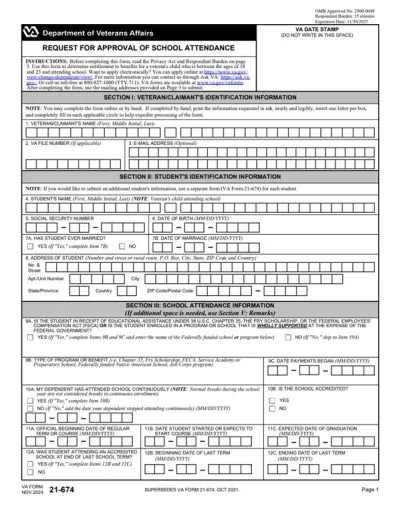
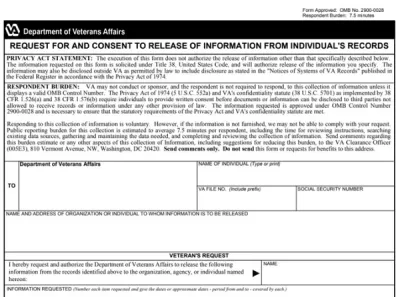
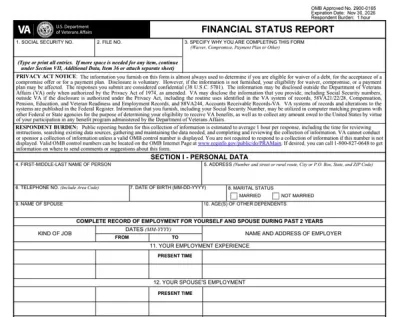
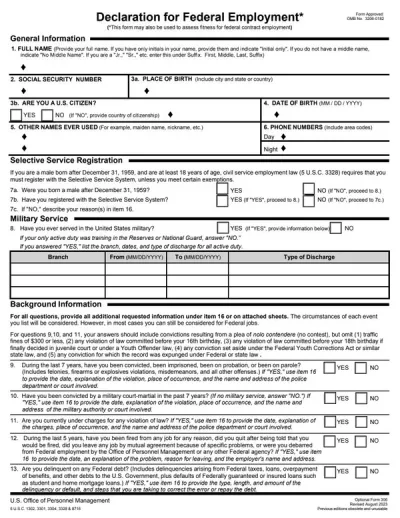
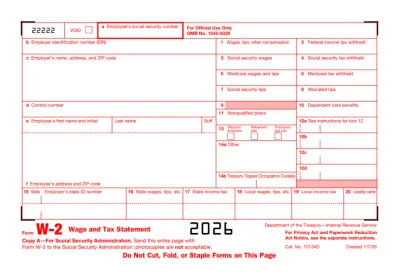
A fillable PDF form is an interactive document that allows you to enter information directly into designated fields, such as text boxes, checkboxes, and drop-down menus. Unlike traditional PDFs, you don’t need to print and fill it out by hand. Everything can be completed, saved, and shared online.
Can I edit these forms on mobile?
Yes, you can edit these forms on your mobile devices using our PDF editor. pdf.net is entirely browser-based, so you just need a reliable Internet connection. You won’t have to download an application on your mobile device to work on editable PDF forms.
Are these forms legally valid?
These forms are legally valid in the U.S. if they are signed under conditions required by the ESIGN Act. That being said, you can use our tool for PDF contracts, PDF tax forms, and PDF business forms.
How do I submit a PDF form online?
To submit a PDF form online, complete it using our tool and download it. Then, you can reupload it for submission. The PDF format ensures that your content stays intact.
Are the forms free to download?
These forms are free to download. If you want to fill them out easily, use our affordable PDF editor, which starts from $0.95 for 14-day limited access. We also have a $1.95 plan for 14-day full access and a $24.95/month for the annual plan.
Can I save my progress on a PDF form?
Yes, you can save your progress on a PDF form if you edit it with our PDF tool. Simply leave it as is and return to it whenever you want; all your previous edits will remain where they were.
What's the difference between a PDF form and a PDF template?
The difference between a PDF form and PDF template is that the former is interactive and ready to fill out, while the latter is a customizable starting design for creating new documents. PDF forms are often created from PDF templates, so these two terms are sometimes used interchangeably.