Form 568 is the California tax return used by LLCs in the state to report income and meet annual filing requirements. You can access a 568 fillable form right here and complete it in minutes with our online PDF editor.

Form 568
2024

Official IRS form

Trusted by travelers
How to Fill Out a Form 568?
Step 1: Open the Form 568 - California LLC Return of Income using our editor.
Step 2: Enter the tax year, your LLC’s details, and your California SOS file number.
Step 3: Report your total income, deductions, and adjustments.
Step 4: Complete all the necessary fee calculations.
Step 5: Review your totals and attach the supporting schedules.
Step 6: Save and submit the completed Form 568 download to the FTB.
What Is Form 568?
Form 568 is the mandatory California LLC Return of Income. It reports income, fees, and taxes to the Franchise Tax Board (FTB), and every LLC operating in the state must file it each year to stay in good standing.
Who Is Required to Fill Out Form 568?
All LLCs in California, whether active, inactive, or reporting no income, are required to file Form 568 each year. Only LLCs that elect to be taxed as a corporation are exempt from Form 568 filing requirements.
When Is the Form 568 Due?
Form 568 is due by the 15th day of the fourth month after your tax year ends for most LLCs, and you are required to file this form every year to stay compliant with the tax regulations.
What Are the Penalties for Not Submitting the 568 Form?
Penalties for not submitting the 568 form include $18 per member per month for up to 12 months. If you also fail to pay your fee on time, you may be charged an additional 5% of the unpaid tax per month, which is capped at 25%.
Where Do I File the 568 Form?
You file your 568 form electronically through the CalFile system or by mail, usually to the FTB at Sacramento, CA 94257-0501. Make sure you include all the required supporting schedules and payments so your filing is processed correctly.
How to Get Your Form 568?
 1
1Open the IRS Form 568 PDF
 2
2Complete the designated fields
 3
3Download a ready-to-file copy
Related Forms
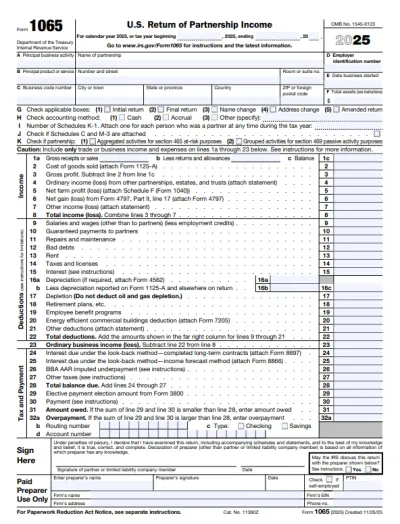
Form 1065
Form 1065 is the U.S. Return of Partnership Income form; it is used by partnerships to report their financial activity to the IRS.If you need an IRS Form 1065 PDF, you can get a blank 1065 one, open it in our PDF editor, and fill it out by typing directly. Everything works right in your browser, so you can complete your tax return without a hassle.
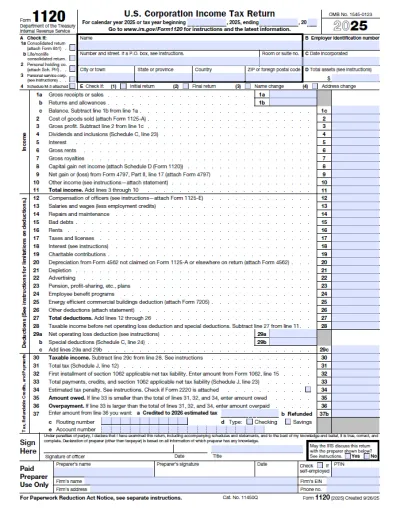
Form 1120
Form 1120 is used by corporations for reporting tax items and calculating the federal income tax owed to the IRS.Get a fillable tax form to report income, gains, losses, deductions, and credits for your corporation. Our 1120 Form download makes it simple for you to fill out and file your corporate tax return each year.
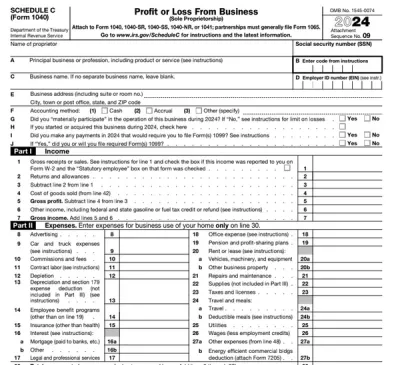
Schedule C (Form 1040)
Schedule C on Form 1040 is used to report income and loss from a business you operated or a profession you practiced as a sole proprietor.Our editable Schedule C (Form 1040) facilitates the tax filing process. All you have to do is type information directly into the empty slots.
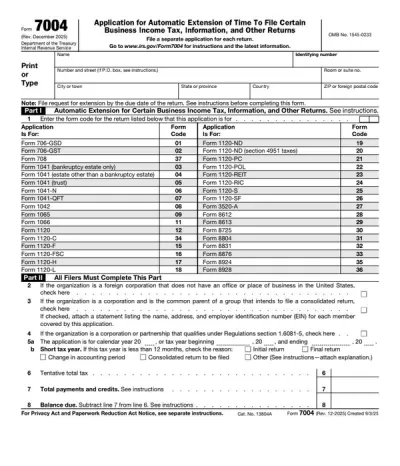
Form 7004
IRS Form 7004 is used to request an automatic extension of time to file certain business income tax, information, and other returns by six months.Access our printable Form 7004, fill out the required information, and download it to your device.
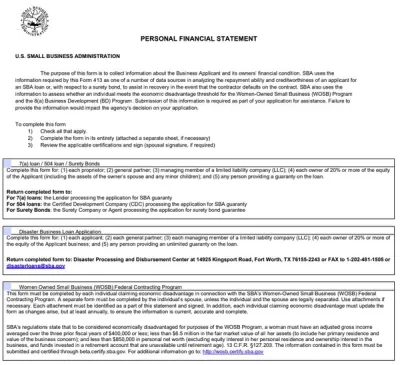
Personal Financial Statement Form
A personal financial statement form lists your assets, liabilities, income, and expenses for lenders or institutions reviewing your financial position. With our editor, you can open a form, enter your details, and download a submission-ready file in just a few clicks.
Frequently asked questions
#1. How do I get a blank Form 568?
You can get a blank Form 568 by navigating to our PDF Forms page and clicking the ‘Business Forms’ category. Simply select the form to open it in a new tab with our editor; we will guide you through completing it fast and easily. Once you are done, you can download it as a PDF.
#2. What should I do if my Form 568 has missing or incorrect information?
If your Form 568 is missing information or has incorrect information, you can reopen it in our editor and update it. The FTB will accept your amended form as long as you check the amended return box in Item H(3). Reviewing your document and using a completed Form 568 example as inspiration can help you avoid making additional mistakes.
#3. Can I fill out my 568 form online?
Yes, you can fill out your 568 form online using pdf.net. After opening the form in our editor, you can type in the fields to complete the required entries and then download a completed copy for filing.
#4. Is this form free?
This form is free to access and fill out using pdf.net; however, you will have to purchase a plan to download it. You can choose a $1.45 plan for 7-day limited access, $1.95 plan for 7-day full access, or $19.95 plan for annual access.
#5. Can I correct mistakes on Form 568?
Yes, you can correct mistakes on your Form 568 by deleting your entries and re-entering them using our editor. Make sure you review the Form 568 instructions carefully to complete your return accurately before resubmitting it to the FTB as an amended form.
#6. Can I amend a submitted Form 568?
Yes, you can amend a submitted Form 568 by filing a new one and checking the amended box in item H(3). Don’t forget to also prepare amended schedules and attach a statement showing each amended line, the corrected amount, and why the change was made.
#7. How long does it take for the FTB to process Form 568?
It takes up to 8 months for the FTB to process Form 568 submitted by e-file or paper and up to 12 months for amended returns, depending on factors such as corrections and similar.