Form 8917 is a historical document used to claim deductions for tuition and educational expenses in 2018, 2019, and 2020.

Form 8917
2020

Trusted by HR managers
How to Fill Out a Form 8917
Step 1: Open Form 8917 in our PDF editor.
Step 2: Read the Form 8917 instructions to see if you qualify to complete it.
Step 3: Add your personal information (name, SSN, adjusted qualified expenses)
Step 4: Enter the required amounts and check whether you can take the deduction.
Step 5: Attach this form to Form 1040-X and submit it to the IRS.
What Is Form 8917 Used For?
Form 8917 was used for claiming deductions for tuition and educational fees paid in 2018, 2019, and 2020. For later years, you should use Form 8863, which allows you to claim education credits instead.
Who Should Use Form 8917?
Taxpayers who were enrolled in a qualified education institution in 2018, 2019, or 2020 could use Form 8917 to claim tax deductions. They could also use it if their spouse or another dependent claimed on their federal income tax return qualified for the deduction.
When Is the Form 8917 Due?
Form 8917 was filed along with Form 1040, the federal income tax return, so it was due on the same deadline: April 15th. However, the deadline no longer applies since the form is historical, unless you can claim deductions for the applicable years.
What Happens If Form 8917 Is Not Submitted?
Failing to submit Form 8917 resulted in losing the opportunity to claim tax deductions on education fees and tuition. In other words, there were no penalties, but taxes would be higher than they needed to be.
How and Where Do I File Form 8917?
Form 8917 was attached to Form 1040 and filed with the IRS for the years when it was applicable. Now, you can submit it with an amended tax return, Form 1040-X, to attempt to claim deductions for the applicable years.
How to Get Your Form 8917
 1
1Open the fillable Form 8917
 2
2Fill out the designated fields
 3
3Download Form 8917
Related Forms
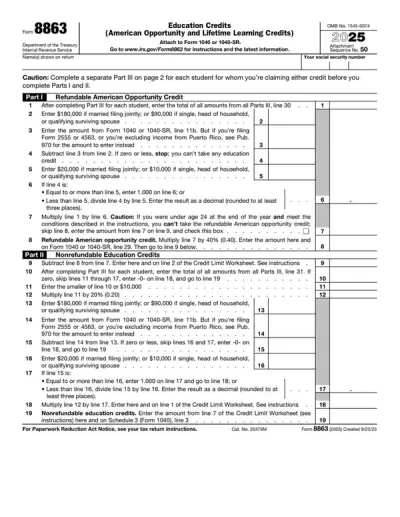
Form 8863
Form 8863 is used to calculate and claim your educational tax credit, based on qualified education expenses paid to an eligible postsecondary educational institution.Select the fillable 8863 Form from our website, open it in our PDF editor, and enter the required information. Afterward, you can easily download it to your device and save it before submitting to the IRS.
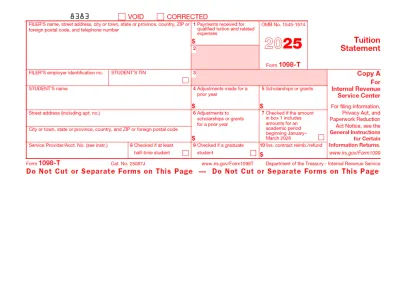
1098-T Form
The 1098-T Form is filed by eligible educational institutions to report information on qualified tuition and related expenses, thus helping students or their guardians determine whether they can claim an educational tax credit.Select our editable 1098-T Form from our PDF Tax Forms hub and open it directly in our editor. Once you input the required information, you can download it to your device to print it or submit it electronically.
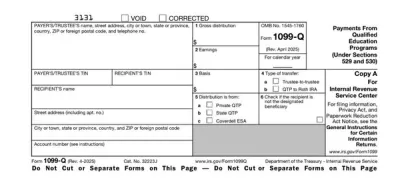
Form 1099-Q
Form 1099-Q is a document used by eligible educational institutions to report the distributions they’ve made from a qualified tuition program (QTP).Select the fillable 1099-Q Form from our PDF Forms hub, open it in our editor, and enter the required details in the empty fields. Afterwards, you can easily download the document to your device and prepare it for submission.

Form 1040
A Form 1040 is the IRS tax return used to report your annual income, calculate taxable income, claim credits and deductions, and determine whether you owe taxes or will receive a refund.Access our 1040 fillable form online and handle your tax return without a hassle. You can enter your income, deductions, and credits easily, review the details, and download a completed copy ready to print and mail.
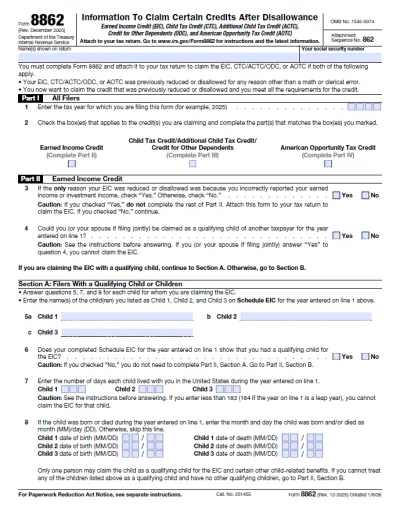
Form 8862
Form 8862 is a document attached to the tax return to claim certain credits after a disallowance or reduction that has not been caused by a mathematical or clerical error.Select our fillable Form 8862 from the PDF Tax Forms hub, enter the required information into the empty fields, and download the document on your device.
Frequently asked questions
#1. How do I get a blank Form 8917?
You can get a blank Form 8917 from pdf.net or the official IRS website. Once you have it, open it in our PDF editor to complete it immediately.
#2. Can I submit a Form 8917 electronically?
You could submit Form 8917 electronically in the years when it was applicable, but you can no longer do that. If you’re filing it today with an amended tax return, you must submit it by mail.
#3. What if my Form 8917 is missing information?
If your Form 8917 is missing information, it won’t be processed correctly, and you’ll need to file a new one using another Form 1040-X for the applicable tax year. To avoid these complications, double-check whether your document corresponds to a Form 8917 example.
#4. Can I fill out my Form 8917 online?
You can fill out your Form 8917 online by using our PDF editor and typing information directly into the empty slots.
#5. Is this form free?
This form is free to view and edit, but you must purchase a subscription plan if you want to download it to your device. You’ll find additional information on our pricing page.
#6. Can I correct mistakes on Form 8917?
You can correct mistakes on Form 8917 by submitting a revised document along with Form 1040-X.
#7. How long does it take to process Form 8917?
Form 8917 used to be processed approximately three weeks if filed electronically or 6–8 weeks if submitted in paper form. However, if you’re filing it today with an amended tax return, it might take as long as 16 weeks to process.
#8. Who qualifies for the Tuition and Fees Deduction using Form 8917?
Students enrolled in a qualified educational institution in 2018, 2019, and 2020 qualify for the tuition and fees deduction using Form 8917. However, your modified adjusted gross income has to be less than $80,000 ($160,000 if filing a joint return).
#9. Can I use Form 8917 if I also claim the American Opportunity Credit?
No, you can’t use Form 8917 if you also claim the American opportunity credit for the same year. That’s because the law prohibits using federal tax credits and deductions for the same educational expenses.
#10. What documentation do I need to attach to Form 8917?
You don’t need to attach any specific documentation to Form 8917; this form itself was an attachment to your federal income tax return. However, you should keep your tuition statements and receipts on record in case you need to support your claims.