pdf.net

Form 4070

2005
Form 4070
Trusted by lawyers
Trusted by lawyers

Form 4070, the Employee's Report of Tips to Employer, is used in the service industry to report your cash and credit or debit card tips to your employer, so that they can accurately withhold and report employment taxes on your tip income.

Report your tips with our printable Form 4070. All you need to do is fill it online and download it to your device. The entire process shouldn’t last more than 15 minutes.

How to Fill Out Form 4070

Step 1: Open Form 4070 in our PDF editor.

Step 2: Enter your name, address, and Social Security number, then your employer's name and address, including the establishment name if it's different.

Step 3: Enter the month you're reporting, or the shorter period if your employer collects reports more often. One form can never cover more than one calendar month.

Step 4: Fill in the tip lines: cash tips on line 1, credit and debit card tips on line 2, tips you paid out to other employees on line 3, and your net tips on line 4, which is lines 1 and 2 added together minus line 3.

Step 5: Sign and date the document, and keep a copy for your own records.

What Is Form 4070?

Form 4070 is a one-page statement used primarily in the service industry to report cash and credit or debit card tips to the employer. You have to report your tips if they total $20 or more from that employer in a calendar month; if you make less than $20 in a month, reporting that month is optional. Tips here cover cash left on a table, card tips your employer pays out to you, and tips you receive from coworkers through a tip pool. Mandatory service charges, such as an automatic gratuity on a large party, are wages rather than tips and don't belong on this form.

Who Needs to Report Tips on Form 4070?

Food service and hospitality workers, bartenders, delivery drivers, salon staff, valets, and any other employees who regularly receive tips from customers need to report them on Form 4070. The $20 threshold applies per employer and per calendar month, so if you work two tipped jobs, you report to each employer separately and never combine them on one form.

When Do I Need to Submit Form 4070?

You need to submit Form 4070 by the 10th day of the month following the month you receive tips. If the 10th falls on a Saturday, Sunday, or legal holiday, the deadline moves to the next day that isn't one of those. Your employer can ask for reports more often than monthly, but no single statement may cover more than one calendar month, and if you leave the job partway through a month, you can report your tips when the job ends.

What Are the Penalties for Not Reporting Your Tips?

If you don't report your tips, you may be penalized 50% of the Social Security, Medicare, Additional Medicare, or railroad retirement tax due on the unreported tips, on top of the taxes you already owe. You can avoid that penalty by showing reasonable cause, which you do by attaching a statement to your tax return explaining why the tips went unreported. Tips you never reported to your employer still have to go on Form 4137 with your return, and leaving them off entirely can bring interest and a 20% accuracy-related penalty, or more if the IRS determines fraud.

Where Do I Submit Form 4070?

You submit Form 4070 directly to your employer, as they are the ones withholding the tax and reporting your tip income to the IRS. Many employers collect tip reports through a point-of-sale terminal or payroll portal, and they are allowed to require you to furnish your tip statement electronically, so Form 4070 is what you use when your employer provides no method of its own. The form itself is never sent to the IRS.

How to fill out a PDF Form

  1. 1

    Open the editable Form 4070

  2. 2

    Enter the required information

  3. 3

    Download Form 4070 to your device

Related Forms

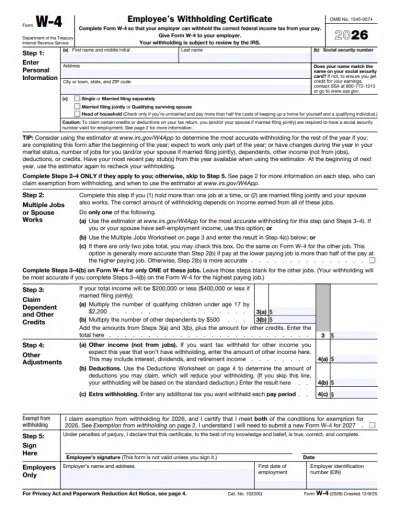
Form W-4
IRS Form W-4 informs the employer of the correct federal income tax to withhold from the employee’s paycheck.On pdf.net, you can now select a fillable tax form, open it in our PDF editor, and enter the information directly in the fields; once you complete it, you can save your W-4 and submit it to your employer.
Preview
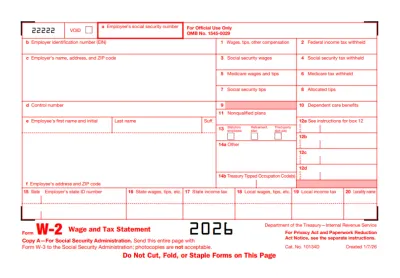
W2 Form
Form W-2, Wage and Tax Statement, reports an employee's yearly earnings and the taxes withheld from them.If you want to fill out Form W/2 and submit it with ease, pdf.net enables you to complete it online and download it to your computer or phone.
Preview
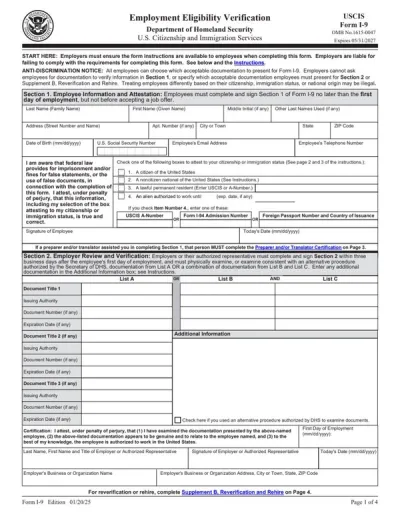
Form I-9
Employers use Form I-9 to verify the identity and employment authorization of their employees, whether they are U.S. citizens or noncitizens.Fill out our editable Form I-9 online by simply typing the required information directly into the empty slots. Once that’s done, download the form to your device, print it, and sign it by hand.
Preview
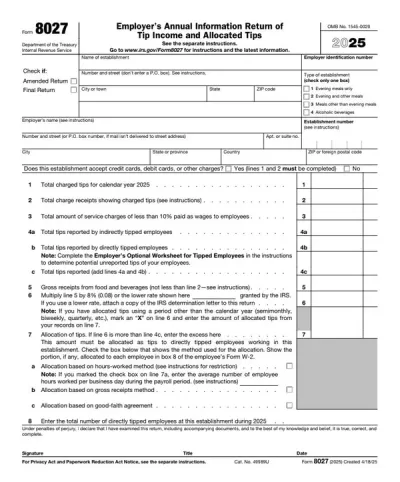
Form 8027
Form 8027 is used to report receipts and tips from large food and beverage establishments and determine allocated tips for tipped employees.With our editable Form 8027, you can easily fill out the required information online. After that, just download the form to your device and submit it to the IRS.
Preview
Employee Evaluation Form
An employee evaluation form is used to formally provide feedback during performance reviews, focusing on various traits and abilities an employee shows or doesn't show.You can open the fillable employee evaluation form in our PDF editor to complete it with your employees' strengths and weaknesses. When you finish this, download it to your device and prepare to hand it out during a performance review.
Preview

Frequently asked questions

#1. How do I obtain a blank Form 4070?

You can obtain a blank Form 4070 from pdf.net. The IRS no longer lists it among the current forms, since Publication 1244 was made obsolete in 2024, though earlier revisions are still posted on the Prior Year Forms and Instructions page.

#2. Can I submit Form 4070 electronically?

You can submit Form 4070 electronically if your employer uses a system that supports this, and employers are even allowed to require electronic tip statements. Since the document goes to your employer, not the IRS, the specifics are set by your workplace.

#3. What if my Form 4070 is missing information?

If your Form 4070 is missing information, file a new, corrected document as soon as possible, since a statement without your name, address, and Social Security number, your employer's name and address, the period covered, your total tips, and your signature doesn't meet the reporting requirement. Check it against your own daily tip log; Form 4070A used to serve that purpose but is now a historical form, so a spreadsheet or tip-tracking app does the same job.

#4. Can I fill out my Form 4070 online?

You can fill out your Form 4070 online if you use our PDF editor, which allows you to type the required details directly into the designated slots.

#5. Is this form free?

This form is free to view and edit, but not to download, as you’ll need a subscription plan to save it to your device. Check out our pricing page for more details and available options.

#6. Can I correct mistakes on Form 4070?

You can correct mistakes on Form 4070 by notifying your employer of the issue and asking them to update their records, though many employers will request a new, corrected form instead. If the mistake means tips went unreported for a month that has already closed, you may need to report them on Form 4137 with your tax return rather than fixing it through payroll.

#7. How long does it take to process Form 4070?

Form 4070 isn't processed like a typical IRS form; it's submitted to your employer, so they keep it on record, withhold income, Social Security, and Medicare tax based on what you reported, and include those tips on your W-2, where reported cash tips now appear in Box 12 with code TP.