pdf.net
1098-T Form
Fill Form

1098-T Form

2025
Official IRS form
Official IRS form
Trusted by accountants
Filed annually
Filed annually

The 1098-T Form is filed by eligible educational institutions to report information on qualified tuition and related expenses, thus helping students or their guardians determine whether they can claim an educational tax credit.

Select our editable 1098-T Form from our PDF Tax Forms hub and open it directly in our editor. Once you input the required information, you can download it to your device to print it or submit it electronically.

1098-T Form

2025
1098-T Form
Fill Form
Official IRS form
Official IRS form
Trusted by accountants
Filed annually
Filed annually

The 1098-T Form is filed by eligible educational institutions to report information on qualified tuition and related expenses, thus helping students or their guardians determine whether they can claim an educational tax credit.

Select our editable 1098-T Form from our PDF Tax Forms hub and open it directly in our editor. Once you input the required information, you can download it to your device to print it or submit it electronically.

How to Fill Out Form 1098-T?

Step 1: Order Copy A of Form 1098-T from the IRS

Step 2: Open Copy B of the fillable tax form in our editor.

Step 3: Follow the instructions on the 1098-T Form and enter the information.

Step 4: Download 1098-T Form (Copy B).

Step 5: Add the same information to Copy A.

Step 6: Fill out Form 1096.

Step 7: File Copy A and Form 1096 with the IRS and furnish Copy B to the student.

What Is Form 1098-T?

Form 1098-T, or Tuition Statement, is a detailed report on qualified tuition and related expenses that helps students and their guardians determine whether they are eligible for an educational tax credit. If so, they can use this form to calculate and claim it on Form 1040 or 1040-SR.

Who Is Required to File Form 1098-T?

Eligible educational institutions, such as colleges, universities, vocational schools, and other postsecondary institutions that can participate in the Department of Education’s student aid programs, are required to file Form 1098-T.

When Is Form 1098-T Due for Submission?

Form 1098-T is due for submission to the IRS by the end of February when filing by mail or by the end of March when filing electronically. Educational institutions are also expected to furnish a copy of this form to students, which must be done by the 31st January for the previous tax year.

What Are the Penalties for Not Submitting Form 1098-T?

The penalties for not submitting Form 1098-T change every year due to inflation, and their exact amount depends on how late the form is. Currently, the amount ranges between $60 and $340 per form.

Where Do I File Form 1098-T?

You should file Form 1098-T with the IRS, either by mail or electronically. Also, a copy of this document must be provided to students so they can claim an educational tax credit.

How to Get Your Form 1098-T?

  1. Open the fillable 1098-T Form1

    Open the fillable 1098-T Form

  2. Enter the required information2

    Enter the required information

  3. Download the completed form3

    Download the completed form

Related Forms

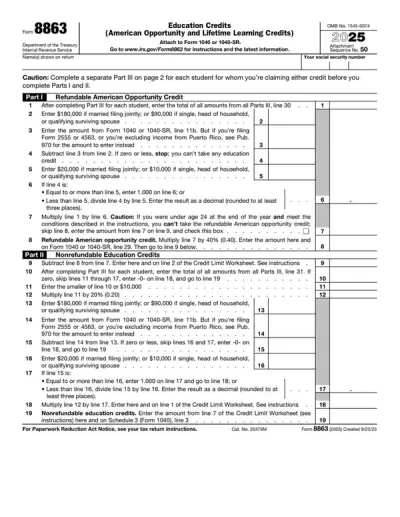
Form 8863
Form 8863 is used to calculate and claim your educational tax credit, based on qualified education expenses paid to an eligible postsecondary educational institution. Select the fillable 8863 Form from our website, open it in our PDF editor, and enter the required information. Afterward, you can easily download it to your device and save it before submitting to the IRS.
Preview
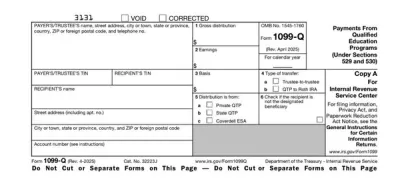
Form 1099-Q
Form 1099-Q is a document used by eligible educational institutions to report the distributions they’ve made from a qualified tuition program (QTP). Select the fillable 1099-Q Form from our PDF Forms hub, open it in our editor, and enter the required details in the empty fields. Afterwards, you can easily download the document to your device and prepare it for submission.
Preview
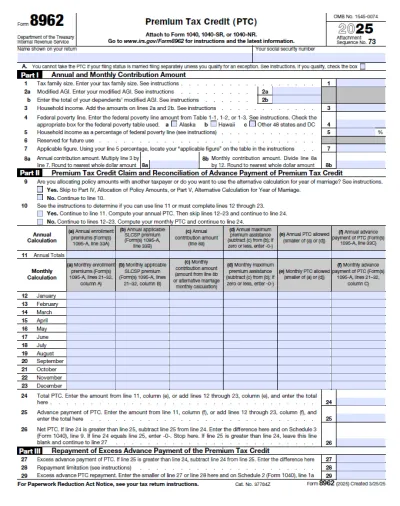
Form 8962
Form 8962 is a tax form used to calculate and claim the Premium Tax Credit (PTC) for health insurance purchased through the Health Insurance Marketplace. Easily complete your form by opening our fillable PDF form, entering your tax information, and downloading a ready-to-file document in minutes. Get your PTC hassle-free and file with confidence today.
Preview
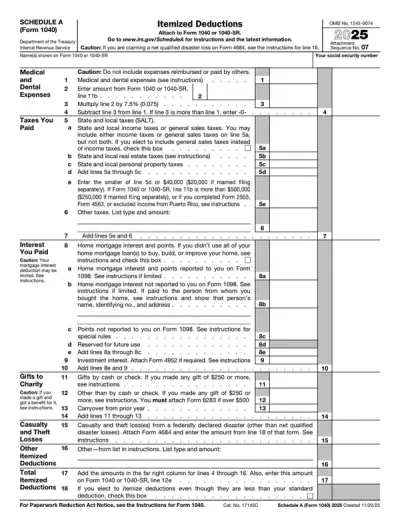
Schedule A (Form 1040)
Schedule A (Form 1040) is used to figure itemized tax deductions, which are used to lower your taxable income and, therefore, decrease your tax liability. Our fillable Schedule A can be opened and edited in just a few clicks; all you need to do is select the form on our PDF Forms hub. The filling-out process is very intuitive, too, as you simply type the information directly into the empty slots.
Preview
1040 Form
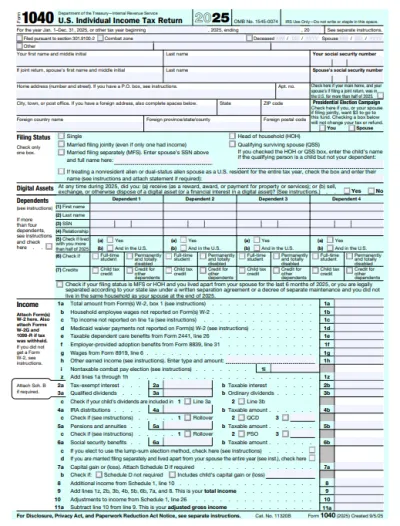
A Form 1040 is the IRS tax return used to report your annual income, calculate taxable income, claim credits and deductions, and determine whether you owe taxes or will receive a refund. Access our 1040 fillable form online and handle your tax return without a hassle. You can enter your income, deductions, and credits easily, review the details, and download a completed copy ready for filing.
Preview

#1. How do I get a blank Form 1098-T?

You can get a blank Form 1098-T from our website or directly from the IRS. If you opt for our website, you can immediately open it in our editor and fill it out directly.

#2. How often does Form 1098-T need to be filed?

Form 1098-T needs to be filed annually, as it is used for educational tax credit claims, which are submitted every year. Educational institutions file this form at the beginning of the year for the previous tax year.

#3. What if my Form 1098-T is missing information?

If your Form 1098-T is missing information, you should contact your educational institution to have it corrected. This is especially important if the student's Taxpayer Identification Number (TIN) is missing, as the IRS may impose penalties on both the institution and the student. Thus, the filer should always cross-check the document with a 1098-T Form example to make sure everything is in order.

#4. Can I fill out my Form 1098-T online?

You can fill out your Form 1098-T online by opening it in our PDF editor and directly typing information there.

#5. Is this form free?

This form is free to view and edit, but if you want to download the completed IRS 1098-T Form, you need to pay for a subscription plan.

#6. Can I correct mistakes after submitting Form 1098-T?

You can correct mistakes after submitting Form 1098-T, but you must send an updated document to the IRS with the “CORRECTED” box checked. You should also prepare a new Form 1096.