#1. How do I get a blank Form 943?
You can get a blank Form 943 from PDF.net or from the official IRS website. In either case, open the document in our editor and type your details directly into the empty slots.
#2. Can I submit Form 943 electronically instead of on paper?
Yes, you can submit Form 943 electronically instead of on paper, and you are encouraged to do so if possible. E-filing also ensures that your document is received and potentially processed faster.
#3. What if my Form 943 is missing information?
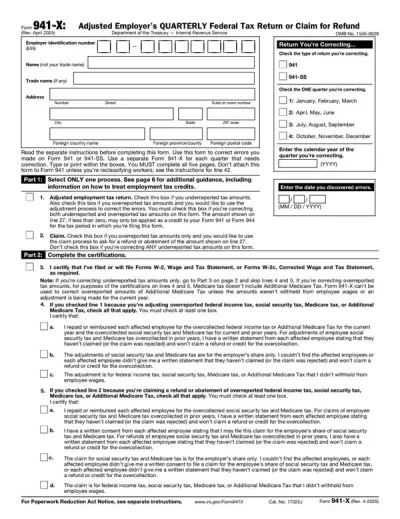
If your Form 943 is missing information, the IRS might send you a notice requiring that you submit an updated form. To do so, you should use Form 943-X and the details there. However, it’s best to avoid this scenario altogether and cross-check your document with a Form 943 example to make sure nothing’s out of place.
#4. Can I fill out my Form 943 online?
You can fill out your Form 943 online with PDF.net, where you can type information directly into the empty slots. Afterward, you can download the document and submit it electronically or print it and send it by mail.
#5. Is this form free?
This form is free to view and edit, but you must purchase a subscription plan if you want to save it to your device.
#6. Can I correct mistakes on Form 943?
You can correct mistakes on Form 943 if you send Form 943-X, the Adjusted Employer’s Annual Tax Return for Agricultural Employees. This document will replace your original document.
#7. What if I forgot to file Form 943?
If you forgot to file Form 943, you might be subject to failure-to-file and failure-to-pay penalties, so you must submit it as soon as possible.
#8. What is the difference between Form 941 and 943?
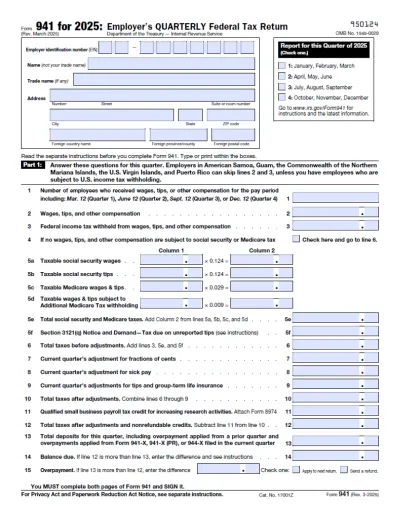
The difference between Form 941 and 943 is that the latter is used for reporting employment taxes for agricultural employees whose wages are subject to federal withholding, while the former is for nonfarm employees.