pdf.net
Form 2290
Fill Form

Form 2290

2026
Trusted by accountants
Official IRS form
Official IRS form

Form 2290 is a heavy highway vehicle tax return, used to figure and pay taxes on buses, trucks, and other motor vehicles with a weight of 55,000 pounds or more.

To complete a fillable Form 2290, select it from our PDF Tax Forms hub, open it in the pdf.net editor, enter the necessary details, and save it to your device for further use.

Form Year

Form 2290

2026
Form 2290
Fill Form
Form Year
Trusted by accountants
Official IRS form
Official IRS form

Form 2290 is a heavy highway vehicle tax return, used to figure and pay taxes on buses, trucks, and other motor vehicles with a weight of 55,000 pounds or more.

To complete a fillable Form 2290, select it from our PDF Tax Forms hub, open it in the pdf.net editor, enter the necessary details, and save it to your device for further use.

How to Fill Out Form 2290

Step 1: Open our IRS Form 2290 in PDF.

Step 2: Enter your information and calculate your tax, as outlined in the Form 2290 instructions.

Step 3: Complete the statement of suspension for a particular vehicle, if applicable.

Step 4: Fill out both copies of Schedule 1 with information about your vehicles.

Step 5: Attach the copies to the form.

Step 6: Review all details and submit the documents to the IRS.

What Is Form 2290?

Form 2290 is a document used to calculate and pay taxes on heavy highway vehicles whose weight is 55,000 pounds or more. Furthermore, it allows you to claim suspension from tax if you expect to use a vehicle less than 5,000 miles and claim credit for tax paid on stolen or destroyed vehicles.

Who Is Required to Fill Out Form 2290?

Everyone registered as an owner of heavy taxable vehicles is required to fill out Form 2290. That can be an individual, a business, a self-employed person, or an organization.

When Is Form 2290 Due for Submission?

Form 2290 is due for submission on 31st August for all vehicles that were used in July, because the heavy highway vehicle tax period runs from 1st July to 30th June.

New vehicles bought after July require a tax return as well, but it should be submitted by the last day of the month following the month of their first use. So, if you begin using a vehicle in September, the tax return should be filed by 31st October.

What Are the Penalties for Not Submitting the 2290 Form?

The penalties for not submitting the 2290 Form on time may include monthly interest rates charged on the tax owed or significant fines and imprisonment if the IRS deems it tax evasion. Furthermore, vehicles without the HVUT Form 2290 may have their registrations suspended.

Where Do I File the 2290 Form?

You should file the 2290 Form with the IRS, either by mail or electronically. If you’re filing for more than 25 vehicles, you must submit your tax returns electronically, but not directly on the IRS website. Instead, use one of the participating commercial software providers to complete the filing.

How to Get Your 2290 Form?

  1. Open the editable 2290 Form1

    Open the editable 2290 Form

  2. Enter the required information2

    Enter the required information

  3. Download Form 2290 to your device3

    Download Form 2290 to your device

Related Forms

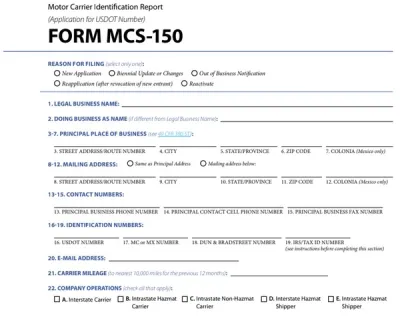
Form MCS-150
Form MCS-150 is used by motor carriers to apply for or update their U.S. Department of Transportation (USDOT) number and meet the requirements of the Federal Motor Carrier Safety Administration (FMCSA). Open the fillable Form MCS-150 in our PDF editor and enter the required details directly into the empty fields. Afterward, you can download the completed document to your device and submit it to the FMCSA.
Preview
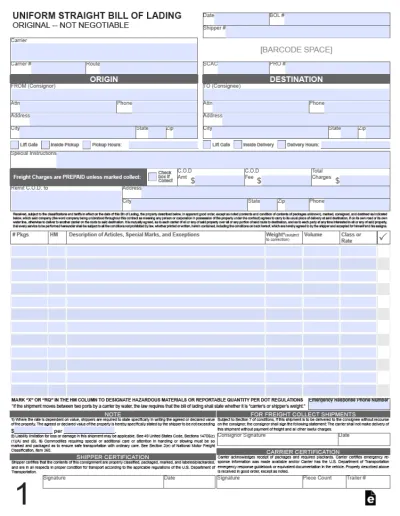
Bill of Lading
A bill of lading is a crucial document in domestic and international trade, issued by a carrier to a shipper and acting as a receipt for goods and a contract for their carriage. Open the fillable bill of lading form in our PDF editor and enter the required information into the empty boxes. Then, you can download the document to your device for further use.
Preview
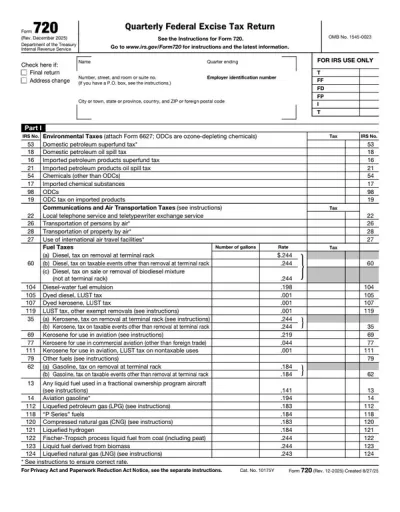
Form 720
Form 720 is used for reporting and paying excise taxes on various goods and services, like fuel, air transportation and communications, ozone-depleting chemicals, and more. pdf.net offers an editable Form 720, which you can instantly open in our editor and fill out with the required information. Once you finish, all you should do is save the document to your device and prepare it for submission in a hassle-free way!
Preview
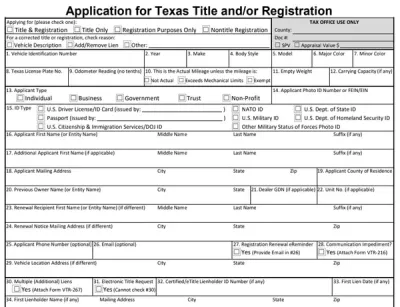
Form 130-U
The Form 130-U is the official Texas form required for transferring vehicle titles. You can use our fillable form and online PDF editor to save time, avoid errors, and ensure a smooth title transfer process.
Preview
Form MV-82
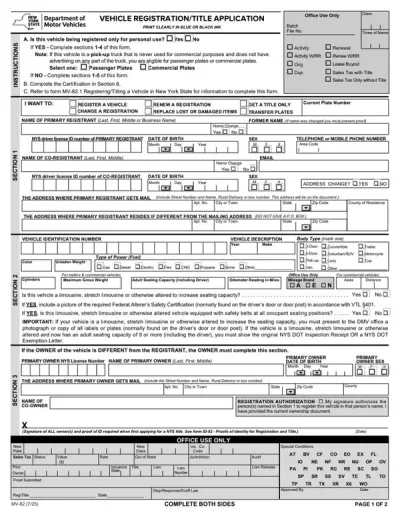
Form MV-82 is used to register a vehicle, renew or change a registration, and transfer plates in New York State. A fillable Form MV-82 streamlines the registration process, allowing you to type the required information directly into the document's empty slots. When the form is completed, you can download it to your device and prepare it for submission.
Preview

#1. How do I get a blank Form 2290?

You can get a blank Form 2290 from our website or directly from the IRS. Then, you can open it in our PDF editor and enter the required details.

#2. How often is the Form 2290 filed?

Form 2290 is filed annually for all taxable vehicles used in the previous tax year. However, if you buy and use a new vehicle after you’ve already filed one tax return, you’ll need to submit a separate one for that vehicle.

#3. What if my 2290 form is missing information?

If your Form 2290 is missing information, the IRS will likely reject your tax return and request that you resubmit the document. Cross-check it with a 2290 Form example to make sure everything is in order, then send your package again. If the rejection resulted in additional interest rates on your taxes, pay them to avoid further complications.

#4. Can I fill out my Form 2290 online?

You can fill out your Form 2290 online by using our editor and typing the information directly in the empty fields.

#.5 Is this form free?

This form is free to view and edit, but you need to purchase a subscription plan if you want to download it to your device.

#6. Can I correct mistakes on Form 2290?

You can correct mistakes on Form 2290 by filing an updated form and marking the type of error you’re amending. For instance, if you need to correct the VIN, you should check the “VIN correction” box on the form, amend the details in question, and resubmit the document.