pdf.net
Form 56
Fill Form

Form 56

2022
Trusted by accountants
Official IRS form
Official IRS form

Form 56 is a document used to inform the IRS of the creation or termination of a fiduciary relationship under section 6903 or to give notice of qualification for such a relationship.

Select the fillable Form 56 from our PDF Forms page, open it in our editor, and fill out the necessary details. Once you’re done, you can download the document to your device before submitting it to the IRS.

Form 56

2022
Form 56
Fill Form
Trusted by accountants
Official IRS form
Official IRS form

Form 56 is a document used to inform the IRS of the creation or termination of a fiduciary relationship under section 6903 or to give notice of qualification for such a relationship.

Select the fillable Form 56 from our PDF Forms page, open it in our editor, and fill out the necessary details. Once you’re done, you can download the document to your device before submitting it to the IRS.

How to Fill Out a Form 56

Step 1: Open our IRS Form 56 in PDF.

Step 2: Provide information about you as a fiduciary in Part I, according to Form 56 instructions.

Step 3: Complete Part II if terminating a fiduciary relationship.

Step 4: Fill out Part III if you’ve been appointed a fiduciary by a court or another institution.

Step 5: Sign and review the IRS representative form.

Step 6: Download it to your device and submit it to the IRS.

What Is Form 56?

Form 56 is a document that informs the IRS of the creation or termination of a fiduciary relationship or gives notice of qualification for such a relationship.

Who Is Required to Fill Out Form 56?

Form 56 must be filled out by a fiduciary, which is essentially a person acting on behalf of the taxpayer. A fiduciary assumes all powers, rights, duties, and privileges of the person or entity in this relationship with them, including paying taxes and filing returns.

When Is the Form 56 Due?

There’s no specific due date for an IRS fiduciary form like Form 56, as it is filed whenever a relationship of this kind is established or terminated. In these cases, the document should be submitted as soon as possible to avoid any complications. When a court appoints a fiduciary relationship, the form should be filed within 10 days after its establishment. Other than that, there are no specific requirements.

What Are the Consequences of Not Submitting Form 56?

Though there are no penalties for not submitting Form 56, there are consequences; primarily, that the IRS won’t be aware of the fiduciary relationship. As a result, it will keep sending tax-related information to the previously responsible party, who may no longer be able to act on it. This can lead to missed deadlines, penalties for not filing other forms, and accrued interest.

Where Do I File Form 56?

You should file Form 56 with the IRS; more specifically, with the center where your benefactor files their tax returns. Form 56, defining fiduciary responsibility, must be submitted by mail, though some tax software allows you to attach it to Form 1041, Fiduciary Return, as a PDF.

How to Get Your Form 56?

  1. Select the editable Form 561

    Select the editable Form 56

  2. Fill out the required details2

    Fill out the required details

  3. Download Form 56 to your device3

    Download Form 56 to your device

Related Forms

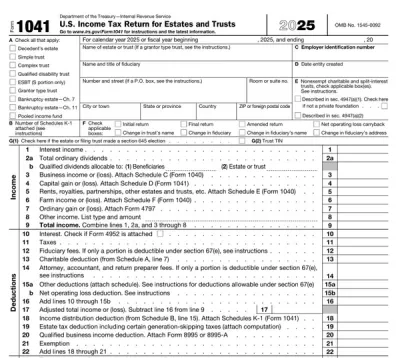
Form 1041
Form 1041 is used by fiduciaries to report the income and deductions of a deceased person’s trust or estate for tax purposes.
Preview
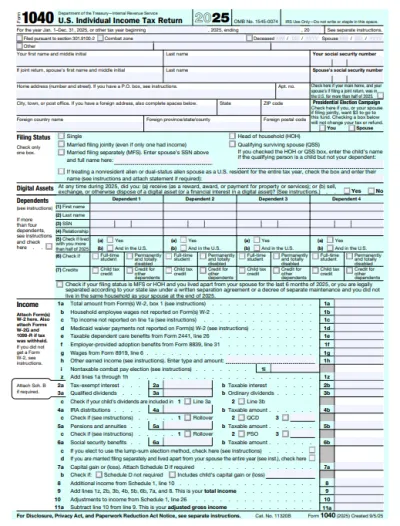
1040 Form
A Form 1040 is the IRS tax return used to report your annual income, calculate taxable income, claim credits and deductions, and determine whether you owe taxes or will receive a refund. Access our 1040 fillable form online and handle your tax return without a hassle. You can enter your income, deductions, and credits easily, review the details, and download a completed copy ready for filing.
Preview
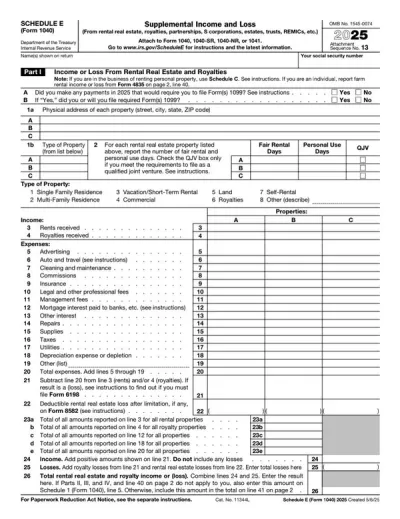
Schedule E (Form 1040)
Schedule E (Form 1040) is used to report income or loss from rental real estate, royalties, partnerships, S corporations, estates, trusts, and REMICs. Access a template and enter your details, calculate totals, and file accurately; our online editor tool makes it easy to complete the documentation you need on any device.
Preview
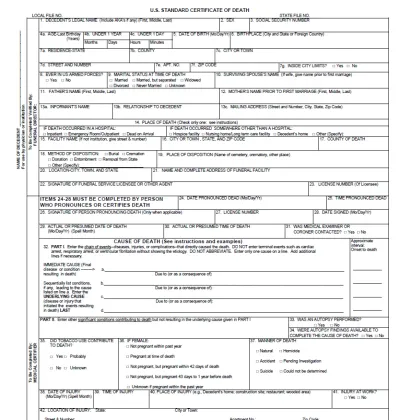
Death Certificate
A death certificate is an official document that records the time, location, and cause of death, serving as confirmation that a person has passed away. Open the fillable death certificate form in our PDF editor and enter the required information into the empty fields. Once you do so, you can save the document on your device for further use.
Preview
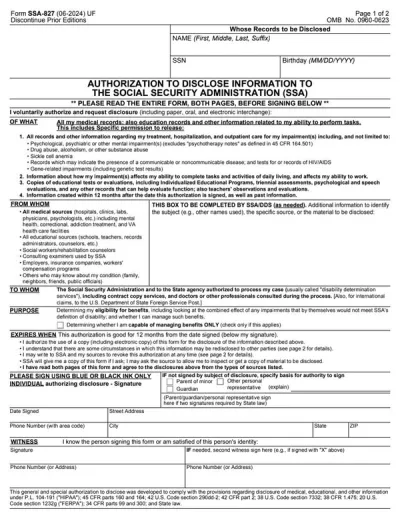
Form SSA-827
Form SSA-827 is an authorization given to the Social Security Administration to collect your personal information from various sources to determine your eligibility for specific benefits. With our editable Form SSA-827, you can immediately fill out the required information and download to your device. Just open the document in our PDF editor and follow the Form SSA-827 instructions to enter the required information.
Preview

#1. How do I get a blank Form 56?

You can get a blank Form 56 from pdf.net or from the official IRS website. In either case, open the document in our editor and enter the required information in the empty slots.

#2. What if my Form 56 is missing information?

If your Form 56 is missing information, the IRS may send you a request for clarification or suspend the entire process until you submit a properly completed document. To avoid such delays, compare it to a properly completed Form 56 example to make sure everything is in place.

#3. Can I fill out my Form 56 online?

You can fill out your Form 56 online by opening it in our editor and entering the required information. However, you’ll need to print the document, as it can only be submitted by mail.

#4. Is this form free?

This form is free to view and edit, but you need to purchase a subscription plan if you want to save it to your device.

#5. Can I correct mistakes on Form 56?

You can correct mistakes on an executor fiduciary form like Form 56 by submitting a new one with updated information. There is no separate document just for corrections; the latest Form 56 you file is considered a valid one.