IRS Form 7004 is used to request an automatic extension of time to file certain business income tax, information, and other returns by six months.
Access our printable Form 7004, fill out the required information, and download it to your device.



IRS Form 7004 is used to request an automatic extension of time to file certain business income tax, information, and other returns by six months.
Access our printable Form 7004, fill out the required information, and download it to your device.
Step 1: Open Form 7004 in our PDF editor.
Step 2: Enter the details about the entity, such as its name, address, and identifying number.
Step 3: In Part I, find the form code for the applicable form and enter it on the appropriate line.
Step 4: Complete Part II according to the Form 7004 instructions.
Step 5: Estimate your tax and credits and calculate the balance due.
Step 6: Submit Form 7004 to the IRS.
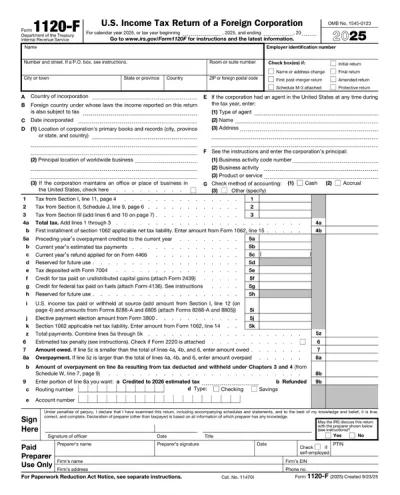
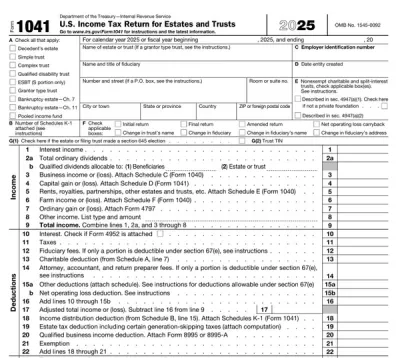
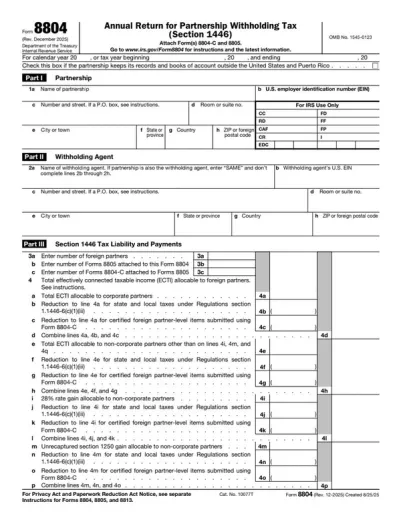
Form 7004 is used to request an automatic extension of time to file certain business income tax returns, information returns, and other forms. These include Forms 1041, 1065, 1066, 1120, 8612, 8613, and many others listed in the document.
Corporations, partnerships, trusts, estates, and all other entities that must file business income tax returns or information returns listed in the document should use IRS Form 7004. However, even when they are granted an automatic filing extension, they still must pay their taxes by the original deadline.
Form 7004 is due by the filing deadline of the form for which an extension is requested. In other words, there’s no single due date, and you must check for each applicable form individually.
If Form 7004 isn’t submitted, you will not receive an automatic filing extension for business income tax or information returns. In other words, while IRS Form 7004 isn’t mandatory, failing to file either your return or an extension by the deadline may result in penalties.
You should file Form 7004 with the IRS, using the e-filing system called Modernized e-File (MeF) or submitting it by mail to one of the addresses listed on the official website. Keep in mind that Form 7004 can’t be filed electronically for some forms, including 8612, 8613, 8725, 8831, 8876, and 706-GS(D).
 1
1 2
2 3
3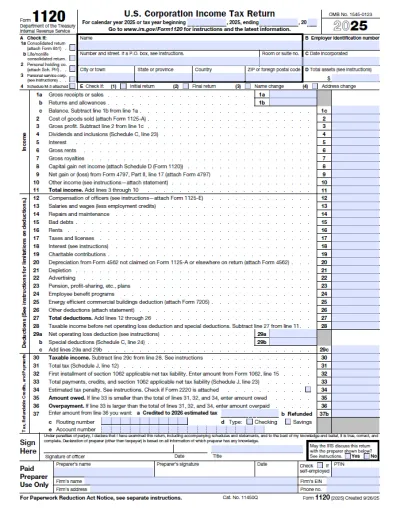
You can get a blank Form 7004 from pdf.net or the official IRS website. Regardless of where you obtain it, you can open it in our PDF editor and complete it right away.
Yes, you can submit Form 7004 electronically using the Modernized e-File (MeF) platform. However, this isn’t possible for all business income tax and information returns, so make sure to check whether it’s applicable for yours.
If your Form 7004 is missing information, your automatic filing extension will likely be rejected, and the applicable form will be considered late if the deadline has passed. So, if you notice issues after submission, correct them and resubmit as soon as possible. We advise you to file this document at least a few weeks before the due date and use a Form 7004 example as guidance.
Yes, you can fill out your Form 7004 online with pdf.net. Our online PDF editor allows you to type information directly on your document.
This form is free to view and edit; however, to download Form 7004, you need to subscribe to one of our plans. Check our pricing page for more information.
Yes, you can correct mistakes on Form 7004, but the method depends on whether the original was accepted or rejected. If it was rejected, you can correct it electronically and resubmit within five calendar days without any penalties, even if the deadline has passed. However, if it was accepted, you’ll need to submit a paper copy marked with “Amended” to the designated address.
Processing time for Form 7004 depends on whether you filed it electronically or by mail. Namely, the former is much faster and typically takes 24-48 hours, while the latter may take up to a few weeks. Be careful when submitting Form 7004 by mail and the applicable form electronically; if the applicable form is processed before the extension request, you may face penalties.
No, Form 7004 doesn’t need to be signed, even if you file it on paper. It will be processed regardless, and your automatic extension will be approved if everything is in order.