SS-5 is the official application you use to get a new Social Security card, replace a lost card, or correct your Social Security number record. With our SS-5 fillable form, you can complete your application fast.

Form SS-5
2024

Trusted by accountants
How to Fill Out Form SS-5
Step 1: Open a blank Form SS-5 in our online editor
Step 2: Enter your personal details, e.g. full name, date of birth, citizenship or immigration status, etc.
Step 3: Provide your parent or guardian information if required
Step 4: Attach any required documents
Step 5: Download your Form SS-5
Step 6: Print and sign the form
What Is Form SS-5?
Form SS-5 is the official application for a new Social Security card, a replacement card, or to correct information on your Social Security number record.
Who Is Required to Fill Out Form SS-5?
Anyone applying for a new Social Security card, replacing a lost card, or updating information is required to fill out Form SS-5. Parents or guardians can also submit the form for minors or dependents.
Where Do I File Form SS-5?
You file the SS-5 Form with the Social Security Administration (SSA) by mailing it to your local SSA office or submitting it in person. According to Form SS-5 instructions, you can locate the Social Security office or Social Security Card Center that serves your area using SSA’s Field Office Locator.
How to Get Your Form SS-5?
 1
1Open the editable Form SS-5
 2
2Fill out the designated fields
 3
3Download your completed form
Related Forms
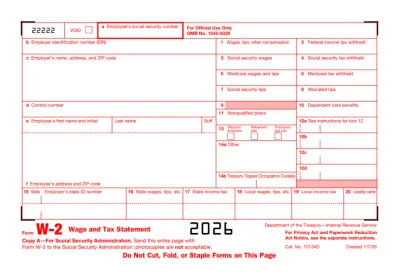
W2 Form
Form W-2, Wage and Tax Statement, reports an employee's yearly earnings and the taxes withheld from them.If you want to fill out Form W/2 and submit it with ease, pdf.net enables you to complete it online and download it to your computer or phone.
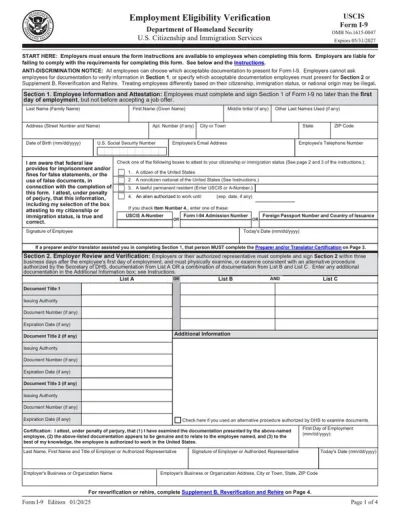
Form I-9
Employers use Form I-9 to verify the identity and employment authorization of their employees, whether they are U.S. citizens or noncitizens.Fill out our editable Form I-9 online by simply typing the required information directly into the empty slots. Once that’s done, download the form to your device.
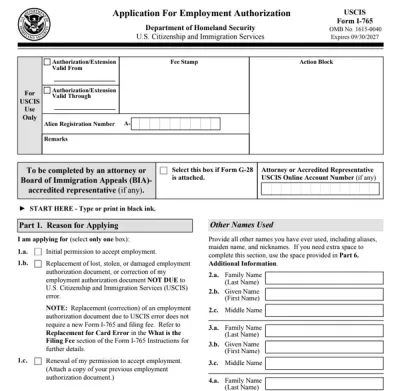
Form I-765
Form I-765 is filed by foreign nationals to apply for permission to work in the U.S. or request proof of employment authorization.Complete it by selecting it from our forms hub, opening it in our PDF editor, and typing the information directly. Once you finalize it, download it to your device and submit it to the U.S. Citizenship and Immigration Services (USCIS).
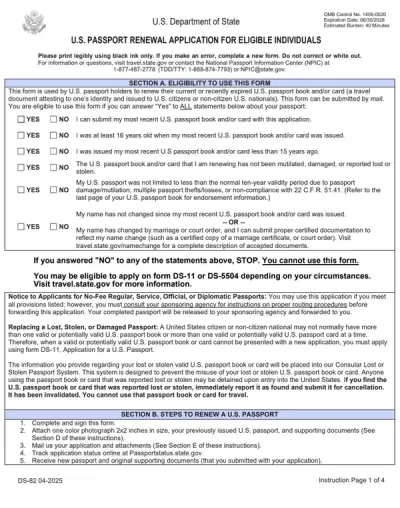
Passport Renewal Form
The passport renewal form is a document used by U.S. citizens and non-citizen nationals for renewing their current or recently expired passport books and cards.pdf.net offers a printable passport renewal form you can use to easily fill out before submission. All you have to do is open it in our editor and type the information directly into the designated fields.
Form SSA-89
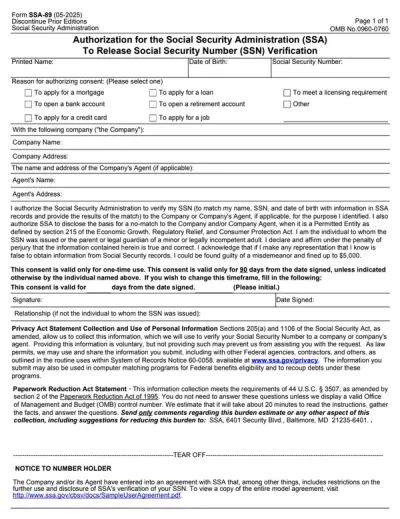
Form SSA-89 is a consent form that authorizes the Social Security Administration (SSA) to verify your name and Social Security Number (SSN) for a third party.Our PDF Forms hub offers a fillable Form SSA-89 that you can easily open in our editor, complete with the required details, download to your device, and submit it to the SSA.
Frequently asked questions
#1. How do I get a blank Form SS-5?
To get a blank Form SS-5, navigate to our pdf.net’s forms page and look under the Legal Forms category. When you click on it, it will open in a new tab, where you can fill in your details and check the necessary boxes.
#2. What if my Form SS-5 is missing information?
If your Form SS-5 is missing information, the Social Security Administration (SSA) will contact you to request the missing details or necessary documentation. When the SSA contacts you, respond as quickly as possible to avoid further delays.
#3. Can I fill out my Form SS-5 online?
Yes, you can fill out your Form SS-5 online with pdf.net. Our platform is fully browser-based and works on any device, including mobile phones and tablets. Once you are done, download a copy to mail it or take it in person to your local SSA office.
#4. Can I submit Form SS-5 online?
No, you cannot submit your Form SS-5 online. You can fill it out online, but you must mail it or submit it in person to a Social Security office. The SSA Field Office Locator makes it easy to find a local one.
#5. Is this form free?
This form is free to open and edit in our online editor. However, you will need to sign up for an account and purchase a plan to download it: $1.45 for 7 days of limited access, $1.95 for 7 days of full access, and $10.95 for annual access.
#6. Can I correct mistakes on the SS-5 Form?
Yes, you can correct mistakes on Form SS-5 Form using pdf.net before signing and submitting it. By reviewing a Form SS-5 example, you avoid unnecessary mistakes. If you already sent the form, contact your local SSA office and ask for guidance on submitting a corrected application.
#7. What happens after I file Form SS-5?
After you file Form SS-5, the SSA reviews your application and verifies your documents. Once approved, they will issue your Social Security card or update your record if you requested corrections.
#8. What documents are needed for Form SS-5?
The documents needed for Form SS-5 must be original or certified by the issuing agency. Photocopies or notarized copies are not accepted. Examples include a birth certificate, U.S. passport, driver’s license, state ID, or DHS-issued immigration documents. If you are applying for someone else, you must show your authority to sign.