

Fast and friendly PDF editor for teams tired of bloated software
Edit, sign, share, and make sense of any document — all in one place
4.3m+
users12.5m+
documents180+
countries
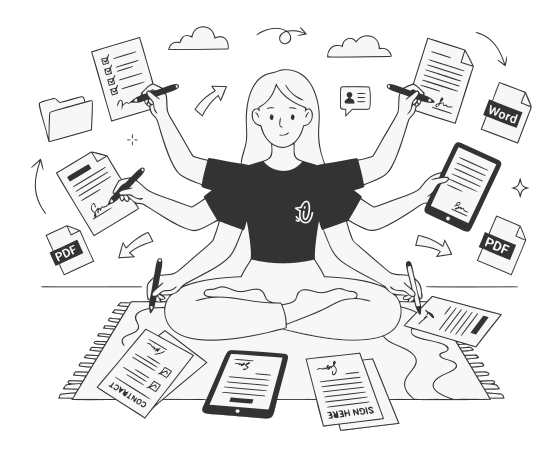
Save hours on every document
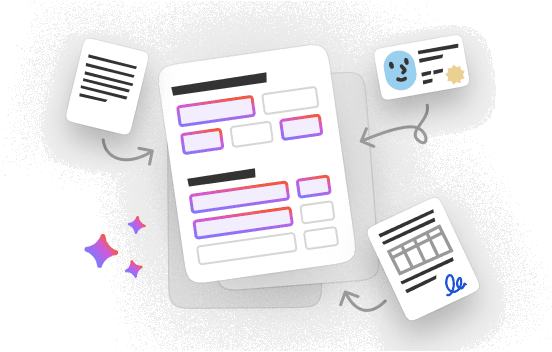
Forms fill themselves
Upload any form — even a flat scan. AI spots every field, makes it fillable, then pulls the answers from your documents. You review what's left.
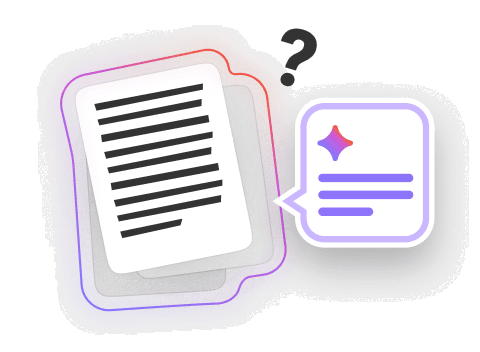
Chat with your files
Keep your documents in one workspace. Ask across a folder, a single file, or compare any of them to what you're working on now.
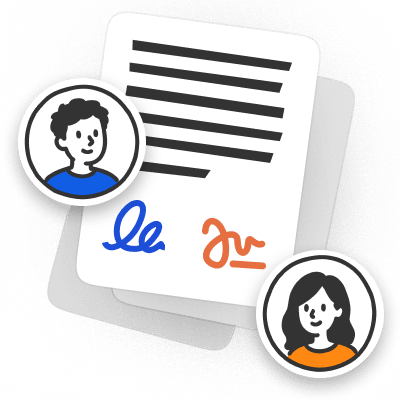
Collect signatures
Send a document, collect signatures, and track who still needs to sign. No reminder chaos. No “did you get my email?” follow-ups.
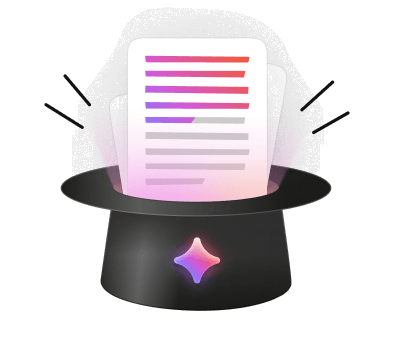
Draft any doc with AI
Describe the agreement, letter, invoice, or proposal you need. Get a structured draft — sections, tables, details — ready to edit.
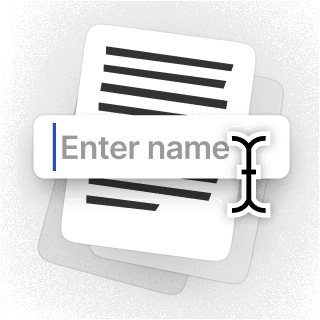
Turn PDFs into forms
Add text fields, checkboxes, signature boxes, and other fields to any PDF. Clients and teammates fill it out right — no printing, no scanning.
Share clean links
Keep every document in one place. Send a secure link instead of an attachment — stop digging through email for the latest version.
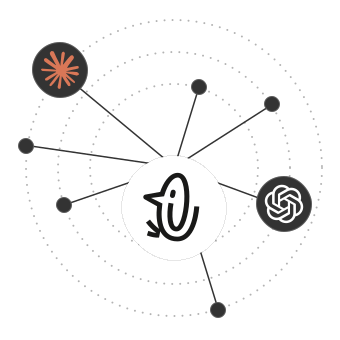
Let your AI agents handle PDF work
Connect the pdf.net MCP server. Your AI agent edits, merges, converts, signs, and creates PDFs — straight from chat.
All PDF tools in one place
No installs, no app-switching — works on any device


More tools

Convert Word to PDF
Transform DOC/DOCX to PDF. Preserve formatting.

Convert JPG to PDF
Merge JPEG photos into a single PDF file without losing quality.

Convert PNG to PDF
Combine multiple PNG images into one PDF. Resolution maintained.

Convert PDF to JPG
Turn PDF pages into separate JPEG images. Ready to share or upload.

PDF to Excel
Turn PDF tables into editable spreadsheets ready to use in Excel or Google Sheets.

Convert PDF to PNG
Split PDF pages into separate PNGs. Full resolution preserved.

Convert Markdown to PDF
Paste or upload your .md file and get a formatted PDF in seconds. Tables and code blocks included.

Convert Excel to PDF
Turn XLS & XLSX into a clean, shareable PDF. Formatting intact.

PDF to CSV
Extract table data from PDFs into clean CSV files ready for spreadsheets and data analysis.

PDF to PowerPoint
Get editable PPT & PPTX slides. Keep fonts & layout.

Convert HEIC to PDF
Turn iPhone HEIC photos into a shareable PDF. Opens on any device.

Convert PowerPoint to PDF
Turn PPT & PPTX into a share-ready PDF. Opens on any device.

Bank Statement to Excel
Convert PDF bank statements to editable Excel or CSV files for accounting and analysis.

Convert EPUB to PDF
Turn an EPUB eBook into a print-ready PDF. Opens on any device.

Convert PDF to Markdown
Turn a PDF into clean MD text, ready for your notes, docs, or repo.

Convert PDF to Text
Get the text from your PDF as a .txt file. Copy it into emails, documents, or notes.

Compare PDF
Spot every change between two PDFs. View side by side or overlay.

Split File
Split PDF into multiple files. Choose any page to divide.

Rearrange Pages
Drag & drop to reorganize. Delete, duplicate, rotate pages.

Add Page Numbers
Number pages automatically. Choose position, format, margins.

Annotate
Mark up PDFs: draw, highlight, erase. Multiple colors & line widths.

Rotate Pages
Adjust PDF orientation easily. Choose single, multiple, or all pages.

Bates Numbering
Add Bates numbers automatically. Choose prefix, suffix, and numbering style.

Extract Pages
Select the pages you need and save them as a new PDF.

Make PDF Fillable
Add text fields, checkboxes & signatures. Works on flat and scanned forms.

Protect PDF
Secure PDF from unauthorized use with a password.

Redact PDF
Black out sensitive text or whole pages before you share a PDF.

Request Signature
Send PDFs to anyone for signing. Mark where to sign, invite by email. Get signed document back.

Remove Signature Background
Make your signature transparent to sign PDFs without a white box.

Signature Generator
Type, draw, or upload your signature. Save and reuse it across documents.

Chat with PDF
Ask AI any questions about your PDF.

PDF Summarizer
Summarize PDFs into key points with AI.

Generate PDF
Describe a doc you need and get a formatted PDF.

AI Form Filler
Upload a form & a doc you have. AI fills in the fields.

Share PDF
Upload and share PDF via secure link or email in seconds. Control who can view or edit.
For teams that deal with docs daily
Accounting & Tax
Get through tax season without the data entry. AI fills the form fields for you.- AI Form Filler
- PDF to Excel
- Request Signature
Healthcare
Protect patient data before a file leaves your network. Redact what's sensitive in a click.- Redact
- Fillable Fields
- Request Signature
Real Estate
Close deals faster, with fewer signatures to chase. Route them in the right order.- Request Signature
- Chat with PDF
- Annotate
Finance
Get the numbers out of the statement and into your model — in one step.- Encrypt PDF
- PDF to Excel
- Chat with PDF
HR
Onboard new hires without the paperwork pile. Offers signed online, forms pre-filled.- Request Signature
- AI Form Filler
- Fillable Fields
Legal
Handle discovery without the late nights. Bates-stamp the whole set in one pass.- Redact
- Bates Numbering
- Chat with PDF

 AI Form Filler
 PDF to Excel
 Request Signature
 Redact
 Fillable Fields
 Chat with PDF
 Annotate
 Encrypt PDF

 Bates Numbering
Simple plans. No surprises.
- Team seats includedFull access to all features
- Full PDF toolkitSign, merge, convert, compress, and protect
- Download and export anywhereSave, share, and back up wherever
- AI for paperworkAuto-fill forms, organise and chat with docs


Team Plus
Custom price
Big team? Looking for something special?
- Everything in Team planAll features, same limits
- Flexible team sizeAdd as many seats as your team needs
- Custom seat pricingBetter rates for larger teams
- Priority supportFaster replies and scheduled calls


Moving from Adobe?
We'll help your team switch over, with special pricing to make the move easy
People all over the world trust pdf.net to edit their docs
Simple to follow, and performs as the services states it will. Very helpful for my business.


tapetha spencerTrustpilot review
Simple to follow, and performs as the services states it will. Very helpful for my business.
tapetha spencerTrustpilot review
Saves me time I'd rather spend actually running my business instead of fighting with documents.

Anna Y.G2 review
The actions I required, cutting and merging, couldn't have been easier.

Dan ZirkleTrustpilot review
The fact that it is online and can be accessed via any device is a real plus. Also it has all the tools I need to manage pdfs

Richard B.G2 review
Frequently asked questions
- Is pdf.net free for businesses?
- No, pdf.net isn’t free for businesses, but there are significant discounts for all teams coming from Adobe. Specifically, your entire team receives 50% off the annual plan for a year for 10 seats. Furthermore, if you recommend our service to another business team, you can use our services for free for a month.
- Can multiple users edit the same PDF?
- Yes, multiple users can edit the same PDF using our collaborative tools that allow you to share documents with others. Once shared, all collaborators can open them in our PDF editor and annotate, fill them out, sign, and more.
- Are PDFs secure for sensitive business documents?
- Yes, PDFs are secure for sensitive business documents, especially since they can be locked and password-protected. Such documents can only be accessed by those who have the password. Furthermore, you can restrict editing permissions in your PDF to make sure not everyone can make changes.
- Do I need to install any software?
- No, you don’t need to install any software to use our PDF tools. Simply access our service in your browser, upload your documents, and begin editing. It’s fast, efficient, and secure; we use HTTPS encryption and delete all your uploads from our servers the moment you’re done editing.
- What AI tools are included?
- AI tools included in the PDF for business package are Chat PDF, AI PDF Generator, and AI Form Filler. With Chat PDF, you can talk to your PDFs like they’re human, while the AI document generator helps you create any PDF by simply typing a prompt in a designated box. Meanwhile, AI Form Filler auto-populates your form by analyzing each slot and determining what information fits.
- Can I integrate PDFs with other business apps?
- Yes, you can integrate PDFs with other business apps to streamline your operations and increase efficiency. For example, connect them with Microsoft 365, Google Workspace, Salesforce, and programs for easier document management.
- Does pdf.net offer cloud-based PDF solutions?
- Yes, pdf.net offers cloud-based PDF solutions. All our services are browser-based so there’s no need to install any software or apps. Everything is stored and accessed on the cloud, but your documents aren’t saved or shared without your permission; once you finish editing, they are deleted from our servers.
- Do you support batch document processing?
- Yes, as one of the best PDF editors for small businesses, we support batch document processing. You can upload your folders to pdf.net and work on all of them together.
- Can I add or request signatures from others?
- Yes, you can add or request signatures from others with pdf.net. As one of the best PDF signers for businesses, our tool allows you to easily create signatures and insert them into your document. Simply type the name and choose a cursive font, or upload an image of your handwritten signature and add it to the PDF.
- Can I collaborate with others using your PDF solutions?
- Yes, you can collaborate with others using our PDF solutions by sharing your documents with your entire team. Once they are shared, everyone can access them, add text, merge, split, annotate, and use AI PDF tools to fill them out.
- How does pdf.net keep my data private and secure?
- pdf.net keeps your data private and secure using secure HTTPS encryption and advanced safety protocols that ensure no one but you can access these documents. Furthermore, all your uploads are immediately deleted when you finish editing.
- What devices and platforms is pdf.net available on?
- pdf.net is available on all devices since there’s no software installation required. This includes desktops and laptops, smartphones, Macs, iPhones, and tablets. If you can connect to the internet, you can access our tool.