pdf.net

Employee Evaluation Form

2026
Employee Evaluation Form
Trusted by accountants
Official IRS form
Official IRS form

An employee evaluation form is used to formally provide feedback during performance reviews, focusing on various traits and abilities an employee shows or doesn't show.

You can open the fillable employee evaluation form in our PDF editor to complete it with your employees' strengths and weaknesses. When you finish this, download it to your device and prepare to hand it out during a performance review.

How to Fill Out the Employee Evaluation Form

  1. Open our employee evaluation form in the PDF editor.
  2. Write the employee's name, position title, department, and evaluation period; there are no official employee evaluation form instructions, so follow your company's review policy if it has one.
  3. Rate each of the 10 sections with "exceeds expectations," "meets expectations," or "does not meet expectations."
  4. Add comments or suggestions if necessary.
  5. Compare it to a solid employee evaluation form example, sign it, and hand it to the employee to sign as acknowledgment of receipt.

What Is the Employee Evaluation Form?

An employee evaluation form is a document used during performance reviews to assess employees' work and provide feedback on areas that need improvement. It can also be used to set goals for future performance.

Who Is Required to Complete the Employee Evaluation Form?

No law requires a specific person to fill out the employee evaluation form, but it's usually the employee's direct supervisor, as they are the one who can assess the worker's performance most accurately.

When Should an Employee Evaluation Form Be Completed?

An employee evaluation form should typically be completed at least once a year, but some companies do it more frequently; for instance, every six months or quarterly. It should also be initiated after significant changes, such as the end of a new hire's probationary period or promotions.

How to Get Your Employee Evaluation Form

  1. 1

    Open the editable PDF document

  2. 2

    Fill out the fields in the form

  3. 3

    Download the employee evaluation form

Related Forms

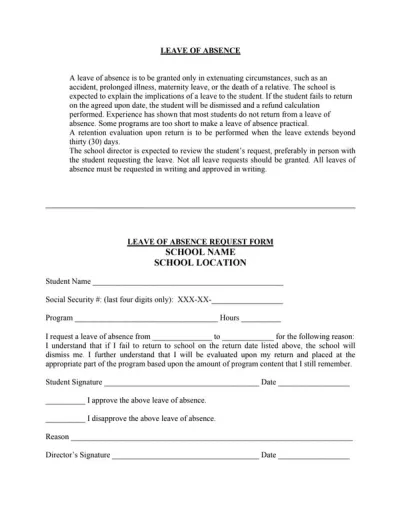
Leave of Absence
A leave of absence form is an official request to take approved time away from work or school.Thanks to our platform and the fillable leave of absence form we offer, you can type your details in the document online, sign digitally, and save it in minutes, without pre-printing or scanning.
Preview
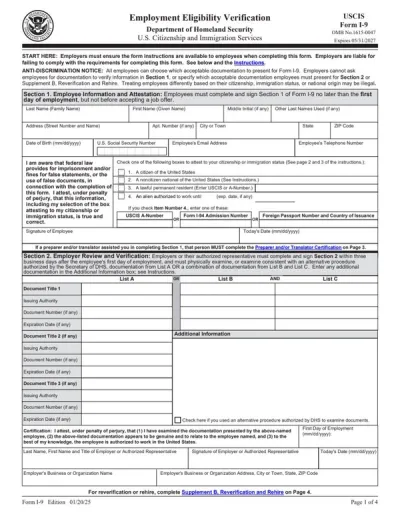
Form I-9
Employers use Form I-9 to verify the identity and employment authorization of their employees, whether they are U.S. citizens or noncitizens.Fill out our editable Form I-9 online by simply typing the required information directly into the empty slots. Once that’s done, download the form to your device, print it, and sign it by hand.
Preview
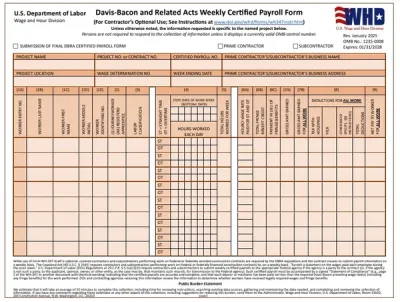
Certified Payroll Forms
Certified payroll forms are detailed weekly reports filled out by contractors or subcontractors working on federally funded construction projects that prove the workers are paid wages and benefits they are owed under the Davis-Bacon and Related Acts (DBRA).You’ll find fillable certified payroll forms in our PDF Forms hub, where you can easily open and customize them in our editor. This process is quick and easy, and once you complete it, download the form to your device and prepare it for submission.
Preview
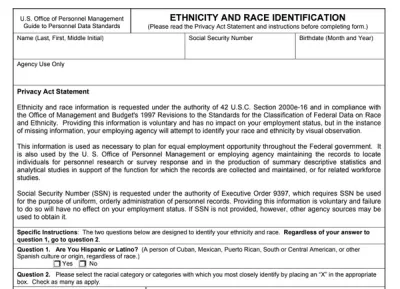
SF-181 Form
Form SF-181 is a U.S. Office of Personnel Management (OPM) document used to collect information about federal employees’ and job applicants’ ethnicity and race.Our printable SF-181 can be filled out in just a few minutes, after you open it in our PDF editor and type the required details directly into the empty fields. Then, submit the form to the HR or print it for further use.“I usually dread having to complete PDF forms, but the process is actually super easy with pdf.net. Just the other day, I filled out my SF-181, and it took me five minutes at most!”
Preview
VA Form OF-306
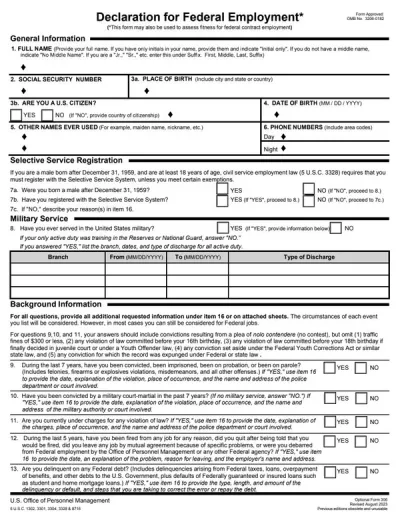
VA Form OF-306 is a document used to establish your eligibility when you apply for a federal or contract job and to determine your enrollment status in the government’s life insurance program.On our website, you’ll find an easily fillable VA Form OF-306, where you can insert the required information with just a few clicks.
Preview

Frequently asked questions

#1. How do I get a blank employee evaluation form?

You can get a blank employee evaluation form from pdf.net; simply click on it in our PDF Forms hub and then open it in our editor to complete it.

#2. How often should employee evaluations be conducted?

Employee evaluations are typically conducted annually, but the requirements vary from company to company. In some cases, performance reviews occur quarterly or even more frequently.

#3. Are employee evaluation forms legally required?

Most private employers aren't legally required to use employee evaluation forms, although federal agencies and some public-sector and unionized employers must follow appraisal rules. Even so, it's wise to use them and document each performance review to be able to justify future employment decisions.

#4. Is this form free?

This editable employee evaluation form is free to view and edit, but you need to purchase a subscription plan if you want to download it to your device.

#5. Can I correct mistakes on the employee evaluation form?

You can correct mistakes on the employee evaluation form, but once the employee has received it, add a dated correction instead of changing the original. Either way, be sure to discuss any corrections with the evaluated employee.

#6. What if I forgot to file the employee evaluation form?

If you forgot to file the employee evaluation form, complete it as soon as possible, note the actual review date, and submit it to HR. Late reviews can delay raises or the end of a probationary period.