IRS Form 4952 is used to calculate and claim the investment interest expense deduction on interest paid to buy or carry taxable investments, like margin loan interest. Now you can skip searching the IRS website and access and complete a printable Form 4952 on pdf.net in a breeze.

Form 4952
2025

Official IRS form

Trusted by accountants
How to Fill Out Form 4952
- Access the editable Form 4952 on pdf.net
- Enter investment interest expense (Part I)
- Add investment income and expenses (Part II)
- Review your net investment income total
- Enter your interest expense deduction (Part III)
- Download your completed Form 4952
What Is Form 4952 Used For?
Form 4952, Investment Interest Expense Deduction, is used for calculating and claiming interest paid on money borrowed to buy or carry taxable investments, such as margin loan interest. It’s limited to a person’s net investment income for the year.
Who Should Use Form 4952?
Individuals, estates, and trusts generally use Form 4952 to claim an investment interest expense deduction. You can skip the form only if your interest income and ordinary dividends, excluding qualified dividends, exceed your investment interest expense; you have no other deductible investment expenses; and you have no investment interest carryover from the previous year.
When Is Form 4952 Due?
The Form 4952 due date follows the deadline for the tax return it accompanies. For most individuals, this is April 15, generally extended to October 15 with a valid filing extension. Estates and trusts follow Form 1041 deadlines and generally qualify for a 5½-month filing extension. Weekend and holiday adjustments apply, and filing extensions do not extend the payment deadline.
What Happens If Form 4952 Is Not Submitted?
If Form 4952 is not submitted with your return, the IRS may request supporting information or disallow an unsupported investment interest expense deduction. Any resulting underpayment may lead to interest and applicable penalties. Omitting the form does not automatically eliminate your deduction, and taxpayers who meet the filing exception do not need to submit it.
How and Where Do I File Form 4952?
You file Form 4952 by attaching it to your Form 1040, 1040-SR, or 1041 and submitting the complete return electronically or by mail. For paper filing, use the address specified in the instructions for your main tax return; Form 4952 has no separate filing address.
How to Get Your Form 4952
 1
Open our fillable Form 4952
 2
Add interest and income details
 3
Download Form 4952 to your device
Related Forms
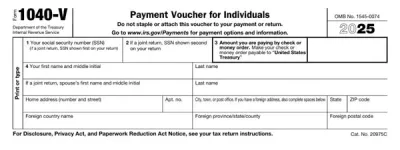
Form 1040-V
IRS Form 1040-V is a statement submitted with a check or a money order that you send to pay taxes you owe on your federal income return.With our fillable Form 1040-V, you can complete everything online within minutes. After that, download the form to your device and prepare it for submission.
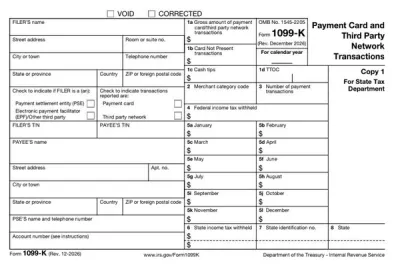
Form 1099-K
IRS Form 1099-K reports income for goods and services received through credit and debit cards, payment apps, and online marketplaces.If you are a payment settlement entity, our printable Form 1099-K and online PDF editor make the whole process much easier. You can easily fill out the form online and issue it to your client.
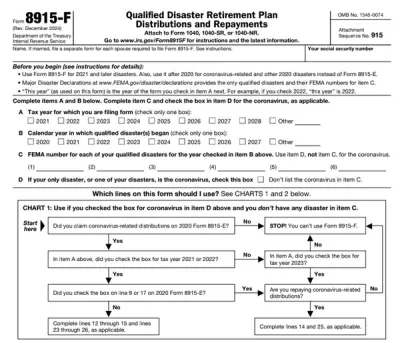
Form 8915-F
Form 8915-F is used by individuals adversely impacted by coronavirus and other qualified disasters beginning in 2021 to report retirement fund distributions and repayments.Browse through our PDF Forms hub, and you’ll find the fillable Form 8915-F you can easily open in our editor and complete with the required information on the spot. Afterward, you can download it to your device for filing and further use.“PDF.net saved me hours when completing Form 8915-F, since it’s really easy to use and gets the job done quickly. I’ll definitely be using it in the future!”
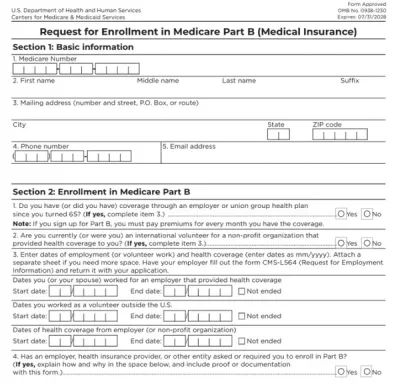
Form CMS-40B
Form CMS-40B helps you sign up for medical insurance for outpatient services, called Medicare Part B, if you’re already enrolled in Medicare Part A.Our fillable Form CMS-40B can be completed in just a few clicks; open it in our PDF editor and type directly into the document. Then, you can easily download and print it to submit it to your local Social Security office.“I used pdf.net to complete my CMS-40B, and I’m really happy with my experience. Everything went smoothly, and the service saved me hours!”
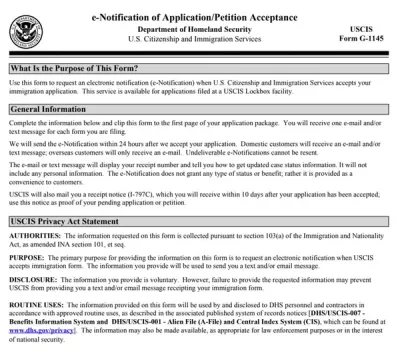
Form G-1145
Form G-1145 is a document used to request electronic notification when USCIS accepts the immigration application you submitted.Select our fillable Form G-1145 and open it in our PDF editor to enter the required information. When you’re done, you can save it to your device, print it, and attach it to your paper application or petition.
Frequently asked questions
#1. How do I get a blank Form 4952?
You can get a blank Form 4952 on our platform. Once you find it on pdf.net, you can open the printable template in our editor and start entering your investment interest details right away; no separate download is needed first.
#2. Can I submit Form 4952 electronically?
Yes, you can submit Form 4952 electronically by attaching it to your e-filed Form 1040 through IRS-approved tax software; the IRS doesn't accept the form filed on its own, separate from a return.
#3. What if my Form 4952 is missing information?
If your Form 4952 is missing information, the IRS may reject the deduction, delay processing, or send a notice requesting the missing details, so double-check every line (especially net investment income) based on the Form 4952 instructions before you file.
#4. Can I fill out my Form 4952 online?
Yes, you can fill out Form 4952 online using pdf.net's editor. Enter your investment interest and income figures directly into the template, then save or print the finished version.
#5. Is this form free?
Form 4952 itself is free to open and fill in, but you need to pay a subscription if you want to save it to your device.
#6. Can I correct mistakes on Form 4952?
Yes, you can correct mistakes on Form 4952 by submitting Form 1040-X with a corrected version and any other affected schedules. Estates and trusts use an amended Form 1041 instead. To make sure this doesn’t happen, review your document based on a completed Form 4952 example.
#7. How long does it take to process Form 4952?
Form 4952 is submitted with your tax return and has no separate processing timeline. For individual returns, the IRS generally issues refunds within three weeks of electronic filing or six or more weeks after receiving a paper return. Returns requiring corrections or additional review can take longer.