Form W-9 is a document used to give your correct taxpayer identification number (TIN) to a person who must report payments to the IRS.
Get yours ready in minutes; add your details to our fillable Form W-9 and prepare it for submission more simply.



Form W-9 is a document used to give your correct taxpayer identification number (TIN) to a person who must report payments to the IRS.
Get yours ready in minutes; add your details to our fillable Form W-9 and prepare it for submission more simply.
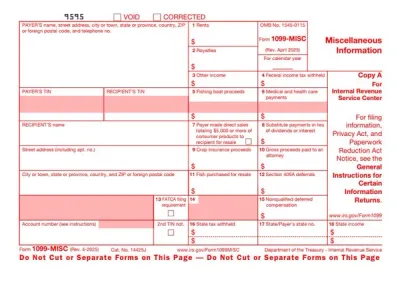
IRS Form W-9 is used for providing a requester with your correct taxpayer identification number (TIN) and applicable certifications, including your U.S. person status. Requesters use this information to prepare information returns covering non-employee compensation, interest, dividends, real estate transactions, and other reportable amounts.
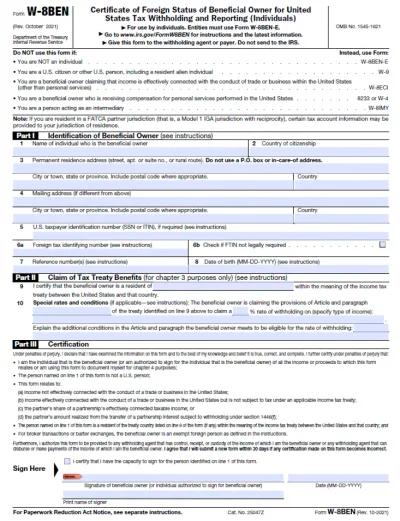
U.S. persons, including U.S. citizens, resident aliens, and qualifying domestic entities, use Form W-9 when asked to provide their TIN for tax reporting, while freelancers, contractors, and vendors commonly receive these requests. Additionally, foreign persons generally provide the appropriate Form W-8 or, in certain circumstances, Form 8233 instead.
Form W-9 has no standard filing deadline because you provide it to the requester rather than file it with the IRS, so you should return it by the requester’s deadline. Providing your correct TIN and any required certifications promptly helps prevent backup withholding on payments subject to those rules.
If Form W-9 is not submitted, this can trigger 24% backup withholding on payments subject to backup withholding rules (some payments, including real estate proceeds, are excluded).
Furthermore, potential Form W-9 penalties include $50 for each failure to furnish a correct TIN, unless reasonable cause applies and there is no willful neglect. A false statement made without a reasonable basis that results in no backup withholding can trigger a $500 penalty. Meanwhile, willfully false certifications may also lead to criminal fines or imprisonment.
You don’t file Form W-9 with the IRS but give it directly to the person or business requesting it. You should follow the applicable signature instructions and the requester’s submission process, be it on paper or through an electronic system that meets IRS requirements.
 1
1 2
2 3
3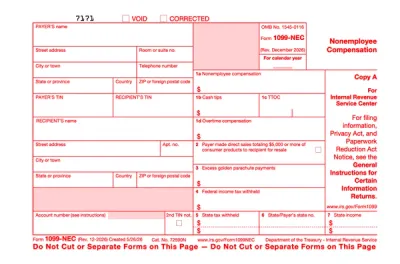
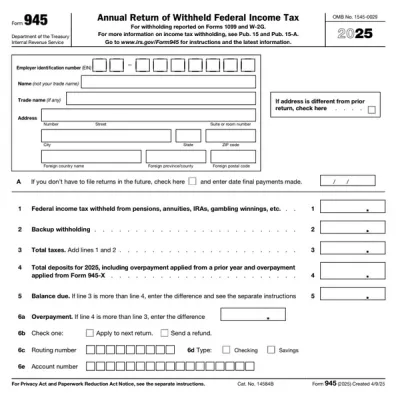
You can get a blank Form W-9 from pdf.net by opening it in our online editor. Fill it out online and download it to your device. No software installation.
Yes, you can submit Form W-9 electronically if the requester accepts it through a system that meets IRS requirements. When a signature is required, the system must collect an electronic signature under penalties of perjury. It’s best to ask the requester which secure submission method to use, and avoid sending your TIN through unsecured channels.
If your Form W-9 is missing information, such as a TIN or signature, the requester may ask you to resubmit it, and backup withholding may apply. Compare your entries with a Form W-9 example and the Form W-9 instructions before sending, and always double-check Lines 1 and 3a before you sign.
Yes, you can fill out Form W-9 online with our editor. Enter your name, tax classification, address, and TIN directly in the blanks, add your signature, and download the printable Form W-9 to give your requester.
This form is free to open, view, and edit, but the options that allow you to download the final document require payment.
Yes, you can correct mistakes on Form W-9 by completing a new form with the right details and giving it to your requester. The IRS also says you must furnish a new Form W-9 if the name or TIN for the account changes. Therefore, make sure you review the corrected lines, and then sign and date Part II again.
Form W-9 has no IRS processing time because it is not sent to the IRS. The requester keeps it, so handling time depends on them.