

Hassle-Free Online PDF Editor
Regulations changed and I needed to update dates across a dozen policy documents. Changed the text directly instead of rebuilding everything—saved me hours.

Start editing your PDF


I managed to change text, annotate the file, reorganize pages, and convert my document from and to PDF, all with a single editing tool. Just amazing.

How to change text in PDF
 1
1
Upload your file
 2
2
Change the text in the PDF document
 3
3
Download the updated file
Why people prefer pdf.net
Simple and easy for daily use
Our online PDF editor features a clean, intuitive, and user-friendly interface designed for amateurs and professionals alike. You can navigate it with ease and edit your PDF file, even if you’ve never done it before.

All‑in‑one PDF editor
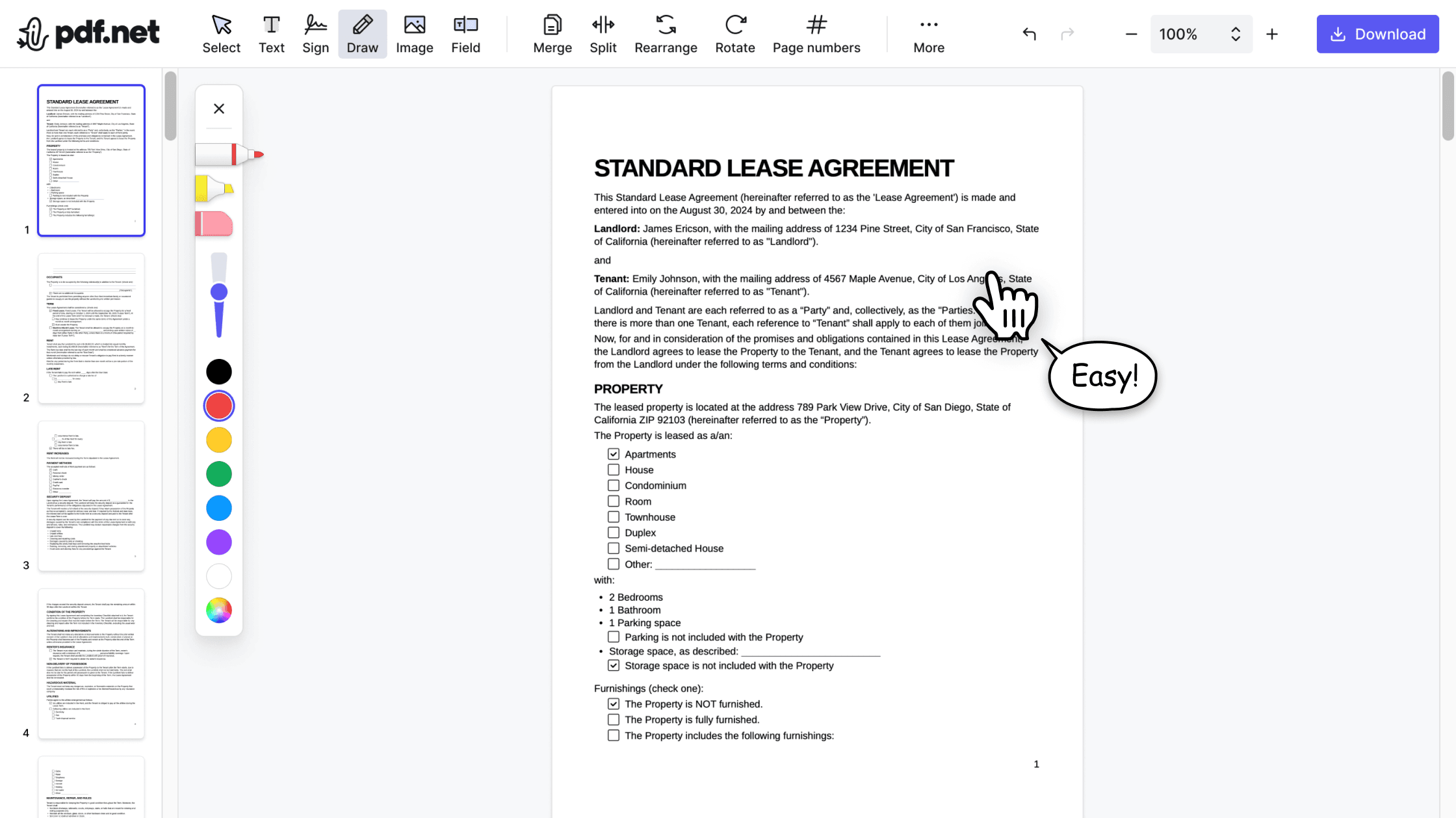
Our editor offers a robust and comprehensive set of features that allow you to customize your documents, merge them, sign them, and much more. No need to transfer your files between several applications anymore.

Keeping formatting without issues
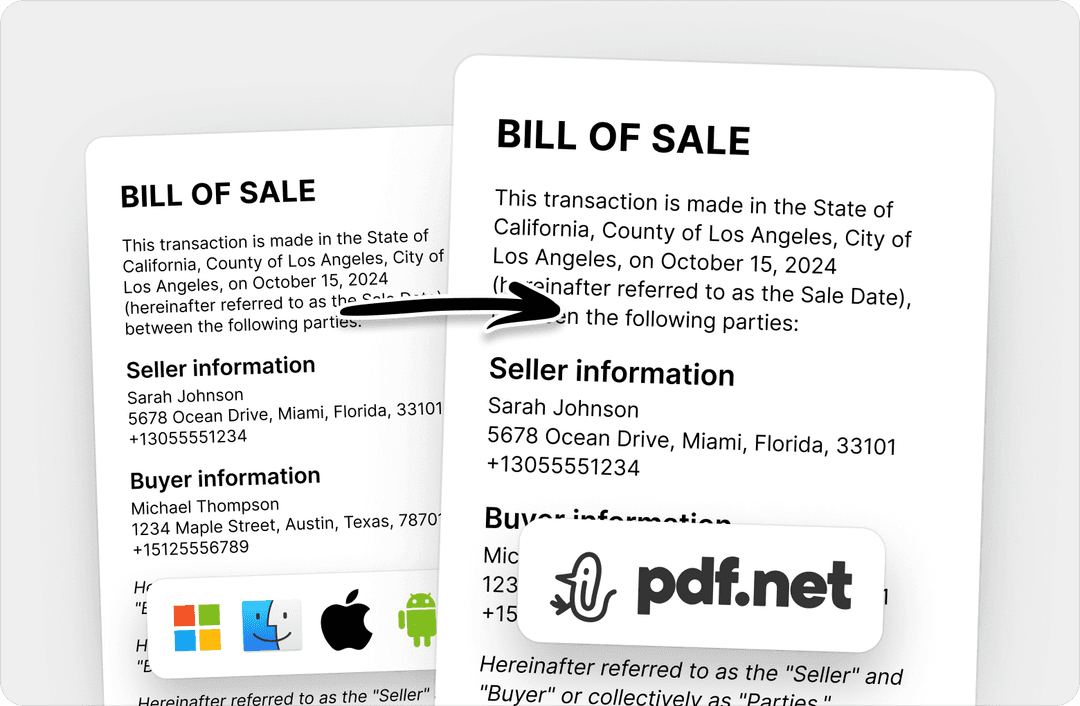
No more messy documents and inconsistent formatting across multiple systems or devices. Our online PDF editor is cross-platform compatible and maintains uniformity whether you’re using a PC, MacOS, smartphone, or tablet.
People all over the world trust pdf.net to edit their docs
I used many online editors, but this is the first one that consistently maintained formatting when I converted PDF into DOC and PNG files.


I used many online editors, but this is the first one that consistently maintained formatting when I converted PDF into DOC and PNG files.
This editor instantly became my go-to for PDFs because it makes adding and rewriting text easy and intuitive.

I had a long PDF file that I needed to split into ten shorter documents. This online PDF editor helped me do that in under five minutes.

I had half an hour to edit and sign one PDF before sending it to the client, and this tool saved my day.

Frequently asked questions
- Are my PDF files secure when using this tool?
- Yes, your PDF files are secure when using pdf.net, which applies HTTPS encryption to keep your files private and protected.
- How can I change the font style or size in a PDF document?
- To change the font style or size in a PDF, upload your document to pdf.net, select the text you want to edit, and adjust the font style or size directly in our PDF editor.
- Can I change text in a PDF on mobile devices?
- Yes, you can change text in a PDF on mobile devices by opening pdf.net in a browser like Chrome or Safari. With our all‑in‑one online editor, you can easily adjust text in PDF on any device with an internet connection.
- Is there a way to change text in a PDF without converting it to Word?
- Yes, there’s a way to change text in a PDF without converting it to Word. Just upload your document to pdf.net, make your changes directly in the editor, and download the modified document.
- Can I change text in a PDF without losing formatting?
- Yes, you can change text in a PDF without losing formatting. Our online PDF editor preserves your document's formatting and quality in most cases, even after editing.
- Is it possible to change text in a PDF file online?
- Yes, it’s possible to change text in a PDF file online with pdf.net. Our online editor is cloud-based, so you can edit your PDF directly in the browser without downloading any software.
- Can I use pdf.net on a Mac, Linux, or smartphone?
- Yes, you can use pdf.net on a Mac, Linux, or smartphone as long as you have an internet connection.