

High-End Tool to Add Page Numbers to PDF
That is what makes PDF.net stand out for me. I do not have to scratch my head or waste time figuring things out when I am under pressure. Everything feels obvious. It just flows.


All PDF tools in one place


More tools

Convert Word to PDF

Convert JPG to PDF

Convert PNG to PDF

Convert PDF to JPG

PDF to Excel

Convert PDF to PNG

Convert Markdown to PDF

Convert Excel to PDF

PDF to CSV

PDF to PowerPoint

Convert HEIC to PDF

Bank Statement to Excel

Convert EPUB to PDF

Convert PDF to Markdown

Convert PDF to Text

Compare PDF

Add Image

Split File

Rearrange Pages

Annotate

Rotate Pages

Extract Pages

Make PDF Fillable

Unlock PDF

Protect PDF

Redact PDF

Sign Document

Request Signature

Remove Signature Background

Signature Generator

Chat with PDF

PDF Summarizer

Generate PDF

AI Form Filler

Share PDF
How to Add Page Numbers to a PDF
 1
1Upload your PDF file
 2
2Select number location and format
 3
3Download the file with numbered pages
Why people prefer pdf.net
Simple and easy for daily use
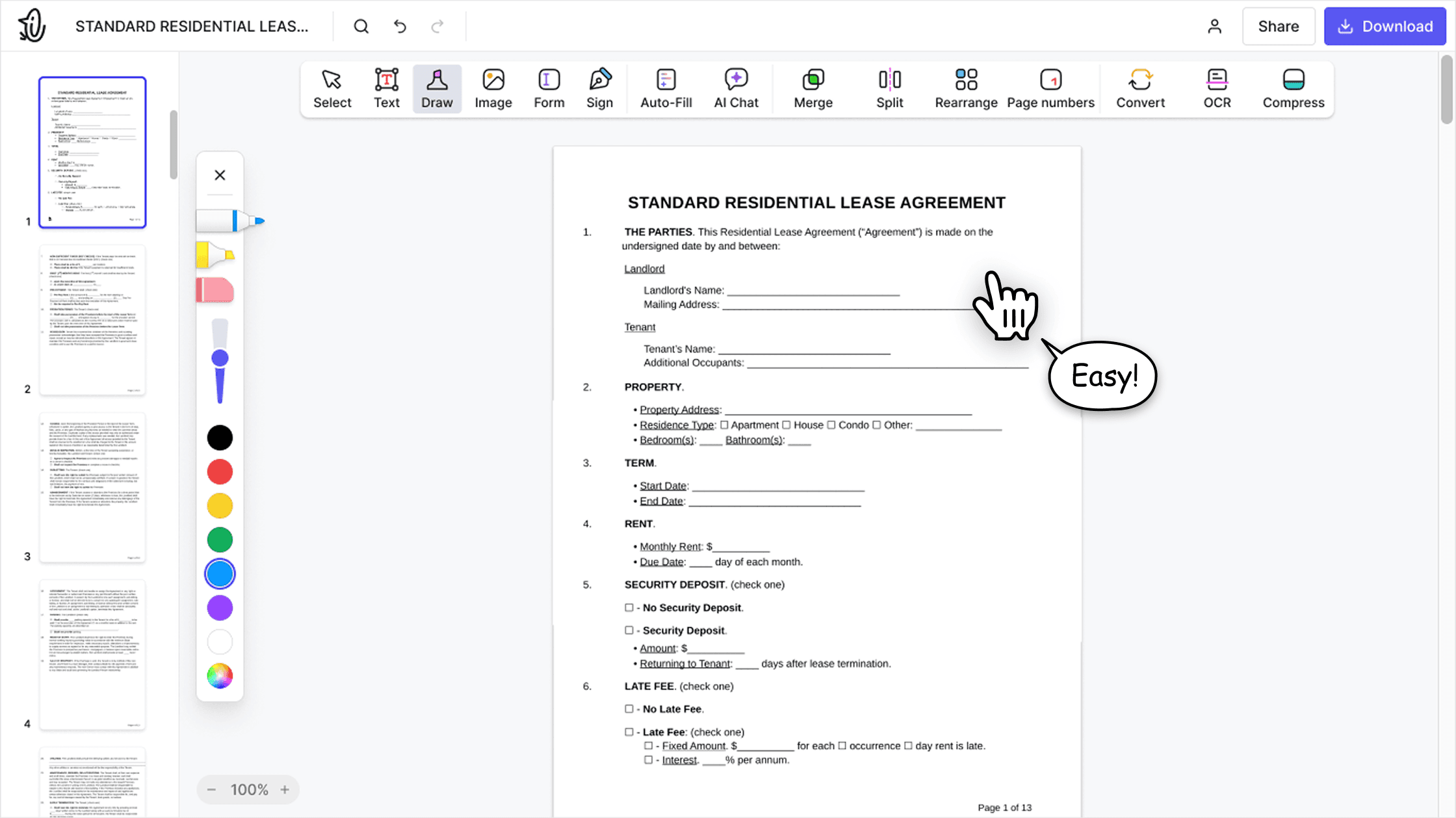
Our online PDF editor features a clean, intuitive, and user-friendly interface designed for amateurs and professionals alike. You can navigate it with ease and edit your PDF file, even if you’ve never done it before.

All‑in‑one PDF editor
Our editor offers a robust and comprehensive set of features that allow you to customize your documents, merge them, sign them, and much more. No need to transfer your files between several applications anymore.

Keeping formatting without issues
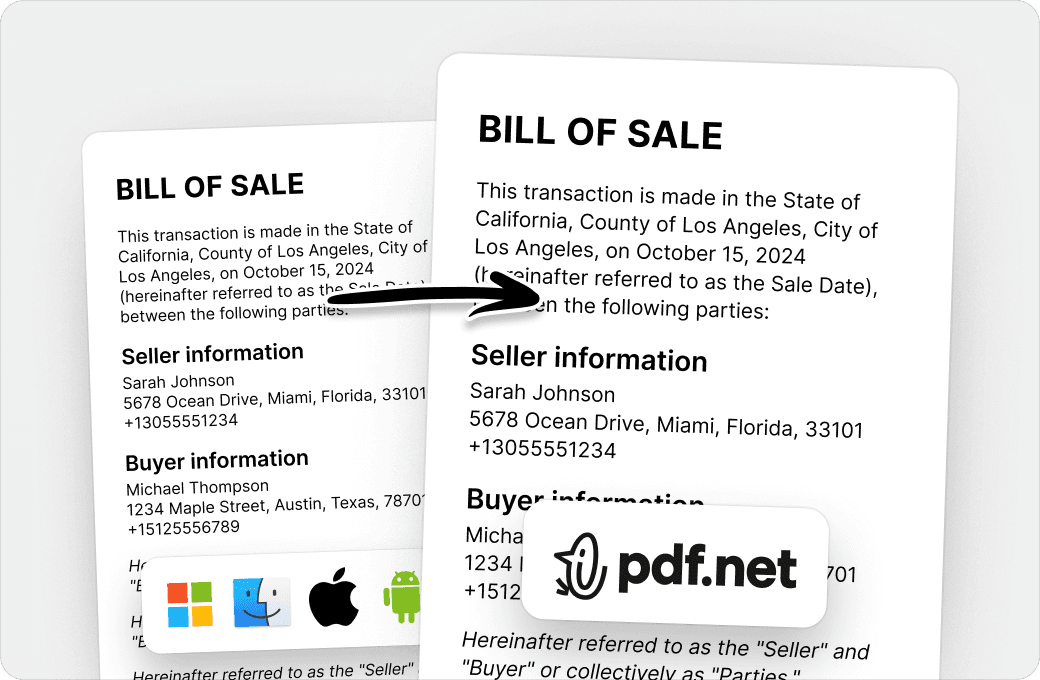
No more messy documents and inconsistent formatting across multiple systems or devices. Our online PDF editor is cross-platform compatible and maintains uniformity whether you’re using a PC, MacOS, smartphone, or tablet.
People all over the world trust pdf.net to edit their docs
Great product! I needed to edit a few PDFs and it worked great. Our team will use this every day. The ability to add signatures and passwords without any effort is so amazing.


Great product! I needed to edit a few PDFs and it worked great. Our team will use this every day. The ability to add signatures and passwords without any effort is so amazing.
An excellent product. It’s every bit as good as the more well-known (and more expensive) desktop programmes. What’s more, as it’s an app, it works on any device (provided you have an internet connection, of course).

The AI is very good, concise and accurate. refers exactly to the points in document for further reading.

My experience was very pleasant. It is very easy to use. Being that I am not text savvy, the instructions and help that was provided made me feel like a pro.

Frequently asked questions
- How do I add page numbers to a PDF using pdf.net?
- You can add page numbers to a PDF with pdf.net. Just upload your file, choose the number location and format, apply the changes, and download your file. You can also select which pages to number according to your preferences.
- Can I customize the page numbers on my PDF?
- Yes, you can customize the page numbers on your PDF using pdf.net page numbering tool. You can add page numbers to a PDF in Preview, edit PDF page numbers, and change the margin, font, position, and numbering order.
- Is it possible to add page numbers to specific pages in a PDF?
- Yes, it’s possible to add page numbers to specific pages in a PDF. Upload your file to pdf.net, select where you want the numbering to start and end, apply the changes, and download the numbered file.
- Can I remove page numbers from a PDF after adding them?
- Yes, you can remove page numbers from a PDF after adding them with our PDF page remover.
- Do I need to install software to add page numbers?
- No, you do not need to install software to add page numbers. Instead, you can use our PDF page number editor to add page numbers to PDF online in simple steps — upload, select the numbering feature, order the page number, and download your document.
- Can I add page numbers to a scanned PDF or image-based PDF?
- Yes, you can add page numbers to a scanned PDF or image-based PDF. Upload your scanned PDF, then use our tool to add and customize page numbers.
- Is there a limit to the number of PDFs I can edit on pdf.net?
- No, there isn’t a limit on the number of PDFs you can edit. pdf.net is available on both desktop and mobile devices.
- Will adding page numbers affect the formatting or quality of my PDF?
- No, adding page numbers will not affect the formatting or quality of your PDF.
- How long does it take to add page numbers to a PDF?
- Usually it takes seconds to add page numbers to a PDF. The length of this process depends on the size of your document and how many pages you want to number and customize, but it generally doesn’t take more than a few minutes.
- Is it safe to use pdf.net to add page numbers to my PDF?
- Yes, it is safe to use pdf.net to add page numbers to your PDF. Our online PDF editor uses HTTPS encryption to keep your documents private and protected.
- What file formats can I add page numbers to?
- Add page numbers to a PDF online, with control over position and format. pdf.net also accepts Word documents (DOC, DOCX) and JPG and PNG images, and your file opens in the editor.