

Convert PDF Tables to CSV Files Online in Seconds
Our browser-based PDF editor extracts structured data from your documents to convert PDF to CSV online.
Supports PDF, JPG, PNG
Files stay private
It's great that I can access it from all my devices, since it runs in the browser.

KlemensTrustpilot review
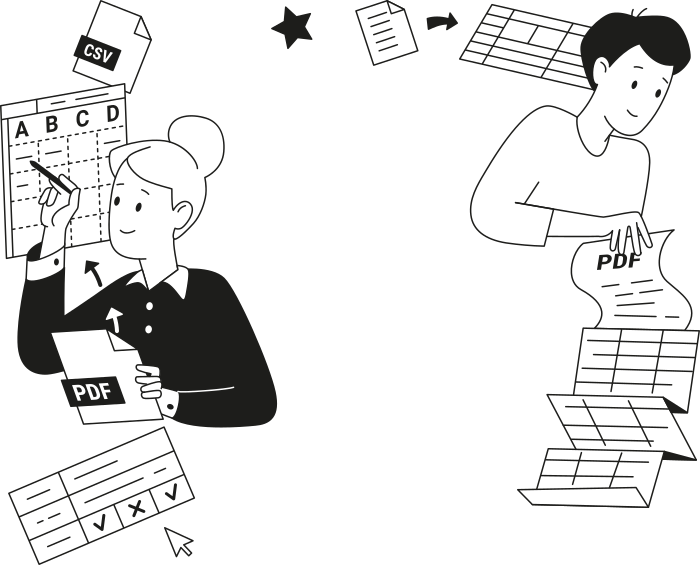
All PDF tools in one place
No installs, no app-switching — works on any device


More tools

Convert PDF to Word
Convert PDF to editable DOC/DOCX. Retain layout & fonts.

Convert Word to PDF
Transform DOC/DOCX to PDF. Preserve formatting.

Convert PNG to PDF
Combine multiple PNG images into one PDF. Resolution maintained.

Convert PDF to JPG
Turn PDF pages into separate JPEG images. Ready to share or upload.

Convert Markdown to PDF
Paste or upload your .md file and get a formatted PDF in seconds. Tables and code blocks included.

Convert Excel to PDF
Turn XLS & XLSX into a clean, shareable PDF. Formatting intact.

PDF to PowerPoint
Get editable PPT & PPTX slides. Keep fonts & layout.

Convert HEIC to PDF
Turn iPhone HEIC photos into a shareable PDF. Opens on any device.

Convert PowerPoint to PDF
Turn PPT & PPTX into a share-ready PDF. Opens on any device.

Bank Statement to Excel
Convert PDF bank statements to editable Excel or CSV files for accounting and analysis.

Convert EPUB to PDF
Turn an EPUB eBook into a print-ready PDF. Opens on any device.

Convert PDF to Markdown
Turn a PDF into clean MD text, ready for your notes, docs, or repo.

Convert PDF to Text
Get the text from your PDF as a .txt file. Copy it into emails, documents, or notes.

Add Text
Customize font, size & color. Move & resize easily.

Change Text
Edit PDF text directly. Change font, size, color.

Compress
Reduce PDF file size with 3 compression levels.

Split File
Split PDF into multiple files. Choose any page to divide.

Rearrange Pages
Drag & drop to reorganize. Delete, duplicate, rotate pages.

Add Page Numbers
Number pages automatically. Choose position, format, margins.

Annotate
Mark up PDFs: draw, highlight, erase. Multiple colors & line widths.

Rotate Pages
Adjust PDF orientation easily. Choose single, multiple, or all pages.

Bates Numbering
Add Bates numbers automatically. Choose prefix, suffix, and numbering style.

Extract Pages
Select the pages you need and save them as a new PDF.

Make PDF Fillable
Add text fields, checkboxes & signatures. Works on flat and scanned forms.

Unlock PDF
Remove passwords and restrictions with just a few clicks.

Protect PDF
Secure PDF from unauthorized use with a password.

Redact PDF
Black out sensitive text or whole pages before you share a PDF.

Sign Document
Type, draw, or upload signature. Legally binding.

Request Signature
Send PDFs to anyone for signing. Mark where to sign, invite by email. Get signed document back.

Signature Generator
Type, draw, or upload your signature. Save and reuse it across documents.

Chat with PDF
Ask AI any questions about your PDF.

PDF Summarizer
Summarize PDFs into key points with AI.

Generate PDF
Describe a doc you need and get a formatted PDF.

AI Form Filler
Upload a form & a doc you have. AI fills in the fields.

Share PDF
Upload and share PDF via secure link or email in seconds. Control who can view or edit.
How to Convert PDF to CSV Online
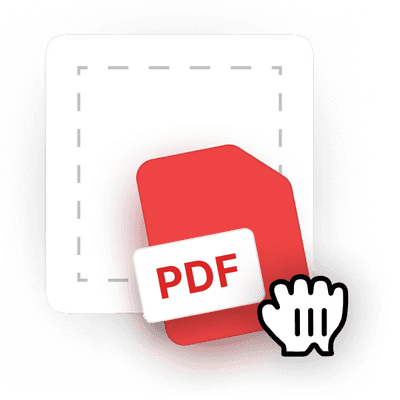 1
1Upload your PDF file
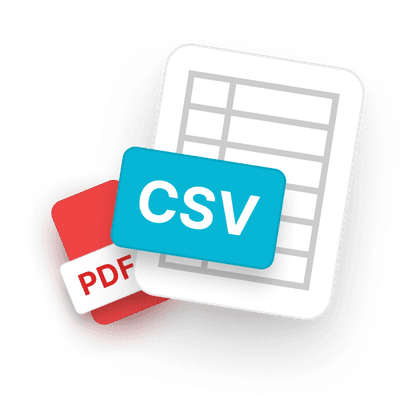 2
2Let our PDF tool extract and convert data
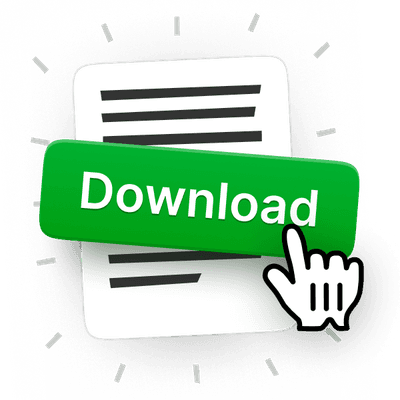 3
3Download your CSV file
Why people prefer pdf.net
Simple and easy for daily use
Our online PDF editor features a clean, intuitive, and user-friendly interface designed for amateurs and professionals alike. You can navigate it with ease and edit your PDF file, even if you’ve never done it before.
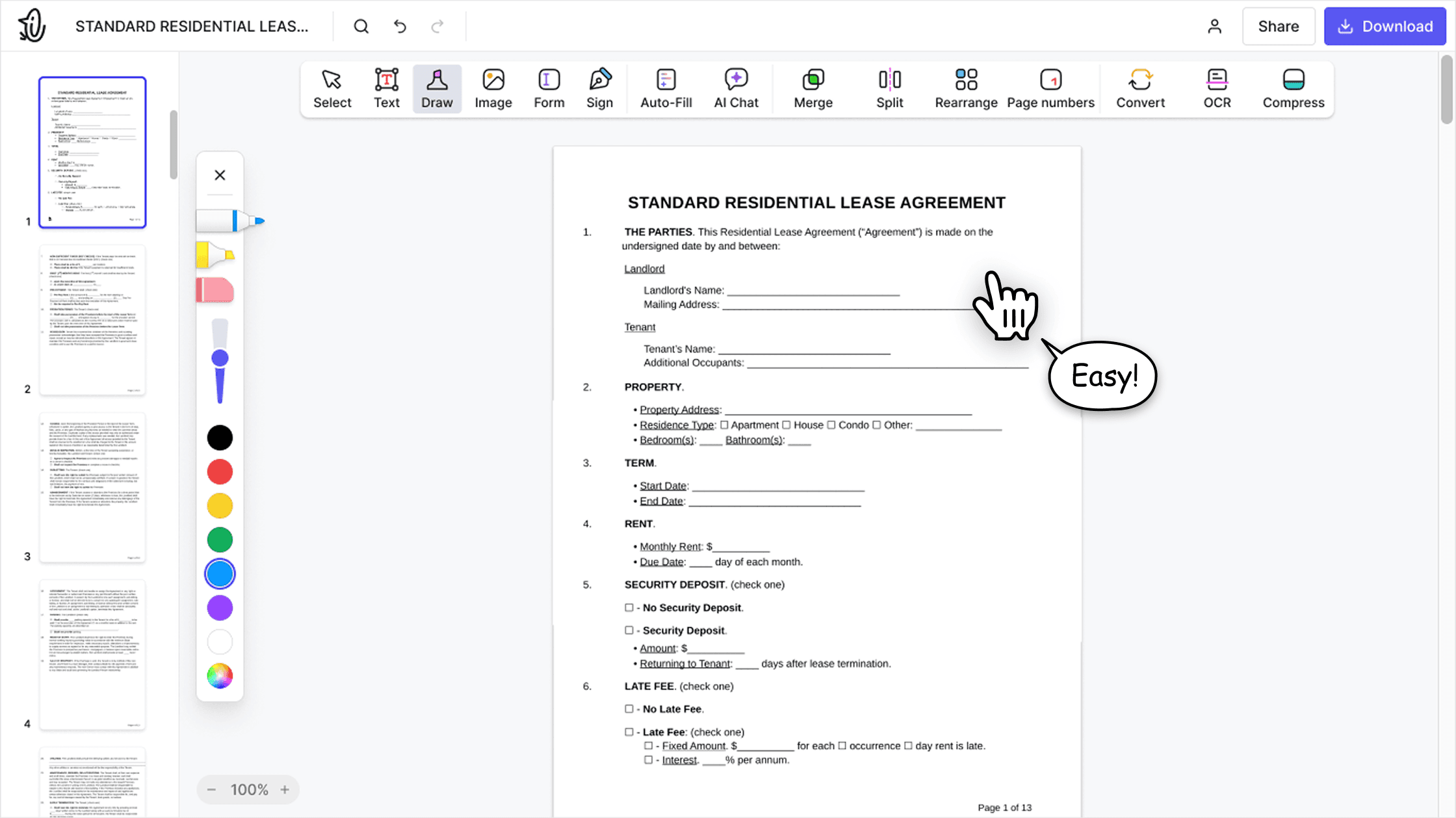

All‑in‑one PDF editor
Our editor offers a robust and comprehensive set of features that allow you to customize your documents, merge them, sign them, and much more. No need to transfer your files between several applications anymore.

Keeping formatting without issues
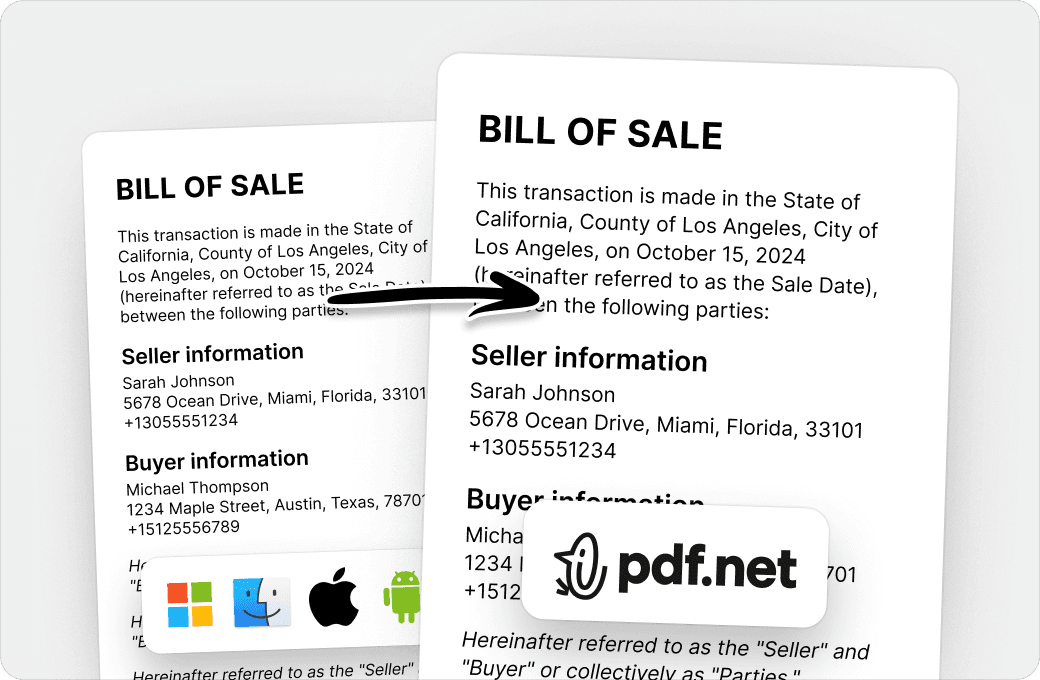
No more messy documents and inconsistent formatting across multiple systems or devices. Our online PDF editor is cross-platform compatible and maintains uniformity whether you’re using a PC, MacOS, smartphone, or tablet.
People all over the world trust pdf.net to edit their docs
The app works well and is convenient to access and use. Quick & easy!


Donyell MurphyTrustpilot review
The app works well and is convenient to access and use. Quick & easy!
Donyell MurphyTrustpilot review
I can attest that this by far is budget-friendly and well worth it! does everything it says it does plus more.

KinahTrustpilot review
Today we were submitting an RFP and got hit at the last minute with a bunch of PDF gymnastics: extracting individual pages from a 50-page master PDF, editing them, and merging them back into a new submission document. Without this tool, we probably would not have made the deadline.

AbeChallahAppSumo review
I was able to get my documents signed and got it on time and I did it all for free thank you so much.

Laqueen JordanTrustpilot review
Frequently asked questions
- Is the PDF to CSV conversion accurate?
- The PDF to CSV conversion via pdf.net is designed to detect rows, columns, and table structures within PDFs, then extract data into clean CSV files ready for spreadsheet use.
- Will my table formatting be preserved?
- Rows and columns are mostly preserved in the CSV output, keeping the data structured and usable in spreadsheet applications.
- Is my data secure when converting from PDF to CSV?
- Yes. Your files are encrypted with AES-256 at rest and TLS in transit. We never sell your data or share it with third parties, and our providers are contractually barred from using your documents for training, profiling or resale. Files stay in your account until you delete them.
- Do I need to install any software?
- No, you don’t need to install any software. Our PDF to CSV converter is fully browser-based, so you just have to ensure there is a reliable Internet connection for you to perform the conversion online.
- Can I convert multiple PDFs to CSVs at once?
- No, you can’t convert multiple PDFs to CSVs at once. Currently, our PDF tool only supports converting one file at a time to maintain accurate PDF data extraction and stable processing across devices.
- Does your PDF to CSV tool support large files?
- Our PDF to CSV tool does support large files. You can use it to convert reports, invoices, financial statements, and data-heavy documents into clean CSV files suitable for spreadsheets and data analysis workflows.
- Can I edit the CSV file after conversion?
- Yes, you can edit the CSV file after converting it from a PDF. You just need to open it in a spreadsheet application, such as Excel or Google Sheets, or in another data analysis tool, to make and save your changes.
- Does the PDF to CSV tool work on mobile devices?
- Yes, our PDF to CSV tool works on phones and tablets. You can open a PDF and set up the table extraction straight from your mobile browser.
- How long does PDF to CSV conversion take?
- Converting PDF tables to CSVs through pdf.net typically takes only a few seconds. Larger files or complex tables may take slightly longer, and conversion time can also depend on your internet connection speed.
- Can I convert PDFs created from Word or Excel?
- Yes, you can convert PDFs created from Word or Excel. These usually convert very well, as tables generated from spreadsheets and documents follow clear structures that are easy to extract into accurate CSVs.
- What file formats are supported?
- Turn the tables in your PDF into a clean CSV file. You can also upload JPG and PNG images, and your file opens in the editor.