

Instant Online PDF Compression Tool
I needed to compress a 50MB presentation down to email size without losing quality. This tool did it in seconds, and my clients received crystal-clear files.

Start editing your PDF


My portfolio was 85MB—way over every email limit. Compressed it down to 8MB with zero noticeable quality loss. Finally started getting it in front of firms.

How to compress PDF in no time
 1
1
Upload your PDF file
 2
2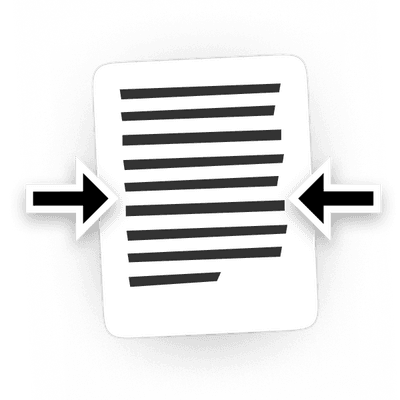
Reduce PDF file size to desired specifications
 3
3
Download the compressed file
Why people prefer pdf.net
Simple and easy for daily use
Our online PDF editor features a clean, intuitive, and user-friendly interface designed for amateurs and professionals alike. You can navigate it with ease and edit your PDF file, even if you’ve never done it before.
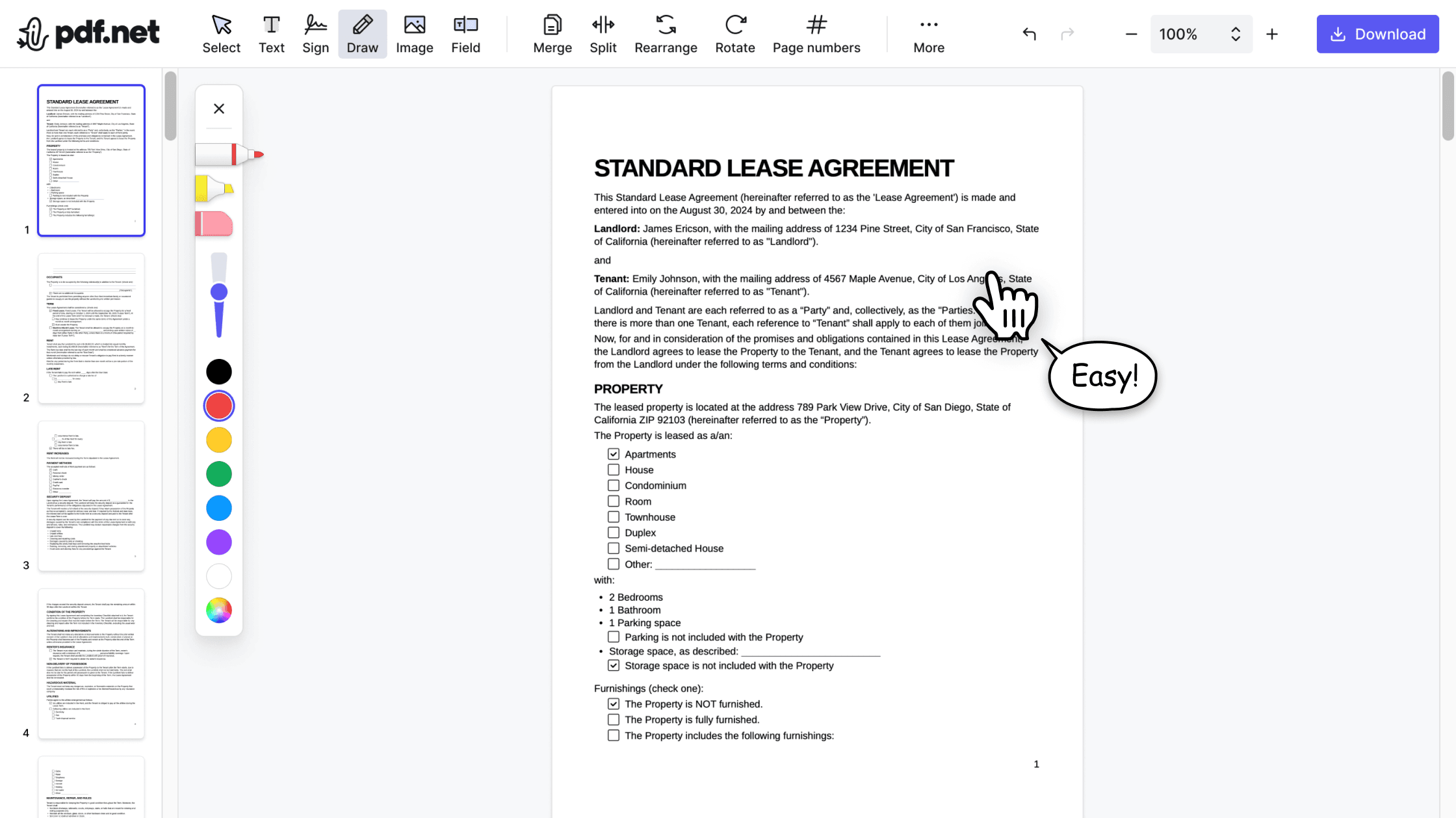

All‑in‑one PDF editor
Our editor offers a robust and comprehensive set of features that allow you to customize your documents, merge them, sign them, and much more. No need to transfer your files between several applications anymore.

Keeping formatting without issues
No more messy documents and inconsistent formatting across multiple systems or devices. Our online PDF editor is cross-platform compatible and maintains uniformity whether you’re using a PC, MacOS, smartphone, or tablet.
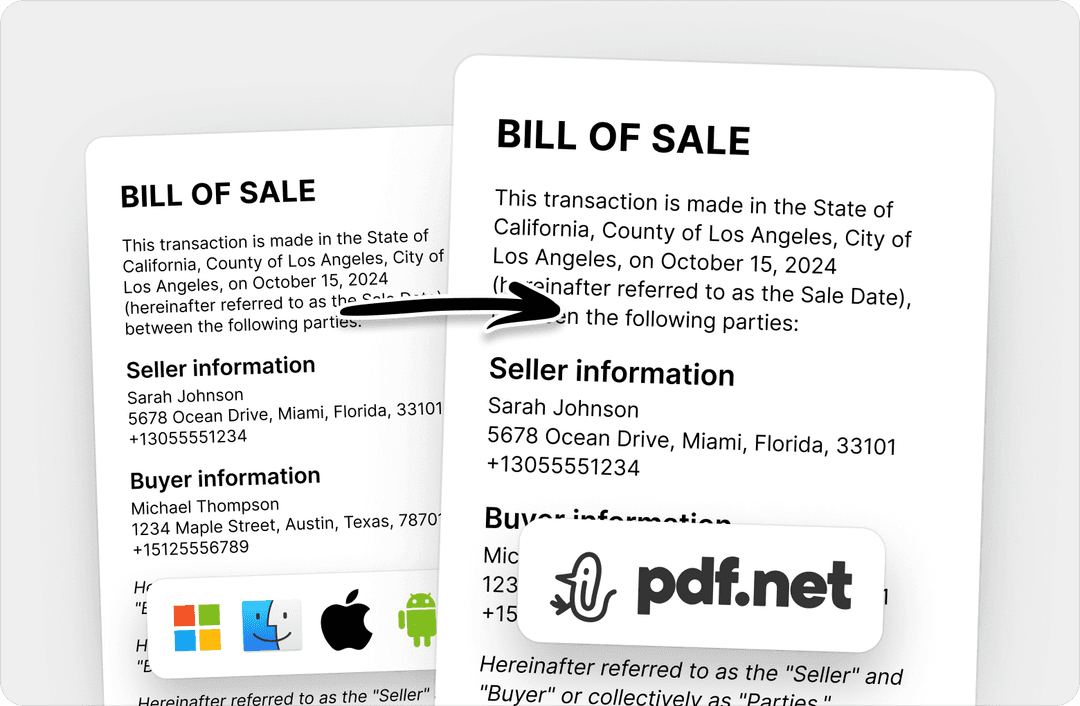
People all over the world trust pdf.net to edit their docs
I used many online editors, but this is the first one that consistently maintained formatting when I converted PDF into DOC and PNG files.


I used many online editors, but this is the first one that consistently maintained formatting when I converted PDF into DOC and PNG files.
This editor instantly became my go-to for PDFs because it makes adding and rewriting text easy and intuitive.

I had a long PDF file that I needed to split into ten shorter documents. This online PDF editor helped me do that in under five minutes.

I had half an hour to edit and sign one PDF before sending it to the client, and this tool saved my day.

Frequently asked questions
- How can I compress a PDF using your tool?
- To compress a PDF using our tool, all you have to do is upload your document and reduce the PDF file size to your desired specifications. When done, you can download the compressed file.
- Will compressing a PDF affect its quality?
- Compression does affect quality to some degree, but pdf.net lets you choose the compression level so you stay in control of the tradeoff between file size and quality.
- Is it safe to compress PDFs online?
- Yes, it’s safe to compress PDFs online with pdf.net. Our editor uses HTTPS encryption and processes your files on secure servers that are not shared with third parties.
- Can I compress multiple PDFs at once?
- No, you can’t compress multiple PDFs at once since batch compression isn’t supported. However, you can still compress multiple files by processing them one at a time.
- Is PDF compression free?
- No, PDF compression is a paid feature on pdf.net. However, with our online editor, you can compress your files online without any software downloads.
- Are there any file size limits for uploading?
- Yes, there’s a 500 MB file size limit for uploading documents on pdf.net. So, if you want to shrink PDFs larger than 500 MB, you may need to split the PDF into separate parts until each part meets the file limit.
- Can I compress a password-protected PDF?
- Yes, you can compress a password-protected PDF as long as you have the password. If you don’t have the password, you’ll need to create an unlocked copy of the document before compressing it.
- Which devices and browsers are supported?
- All devices and browsers are supported by pdf.net. As long as you have an internet connection, you can use our online tool for PDF file optimization on your mobile phone, laptop, or tablet.
- What file size can I reduce my PDF to?
- With pdf.net, you can reduce your PDF to a size that works best for you, such as 500KB, 200 KB, or lower, depending on your original file and desired quality.
- What to do if a PDF is too large for email?
- If a PDF is too large for email, you can use pdf.net to reduce its size. If you’re worried about getting blurry or low-quality text when you compress PDFs for email, upload the file to our online editor and compress it to reduce the file size before sending, keeping the quality intact.
- What’s the difference between reduced and optimized PDF size?
- Reducing a PDF simply decreases the file size through compression. Optimizing goes further—it lets you adjust image resolution and other elements for more control over the output.