

Send PDFs for Signatures and Get Them Signed Faster
Very easy to navigate through and use.

All PDF tools in one place


More tools

Convert JPG to PDF

Convert PNG to PDF

Convert PDF to JPG

PDF to Excel

Convert PDF to PNG

Convert Markdown to PDF

Convert Excel to PDF

PDF to CSV

PDF to PowerPoint

Convert HEIC to PDF

Convert PowerPoint to PDF

Bank Statement to Excel

Convert EPUB to PDF

Convert PDF to Markdown

Convert PDF to Text

Change Text

Compress

Add Image

Split File

Rearrange Pages

Add Page Numbers

Annotate

Rotate Pages

Bates Numbering

Extract Pages

Make PDF Fillable

Unlock PDF

Protect PDF

Redact PDF

Signature Generator

Chat with PDF

PDF Summarizer

Generate PDF

AI Form Filler

Share PDF
How to Request a Signature on a PDF
 1
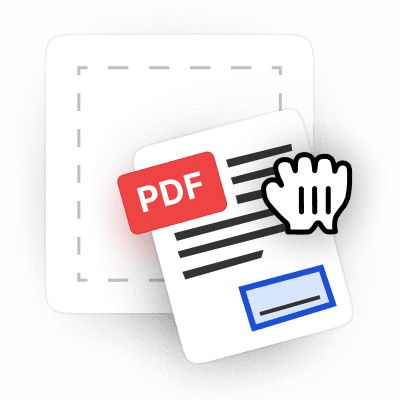
1Upload your PDF document
 2
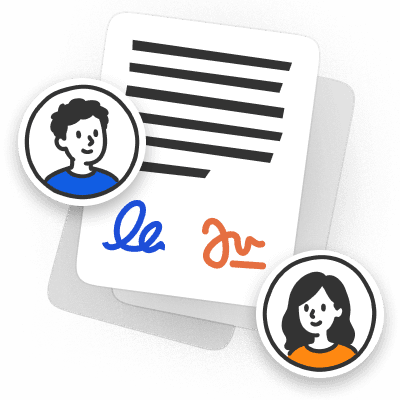
2Send your PDF for signatures online
 3
3Review and download the signed PDF
Why people prefer pdf.net
Simple and easy for daily use
Our online PDF editor features a clean, intuitive, and user-friendly interface designed for amateurs and professionals alike. You can navigate it with ease and edit your PDF file, even if you’ve never done it before.
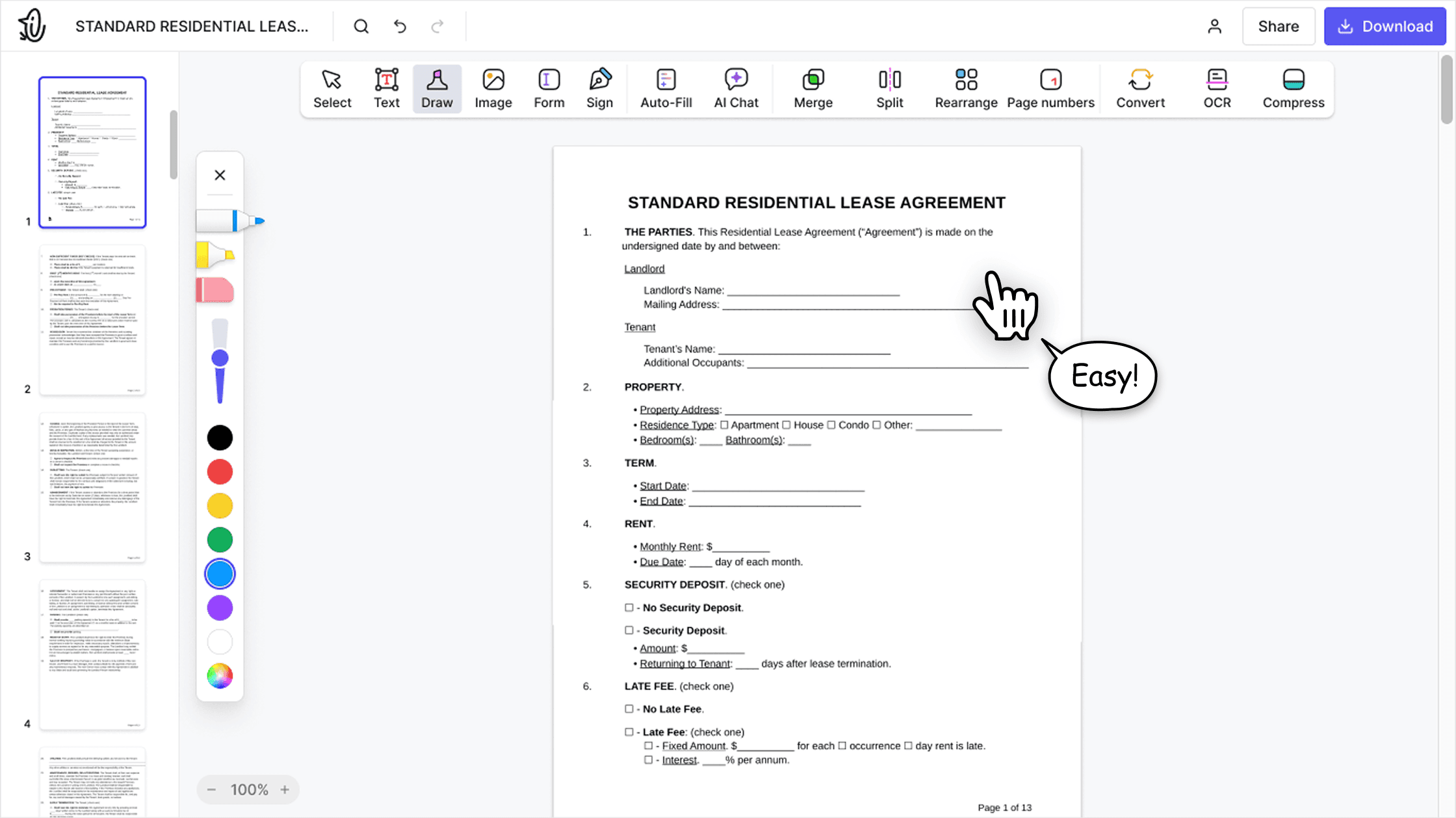

All‑in‑one PDF editor
Our editor offers a robust and comprehensive set of features that allow you to customize your documents, merge them, sign them, and much more. No need to transfer your files between several applications anymore.

Keeping formatting without issues
No more messy documents and inconsistent formatting across multiple systems or devices. Our online PDF editor is cross-platform compatible and maintains uniformity whether you’re using a PC, MacOS, smartphone, or tablet.
People all over the world trust pdf.net to edit their docs
The best part I love about this platform is its ability to collaborate and share files on this platform. The security of the files is also enhanced on this platform by its capability to add password which secures the entire content of the files.


The best part I love about this platform is its ability to collaborate and share files on this platform. The security of the files is also enhanced on this platform by its capability to add password which secures the entire content of the files.
I had a document that I had to send to someone that I couldn't convert and I was able to thanks to pdf.net, I got my certificate. I'll be using them in the future if I need it!

Software works very well. Easy to use and renders quickly. A MUST have working with PDF documents.

No trouble adding text to existing fields. Finished document looked very professional!

Frequently asked questions
- Can I request signatures from multiple people?
- Yes, you can request signatures from multiple people by sending your PDF to several recipients. It is possible to set the signing order or allow everyone to sign at the same time.
- Do recipients need to create an account to sign?
- No, recipients don't need to create an account to sign. Just apply the online signature on PDF and validate the document.
- Can I ask recipients to fill in additional information beyond their signature?
- Yes, you can add fillable fields, like name, date, initials, or custom text, when preparing your PDF. Assign each field to a specific recipient, and they'll only see and complete the fields assigned to them.
- How do I know the document stays unchanged during signing?
- Your document stays fully protected. Recipients can only interact with the fields assigned to them, like signature boxes or fillable fields. They cannot edit the document content, move elements, or fill fields assigned to others. All other parts of the PDF remain locked.
- Are electronic signatures legally binding?
- Electronic signatures are legally binding if they meet the requirements of the ESIGN Act: intent to sign, consent to do business electronically, and reliable record retention. They can be accepted by banks, government agencies, and courts in most cases.
- How will I know when someone signs the document?
- You will know when someone signs the document through real-time notifications. You can also track the status of every requested signature online in your dashboard at any time.
- Is it safe to request a PDF signature online?
- It is safe to request a PDF signature online using pdf.net. Our data is protected by HTTPS in transit and AES-256 at rest. You can send documents for signatures securely when you use our tool.
- Can I download the signed PDF?
- Yes, you can download signed PDFs that are returned to you by recipients. Simply click the Download PDF button. The PDF signature will remain in place when the document is saved into your device's storage.
- Can I use this for contracts and business documents?
- Yes, you can use our Request Signature PDF tool for contracts and business documents, such as invoices, agreements, and forms. We designed it to handle both personal and professional use cases efficiently.
- Can I request a signature from my phone?
- Yes, you can request a signature from your phone with our tool since it is fully browser-based. For example, you can send a contract for signature while you are on your way to work. Just make sure you have a reliable Internet connection.
- How can I edit and sign a PDF document?
- You can use pdf.net to edit and sign a PDF document. Open the document on our platform and use our full suite of tools to make changes to your PDF. You can apply signatures by typing, hand-drawing, or inserting an image.
- What file formats can I send for signing?
- Send a PDF for signing and get the signed document back. Word documents (DOC, DOCX) and JPG and PNG images are supported too, and your file opens in the editor.