

Convert PDF Tables to CSV Files Online in Seconds
It's great that I can access it from all my devices, since it runs in the browser.

Start editing your PDF


How to Convert PDF to CSV Online
 1
1
Upload your PDF file
 2
2
Let our PDF tool extract and convert data
 3
3
Download your CSV file
Why people prefer pdf.net
Simple and easy for daily use
Our online PDF editor features a clean, intuitive, and user-friendly interface designed for amateurs and professionals alike. You can navigate it with ease and edit your PDF file, even if you’ve never done it before.
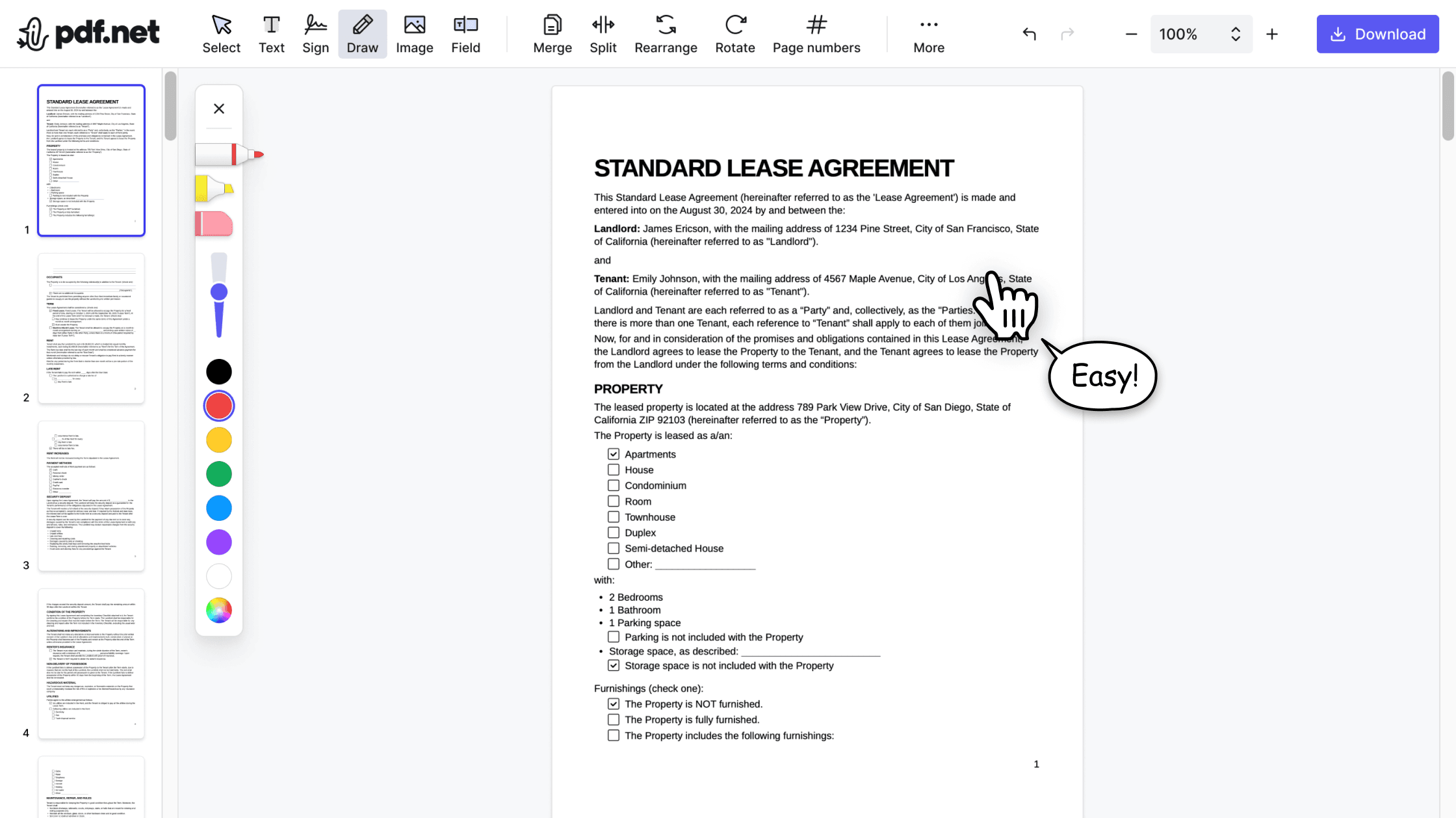

All‑in‑one PDF editor
Our editor offers a robust and comprehensive set of features that allow you to customize your documents, merge them, sign them, and much more. No need to transfer your files between several applications anymore.

Keeping formatting without issues
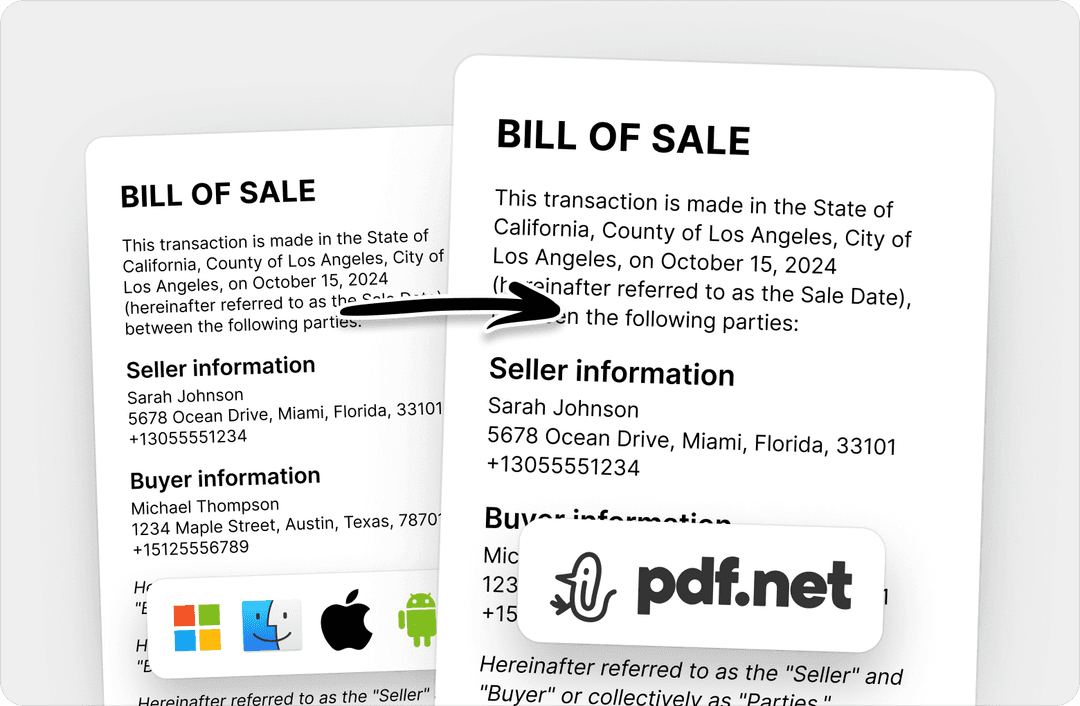
No more messy documents and inconsistent formatting across multiple systems or devices. Our online PDF editor is cross-platform compatible and maintains uniformity whether you’re using a PC, MacOS, smartphone, or tablet.
People all over the world trust pdf.net to edit their docs
I used many online editors, but this is the first one that consistently maintained formatting when I converted PDF into DOC and PNG files.


I used many online editors, but this is the first one that consistently maintained formatting when I converted PDF into DOC and PNG files.
This editor instantly became my go-to for PDFs because it makes adding and rewriting text easy and intuitive.

I had a long PDF file that I needed to split into ten shorter documents. This online PDF editor helped me do that in under five minutes.

I had half an hour to edit and sign one PDF before sending it to the client, and this tool saved my day.

Frequently asked questions
- Is the PDF to CSV conversion accurate?
- The PDF to CSV conversion via pdf.net is designed to detect rows, columns, and table structures within PDFs, then extract data into clean CSV files ready for spreadsheet use.
- Will my table formatting be preserved?
- Rows and columns are mostly preserved in the CSV output, keeping the data structured and usable in spreadsheet applications.
- Is my data secure when converting from PDF to CSV?
- Yes, your data is secure when converting from PDF to CSV with our tool. Unlike other free PDF to CSV converters, pdf.net uses HTTPS encryption to process your files securely. Files are not shared and are automatically removed from our servers after conversion.
- Do I need to install any software?
- No, you don’t need to install any software. Our PDF to CSV converter is fully browser-based, so you just have to ensure there is a reliable Internet connection for you to perform the conversion online.
- Can I convert multiple PDFs to CSVs at once?
- No, you can’t convert multiple PDFs to CSVs at once. Currently, our PDF tool only supports converting one file at a time to maintain accurate PDF data extraction and stable processing across devices.
- Does your PDF to CSV tool support large files?
- Our PDF to CSV tool does support large files. You can use it to convert reports, invoices, financial statements, and data-heavy documents into clean CSV files suitable for spreadsheets and data analysis workflows.
- Can I edit the CSV file after conversion?
- Yes, you can edit the CSV file after converting it from a PDF. You just need to open it in a spreadsheet application, such as Excel or Google Sheets, or in another data analysis tool, to make and save your changes.
- Does the PDF to CSV tool work on mobile devices?
- Yes, our PDF to CSV tool works on mobile devices, including phones and tablets. You can extract table data and download the converted files directly from your mobile browser. So, it is especially convenient for on-the-go users.
- How long does PDF to CSV conversion take?
- Converting PDF tables to CSVs through pdf.net typically takes only a few seconds. Larger files or complex tables may take slightly longer, and conversion time can also depend on your internet connection speed.
- Can I convert PDFs created from Word or Excel?
- Yes, you can convert PDFs created from Word or Excel. These usually convert very well, as tables generated from spreadsheets and documents follow clear structures that are easy to extract into accurate CSVs.