

Simple Professional Tool to Sign PDF Documents
Time-sensitive contract came through while I was between job sites. Signed it from my truck, and sent it to my client immediately. The project stayed on track.

Start editing your PDF


I managed to change text, annotate the file, reorganize pages, and convert my document from and to PDF, all with a single editing tool. Just amazing.

How to sign a PDF file
 1
1
Upload your file
 2
2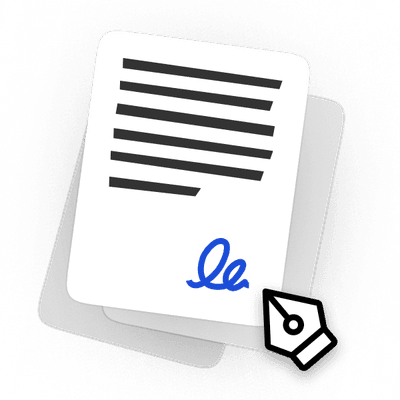
Add your digital signature to it
 3
3
Download the signed file
Why people prefer pdf.net
Simple and easy for daily use
Our online PDF editor features a clean, intuitive, and user-friendly interface designed for amateurs and professionals alike. You can navigate it with ease and edit your PDF file, even if you’ve never done it before.
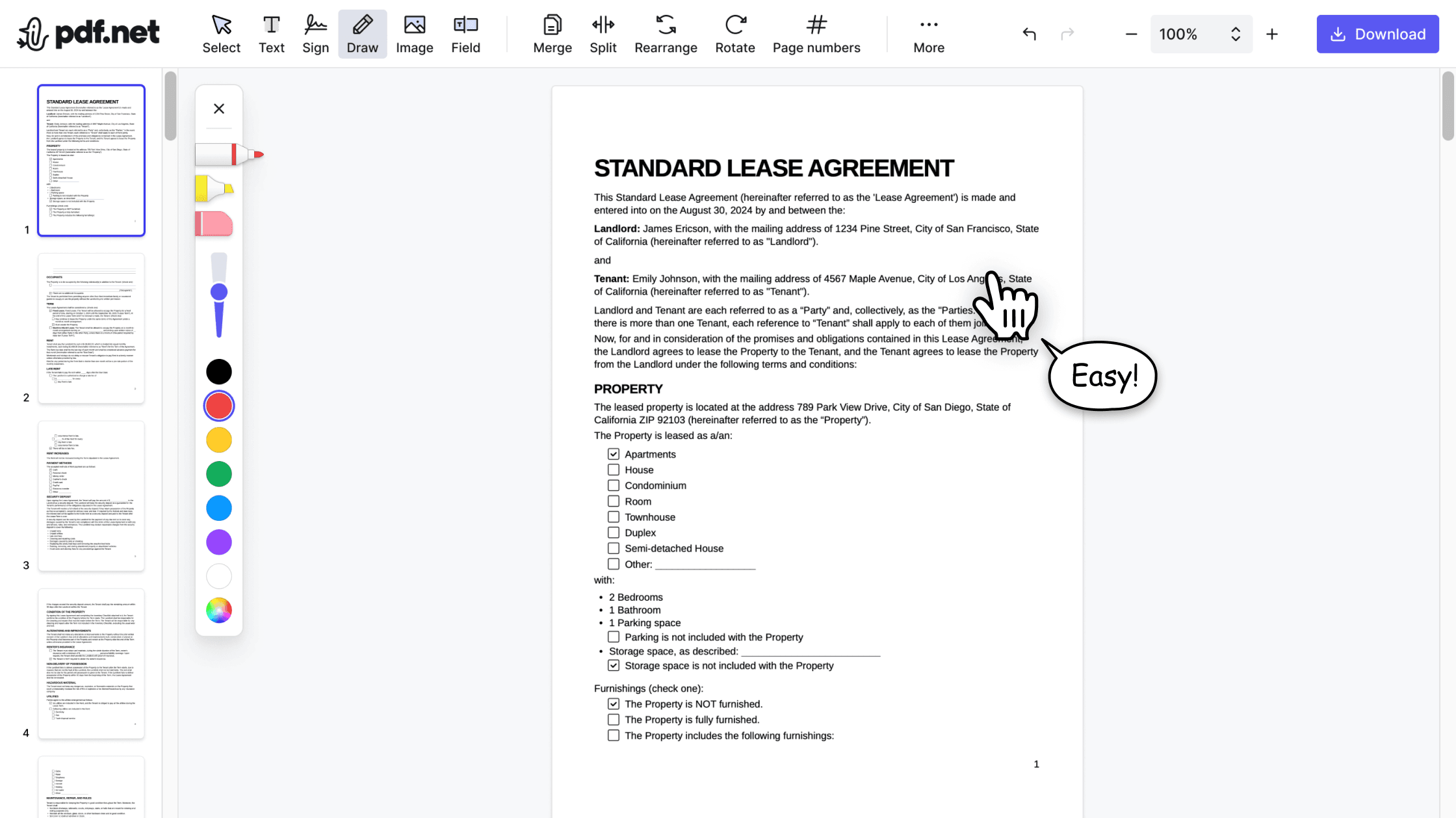

All‑in‑one PDF editor
Our editor offers a robust and comprehensive set of features that allow you to customize your documents, merge them, sign them, and much more. No need to transfer your files between several applications anymore.

Keeping formatting without issues
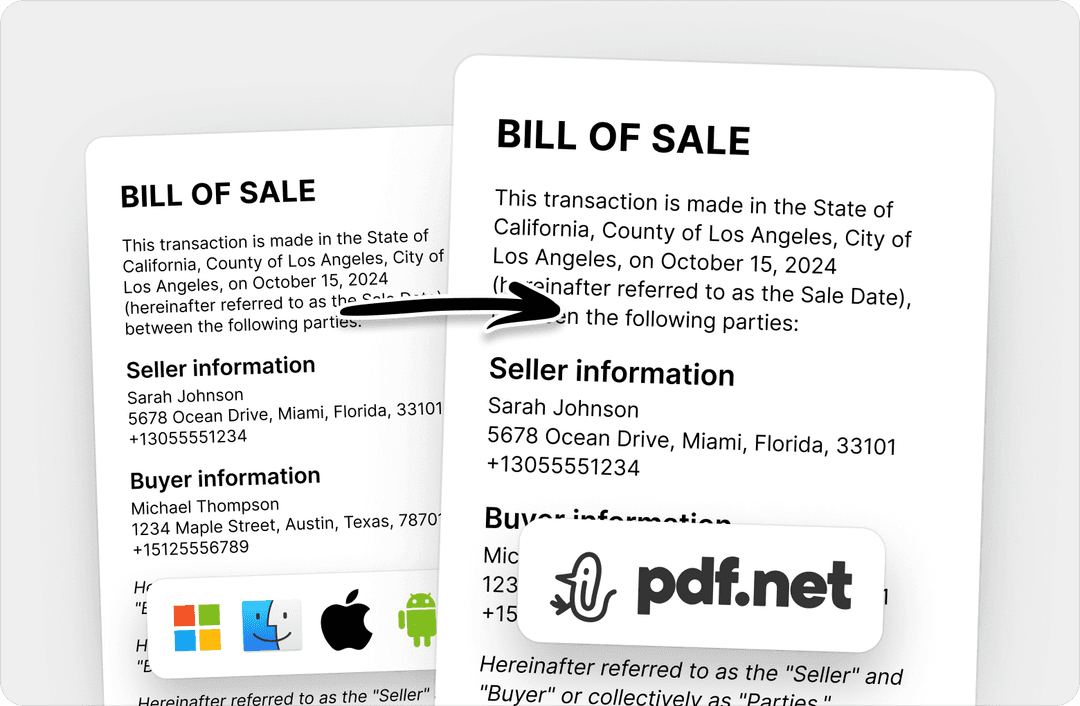
No more messy documents and inconsistent formatting across multiple systems or devices. Our online PDF editor is cross-platform compatible and maintains uniformity whether you’re using a PC, MacOS, smartphone, or tablet.
People all over the world trust pdf.net to edit their docs
I used many online editors, but this is the first one that consistently maintained formatting when I converted PDF into DOC and PNG files.


I used many online editors, but this is the first one that consistently maintained formatting when I converted PDF into DOC and PNG files.
This editor instantly became my go-to for PDFs because it makes adding and rewriting text easy and intuitive.

I had a long PDF file that I needed to split into ten shorter documents. This online PDF editor helped me do that in under five minutes.

I had half an hour to edit and sign one PDF before sending it to the client, and this tool saved my day.

Frequently asked questions
- Is your eSignature tool legally binding?
- Yes, pdf.net’s eSignature tool produces legally binding signatures. Electronic signatures are recognized under the U.S. ESIGN Act, carrying the same legal weight as wet signatures in most cases.
- How secure is my document after signing?
- Your document is well-secured after signing. pdf.net uses HTTPS encryption to keep your signed documents private and protected.
- Are there any limitations on the file size?
- Yes, there is a 500 MB file size limit to the documents you can upload to pdf.net. If you want to add your electronic signature to PDF files that are larger than 500 MB, we recommend compressing the document first to reduce its size.
- Do I need to install any software to use the signature tool?
- No, you don’t need to install any software to use our signature tool; you can simply sign PDFs online by uploading your documents and adding your signature.
- Can I add multiple signatures to a PDF?
- No, you can’t add multiple signatures to a PDF at once. If you want to add multiple signatures, you have to repeat the process for adding PDF signatures.
- Can I use pdf.net on a Mac, Linux, or smartphone?
- Yes, you can use pdf.net on a Mac, Linux, or smartphone to sign PDF documents. Our online PDF editor offers the same functionality, regardless of the device type.