

Convenient Tool to Add Images to PDF Files
Discover an easier way to add images to PDF files with pdf.net’s secure online editor; no downloads or complicated setups needed.
Supports PDF, DOC, DOCX, JPG, PNG
Files stay private
Software works very well. Easy to use and renders quickly. A MUST have working with PDF documents.

Fabio TagliasacchiTrustpilot review
Start editing your PDF


How to add an image to PDF Files
 1
1
Upload your PDF file
 2
2
Insert image into the PDF file
 3
3
Download the updated file
Why people prefer pdf.net
Simple and easy for daily use
Our online PDF editor features a clean, intuitive, and user-friendly interface designed for amateurs and professionals alike. You can navigate it with ease and edit your PDF file, even if you’ve never done it before.
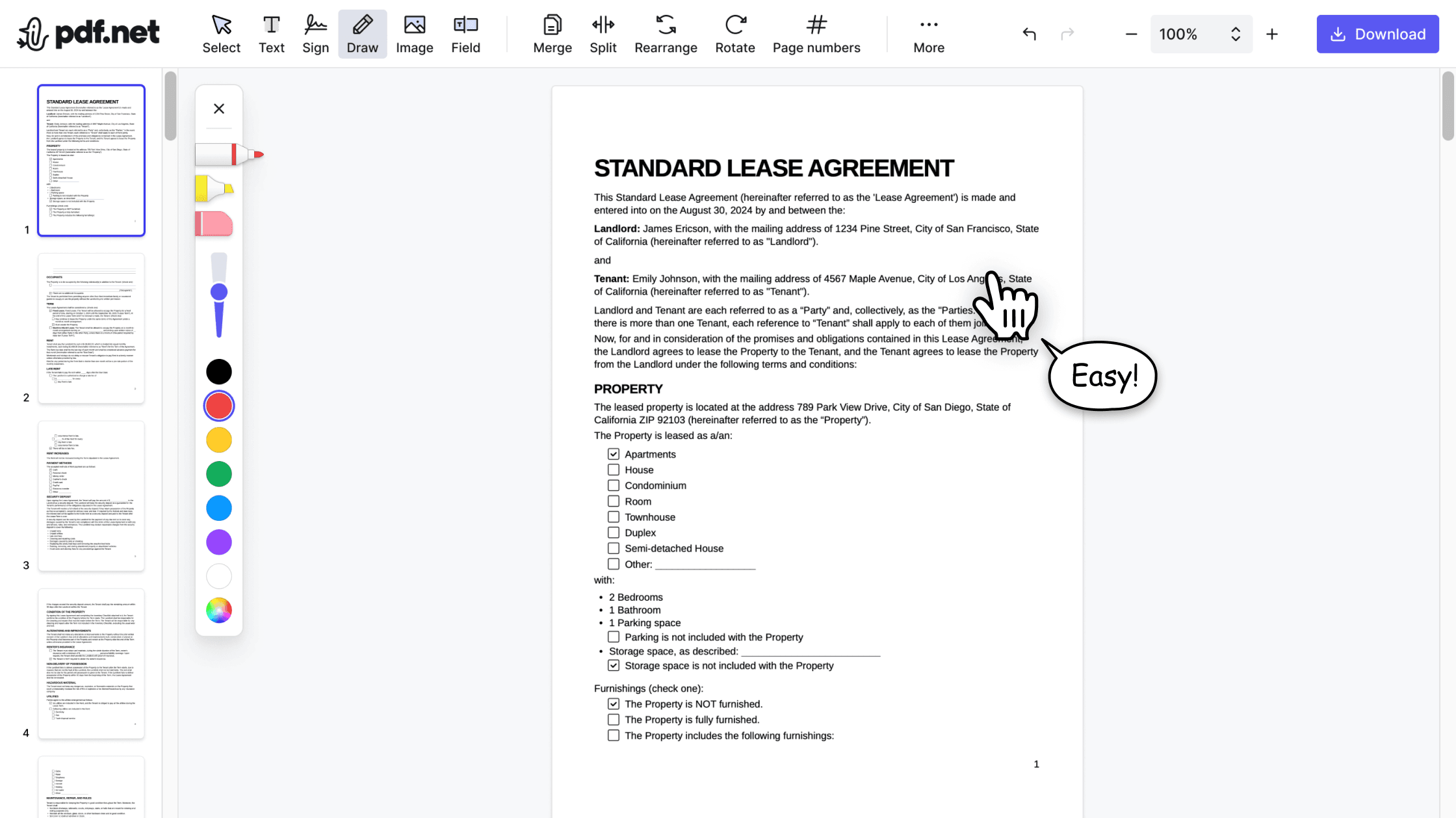

All‑in‑one PDF editor
Our editor offers a robust and comprehensive set of features that allow you to customize your documents, merge them, sign them, and much more. No need to transfer your files between several applications anymore.

Keeping formatting without issues
No more messy documents and inconsistent formatting across multiple systems or devices. Our online PDF editor is cross-platform compatible and maintains uniformity whether you’re using a PC, MacOS, smartphone, or tablet.

People all over the world trust pdf.net to edit their docs
No trouble adding text to existing fields. Finished document looked very professional!


No trouble adding text to existing fields. Finished document looked very professional!
Easy to use, was able to make the necessary corrections on my document and immediately download it without any technical difficulties!

Gregory CrawfordTrustpilot review
I didnt read the instructions but was able to accomplish the tasks of merging 22 documents into 2 PDFs in about 30 minutes including rearranging pages and page rotation.

Love it. Uploaded a PreQualification letter and allowed me to add fields, sign and share. Learning curve was easy, but I am familiar with these type products. Great job.

Mega17101AppSumo review
Frequently asked questions
- Can I add multiple images to a single PDF document?
- Yes, you can add multiple images to a single PDF document using pdf.net. Upload your file, select the images you want, and then embed the images in the PDF document. When done, you can download the edited file.
- Is there a way to resize the image after adding it to the PDF?
- Yes, you can resize and rotate images after adding them to your PDF.
- Can I add an image to a PDF without downloading software?
- Yes, you can add an image to a PDF without downloading software; all you need is an online editor like pdf.net. Using this editing tool, you can add images to PDFs online in a few clicks.
- What image formats are supported when adding images to a PDF?
- The image formats supported on pdf.net are JPG and PNG files. If you want to upload images to PDF files in a different format, you need to convert them first.
- Will adding an image affect the file size of my PDF?
- Yes, adding an image will affect your PDF’s file size. So, be sure to take this into consideration when choosing a photo to insert in your PDF.
- How can I adjust the position of the image after inserting it into a PDF?
- To adjust the position of the image after inserting it into a PDF, you can click and drag it to reposition it within the document.
- Can I use pdf.net on a Mac, Linux, or smartphone?
- Yes, you can use pdf.net on a Mac, Linux, or smartphone to edit and upload images to PDF files. Our online tool can be accessed on nearly every device and browser as long as you have an internet connection.