

Share PDFs Online with Secure, Shareable Links
Share PDFs online in seconds. Just upload your file, generate a link, and send your PDF via link or email without downloading any software.
or
Supports PDF
Files stay private
The best part I love about this platform is its ability to collaborate and share files on this platform. The security of the files is also enhanced on this platform by its capability to add password which secures the entire content of the files.

Konjengbam Mitindra SinghG2 review
All PDF tools in one place
No installs, no app-switching — works on any device


More tools

Convert JPG to PDF
Merge JPEG photos into a single PDF file without losing quality.

Convert PDF to JPG
Turn PDF pages into separate JPEG images. Ready to share or upload.

PDF to Excel
Turn PDF tables into editable spreadsheets ready to use in Excel or Google Sheets.

Convert PDF to PNG
Split PDF pages into separate PNGs. Full resolution preserved.

Convert Markdown to PDF
Paste or upload your .md file and get a formatted PDF in seconds. Tables and code blocks included.

Convert Excel to PDF
Turn XLS & XLSX into a clean, shareable PDF. Formatting intact.

PDF to CSV
Extract table data from PDFs into clean CSV files ready for spreadsheets and data analysis.

PDF to PowerPoint
Get editable PPT & PPTX slides. Keep fonts & layout.

Convert HEIC to PDF
Turn iPhone HEIC photos into a shareable PDF. Opens on any device.

Convert PowerPoint to PDF
Turn PPT & PPTX into a share-ready PDF. Opens on any device.

Bank Statement to Excel
Convert PDF bank statements to editable Excel or CSV files for accounting and analysis.

Convert EPUB to PDF
Turn an EPUB eBook into a print-ready PDF. Opens on any device.

Convert PDF to Markdown
Turn a PDF into clean MD text, ready for your notes, docs, or repo.

Convert PDF to Text
Get the text from your PDF as a .txt file. Copy it into emails, documents, or notes.

Change Text
Edit PDF text directly. Change font, size, color.

Compare PDF
Spot every change between two PDFs. View side by side or overlay.

Add Image
Add logos, photos & graphics to PDFs. Adjust size and position.

Split File
Split PDF into multiple files. Choose any page to divide.

Rearrange Pages
Drag & drop to reorganize. Delete, duplicate, rotate pages.

Add Page Numbers
Number pages automatically. Choose position, format, margins.

Annotate
Mark up PDFs: draw, highlight, erase. Multiple colors & line widths.

Rotate Pages
Adjust PDF orientation easily. Choose single, multiple, or all pages.

Bates Numbering
Add Bates numbers automatically. Choose prefix, suffix, and numbering style.

Extract Pages
Select the pages you need and save them as a new PDF.

Make PDF Fillable
Add text fields, checkboxes & signatures. Works on flat and scanned forms.

Add Watermark to PDF
Mark PDF pages with your text or an image

Unlock PDF
Remove passwords and restrictions with just a few clicks.

Protect PDF
Secure PDF from unauthorized use with a password.

Redact PDF
Black out sensitive text or whole pages before you share a PDF.

Request Signature
Send PDFs to anyone for signing. Mark where to sign, invite by email. Get signed document back.

Remove Signature Background
Make your signature transparent to sign PDFs without a white box.

Signature Generator
Type, draw, or upload your signature. Save and reuse it across documents.

Chat with PDF
Ask AI any questions about your PDF.

PDF Summarizer
Summarize PDFs into key points with AI.

Generate PDF
Describe a doc you need and get a formatted PDF.

AI Form Filler
Upload a form & a doc you have. AI fills in the fields.
How to Share a PDF Online
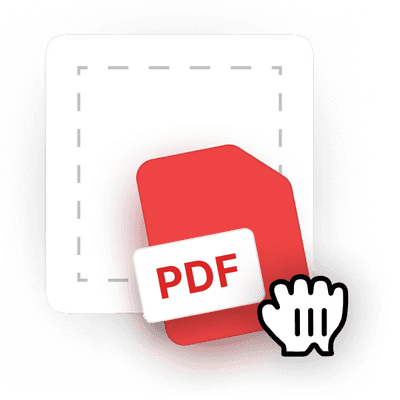 1
1Upload your file
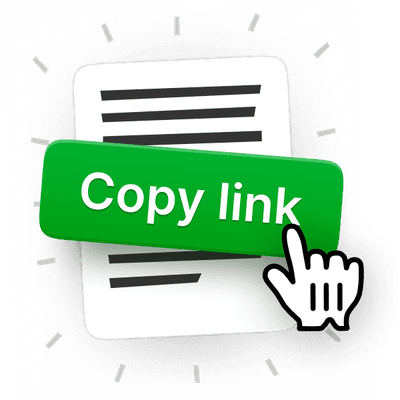 2
2Set permissions
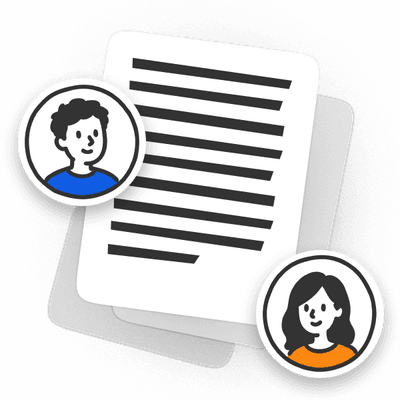 3
3Share your PDF via link or email
Built for Fast, Flexible PDF Sharing
Send Large PDFs Without Upload Limits Blocking you
Share PDF online and bypass file size restrictions by generating a link instead of sending heavy attachments.
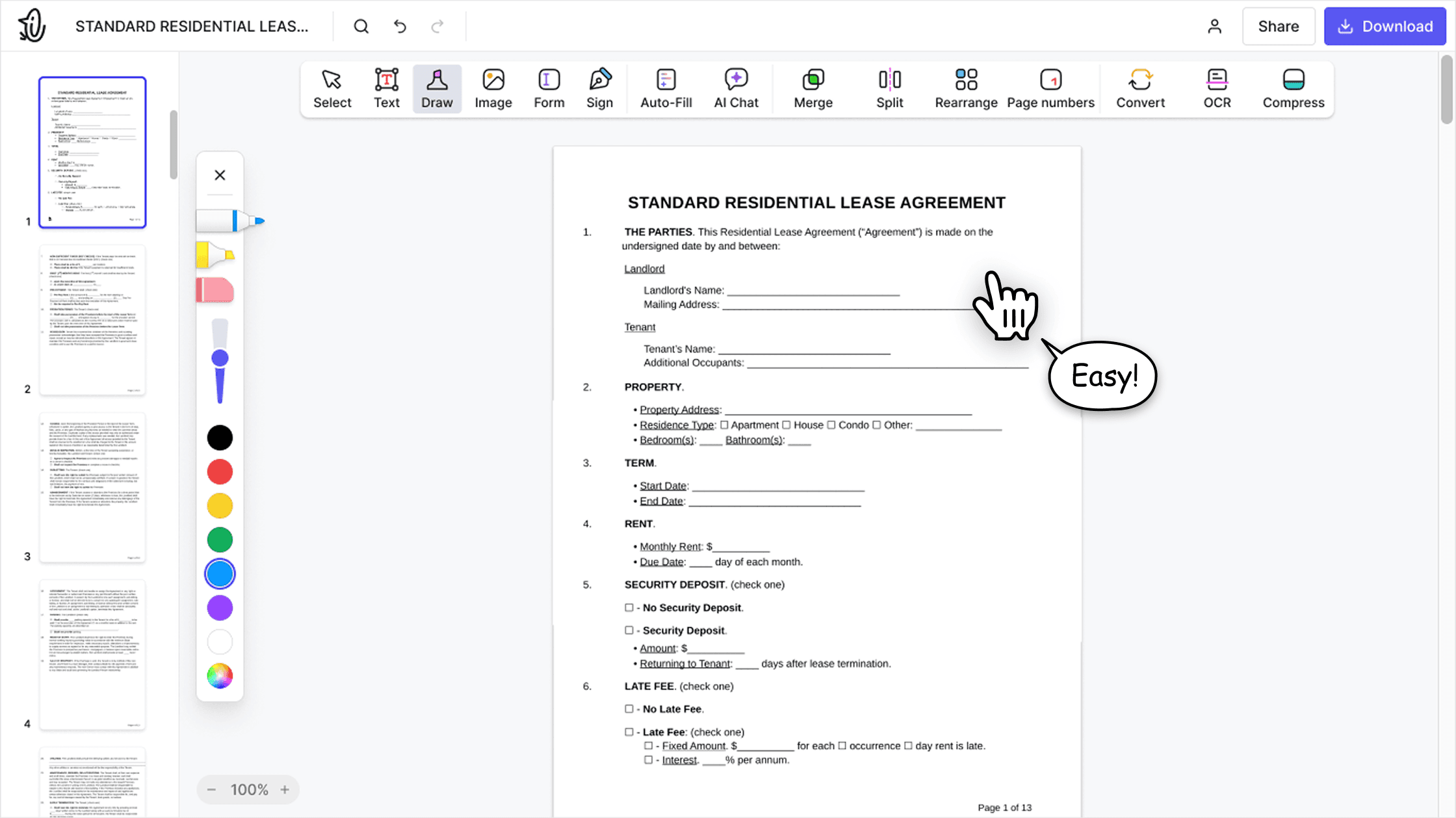

Deliver Documents Without Inbox Clutter
Share PDF via email or share PDF as a link to simplify delivery and avoid oversized email attachments.

Control Document Access with Link Permissions
Set permissions to ensure only the right people can view your document, whether you're sharing PDF via link or email.
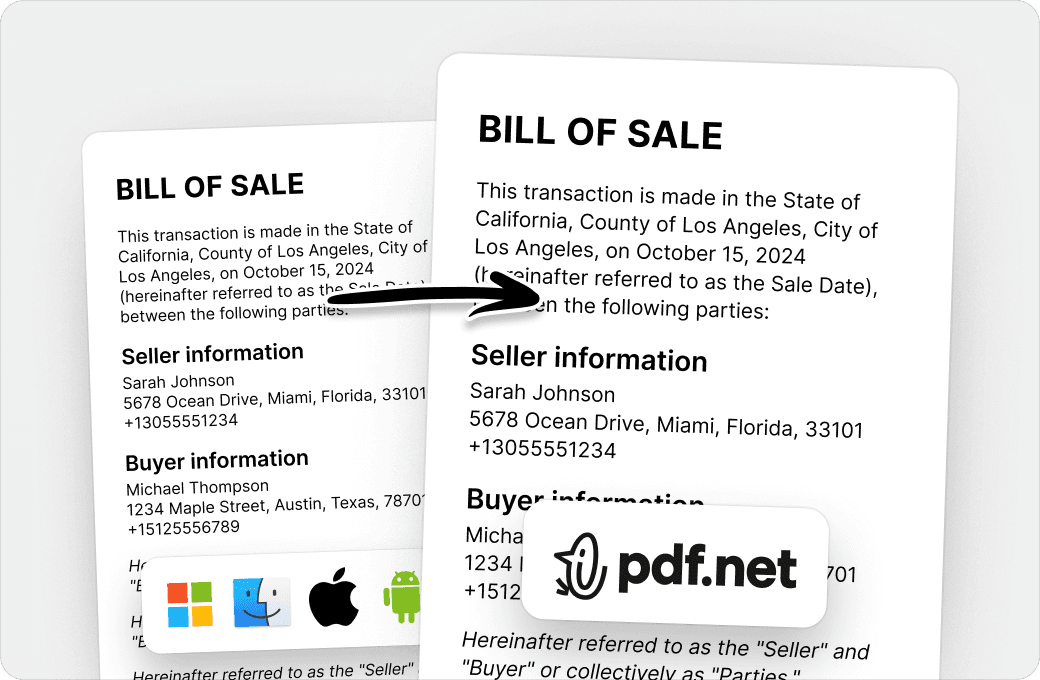
Manage Reviews and Approvals in One Flow
Send PDF links to clients or teams and handle feedback, approvals, or collaboration without switching tools.
People all over the world trust pdf.net to edit their docs
I had a document that I had to send to someone that I couldn't convert and I was able to thanks to pdf.net, I got my certificate. I'll be using them in the future if I need it!


Jamie Sasser-DroneTrustpilot review
I had a document that I had to send to someone that I couldn't convert and I was able to thanks to pdf.net, I got my certificate. I'll be using them in the future if I need it!
Jamie Sasser-DroneTrustpilot review
Software works very well. Easy to use and renders quickly. A MUST have working with PDF documents.

Fabio TagliasacchiTrustpilot review
No trouble adding text to existing fields. Finished document looked very professional!

Easy to use, was able to make the necessary corrections on my document and immediately download it without any technical difficulties!

Gregory CrawfordTrustpilot review
Frequently asked questions
- Is it safe to share my files?
- Yes, it is safe to share your files with pdf.net because you stay in control of who can access it. You can share a document via a secure link or by email, and choose whether recipients can view or edit the document. For extra protection, you can share a password-protected PDF.
- Do recipients need an account to view the file?
- No, recipients don't need an account to view the file you have shared with them. Anyone with the Share PDF link can access and open the document on any device. This ensures quick access, especially on the go.
- Is there a file size limit?
- The file size limit depends on the plan you are using. In general, pdf.net supports large PDF files suitable for most everyday needs. If your file exceeds the limit, you will be notified before uploading.
- How fast is the sharing process?
- The sharing process is nearly instant if you have a reliable Internet connection. You can upload your file, generate a link, and share your PDF online in seconds. It might take a bit longer with heavier files, but the difference will be minimal.
- Can I share files other than PDFs?
- No, you can't share files other than PDFs. This tool is designed specifically for PDF files to ensure consistent performance, security, and compatibility across devices. If you want, you can convert your files to PDFs using pdf.net's other tools before sharing.
- Can I share PDFs from my phone or tablet?
- Yes, you can share PDFs from your phone or tablet. No need to install any Share PDF app; just upload and share files directly from your mobile browser without extensions or downloads.
- Do I need to download any software?
- No, you don't need to download any software to share PDF files via pdf.net. Our tool is fully browser-based, so you just have to ensure there is a reliable Internet connection to share your PDF as a link.
- Can I share multiple files at once?
- No, you can't share multiple files at once. Currently, our Share PDF tool only supports sharing one PDF file at a time to ensure fast uploads, stable links, and reliable file access.
- Are my files stored permanently?
- No, your files are not stored permanently on pdf.net. They are only temporarily saved in our system in order to enable sharing. Shortly after a set period, they will be deleted automatically to guarantee your privacy and security.
- Can I edit my PDF before sharing?
- Yes, you can edit your PDF before sharing it. Our PDF editor comes with a full suite of tools for you to make changes to your document. Once you are happy with everything, you can share the PDF via a link through our Share PDF tool.
- What happens if I lose my link?
- If you lose your link, you can easily upload the PDF again in our Share PDF tool and create a new link to share with others. And don't worry about your old links; they will automatically stop working once the files expire.
- How to send a PDF on WhatsApp?
- You can send a PDF on WhatsApp by uploading your file to our Share PDF tool, generating a secure link, and pasting the link directly into your WhatsApp chat. This avoids file size limits and keeps the document easy to access on any device.
- Why should I use this PDF tool?
- You should use this PDF tool because it is much faster and easier than sharing PDF documents through email or by uploading them to a cloud storage platform, such as Google Drive, OneDrive, or Dropbox.