

Professional Online PDF Text Editor
Add text to PDF files and other documents instantly without having to download additional software. Update files anytime and anywhere with pdf.net.
Supports PDF, DOC, DOCX, JPG, PNG
Files stay private
No trouble adding text to existing fields. Finished document looked very professional!

Start editing your PDF


How to add text to PDF files
 1
1Upload your file
 2
2Write text in your PDF document
 3
3Download the edited file
Why People Prefer PDF.net for Adding Text to PDF Files
Easily Accessible
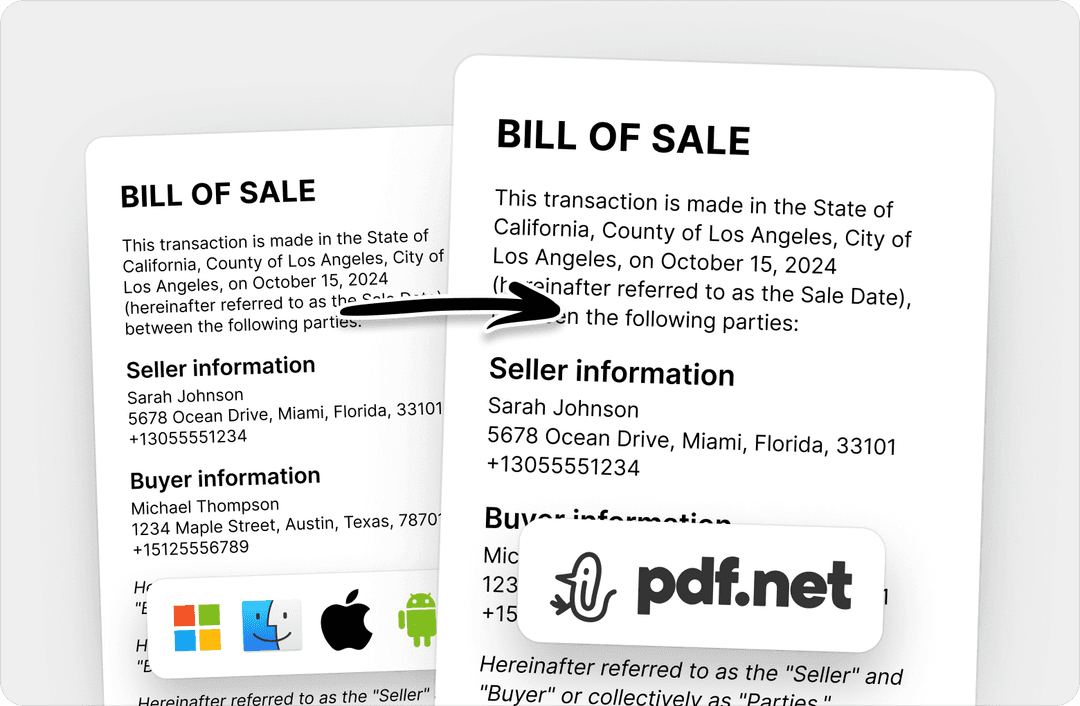
No need to download any software, just add text to PDFs online. Our browser-based editor works on every device (Windows, Mac, mobile), anywhere, anytime.
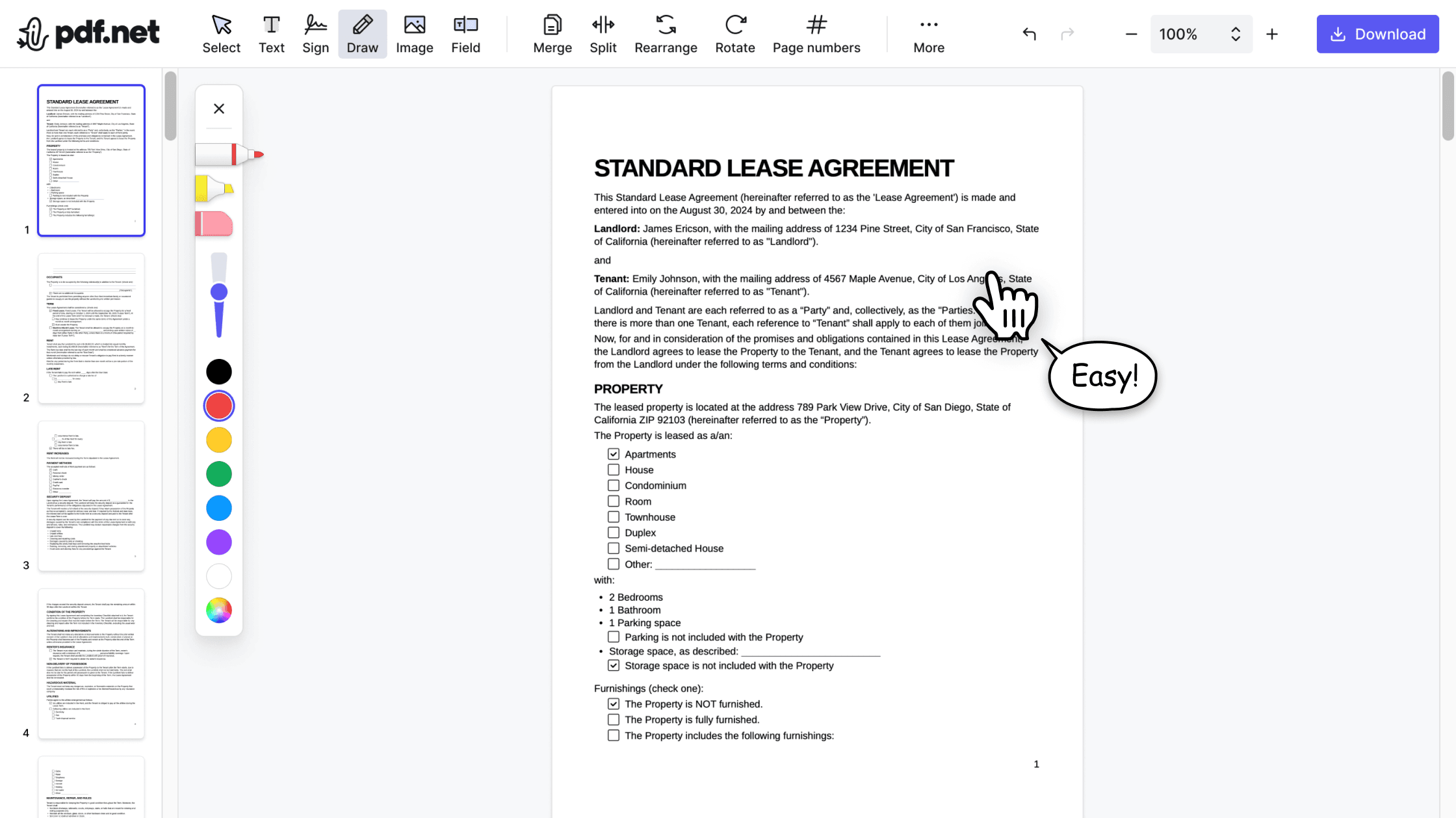

Advanced Formatting Options
With professional-grade controls, our editor enables you to customize font styles, sizes, colors, and text position. It’s easy to create pixel-perfect PDFs that maintain formatting on any device.

Secure and Private Processing
We prioritize your privacy, so what happens in your PDF stays in your PDF. With PDF.net’s encryption and automatic file deletion, by default and by design, your documents remain confidential.
People all over the world trust pdf.net to edit their docs
Easy to use, was able to make the necessary corrections on my document and immediately download it without any technical difficulties!


Gregory CrawfordTrustpilot review
Easy to use, was able to make the necessary corrections on my document and immediately download it without any technical difficulties!
Gregory CrawfordTrustpilot review
I didnt read the instructions but was able to accomplish the tasks of merging 22 documents into 2 PDFs in about 30 minutes including rearranging pages and page rotation.

Love it. Uploaded a PreQualification letter and allowed me to add fields, sign and share. Learning curve was easy, but I am familiar with these type products. Great job.

Mega17101AppSumo review
To me pdf.net is the simplest PDF editing software I have ever used. It is even easier to use than Adobe Acrobat Professional. It is so easy to add a text block and then make slight positional adjustments of the text.

jonathan9580AppSumo review
Frequently asked questions
- How do I add text to a PDF document?
- To add text to a PDF document, you can use an online PDF editor like pdf.net. Our tool allows you to write and edit PDF files without downloading additional software.
- Is there a limit to the amount of text I can add?
- No, there isn’t a limit to the amount of text you can add to an existing PDF file.
- Can I change the font style and size when adding text?
- Yes, you can change the font style and size when adding text using our PDF text editor. Select the new style and size you want before writing text in your PDF document.
- Are there any file size limits for uploading PDFs?
- Yes, there is a 500 MB size limit for the PDFs you can upload on pdf.net.
- Can I preview the PDF before downloading it?
- Yes, you can preview the PDF before downloading it to ensure all the information is correct. However, even if you miss some mistakes, you can easily edit your PDF file.
- Can I access pdf.net on my phone?
- Yes, you can access pdf.net on your phone or any browser as long as you have an internet connection. With our online PDF editor, you can edit, rearrange, or write on PDF files without downloading additional software.
- What upload formats are supported?
- Aside from PDF, our online editor pdf.net supports DOC, DOCX, JPG, and PNG. Also, with pdf.net, you can convert any of these formats to PDF, or convert PDF files (including bank statements) to Excel or CSV.