

Secure PDF to JPG Converter Tool
The interface is clean and easy to understand, and the main PDF tools are simple to use without unnecessary complexity. Uploading, editing, organizing, sharing, and signing documents feels smooth and intuitive. So I don’t need to install extra software. Highly recommended.

Start editing your PDF


How to convert PDF to JPG
 1
1
Upload your PDF file
 2
2
Convert PDF file to JPG
 3
3
Download the JPG files
Why people prefer pdf.net
Simple and easy for daily use
Our online PDF editor features a clean, intuitive, and user-friendly interface designed for amateurs and professionals alike. You can navigate it with ease and edit your PDF file, even if you’ve never done it before.
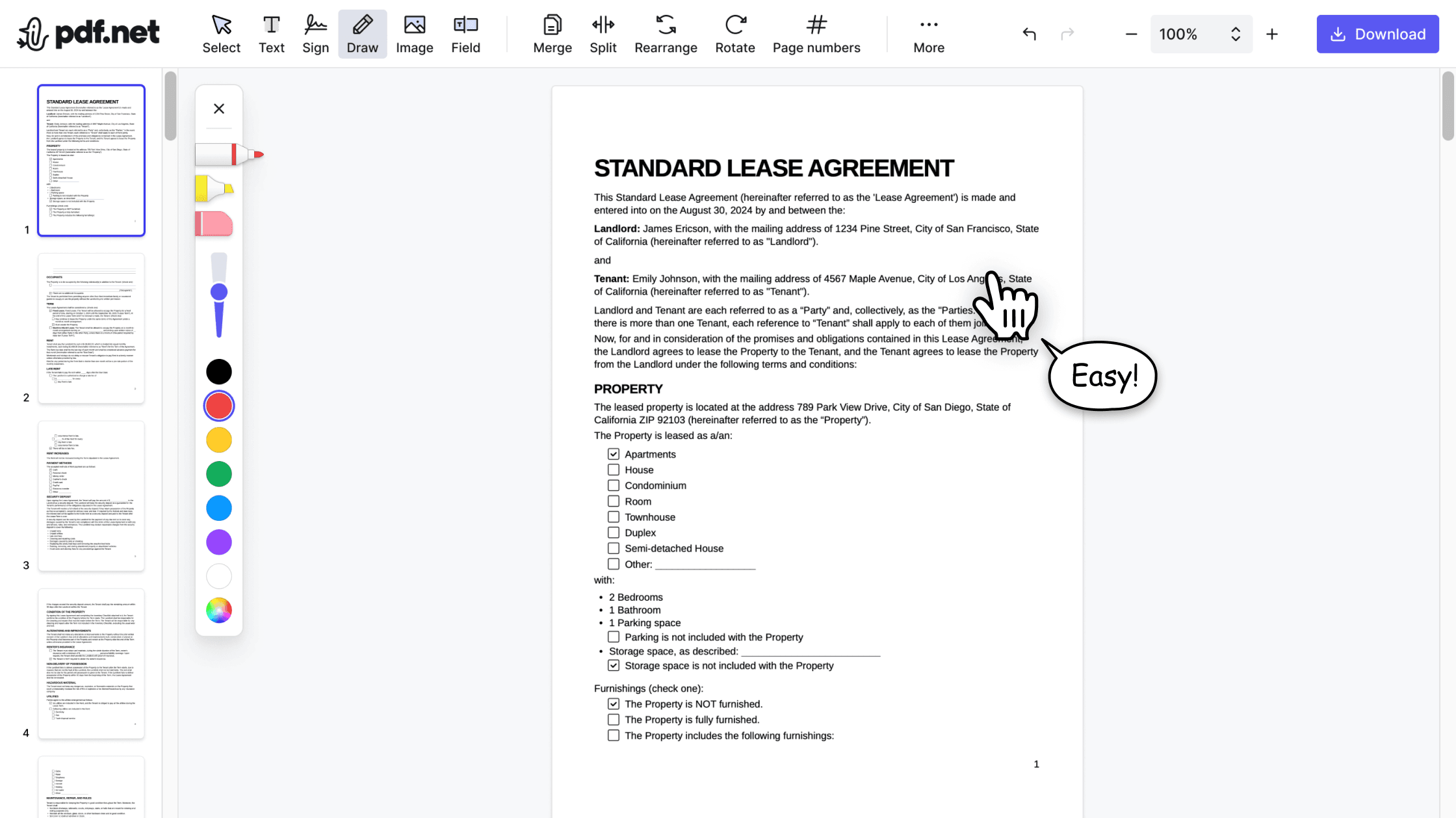

All‑in‑one PDF editor
Our editor offers a robust and comprehensive set of features that allow you to customize your documents, merge them, sign them, and much more. No need to transfer your files between several applications anymore.

Keeping formatting without issues
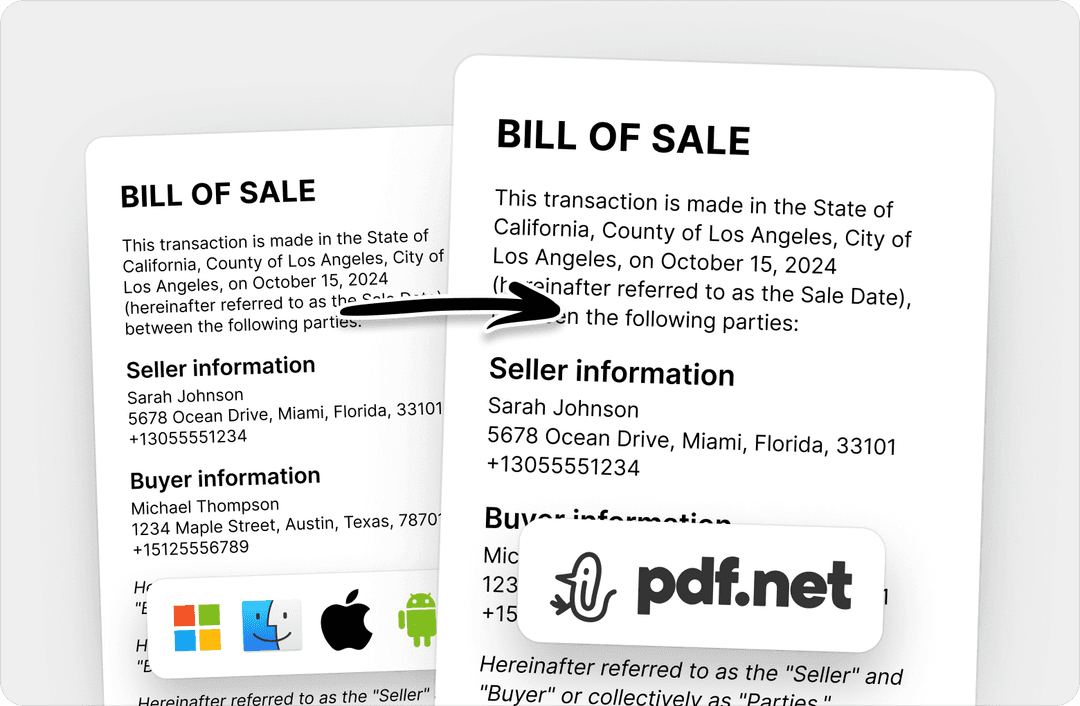
No more messy documents and inconsistent formatting across multiple systems or devices. Our online PDF editor is cross-platform compatible and maintains uniformity whether you’re using a PC, MacOS, smartphone, or tablet.
People all over the world trust pdf.net to edit their docs
Thank you guys for creating such a easy self-explanatory app. It was really easy to use and the pricing was perfect for only having a couple documents I needed signed for my taxes.


Thank you guys for creating such a easy self-explanatory app. It was really easy to use and the pricing was perfect for only having a couple documents I needed signed for my taxes.
Great product! I needed to edit a few PDFs and it worked great. Our team will use this every day. The ability to add signatures and passwords without any effort is so amazing.

An excellent product. It’s every bit as good as the more well-known (and more expensive) desktop programmes. What’s more, as it’s an app, it works on any device (provided you have an internet connection, of course).

The AI is very good, concise and accurate. refers exactly to the points in document for further reading.

Frequently asked questions
- Can I convert specific pages of a PDF to JPG?
- Yes, but you must split the PDF to extract the desired parts, then convert each part separately.
- Will the image quality be affected when converting PDF to JPG?
- No, the image quality won’t be affected when converting PDF to JPG using pdf.net.
- How can I extract images from a PDF file?
- To extract images from a PDF file, you need to open your document in a PDF reader, select and highlight the image, and copy and paste it into another document.
- Can I convert multiple PDF files to JPG at once?
- Yes, you can convert multiple PDF files to JPG at once. Upload all your files to pdf.net’s PDF to JPG tool and start the conversion.
- Do I need to install any software to convert PDF to JPG?
- No, you don’t need to install any software to convert PDF to images like JPG. pdf.net is browser-based, so no software installation is required.
- Is it safe to use your PDF to JPG converter?
- Yes, it’s safe to use our PDF-to-JPG converter for all your file editing needs. We use HTTPS encryption to keep your documents protected.
- How do I convert a password-protected PDF to JPG?
- To convert a password-protected PDF to a JPG, you need to access the document in a separate PDF reader and then create a duplicate. Then, you can use the duplicate to convert your PDF to an image.
- Can I convert PDF to JPG on my smartphone or tablet?
- Yes, you can convert PDF to JPG or PNG image with pdf.net on any smartphone or tablet with a browser and an internet connection.
- How long does it take to convert a PDF to JPG?
- Most PDF to JPG conversions complete in a few seconds, depending on file size.
- What’s the maximum file size allowed for PDF to JPG conversion?
- The maximum file size allowed for PDF to JPG conversion is 500 MB.
- Does your PDF to JPG converter work on both Mac and Windows?
- Yes, our PDF to JPG converter works on both Mac and Windows as long as you have an internet connection.