

Secure Online PDF to Word Converter
Love it. Uploaded a PreQualification letter and allowed me to add fields, sign and share. Learning curve was easy, but I am familiar with these type products. Great job.

Start editing your PDF


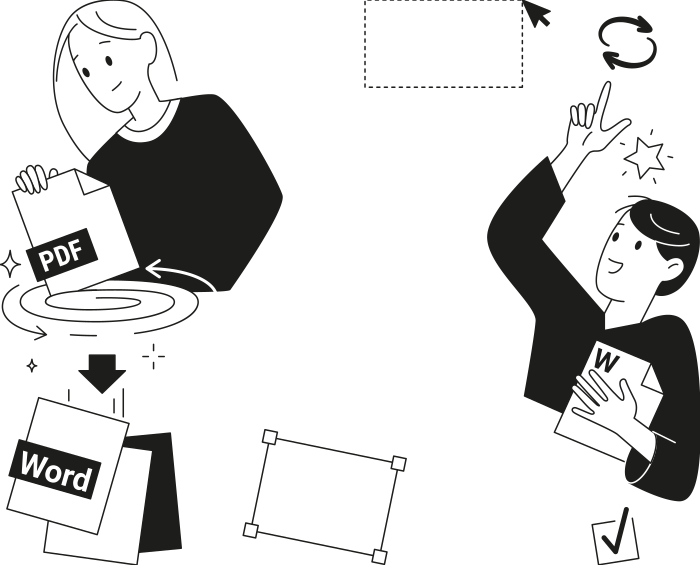
How to convert PDF to Word
 1
1
Upload your PDF file
 2
2
Convert it to DOCX Word format
 3
3
Download the updated file
Why people prefer pdf.net
Simple and easy for daily use
Our online PDF editor features a clean, intuitive, and user-friendly interface designed for amateurs and professionals alike. You can navigate it with ease and edit your PDF file, even if you’ve never done it before.
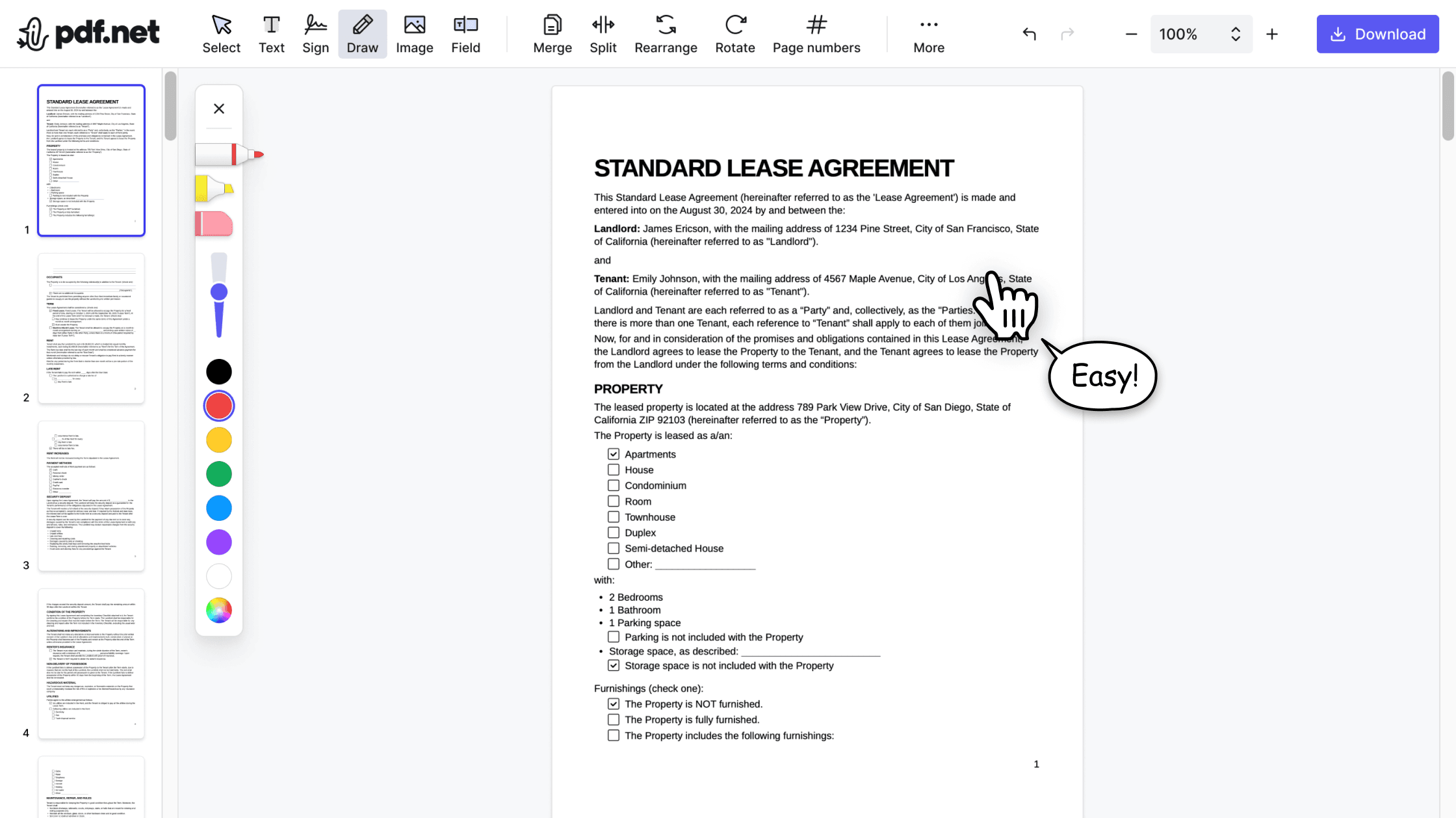

All‑in‑one PDF editor
Our editor offers a robust and comprehensive set of features that allow you to customize your documents, merge them, sign them, and much more. No need to transfer your files between several applications anymore.

Keeping formatting without issues
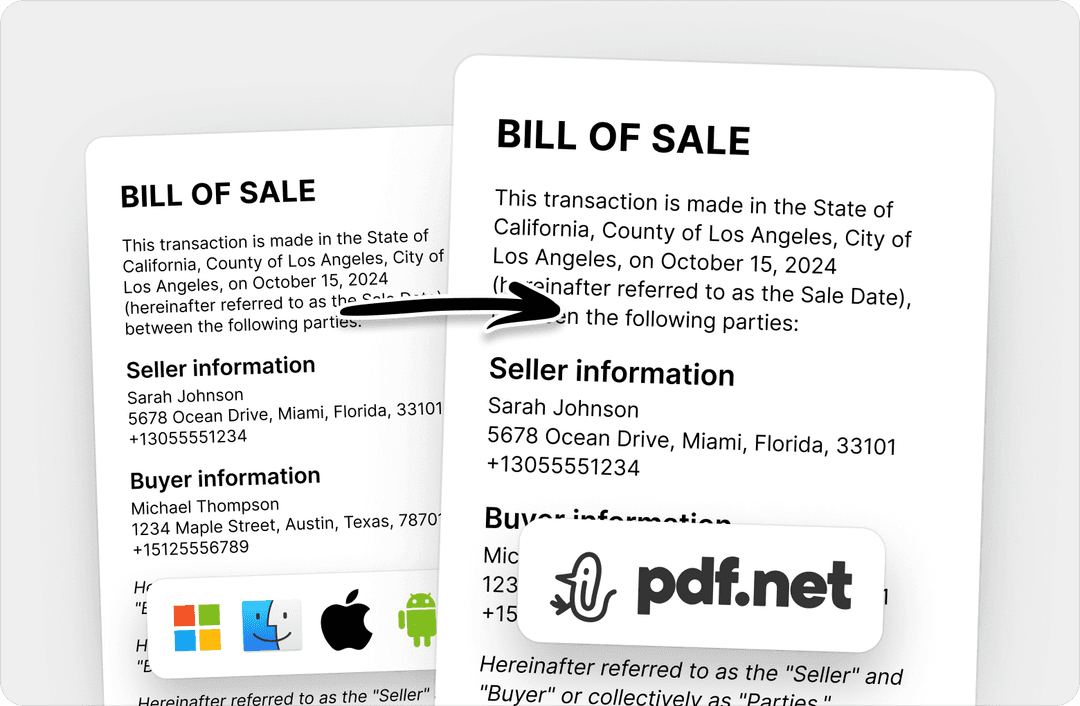
No more messy documents and inconsistent formatting across multiple systems or devices. Our online PDF editor is cross-platform compatible and maintains uniformity whether you’re using a PC, MacOS, smartphone, or tablet.
People all over the world trust pdf.net to edit their docs
To me pdf.net is the simplest PDF editing software I have ever used. It is even easier to use than Adobe Acrobat Professional. It is so easy to add a text block and then make slight positional adjustments of the text.


To me pdf.net is the simplest PDF editing software I have ever used. It is even easier to use than Adobe Acrobat Professional. It is so easy to add a text block and then make slight positional adjustments of the text.
That is what makes PDF.net stand out for me. I do not have to scratch my head or waste time figuring things out when I am under pressure. Everything feels obvious. It just flows.

Easy to use & does exactly what it says: split pdfs. Super easy to download and very intuitive to use.

I've been struggling with massive files for years now - and only have Adobe Reader installed. Another online resource - at about the same charge as yourselves - cannot handle files of over 100Mb. So, I was delighted to find you tonight.

Frequently asked questions
- How do I convert a PDF file to Word?
- To convert a PDF file to Word, upload your PDF to pdf.net and download the converted Word file. No software download or setup required.
- Can I convert a scanned PDF to Word?
- Yes, you can convert a scanned PDF to Word with pdf.net; simply follow the same instructions for changing a PDF to Word, and then download your file.
- Will the formatting be preserved when converting PDF to Word?
- In most cases, yes. pdf.net preserves the formatting and quality of your file during conversion.
- Is it possible to convert a password-protected PDF to Word?
- No, it’s not possible to convert a password-protected PDF to Word, as our conversion tool won’t be able to access the contents of your file.
- How do I edit text in a PDF after converting it to Word?
- You can edit the text in PDF after converting it to Word by using pdf.net. To do this, log in, select your file, and click 'Edit text.'
- Can I use pdf.net on a Mac, Linux, or smartphone?
- Yes, you can use pdf.net on a Mac, Linux, or smartphone, as it is an online editor. With this tool, you can convert PDF files to Word documents on any device with a browser and an internet connection.