

Handy PDF Page Arrangement Tool
To me pdf.net is the simplest PDF editing software I have ever used. It is even easier to use than Adobe Acrobat Professional. It is so easy to add a text block and then make slight positional adjustments of the text.

Start editing your PDF


How to rearrange PDF pages
 1
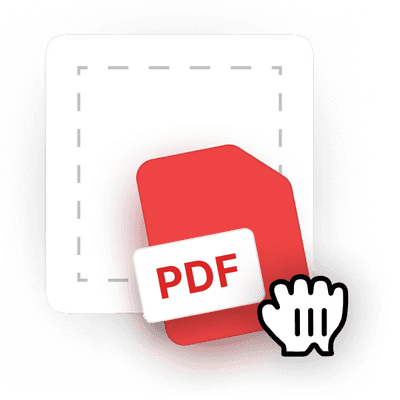
1Upload your PDF file
 2
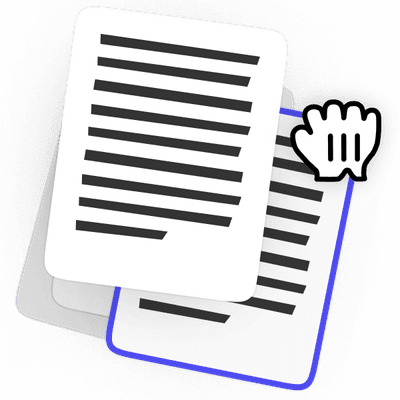
2Rearrange PDF pages to your liking
 3
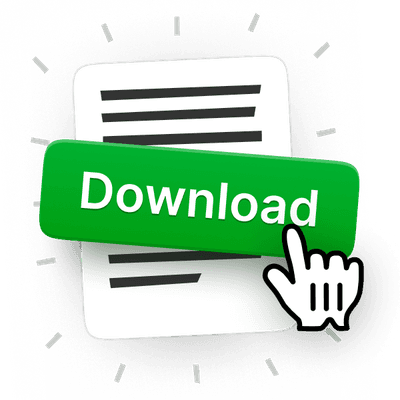
3Download the edited file
Why people prefer pdf.net
Simple and easy for daily use
Our online PDF editor features a clean, intuitive, and user-friendly interface designed for amateurs and professionals alike. You can navigate it with ease and edit your PDF file, even if you’ve never done it before.
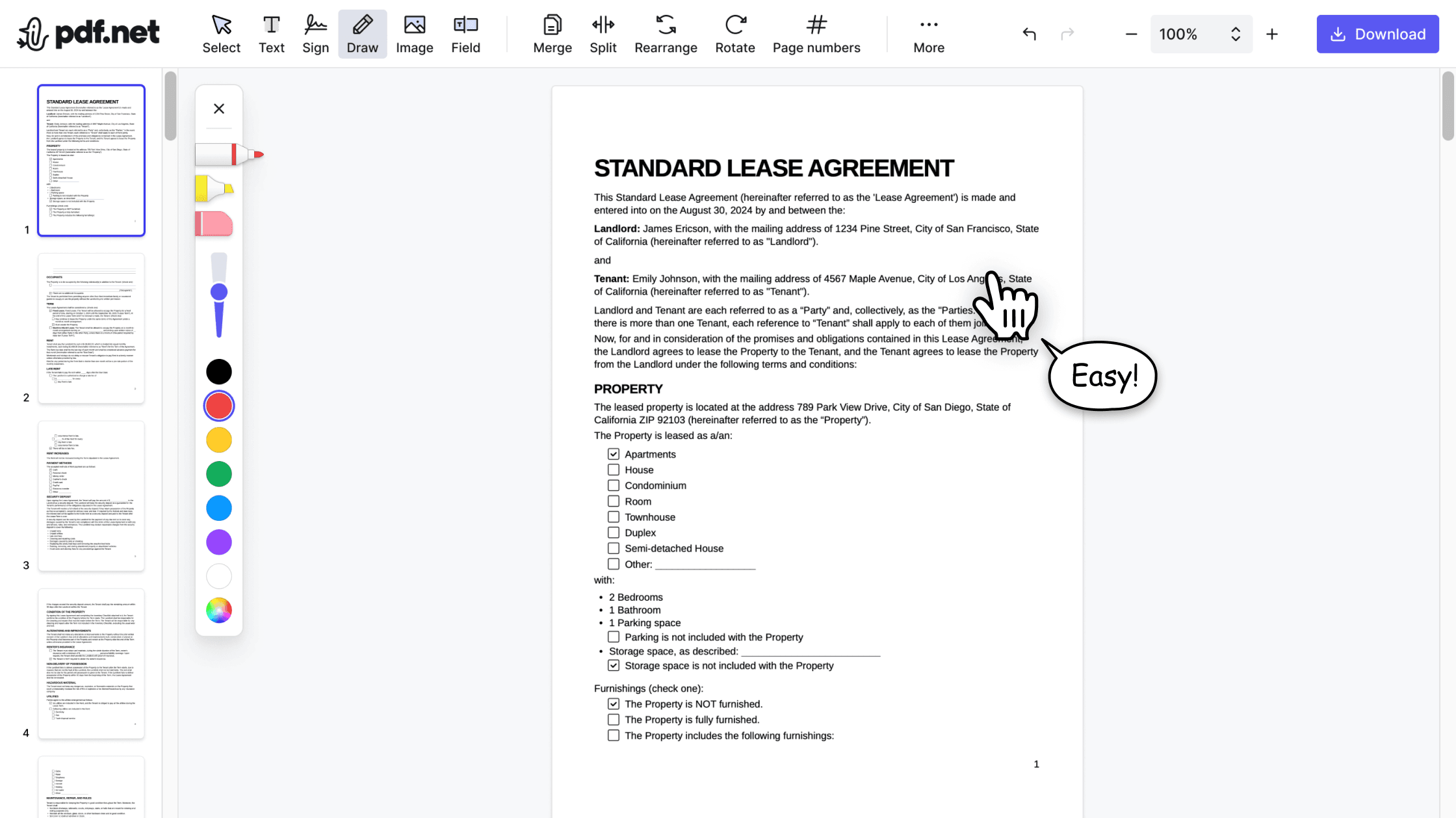

All‑in‑one PDF editor
Our editor offers a robust and comprehensive set of features that allow you to customize your documents, merge them, sign them, and much more. No need to transfer your files between several applications anymore.

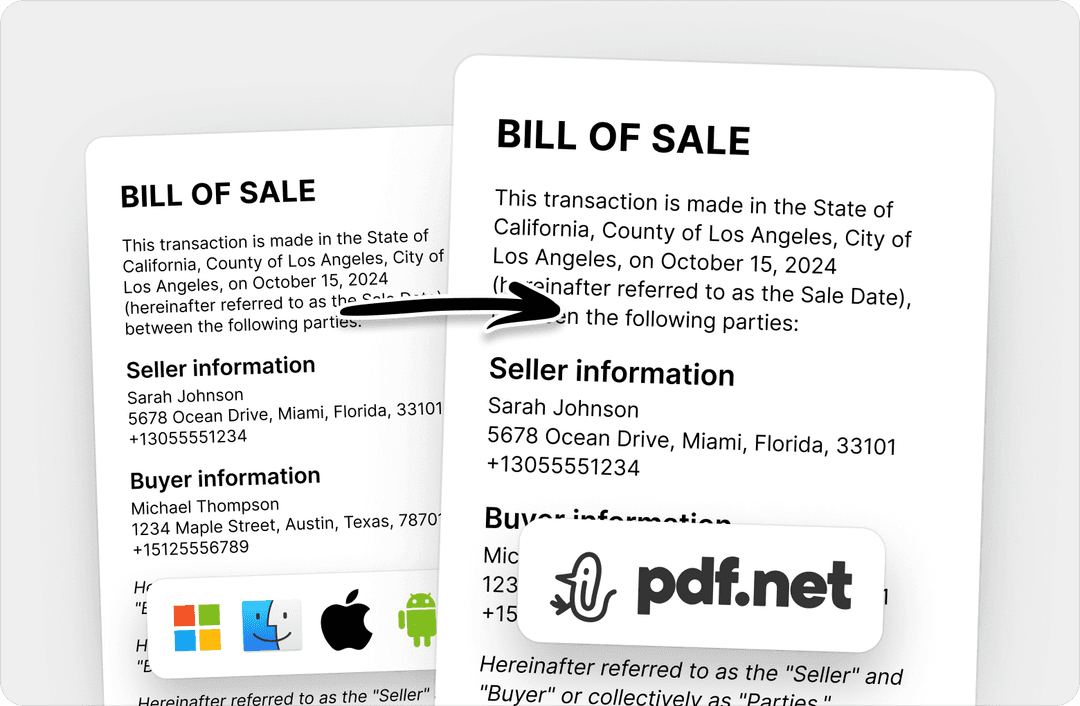
Keeping formatting without issues
No more messy documents and inconsistent formatting across multiple systems or devices. Our online PDF editor is cross-platform compatible and maintains uniformity whether you’re using a PC, MacOS, smartphone, or tablet.
People all over the world trust pdf.net to edit their docs
That is what makes PDF.net stand out for me. I do not have to scratch my head or waste time figuring things out when I am under pressure. Everything feels obvious. It just flows.


That is what makes PDF.net stand out for me. I do not have to scratch my head or waste time figuring things out when I am under pressure. Everything feels obvious. It just flows.
Easy to use & does exactly what it says: split pdfs. Super easy to download and very intuitive to use.

I've been struggling with massive files for years now - and only have Adobe Reader installed. Another online resource - at about the same charge as yourselves - cannot handle files of over 100Mb. So, I was delighted to find you tonight.

Needed a quick solution to compress a PDF document and PDF.net was so easy!

Frequently asked questions
- Are my PDF files secure when using this tool?
- Yes, your PDF files are secure when using this online PDF editor. pdf.net uses the latest end-to-end encryption to protect your data.
- How many pages can I rearrange at once?
- There’s no limit to the number of pages you can rearrange.
- Are there any file size limits?
- Yes, there is a file size limit of 500 MB for the documents you can edit with pdf.net.
- Do I need to create an account to use this tool?
- No, you don’t need to create an account to use this tool to organize PDF pages. Most features are available without registration. However, an account is required to download the final file. Additionally, if you register for an account, you can access pdf.net’s more advanced editing features and enjoy faster file uploads.
- Can I rearrange password-protected PDFs?
- No, you can’t directly rearrange password-protected PDFs. To do so, you would need to remove password protection first. Afterward, you can upload the new document to pdf.net to edit and reorder the PDF pages easily.
- Can I save the changes without downloading the file?
- Yes, you can save the changes without downloading your file. However, they won’t apply to your document, as pdf.net is an online PDF editor.
- How do I report an issue or provide feedback?
- To report an issue or provide feedback on any of our PDF editing tools, reach out to us via email at support@pdf.net. Rest assured, we work as quickly as possible to resolve your concerns and use your feedback to further improve our services.
- Is there a limit to how many PDFs I can rearrange per day?
- No, there’s no limit to the number of PDFs you can rearrange per day.
- How long does it take to rearrange pages in a PDF?
- Rearranging pages takes a few seconds. Just upload your PDF, change the order of pages you want, and download the modified file.
- Can I use this tool offline?
- No, you can’t use our PDF page arrangement tool offline, as pdf.net is a cloud-based platform. However, it is more convenient than any offline software, as it requires no additional downloads.
- Can I use pdf.net on a Mac, Linux, or smartphone?
- Yes, you can use pdf.net on a Mac, Linux, or a smartphone as long as you have an internet connection.