

Online PDF Splitting Tool to Separate Multiple Pages
Easy to use & does exactly what it says: split pdfs. Super easy to download and very intuitive to use.


Start editing your PDF


How to split PDF files
 1
1Upload your PDF file
 2
2Separate PDF pages to your liking
 3
3Download the modified file
Why people prefer pdf.net
Simple and easy for daily use
Our online PDF editor features a clean, intuitive, and user-friendly interface designed for amateurs and professionals alike. You can navigate it with ease and edit your PDF file, even if you’ve never done it before.

All‑in‑one PDF editor
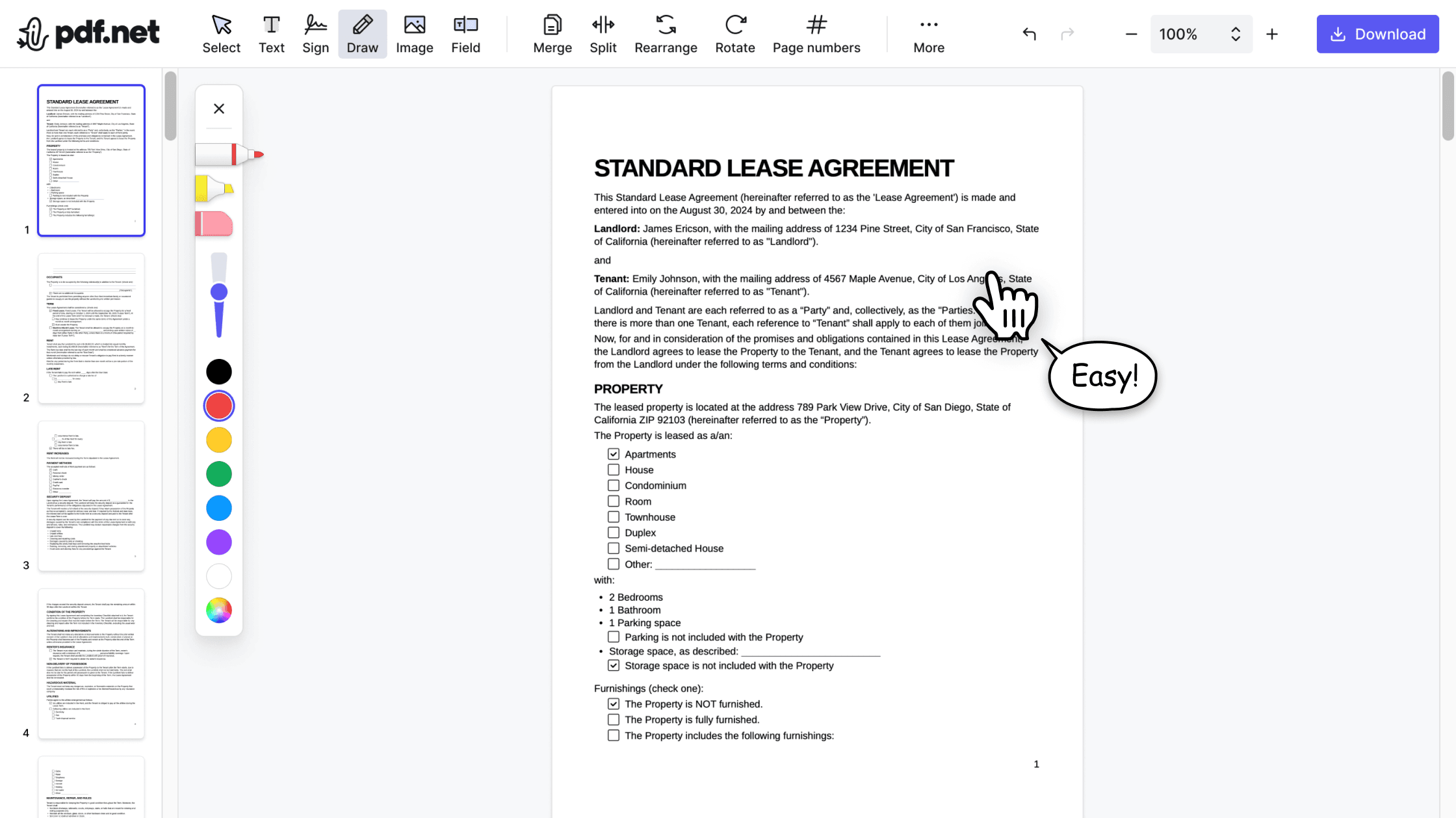
Our editor offers a robust and comprehensive set of features that allow you to customize your documents, merge them, sign them, and much more. No need to transfer your files between several applications anymore.

Keeping formatting without issues
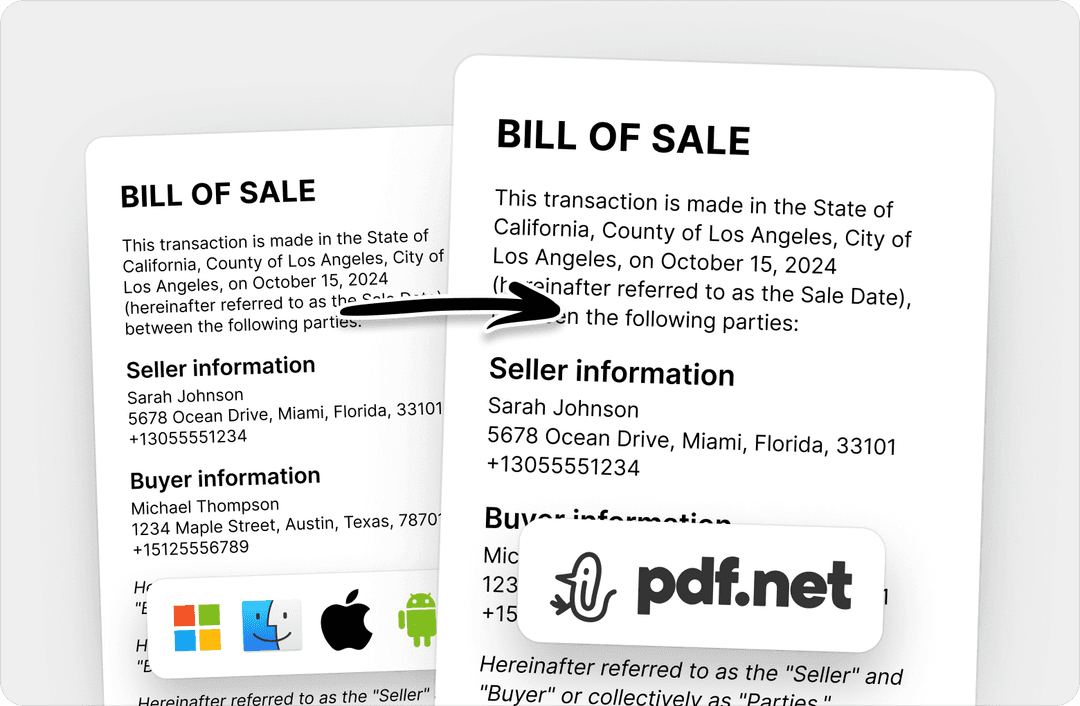
No more messy documents and inconsistent formatting across multiple systems or devices. Our online PDF editor is cross-platform compatible and maintains uniformity whether you’re using a PC, MacOS, smartphone, or tablet.
People all over the world trust pdf.net to edit their docs
I've been struggling with massive files for years now - and only have Adobe Reader installed. Another online resource - at about the same charge as yourselves - cannot handle files of over 100Mb. So, I was delighted to find you tonight.


I've been struggling with massive files for years now - and only have Adobe Reader installed. Another online resource - at about the same charge as yourselves - cannot handle files of over 100Mb. So, I was delighted to find you tonight.
Needed a quick solution to compress a PDF document and PDF.net was so easy!

Great product for anyone looking for something easy to use and that reads the font really well

I was able to delete the tablature on a PDF guitar download and get the results I needed. Thank you, gracias, arrigato, toda, danka.

Frequently asked questions
- How secure is the pdf.net splitting tool?
- The pdf.net splitting tool uses advanced HTTPS encryption to protect your files and data. Rest assured that your documents remain private while using our tool.
- Can I split large PDF files?
- Yes, you can split large PDF files with pdf.net (up to 500 MB). With our online editor, you can split a PDF in half or extract specific pages from your document.
- Are there any limitations on the number of pages I can split?
- No, there are no limitations to the number of pages you can split with pdf.net.
- What happens to my files after they are split?
- After your files are split, you can select the pages you want to include in the new document and save the final output before downloading.
- How can I split PDFs offline?
- To split PDFs offline, you need to download a third-party tool that offers this feature. However, if you need to split PDF files instantly, it’s better to use a cloud-based tool like pdf.net that allows you to separate PDF pages without any setup required.
- Can I use pdf.net on a Mac, Linux, or smartphone?
- Yes, you can use pdf.net on a Mac, Linux, or smartphone to split PDF pages. As an online editing tool, pdf.net can be accessed on any device or browser with an internet connection.
- Can I edit my PDF file after splitting?
- Yes, you can edit your PDF file after splitting directly on pdf.net. With our tool, you can add images or text and even sign your modified document.
- Can I change the order of the separated pages?
- Yes, you can change the order of the separated pages by using pdf.net to rearrange your file’s content.