

Instant Online Word to PDF Converter
Effortlessly convert Word DOCX to PDF while preserving formatting with hassle-free online converter. Download files in high quality.
Supports DOC, DOCX, JPG, PNG
Files stay private
I had a document that I had to send to someone that I couldn't convert and I was able to thanks to pdf.net, I got my certificate. I'll be using them in the future if I need it!

Jamie Sasser-DroneTrustpilot review
Start editing your PDF


How to convert Word to PDF
 1
1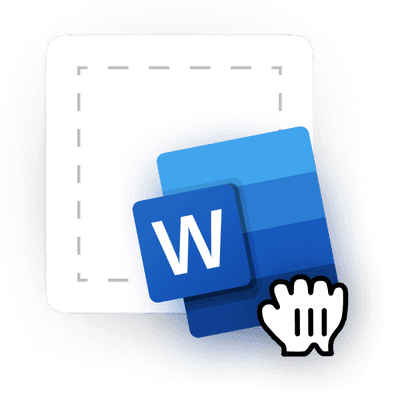
Upload your Word document
 2
2
Convert Word to PDF in a few clicks
 3
3
Download your converted file
Why People Prefer PDF.net for Word to PDF Conversion
Fast and Easy to Use
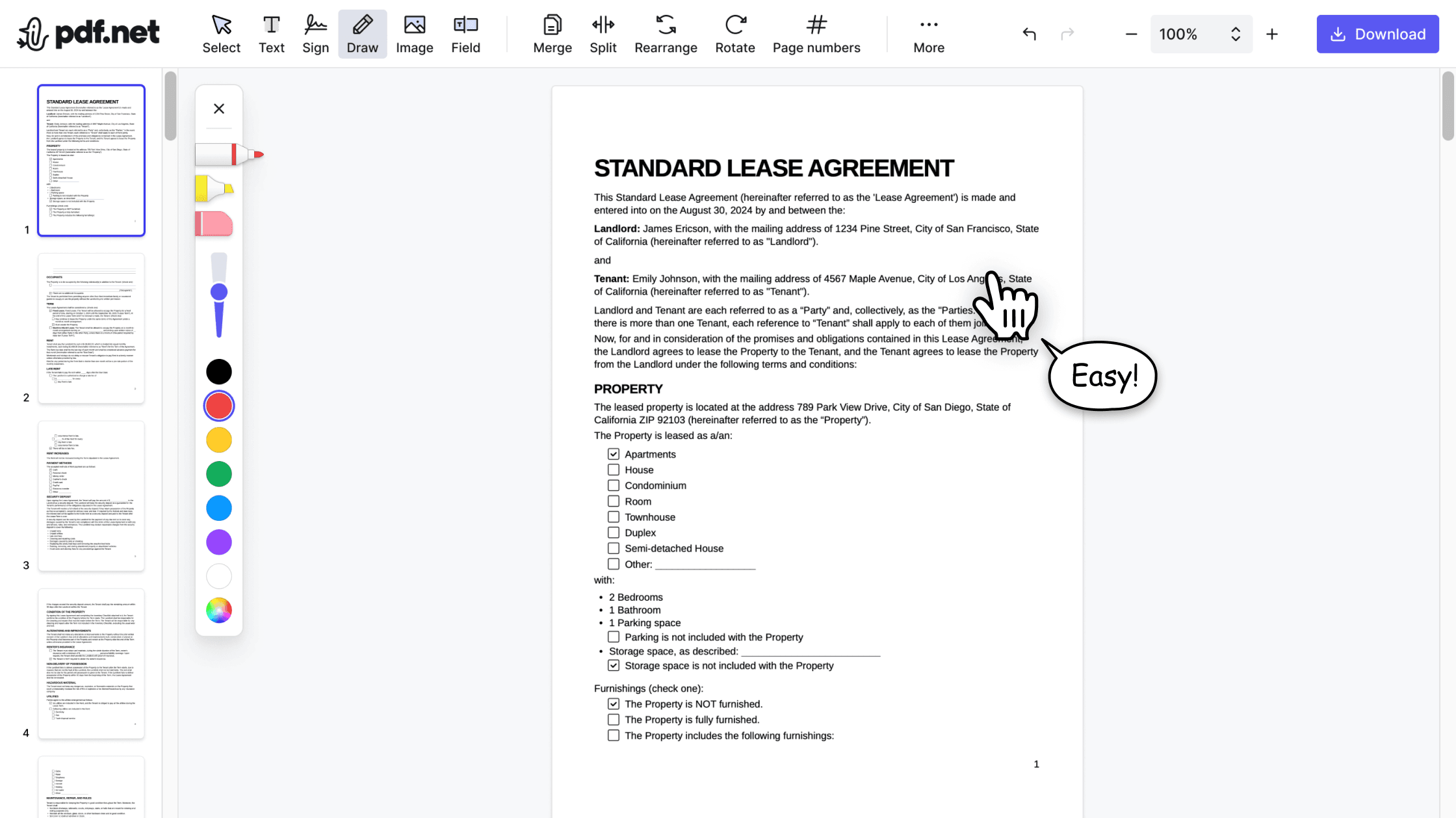
Our online PDF editor transforms Word files to PDFs in seconds without downloading any software. Since it's a browser-based tool, you can convert files from any device, anytime.

100% Accurate Formatting
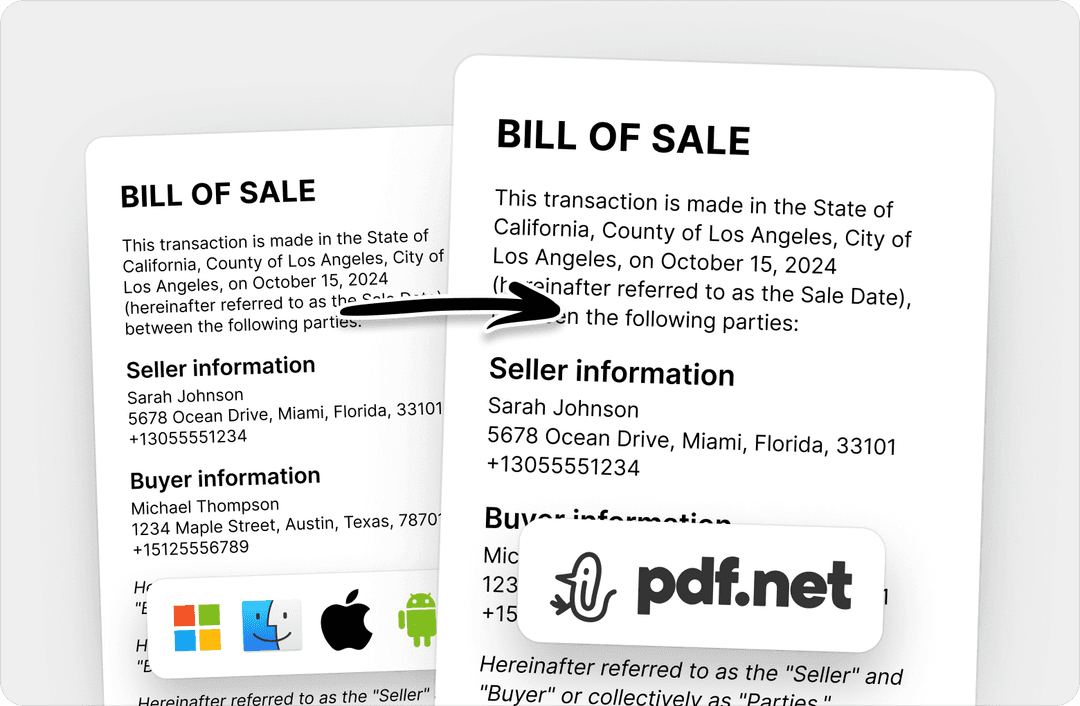
All fonts, images, hyperlinks, tables, and formatting remain intact. With our editor, you get publication-ready PDFs identical to your original DOC or DOCX file.

Security and Privacy Guaranteed
Encryption and GDPR-compliant processing safeguards your information. Our platform automatically deletes files, so there's no permanent storage or data retention vulnerabilities.
People all over the world trust pdf.net to edit their docs
Software works very well. Easy to use and renders quickly. A MUST have working with PDF documents.


Fabio TagliasacchiTrustpilot review
Software works very well. Easy to use and renders quickly. A MUST have working with PDF documents.
Fabio TagliasacchiTrustpilot review
No trouble adding text to existing fields. Finished document looked very professional!

Easy to use, was able to make the necessary corrections on my document and immediately download it without any technical difficulties!

Gregory CrawfordTrustpilot review
I didnt read the instructions but was able to accomplish the tasks of merging 22 documents into 2 PDFs in about 30 minutes including rearranging pages and page rotation.

Frequently asked questions
- How do I convert a Word document to PDF?
- To convert a Word document to PDF, you need to use a converter like pdf.net. This online tool lets you convert Word files to PDFs without installing any additional software.
- Will converting Word to PDF affect the formatting?
- No, converting Word to PDF using pdf.net won’t affect the formatting or content of the document. However, this means that if you want to convert Word to PDF without comments, you would need a separate tool that supports this.
- Is it possible to convert Word to PDF without losing hyperlinks?
- Yes, it’s possible to convert Word to PDF without losing hyperlinks. Our PDF editor preserves the format and content of the original document after conversion.
- How can I save a Word document as a PDF with high-quality resolution?
- Upload your Word file to pdf.net and download the converted PDF. The tool preserves the quality of your document during conversion.
- Can I convert a password-protected Word document to PDF?
- No, password-protected Word documents cannot be converted directly. You'll need to save the contents to a separate, unprotected file first, then use that for the conversion.
- Does converting a Word document to PDF make the file size smaller?
- No, converting a Word document to a PDF doesn't make the file size smaller; in fact, the modified file can sometimes end up being larger than the original document.
- Can I use pdf.net on a Mac, Linux, or smartphone?
- Yes, you can use pdf.net on a Mac, Linux, or smartphone as long as you have an internet connection, as it's accessible online. With our online PDF editor, you can convert .DOCX to PDF on any device.