

Chat with Your PDFs Instantly – Upload & Start Now!
The AI is very good, concise and accurate. refers exactly to the points in document for further reading.


Talk to Your Documents Like They're Human
Real-Life Ways People Use Our AI Tools


Start editing your PDF


How to Chat with PDF
 1
1
Upload your document
 2
2
Ask questions, summarize PDFs, extract information, and more
 3
3
Examine the content of your files and start learning
Why people prefer pdf.net
Simple and easy for daily use
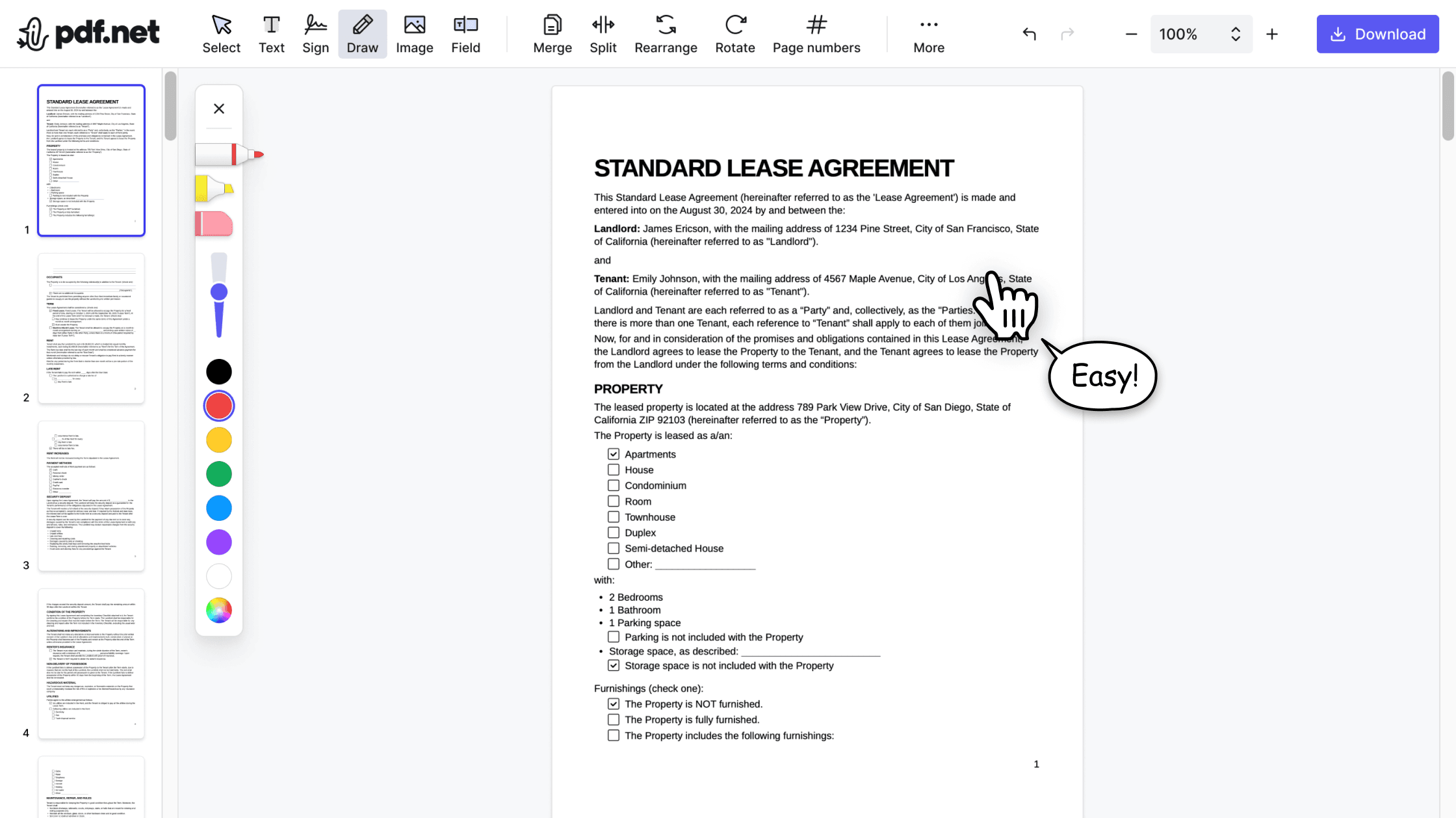
Our online PDF editor features a clean, intuitive, and user-friendly interface designed for amateurs and professionals alike. You can navigate it with ease and edit your PDF file, even if you’ve never done it before.

All‑in‑one PDF editor
Our editor offers a robust and comprehensive set of features that allow you to customize your documents, merge them, sign them, and much more. No need to transfer your files between several applications anymore.

Keeping formatting without issues
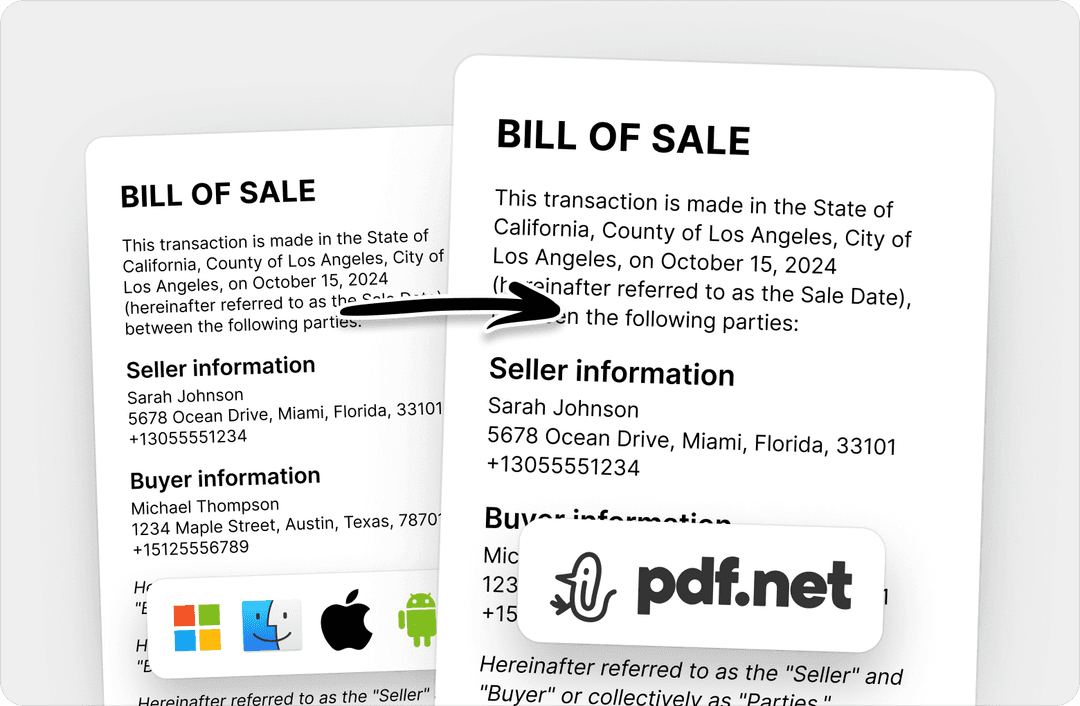
No more messy documents and inconsistent formatting across multiple systems or devices. Our online PDF editor is cross-platform compatible and maintains uniformity whether you’re using a PC, MacOS, smartphone, or tablet.
People all over the world trust pdf.net to chat with their docs
This multi-language tool is a game-changer. I can now not only get the gist of my paper but also the exact details I need for school projects.


This multi-language tool is a game-changer. I can now not only get the gist of my paper but also the exact details I need for school projects.
I love this PDF editor with a chat feature! Since I discovered it, I have used it regularly to edit and analyze legal documents at work.

I used the online PDF editing tool and the secure PDF messaging feature for interactive PDF editing and chatting. The results were more than satisfying because I could translate, summarize, and modify my documents instantly.

The multi-user PDF editing and chatting software made the work with my clients much easier. Plus, I don't need to worry about safety as the cloud-based PDF editor and chat tool are highly secure.

Frequently asked questions
- What is Chat PDF in PDF.net?
- Chat PDF is a tool that lets you interact with PDF documents through a chatbot. You can ask content-related questions, get summaries, translations, and key points from your documents.
- How do I use Chat PDF to collaborate on documents?
- You can use Chat PDF to collaborate on documents by engaging your team, peers, or colleagues to summarize, translate, and analyze. The automated PDF collaboration tool will provide these services for multiple documents simultaneously, enhancing your collaboration.
- Can I use Chat PDF on mobile devices?
- Yes, you can use Chat PDF on mobile devices. Whether you're using an iOS or Android device, you can visit our website to access all available Chat PDF features.
- Is Chat PDF free?
- No, chat PDF is a paid feature on pdf.net.
- What file formats are supported?
- PDF, DOC, DOCX, JPG, and PNG are supported file formats. Still, you can use the pdf.net converter tool and convert documents of various formats into one of the available formats to make them usable.
- Is my data secure?
- Yes, your data is secure with pdf.net. Our website uses encryption to protect your documents and their information. To ensure maximum safety, we delete all files from the cloud storage once you have finished using our software.
- How accurate is the AI?
- The AI is designed to accurately analyze documents and answer questions about their content. Results may vary depending on the complexity and formatting of the document.
- Do I need to create an account?
- Yes, you need to create an account to use the Chat PDF feature. You can sign up automatically with Google, social media, or email accounts.
- Is there a limit to the size of the documents?
- Yes, there is a general limit of 500MB on document size across all tools on pdf.net. However, this does not mean you cannot use multiple files simultaneously to translate, analyze, and summarize your content, up to this limit.
- Is Chat PDF available on any device?
- Yes, Chat PDF is available on any device, including iOS and Android mobile devices. You can also access our website using a desktop web browser on Mac, Linux, and Windows.