

Create Documents with PDF Generator in Seconds
The app works well and is convenient to access and use. Quick & easy!


Transform Your Ideas Into Documents
Ask Instead of Write
Works For Any Document Type
Complex Topics Made Simple
Your Workflow Stays Private
Real-Life Ways People Use Our AI Tools


Who Benefits From Our AI PDF Generator
Students and Educators
Researchers and Academics
Businesses
Creative Individuals
All PDF tools in one place


More tools

Convert Word to PDF

Convert PNG to PDF

Convert PDF to JPG

PDF to Excel

Convert PDF to PNG

Convert Markdown to PDF

PDF to CSV

PDF to PowerPoint

Convert HEIC to PDF

Convert PowerPoint to PDF

Bank Statement to Excel

Convert EPUB to PDF

Convert PDF to Markdown

Convert PDF to Text

Merge Files

Change Text

Compress

Split File

Rearrange Pages

Add Page Numbers

Annotate

Rotate Pages

Bates Numbering

Extract Pages

Make PDF Fillable

Unlock PDF

Protect PDF

Redact PDF

Request Signature

Remove Signature Background

Signature Generator

Chat with PDF

PDF Summarizer

AI Form Filler

Share PDF
How to Generate PDFs with AI?
 1
1Prompt the AI PDF generator
 2
2Open the document in the PDF editor
 3
3Edit and download the finished PDF
Why people prefer pdf.net
Simple and easy for daily use
Our online PDF editor features a clean, intuitive, and user-friendly interface designed for amateurs and professionals alike. You can navigate it with ease and edit your PDF file, even if you’ve never done it before.
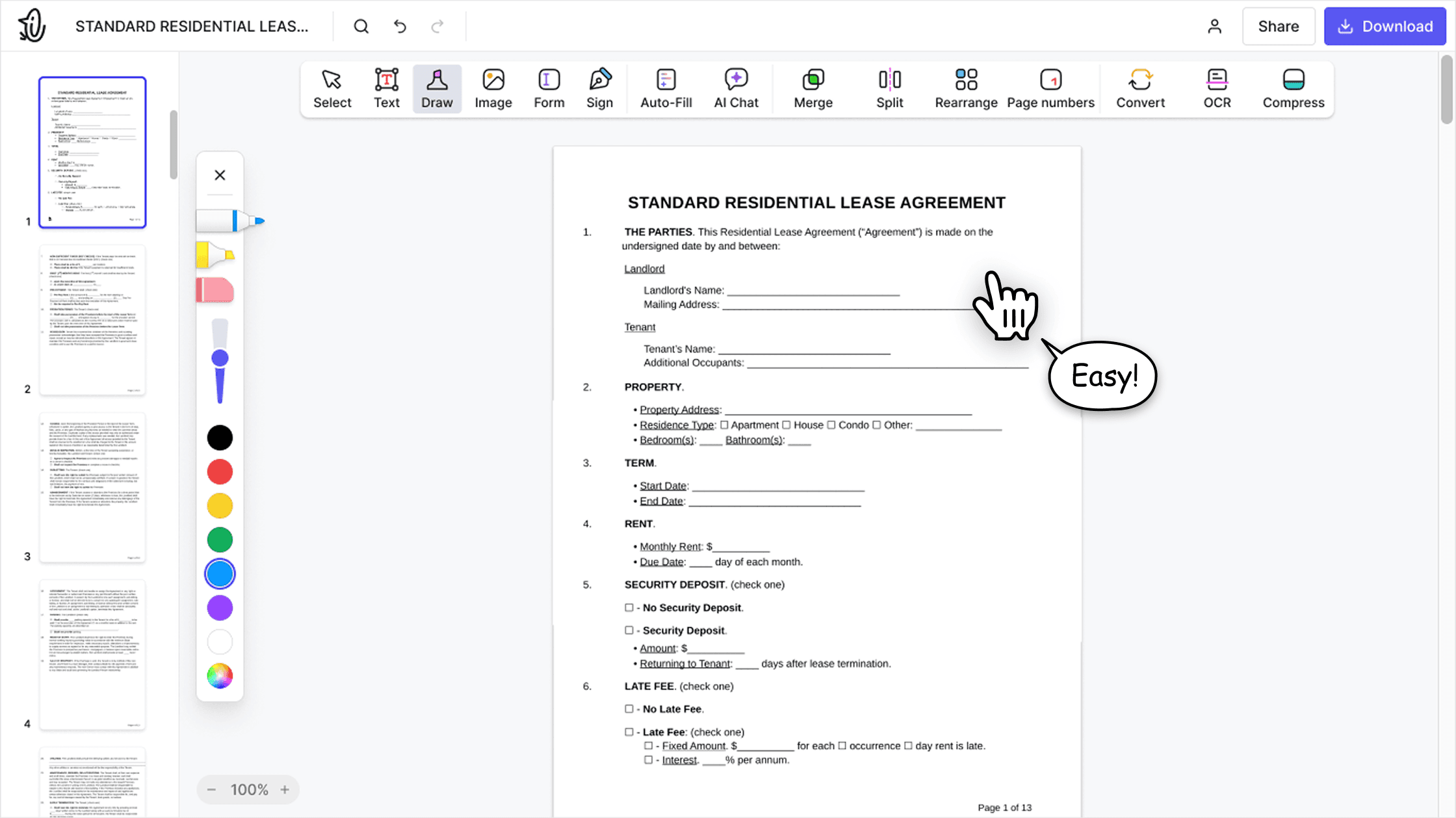

All‑in‑one PDF editor
Our editor offers a robust and comprehensive set of features that allow you to customize your documents, merge them, sign them, and much more. No need to transfer your files between several applications anymore.

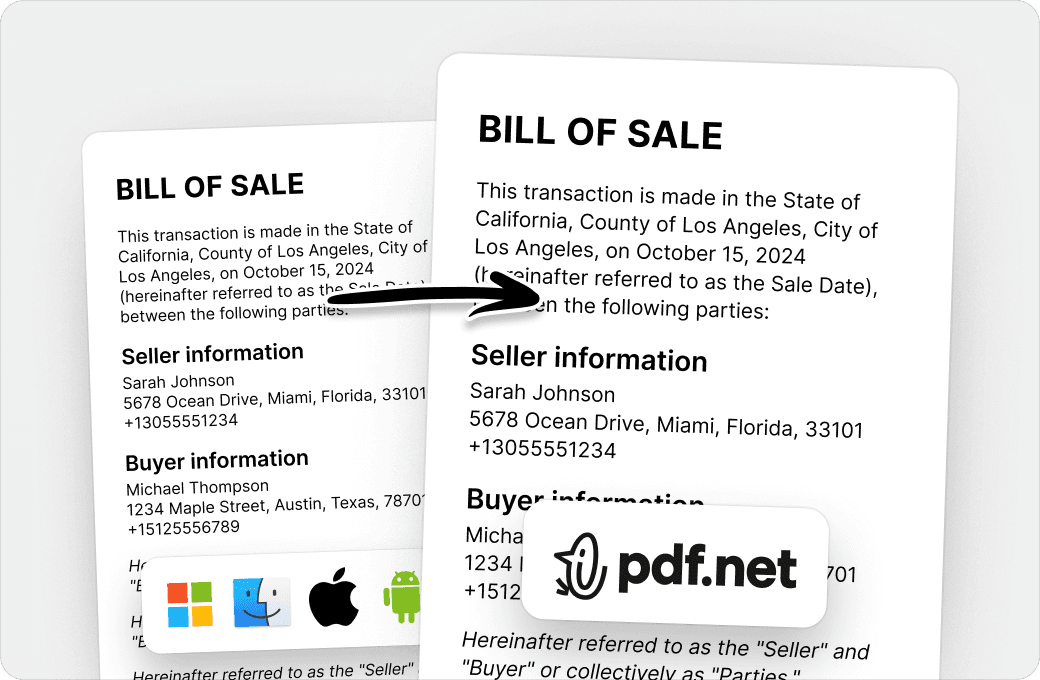
Keeping formatting without issues
No more messy documents and inconsistent formatting across multiple systems or devices. Our online PDF editor is cross-platform compatible and maintains uniformity whether you’re using a PC, MacOS, smartphone, or tablet.
People all over the world trust pdf.net to edit their docs
Today we were submitting an RFP and got hit at the last minute with a bunch of PDF gymnastics: extracting individual pages from a 50-page master PDF, editing them, and merging them back into a new submission document. Without this tool, we probably would not have made the deadline.


Today we were submitting an RFP and got hit at the last minute with a bunch of PDF gymnastics: extracting individual pages from a 50-page master PDF, editing them, and merging them back into a new submission document. Without this tool, we probably would not have made the deadline.
I was able to get my documents signed and got it on time and I did it all for free thank you so much.

Very easy to navigate through and use.

The best part I love about this platform is its ability to collaborate and share files on this platform. The security of the files is also enhanced on this platform by its capability to add password which secures the entire content of the files.

Frequently asked questions
- What is an AI PDF generator?
- An AI PDF generator is a tool that uses advanced natural language processing to understand your prompt and create a PDF document from scratch based on it. The more detailed your prompt is in terms of the content and style you want, the more accurate the result.
- Can I generate PDFs directly?
- Yes, you can generate PDFs directly; simply type in the prompt and let our AI document creator work its magic. The result is a polished, professional PDF ready for further editing or use.
- Is this AI document generator free?
- This AI document generator is free to use, but you'll need to subscribe to our services if you want to download the finished file.
- What types of documents can I create?
- You can create all types of documents: study notes, research paper summaries, financial and business reports, planners, resumes, certificates, and essentially anything else that comes to mind. Our online PDF generator gives you total creative control.
- Can I edit the generated document?
- Yes, you can edit the generated document online in our editor just like you would any other PDF. Open it and split or merge pages, add text, annotations, or images, and insert your e-signature as needed.
- What's the difference between an AI PDF generator and ChatGPT?
- The difference between an AI PDF generator and ChatGPT is that the former creates professionally formatted PDFs that usually don't require any editing before they're ready to use. On the other hand, ChatGPT is an assistant whose main purpose isn't creating PDFs, so it needs more guidance to generate the document correctly. In addition, you'll likely need to tweak the content and format it manually.
- Can I customize the generated document?
- Yes, you can customize the generated document by opening it in our PDF editor and making the necessary changes. You can also tweak your prompt to more accurately reflect your vision.
- Is this tool suitable for business use?
- This tool is suitable for business use, as you can create financial reports, project summaries and proposals, and other relevant PDFs with our AI document generator. Plus, our AI PDF generator encourages productivity by saving you time you'd spend writing these documents by yourself.
- How accurate are AI-generated documents?
- AI-generated documents are as accurate as you make them to be; essentially, if you give our PDF generator a detailed, carefully-worded prompt, your result will reflect that. However, even if you do spot some inaccuracies, you can always correct them in our PDF editor.
- Can I regenerate or improve the document?
- Yes, you can regenerate or improve the document either by writing a new prompt in the automatic document generator or by opening our PDF editor and making changes there. Either way, you're in full control of the content, formatting, and style.