

Convert PDF to text you can copy and edit
Copy a quote, rewrite a paragraph, or add text to your notes. Our PDF to text converter gives you a .txt file to work with, without retyping. Nothing to install.
または
対応形式: PDF
ファイルのプライバシーは維持されます
Very easy to use, and the conversion is highly accurate.

AnthonyTrustpilotのレビュー (英語から翻訳)
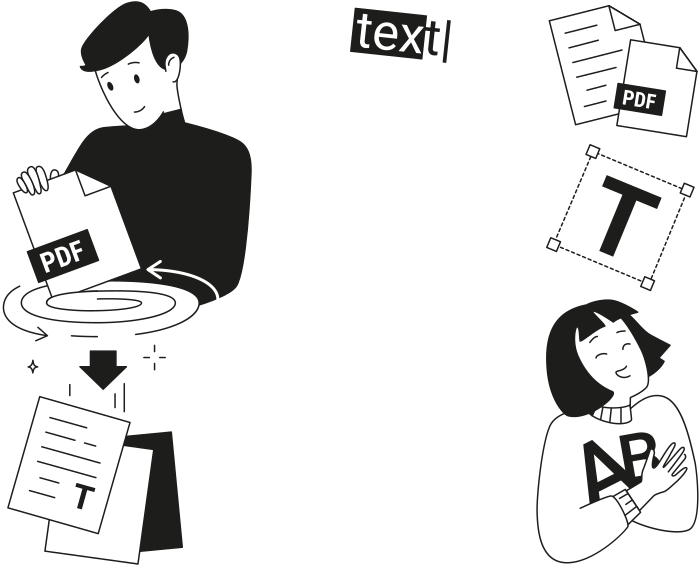
When to use our PDF to text converter
Quoting a research paper
Extract text from PDF online to copy a quote into your paper or add it to your research notes.
Working with AI tools
Turn PDF into text, then paste the part you want your AI assistant to explain or summarize.
Reusing text
Take a paragraph from a report and add it to an email or a document without typing it again.
Translating a document
Convert PDF to TXT, then copy a passage or the full text into your translation tool.
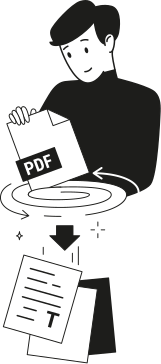
すべてのPDFツールを1か所で提供
インストール不要、アプリの切り替え不要。どのデバイスでも動作します


その他のツール

JPG PDF変換
JPEG写真を品質を落とさずに1つのPDFファイルに結合します。

PNG PDF変換
複数のPNG画像を1つのPDFに結合します。解像度は維持されます。

PDF JPG変換
PDFページを別々のJPEG画像に変換します。共有やアップロードの準備が整います。

PDF Excel変換
PDFの表をExcelやGoogleスプレッドシートでそのまま使える編集可能なスプレッドシートに変換します。

PDF PNG変換
PDFページを別々のPNGに分割します。元の解像度が維持されます。

Mardown PDF 変換
.mdファイルを貼り付けまたはアップロードし、数秒で整形後のPDFを取得できます。表やコードブロックが含まれます。

ExcelをPDFに変換
XLSとXLSXを、書式を保持したまま、見やすく共有しやすいPDFに変換します。

PDF CSV変換
PDFから表データを抽出し、スプレッドシートやデータ分析に使えるクリーンなCSVファイルに変換します。

PDF PowerPoint変換
編集可能なPPT・PPTXスライドを取得。フォントとレイアウトを維持します。

HEIC PDF変換
iPhoneのHEIC写真を共有可能なPDFに変換。どのデバイスでも開けます。

PowerPointをPDFに変換
PPTとPPTXを共有しやすいPDFに変換。どのデバイスでも開けます。

銀行取引明細書をExcelに変換
PDFの銀行取引明細書を会計処理や分析用の編集可能なExcelまたはCSVファイルに変換します。

EPUBをPDFに変換
EPUB電子書籍を印刷対応のPDFに変換。どのデバイスでも開けます。

PDFをMarkdownに変換
PDFをクリーンなMDテキストに変換し、ノート、ドキュメント、またはリポジトリですぐに使えるようにします。

PDFを比較
2つのPDF間のすべての変更を見つけます。並べて表示するか、重ねて表示できます。

画像を追加
ロゴ、グラフィック、写真をPDFに追加します。サイズと位置を調整できます。

ファイルを分割
PDFを複数ファイルに分割します。任意のページを選んで分割できます。

ページを並べ替え
ドラッグ&ドロップで並べ替えできます。削除、複製、回転も可能です。

ページ番号を追加
ページ番号を自動で付与します。位置、形式、余白を選択できます。

注釈
PDFのマークアップ: 描画、ハイライト、消去が可能です。複数の色と線幅に対応しています。

ページを回転
PDFの向きを簡単に調整できます。単一、複数、またはすべてのページを選択できます。

ベイツ番号付け
ベイツ番号を自動的に追加します。接頭辞、接尾辞、および番号のスタイルを選択できます。

ページを抽出
必要なページを選択し、新しいPDFとして保存します。

PDFを入力可能にする
テキストフィールド、チェックボックス、署名を追加します。フラットフォームやスキャンされたフォームで動作します。

PDFをロック解除
数クリックでパスワードと制限を解除できます。

PDFの保護
パスワードでPDFを不正利用から保護します。

Redact PDF
Black out sensitive text or whole pages before you share a PDF.

署名をリクエスト
PDFを人に送信して署名をリクエストできます。署名する場所を指定し、メールで招待できます。署名済みの文書が返ってきます。

署名の背景を削除
署名を透明にして白い枠なしでPDFに署名できるようにします。

Signature Generator
Type, draw, or upload your signature. Save and reuse it across documents.

PDFとチャット
PDFについてAIに何でも質問できます。

PDF要約ツール
AIでPDFを要点にまとめます。

PDFを生成
必要な文書の内容を説明し、書式設定済みのPDFを取得します。

AI Form Filler
フォームとお持ちの文書をアップロードしてください。AIが項目を入力します。

PDFを共有
PDFをアップロードし、すぐに安全なリンクまたはメールを介して共有できます。閲覧または編集できるユーザーを管理できます。
How to convert PDF to text
 1
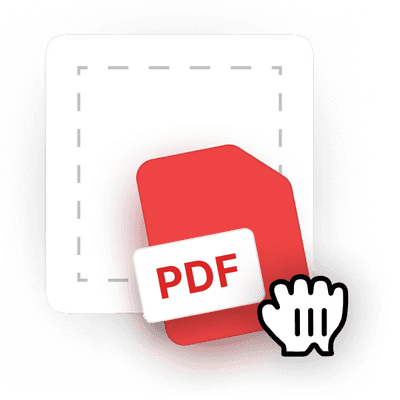
1Upload your PDF
 2
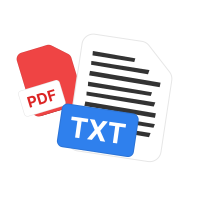
2Let the tool extract PDF text
 3
3Download the .txt file
Ready when you are.
pdf.net が選ばれる理由
日常使いに適したシンプルさと簡単さ
こののオンラインPDF 編集ツールは、初心者にもプロにも使いやすく、すっきりとした直感的なUIを採用しています。初めて使用する方でも簡単に操作してPDFファイルを編集できます。
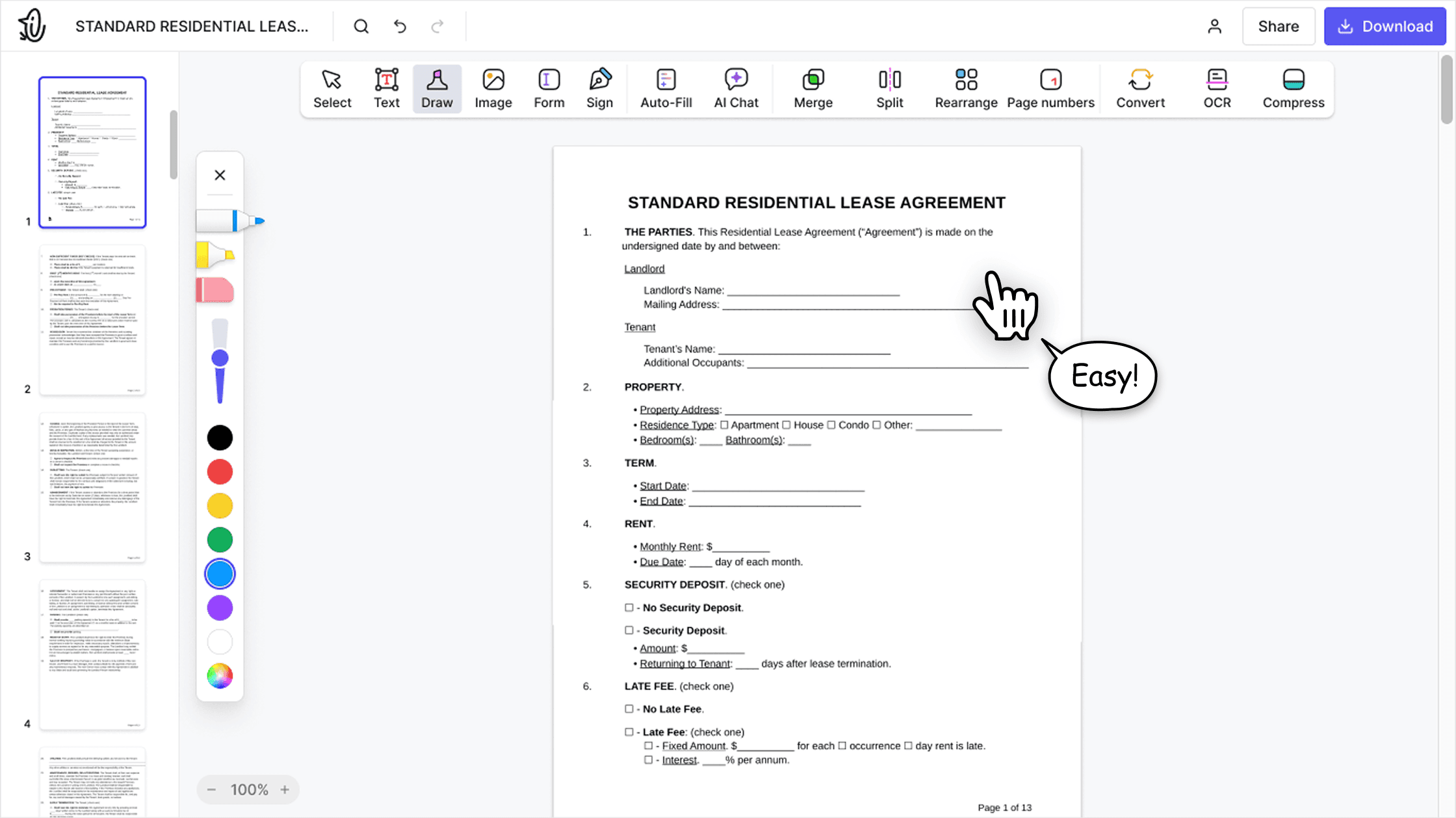

オールインワン型PDFエディター
このエディターは堅牢で包括的な機能一式を備えており、文書のカスタマイズ、結合、署名などのさまざまな作業に対応します。複数のアプリ間でファイルを移動させる必要はもうありません。

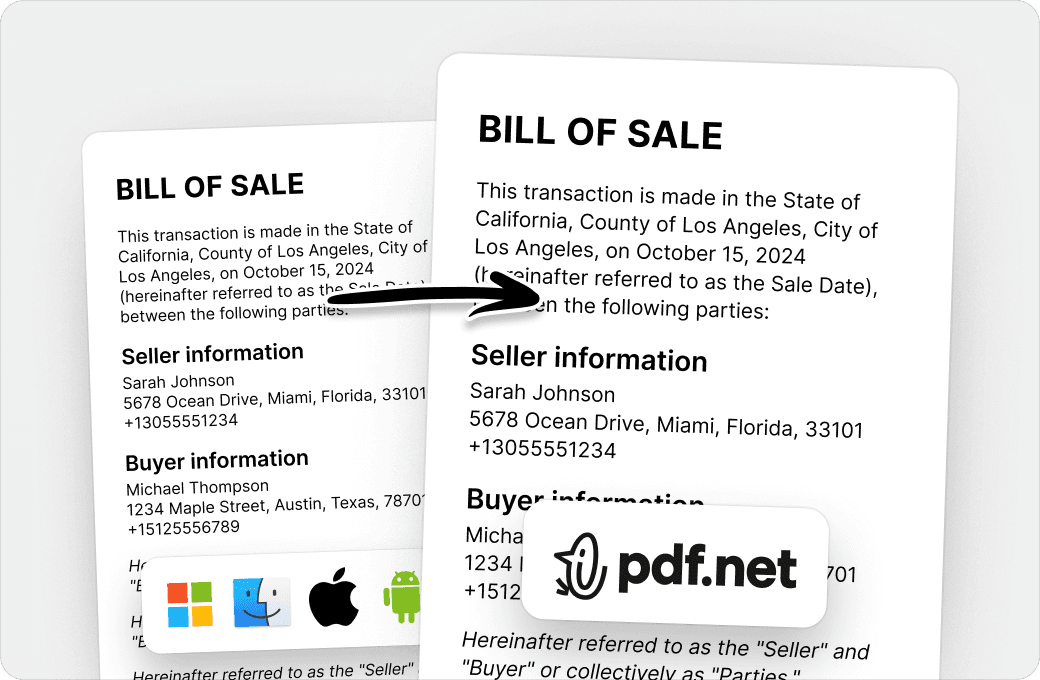
書式を崩さず維持
システムやデバイスの違いが原因で文書の乱れや書式の不整合が発生することはもうありません。このオンラインPDFエディターはクロスプラットフォーム対応ですので、PC、MacOS、スマートフォン、タブレットのどれを使用しても整合性が維持されます。
世界中の人が pdf.net を信頼して文書を編集しています
I enjoyed it because it was simple to use and the platform was easy to maneuver.


GJ FrazierTrustpilotのレビュー (英語から翻訳)
I enjoyed it because it was simple to use and the platform was easy to maneuver.
GJ FrazierTrustpilotのレビュー (英語から翻訳)
すでに持っているファイルを使ってさまざまな種類のファイルを作成するのに便利です。変換するだけです!

momscareTrustpilotのレビュー (英語から翻訳)
わかりやすく、そのサービスが謳っているとおりに機能します。私のビジネスにとても役立っています。

tapetha spencerTrustpilotのレビュー (英語から翻訳)
ブラウザーで動作するため、どのデバイスからでもアクセスできるのが素晴らしいです。

KlemensTrustpilotのレビュー (英語から翻訳)
よくある質問
Upload your PDF to pdf.net’s PDF text extractor and wait for the conversion to finish. Then download the text as a .txt file.
Upload a PDF and pdf.net converts its text into a .txt file you can copy or edit. The PDF needs to contain selectable text.
Our PDF to TXT converter keeps the text and removes fonts, colors, images, and page layout. Lines within a paragraph are joined together, so the text isn’t split at each line break from the PDF.
Yes. Open the .txt file in a text editor, or copy the text into Word or Google Docs to make your changes.
No. Our converter creates a separate .txt file and leaves your original PDF unchanged.
No. Our PDF text extractor works with PDFs that contain selectable text, not scanned pages or images.
Yes. pdf.net works in your mobile browser. Upload your PDF from your phone and download the text as a .txt file, with no app to install.
Yes. You can export PDF text and convert PDF to text online, right in your browser. There’s no software to install on your computer or phone.
Unlock the PDF first. Once it opens without a password, upload it to pdf.net and convert it to text.
Uploading your PDF files to pdf.net is safe and secure. Our online PDF editor uses secure HTTPS encryption and advanced safety protocols to keep your documents private and protected.
This tool is free to access and to convert PDF files to text. However, to download your new document, you need to subscribe to our services.