

安全で共有可能なリンクでPDFをオンライン共有
PDFを数秒でオンライン共有できます。ファイルをアップロードしてリンクを生成するだけで、ソフトウェアをダウンロードせずにリンクまたはメールでPDFを送信できます。
または
対応形式: PDF
ファイルのプライバシーは維持されます
このプラットフォームで私が最も気に入っている点は、このプラットフォーム上で共同作業を行い、ファイルを共有できることです。パスワードを追加してファイルの内容全体を保護できる機能により、ファイルのセキュリティも強化されています。

Konjengbam Mitindra SinghG2のレビュー (英語から翻訳)
すべてのPDFツールを1か所で提供
インストール不要、アプリの切り替え不要。どのデバイスでも動作します


その他のツール

JPG PDF変換
JPEG写真を品質を落とさずに1つのPDFファイルに結合します。

PDF JPG変換
PDFページを別々のJPEG画像に変換します。共有やアップロードの準備が整います。

PDF Excel変換
PDFの表をExcelやGoogleスプレッドシートでそのまま使える編集可能なスプレッドシートに変換します。

PDF PNG変換
PDFページを別々のPNGに分割します。元の解像度が維持されます。

Mardown PDF 変換
.mdファイルを貼り付けまたはアップロードし、数秒で整形後のPDFを取得できます。表やコードブロックが含まれます。

ExcelをPDFに変換
XLSとXLSXを、書式を保持したまま、見やすく共有しやすいPDFに変換します。

PDF CSV変換
PDFから表データを抽出し、スプレッドシートやデータ分析に使えるクリーンなCSVファイルに変換します。

PDF PowerPoint変換
編集可能なPPT・PPTXスライドを取得。フォントとレイアウトを維持します。

HEIC PDF変換
iPhoneのHEIC写真を共有可能なPDFに変換。どのデバイスでも開けます。

PowerPointをPDFに変換
PPTとPPTXを共有しやすいPDFに変換。どのデバイスでも開けます。

銀行取引明細書をExcelに変換
PDFの銀行取引明細書を会計処理や分析用の編集可能なExcelまたはCSVファイルに変換します。

EPUBをPDFに変換
EPUB電子書籍を印刷対応のPDFに変換。どのデバイスでも開けます。

PDFをMarkdownに変換
PDFをクリーンなMDテキストに変換し、ノート、ドキュメント、またはリポジトリですぐに使えるようにします。

Convert PDF to Text
Get the text from your PDF as a .txt file. Copy it into emails, documents, or notes.

テキストを変更
PDF内のテキストを直接編集します。フォント、サイズ、色を変更できます。

PDFを比較
2つのPDF間のすべての変更を見つけます。並べて表示するか、重ねて表示できます。

画像を追加
ロゴ、グラフィック、写真をPDFに追加します。サイズと位置を調整できます。

ファイルを分割
PDFを複数ファイルに分割します。任意のページを選んで分割できます。

ページを並べ替え
ドラッグ&ドロップで並べ替えできます。削除、複製、回転も可能です。

ページ番号を追加
ページ番号を自動で付与します。位置、形式、余白を選択できます。

注釈
PDFのマークアップ: 描画、ハイライト、消去が可能です。複数の色と線幅に対応しています。

ページを回転
PDFの向きを簡単に調整できます。単一、複数、またはすべてのページを選択できます。

ベイツ番号付け
ベイツ番号を自動的に追加します。接頭辞、接尾辞、および番号のスタイルを選択できます。

ページを抽出
必要なページを選択し、新しいPDFとして保存します。

PDFを入力可能にする
テキストフィールド、チェックボックス、署名を追加します。フラットフォームやスキャンされたフォームで動作します。

Add Watermark to PDF
Mark PDF pages with your text or an image

PDFをロック解除
数クリックでパスワードと制限を解除できます。

PDFの保護
パスワードでPDFを不正利用から保護します。

Redact PDF
Black out sensitive text or whole pages before you share a PDF.

署名をリクエスト
PDFを人に送信して署名をリクエストできます。署名する場所を指定し、メールで招待できます。署名済みの文書が返ってきます。

署名の背景を削除
署名を透明にして白い枠なしでPDFに署名できるようにします。

Signature Generator
Type, draw, or upload your signature. Save and reuse it across documents.

PDFとチャット
PDFについてAIに何でも質問できます。

PDF要約ツール
AIでPDFを要点にまとめます。

PDFを生成
必要な文書の内容を説明し、書式設定済みのPDFを取得します。

AI Form Filler
フォームとお持ちの文書をアップロードしてください。AIが項目を入力します。
PDFをオンライン共有する方法
 1
1ファイルをアップロードする
 2
2権限を設定する
 3
3リンクまたはメールでPDFを共有する
高速で柔軟なPDF共有を実現する設計
アップロード制限に妨げられずに大容量PDFを送信
重い添付ファイルを送信する代わりにリンクを生成することで、PDFをオンライン共有してファイルサイズ制限を回避できます。
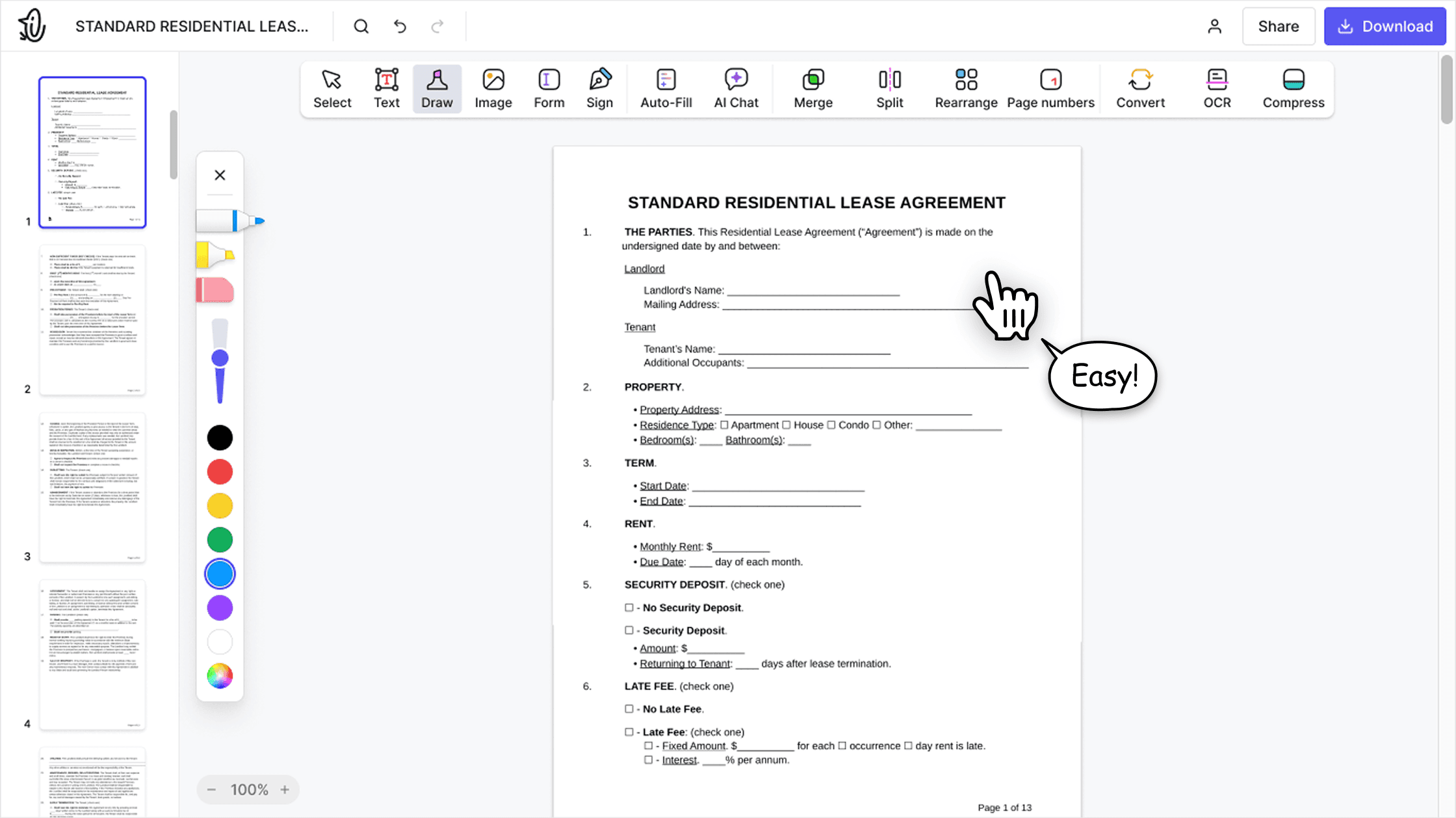

受信トレイを散らかさずに文書を送信
メールでPDFを共有したり、PDFをリンクで共有したりできるため、送信が簡単になり、過剰に大きなメール添付ファイルを避けることができます。

リンクの権限で文書アクセスを管理
リンクまたはメールでPDFを共有する場合でも、適切な人だけが文書を閲覧できるように権限を設定できます。
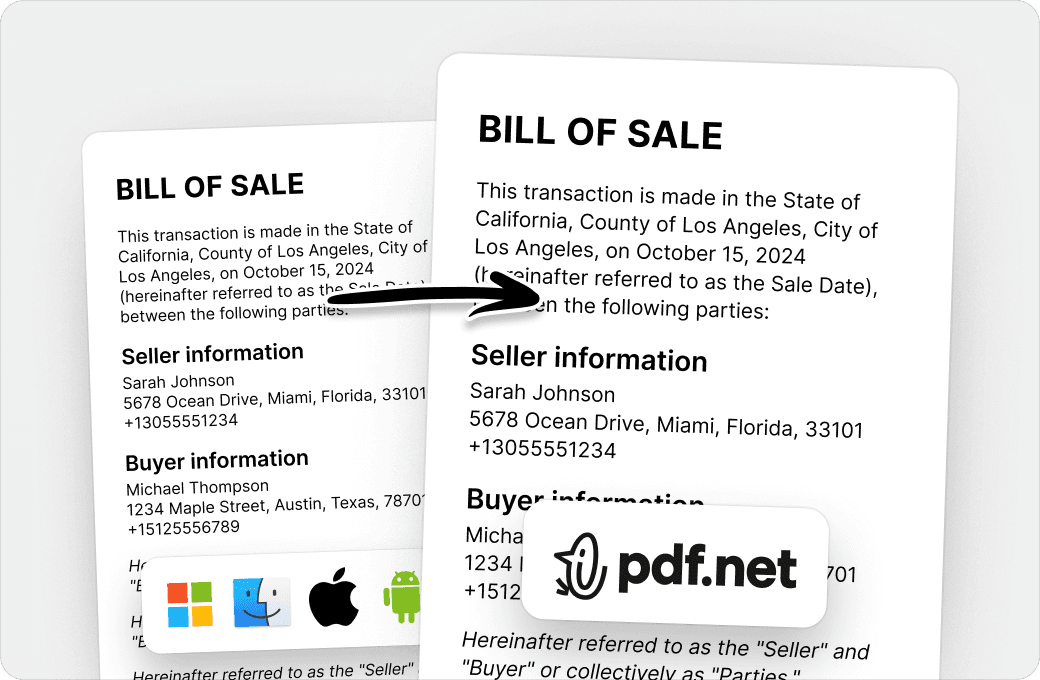
レビューと承認を1つのフローで管理
ツールを切り替えなくても、顧客やチームにPDFリンクを送信し、フィードバック、承認、共同作業に対応できます。
世界中の人が pdf.net を信頼して文書を編集しています
変換できなかった文書を人に送る必要があったのですが、pdf.net のおかげで変換でき、証明書を手に入れることができました。今後また必要になったら利用します!


Jamie Sasser-DroneTrustpilotのレビュー (英語から翻訳)
変換できなかった文書を人に送る必要があったのですが、pdf.net のおかげで変換でき、証明書を手に入れることができました。今後また必要になったら利用します!
Jamie Sasser-DroneTrustpilotのレビュー (英語から翻訳)
このソフトウェアは非常に効果的です。使いやすく、処理も速いです。PDF文書を扱うなら必携です。

Fabio TagliasacchiTrustpilotのレビュー (英語から翻訳)
既存のフィールドにも問題なくテキストを追加できました。仕上がった文書はかなり本格的な見た目でした!

使いやすく、文書に必要な修正を加えることができました。また、技術的な問題もなくすぐにダウンロードできました!

Gregory CrawfordTrustpilotのレビュー (英語から翻訳)
よくある質問
- 自分のファイルを共有しても安全ですか?
- はい。pdf.net ではアクセスできる人を自分で管理できるため、ファイルを共有しても安全です。安全なリンクかメールで文書を共有し、受信者に文書の閲覧と編集を許可するかどうかを選択できます。さらに保護を強化するため、パスワード保護されたPDFを共有することもできます。
- 受信者がファイルを閲覧するのにアカウントは必要ですか?
- いいえ。あなたが共有したファイルを受信者が閲覧するのにアカウントは必要ありません。 「PDFを共有」のリンクを知っている人全員が任意のデバイスで文書にアクセスし、開くことができます。そのため、外出先などで素早くアクセスできるようになっています。
- ファイルサイズ制限はありますか?
- ファイルサイズ制限は、ご利用のプランによって異なります。 pdf.net は概してほとんどの日常的なニーズに適した大容量PDFファイルに対応しています。ファイルが制限を超えている場合は、アップロード前に通知されます。
- どのくらいの速さで共有できますか?
- 安定したインターネット接続があれば、共有はほぼ瞬時に完了します。ファイルをアップロードしてリンクを生成し、数秒でPDFをオンライン共有できます。重いファイルではもう少し時間がかかる場合がありますが、その差はごくわずかです。
- PDF以外のファイルも共有できますか?
- いいえ。PDF以外のファイルは共有できません。このツールはデバイス間で一貫した動作、セキュリティ、互換性を確保するため、PDFファイル専用に設計されています。必要であれば、共有する前に pdf.net の他のツールを使ってファイルをPDFに変換できます。
- スマートフォンやタブレットからPDFを共有できますか?
- はい。スマートフォンやタブレットからPDFを共有できます。 「PDFを共有」アプリをインストールする必要はありません。モバイルブラウザーから直接ファイルをアップロードして共有するだけで、拡張機能やダウンロードは不要です。
- ソフトウェアをダウンロードする必要はありますか?
- いいえ。pdf.net でPDFファイルを共有するのにソフトウェアをダウンロードする必要はありません。このツールは完全にブラウザーベースであるため、安定したインターネット接続があればPDFをリンクで共有できます。
- 複数のファイルを一度に共有できますか?
- いいえ。複数のファイルを一度に共有することはできません。現在、この「PDFを共有」ツールは、高速なアップロード、安定したリンク、信頼できるファイルアクセスを確保するため、一度に1つのPDFファイルの共有のみに対応しています。
- 自分のファイルは永久に保存されますか?
- いいえ。pdf.net ではユーザーのファイルが永久に保存されることはありません。共有を可能にするため、当社のシステムに一時的に保存されるだけです。プライバシーとセキュリティを保証するため、設定された期間を過ぎた後はすぐに自動的に削除されます。
- PDFを共有する前に編集できますか?
- はい。PDFを共有する前に編集できます。このPDFエディターには、文書に変更を加えるための充実したツール一式が備わっています。変更内容に満足したら、この「PDFを共有」ツールのリンクを使用してPDFを共有できます。
- リンクを紛失したらどうなりますか?
- リンクを紛失した場合でも、この「PDFを共有」ツールにPDFを再度簡単にアップロードし、他の人と共有するための新しいリンクを作成できます。また、古いリンクについて心配する必要はありません。ファイルが期限切れになると、古いリンクは自動的に機能しなくなります。
- WhatsAppでPDFを送信するにはどうすればよいですか?
- この「PDFを共有」ツールにファイルをアップロードして安全なリンクを生成し、そのリンクをWhatsAppチャットに直接貼り付けると、WhatsAppでPDFを送信できます。これによってファイルサイズ制限を回避し、どのデバイスでも文書に簡単にアクセスできるようになります。
- このPDFツールを使うべき理由は何ですか?
- このPDFツールを使うべき理由は、Google Drive、OneDrive、Dropboxなどのクラウドストレージプラットフォームにアップロードしたり、メールでPDF文書を共有したりするよりもはるかに速く簡単だからです。