
あらゆるPDFフォームに入力、すべてを自分で入力する必要はありません
ほとんどの入力ツールでは、すべてのフィールドを自分で入力しなければなりません。 pdf.netは、すでにお持ちの文書を読み取り、フラットPDFやスキャンされたPDFでもフォームに入力します。確認して、ダウンロードして、完了です。
ファイルのプライバシーは維持されます
アップロードするファイルがありませんか? すべてのフォームを参照


- 再入力不要詳細は、すでにお持ちのファイルから取得されます
- 入力可能フィールドは不要フラットPDFやスキャンされたPDFでも使えます
- 盲目的な信頼は不要ダウンロード前にすべての値を確認して変更できます
お手持ちのファイルからPDFフォームを自動入力
このAI Form Fillerは詳細情報が含まれた文書、スキャン、または写真を読み取り、どの値をどこに入れるべきかを判断します。または自分で入力できます。
文書から
詳細情報が含まれたPDF、契約書、またはWordファイルをアップロードすると、AIが各値をフォームに取り込みます。

スキャンまたは写真から
IDや文書のスキャンまたは写真をアップロードすると、AIがどのフィールドに入力するかを読み取ります。

または入力する
手動で行いたいですか?フォーム上のどこにでも入力でき、AIが入力した値も修正できます。

ファイルはストレージへのアップロードから保護されたままです
保存時はAES-256で暗号化され、転送中はTLSで保護されます
ファイルのプライバシーは維持されます
このPDF入力ツールは、PDF文書の編集と記入のために私が使った中でも最高のツールの1つです。
インターフェースがすっきりしていて使いやすく、テキスト、署名、チェックボックス、その他の情報を手間なく非常に簡単に追加できます。


Mark PepitoTrustpilotのレビュー (英語から翻訳)
どんな入力が必要でも
新しいクライアント向けのW-9から新しい仕事の書類まで、状況に合ったものを選んで入力を始めましょう
フリーランスの仕事
新しいクライアント向けのW-9、確定申告時の1099-NEC、そしてSchedule Cに、詳細情報を再入力することなく入力できます。新しい仕事を始める
書類手続きをすばやく完了: I-9とW-4に入力し、数分でダウンロードできます。税務シーズン
1040、W-2、または1040-NRにオンラインで入力し、提出できる状態でダウンロードできます。移民手続きと渡航
N-400、I-130、またはDS-11パスポート申請書に入力し、提出できる状態でダウンロードできます。医療関連書類
書類探しに手間取ることなく、CMS-1500請求書、UB-04、またはMedicare CMS-40Bに入力できます。法務および個人用フォーム
社会保障カード用のSS-5や委任状のForm 2848に入力し、その後署名できます。


すべてのフォームを参照
必要なフォーム。常に最新です。
3ステップでPDFフォームに入力する方法
- 1
フォームをアップロード、フラットPDFでもスキャンでも対応
- 2
文書を追加するか詳細を入力すると、AIがフィールドを埋めます
- 3
確認してダウンロード
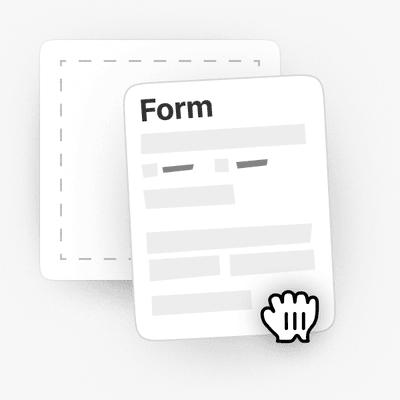

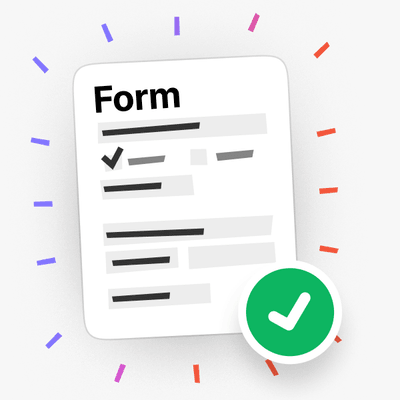
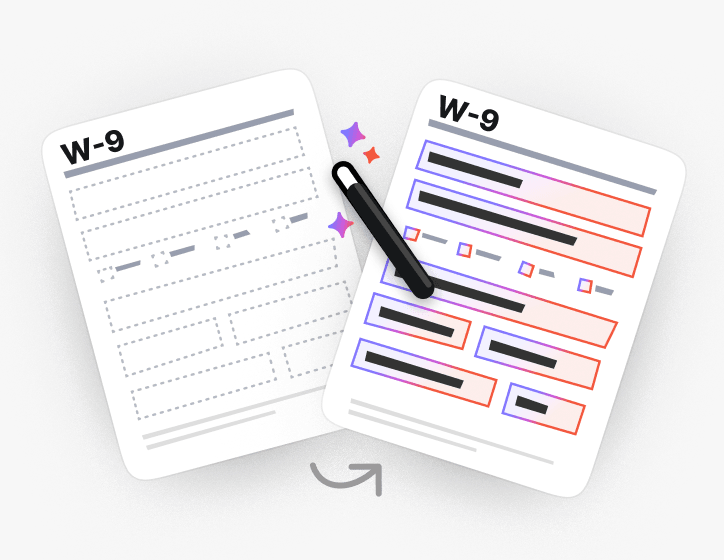
フラットフォームやスキャンされたフォームにも入力
クリックできるフィールドがありませんか?その場合でも、AIがフラットなPDFやスキャンされたPDFで各フィールドの位置を検出して入力します。
またはPDFを入力可能にして自分で入力します。
特にフォーム入力において、非常に多様なツールセットがあります。

実際に提出するフォームのために作られています
カテゴリ別に入力可能なPDFフォームを参照するか、多くの人が入力している税務、移民、法務、医療関連のフォームに移動できます
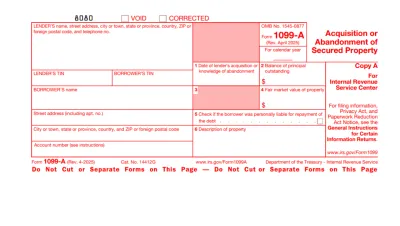
Form 1099
Form 1099 is a family of IRS information returns that payers use to report income other than regular wages, such as freelance pay, interest, dividends, or proceeds from certain sales.Access our editable Form 1099 online, enter your details, make quick changes, and download your form instantly. Simple, secure, and perfect for freelancers, contractors, and small business owners.
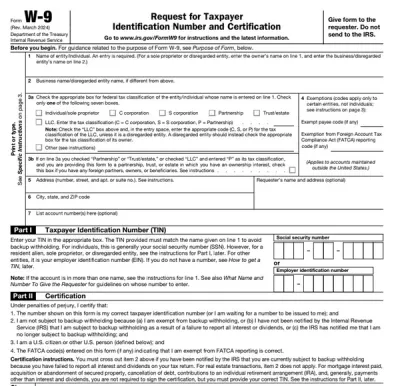
Form W-9
Form W-9 is a document used to give your correct taxpayer identification number (TIN) to a person who must report payments to the IRS.Get yours ready in minutes; add your details to our fillable Form W-9 and prepare it for submission more simply.
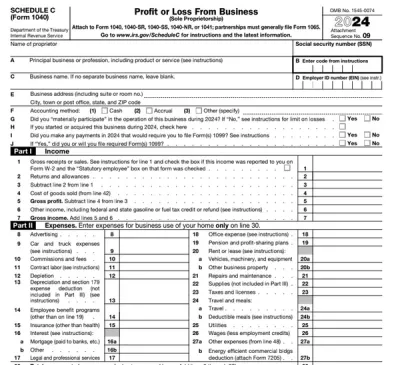
Schedule C (Form 1040)
Schedule C on Form 1040 is used to report income and loss from a business you operated or a profession you practiced as a sole proprietor.Our editable Schedule C (Form 1040) facilitates the tax filing process. All you have to do is type information directly into the empty slots.
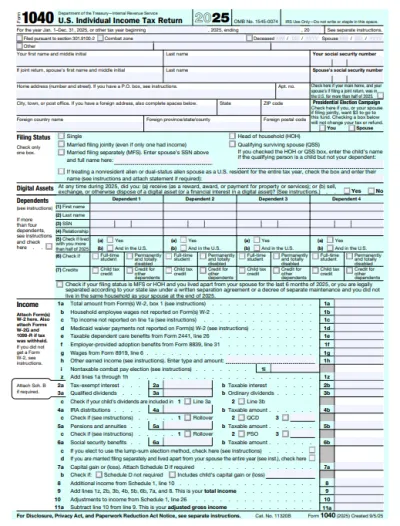
Form 1040
A Form 1040 is the IRS tax return used to report your annual income, calculate taxable income, claim credits and deductions, and determine whether you owe taxes or will receive a refund.Access our 1040 fillable form online and handle your tax return without a hassle. You can enter your income, deductions, and credits easily, review the details, and download a completed copy ready to print and mail.
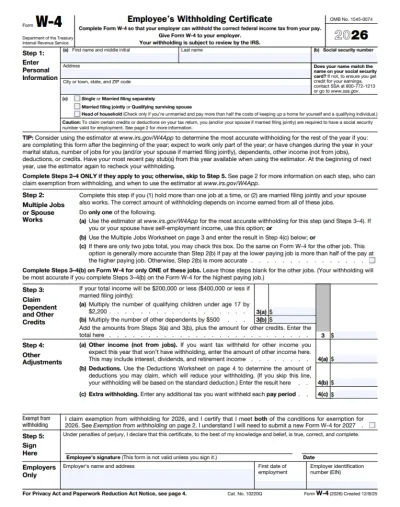
Form W-4
IRS Form W-4 informs the employer of the correct federal income tax to withhold from the employee’s paycheck.On pdf.net, you can now select a fillable tax form, open it in our PDF editor, and enter the information directly in the fields; once you complete it, you can save your W-4 and submit it to your employer.
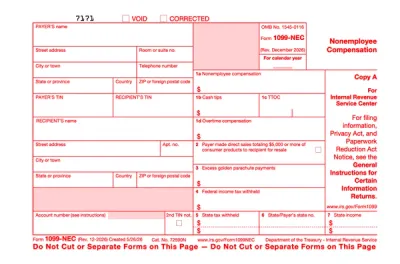
Form 1099-NEC
Form 1099-NEC is used to report payments of $600 or more to nonemployees who have performed services for you.Complete our editable Form 1099-NEC online and download it to your device. All you have to do is open it in our editor, and enter the required information as instructed.
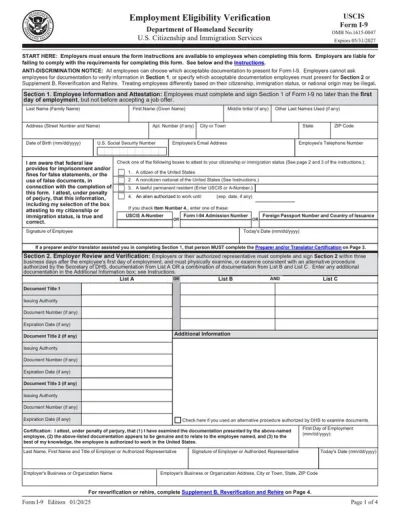
Form I-9
Employers use Form I-9 to verify the identity and employment authorization of their employees, whether they are U.S. citizens or noncitizens.Fill out our editable Form I-9 online by simply typing the required information directly into the empty slots. Once that’s done, download the form to your device.
すべてのPDFフォームを参照
必要なフォームを。いつでも最新。
フォームにリアルタイムで入力される様子を見る
AIが文書を読み取り、フラットフォームにフィールドごとに入力する様子を見る

今すぐPDFフォームに入力
文書をアップロードして、AIにフラットでも入力可能でもあらゆるPDFフォームを入力させ、その後、提出できる状態でダウンロードできます
ファイルのプライバシーは維持されます
よくある質問
はい。 pdf.net のPDF Form Fillerを使えば、Adobe AcrobatなしでオンラインでPDFに入力できます。ブラウザーで動作するため、フォームへの入力を完了する前にインストールすべきものはありません。
クリックして入力できるインタラクティブなフィールドがないため、PDFフォームに入力することはできません。 pdf.netでは、ページ上のどこにでも入力したり、ファイルを入力可能フォームに変換してフィールド間をTabキーで移動したりできます。
お客様が提供した文書を読み取り、各値をフォーム上の適切なフィールドに対応付け、なぜその値が選ばれたのかを確認できます。ダウンロードする前に、どの内容でも変更できます。
元となる文書がない場合でも、PDFフォームに直接入力できます。当社のツールでは、PDFに手動で入力することもできます。
はい、PDFフォームエディターを使えば、入力可能でないPDFにも入力できます。テキストボックスやチェックマークをページ上の任意の場所に配置できるため、スキャンされた文書やフラット化された文書でも入力可能です。
PDF、DOC、DOCX、XLS、XLSX、PPT、PPTX、PPSX、JPG、PNG、HEICをアップロードできます。これには、スマートフォンで撮影した紙のフォームの写真も含まれるため、紙でしか持っていない文書にも入力できます。
はい。アップロードした文書はユーザーのアカウントに保存され、その扱いはユーザーが決められます。後で再利用するために元の文書を保持しておくことも、フォームへの入力が完了したら削除することもできます。
はい。ユーザーのファイルは保存時にはAES-256で、転送時にはTLSで暗号化されます。何を保存、削除、共有するかはユーザーが決められます。
はい、スマートフォンでPDFに入力できます。スマートフォンのストレージまたはクラウドドライブからファイルをアップロードし、必要事項を入力して、完成したフォームをダウンロードできます。
いいえ、PDFに入力する前に印刷する必要はありません。当社のPDFフォーム入力ツールでは、フラット化された文書でもスキャンされた文書でも、画面上で文書に直接入力できるため、印刷、手書き、スキャンを完全に省けます。
W-9や1040などの税務書類、I-9やW-4などの雇用関連フォーム、移民関係の書類、CMS-1500のような医療保険請求書類など、ほぼあらゆる種類のPDFフォームに入力できます。
はい、入力後すぐにPDFに署名を追加できます。署名を手書き、入力、またはアップロードして、フォーム上の任意の場所に配置できます。
すべてのPDFツールを1か所で提供
インストール不要、アプリの切り替え不要。どのデバイスでも動作します


その他のツール

WordをPDFに変換
DOC/DOCXをPDFに変換します。書式は維持されます。

JPG PDF変換
JPEG写真を品質を落とさずに1つのPDFファイルに結合します。

PNG PDF変換
複数のPNG画像を1つのPDFに結合します。解像度は維持されます。

PDF JPG変換
PDFページを別々のJPEG画像に変換します。共有やアップロードの準備が整います。

PDF Excel変換
PDFの表をExcelやGoogleスプレッドシートでそのまま使える編集可能なスプレッドシートに変換します。

PDF PNG変換
PDFページを別々のPNGに分割します。元の解像度が維持されます。

Mardown PDF 変換
.mdファイルを貼り付けまたはアップロードし、数秒で整形後のPDFを取得できます。表やコードブロックが含まれます。

ExcelをPDFに変換
XLSとXLSXを、書式を保持したまま、見やすく共有しやすいPDFに変換します。

PDF CSV変換
PDFから表データを抽出し、スプレッドシートやデータ分析に使えるクリーンなCSVファイルに変換します。

PDF PowerPoint変換
編集可能なPPT・PPTXスライドを取得。フォントとレイアウトを維持します。

HEIC PDF変換
iPhoneのHEIC写真を共有可能なPDFに変換。どのデバイスでも開けます。

PowerPointをPDFに変換
PPTとPPTXを共有しやすいPDFに変換。どのデバイスでも開けます。

銀行取引明細書をExcelに変換
PDFの銀行取引明細書を会計処理や分析用の編集可能なExcelまたはCSVファイルに変換します。

EPUBをPDFに変換
EPUB電子書籍を印刷対応のPDFに変換。どのデバイスでも開けます。

PDFをMarkdownに変換
PDFをクリーンなMDテキストに変換し、ノート、ドキュメント、またはリポジトリですぐに使えるようにします。

PDFをテキストに変換
PDFのテキストを.txtファイルとして取得します。メール、ドキュメント、またはメモにコピーできます。

圧縮
3つの圧縮レベルでPDFのファイルサイズを縮小します。

PDFを比較
2つのPDF間のすべての変更を見つけます。並べて表示するか、重ねて表示できます。

画像を追加
ロゴ、グラフィック、写真をPDFに追加します。サイズと位置を調整できます。

ファイルを分割
PDFを複数ファイルに分割します。任意のページを選んで分割できます。

ページを並べ替え
ドラッグ&ドロップで並べ替えできます。削除、複製、回転も可能です。

ページ番号を追加
ページ番号を自動で付与します。位置、形式、余白を選択できます。

注釈
PDFのマークアップ: 描画、ハイライト、消去が可能です。複数の色と線幅に対応しています。

ページを回転
PDFの向きを簡単に調整できます。単一、複数、またはすべてのページを選択できます。

ベイツ番号付け
ベイツ番号を自動的に追加します。接頭辞、接尾辞、および番号のスタイルを選択できます。

ページを抽出
必要なページを選択し、新しいPDFとして保存します。

PDFを入力可能にする
テキストフィールド、チェックボックス、署名を追加します。フラットフォームやスキャンされたフォームで動作します。

PDFに透かしを追加
テキストまたは画像でPDFページに透かしを入れる

PDFをロック解除
数クリックでパスワードと制限を解除できます。

PDFの保護
パスワードでPDFを不正利用から保護します。

PDFを墨消し
PDFを共有する前に、機密性の高いテキストやページ全体を黒く塗りつぶします。

署名ジェネレーター
署名を入力、手書き、またはアップロードできます。保存して、ドキュメント間で再利用できます。

PDFとチャット
PDFについてAIに何でも質問できます。

PDF要約ツール
AIでPDFを要点にまとめます。

PDFを生成
必要な文書の内容を説明し、書式設定済みのPDFを取得します。

PDFを共有
PDFをアップロードし、すぐに安全なリンクまたはメールを介して共有できます。閲覧または編集できるユーザーを管理できます。