
Preencha qualquer formulário PDF sem precisar digitar tudo você mesmo
A maioria dos preenchedores faz você digitar cada campo. O pdf.net lê um documento que você já tem e preenche o formulário para você, até mesmo em PDFs planos e digitalizados. Você revisa, baixa e pronto.
Os arquivos permanecem privados
Nenhum arquivo para enviar? Procurar todos os formulários


- Sem redigitaçãoOs dados vêm de um arquivo que você já tem
- Não precisa de campos preenchíveisFunciona em PDFs planos e digitalizados
- Sem confiança cegaVeja e altere cada valor antes de baixar
Preencha automaticamente formulários PDF com seus próprios arquivos
Nosso preenchedor de formulários com IA lê um documento, digitalização ou foto com seus dados e identifica qual valor vai em cada lugar. Ou digite você mesmo.
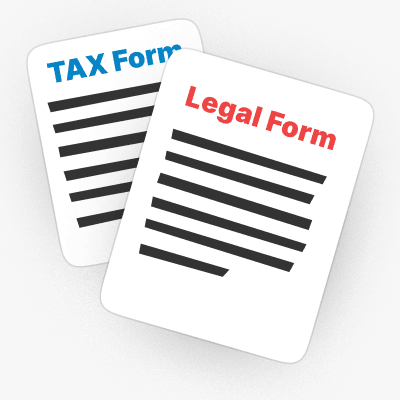
De um documento
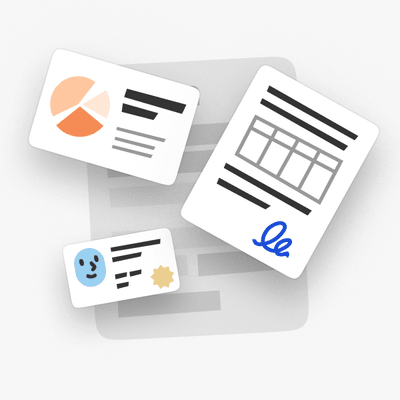
Envie um PDF, contrato ou arquivo do Word que contenha seus dados, e a IA extrai cada valor para o formulário.
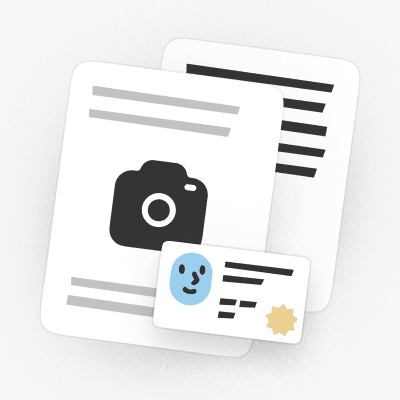
De uma digitalização ou foto
Envie uma digitalização ou uma foto de um documento de identidade ou documento, e a IA lê quais campos preencher.
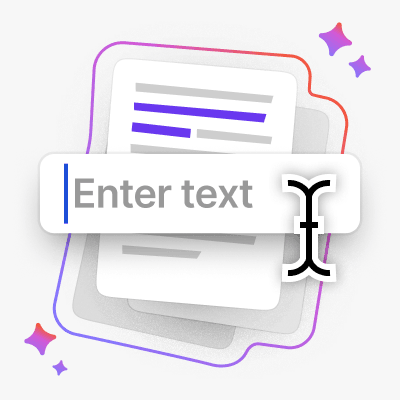
Ou digite
Prefere fazer manualmente? Digite em qualquer lugar do formulário e corrija qualquer valor que a IA tenha preenchido.
Seu arquivo permanece protegido contra upload para o armazenamento
Criptografado com AES-256 em repouso e TLS em trânsito
Os arquivos permanecem privados
Este preenchedor de PDF é uma das melhores ferramentas que já usei para editar e preencher documentos PDF.
A interface é limpa, fácil de usar e torna incrivelmente fácil adicionar texto, assinaturas, caixas de seleção e outras informações sem complicação.


Seja o que for que você precise preencher
De um W-9 para um novo cliente à papelada de um novo emprego, escolha sua situação e comece a preencher
Trabalho freelancer
Preencha um W-9 para um novo cliente, um 1099-NEC na época dos impostos e seu Schedule C, sem redigitar seus dados.Começando um novo emprego
Resolva a papelada rapidamente: um I-9 e um W-4, preenchidos e baixados em minutos.Temporada de impostos
Preencha um 1040, um W-2 ou um 1040-NR online e baixe-o pronto para enviar.Imigração e viagens
Preencha um N-400, um I-130 ou um pedido de passaporte DS-11 e depois baixe-o pronto para enviar.Documentação de saúde
Preencha uma solicitação CMS-1500, um UB-04 ou um Medicare CMS-40B sem a correria com papelada.Formulários jurídicos e pessoais
Preencha um SS-5 para um cartão do Social Security ou um Form 2848 de procuração e depois assine-o.


Procurar todos os formulários
Os formulários de que você precisa. Sempre atualizados.
Como preencher um formulário PDF em 3 etapas
- 1
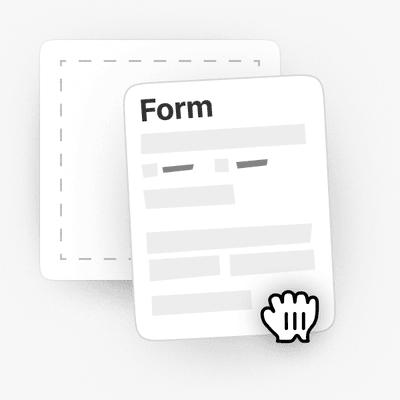
Envie seu formulário, plano ou digitalizado
- 2
Adicione um documento ou digite seus dados, a IA preenche os campos
- 3
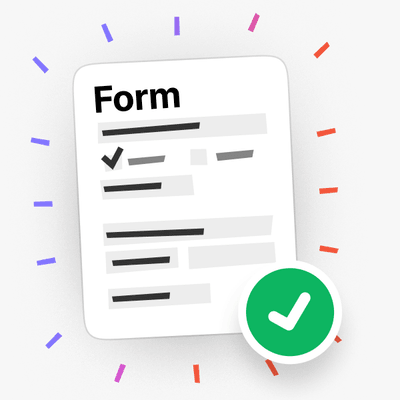
Revisar e baixar
Também preenche formulários planos e digitalizados
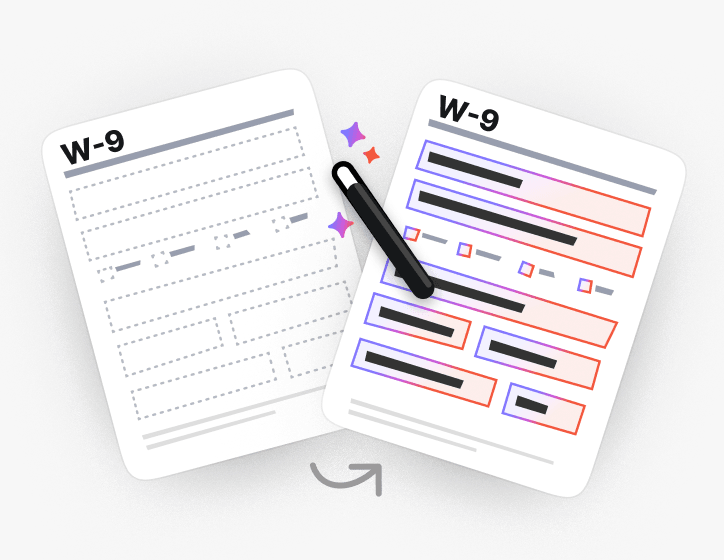
Sem campos para clicar? A IA encontra onde cada campo deve ficar em PDFs planos e digitalizados e ainda assim os preenche.
Ou torne o PDF preenchível e digite você mesmo.
Grande variedade de conjuntos de ferramentas, especialmente para preenchimento de formulários.

Feito para os formulários que você realmente apresenta
Procure formulários PDF preenchíveis por categoria ou vá direto para os formulários fiscais, de imigração, jurídicos e de saúde que as pessoas mais preenchem
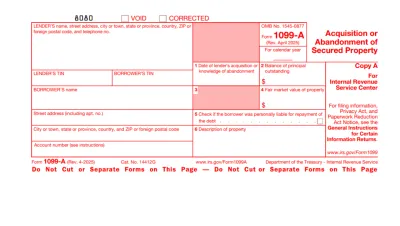
Form 1099
Form 1099 is a family of IRS information returns that payers use to report income other than regular wages, such as freelance pay, interest, dividends, or proceeds from certain sales.Access our editable Form 1099 online, enter your details, make quick changes, and download your form instantly. Simple, secure, and perfect for freelancers, contractors, and small business owners.
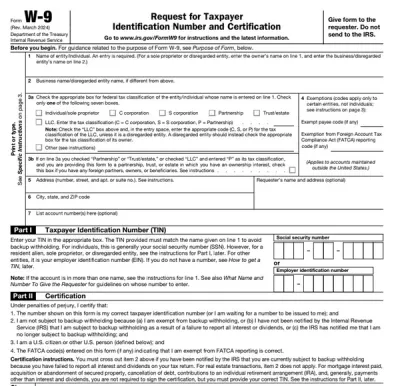
Form W-9
Form W-9 is a document used to give your correct taxpayer identification number (TIN) to a person who must report payments to the IRS.Get yours ready in minutes; add your details to our fillable Form W-9 and prepare it for submission more simply.
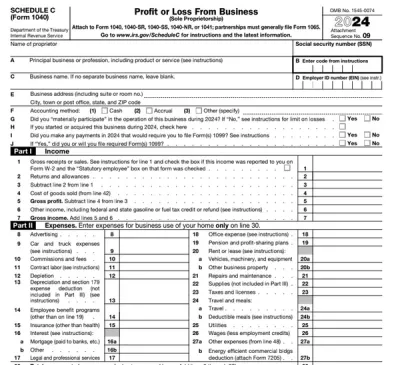
Schedule C (Form 1040)
Schedule C on Form 1040 is used to report income and loss from a business you operated or a profession you practiced as a sole proprietor.Our editable Schedule C (Form 1040) facilitates the tax filing process. All you have to do is type information directly into the empty slots.
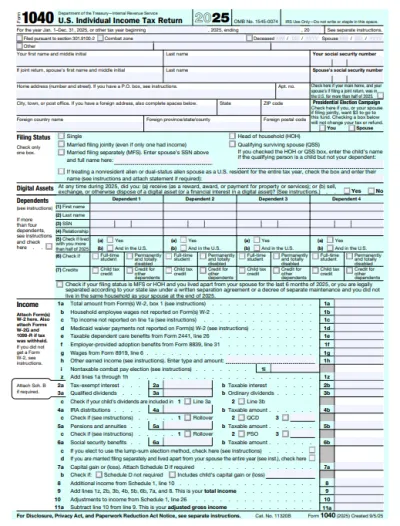
Form 1040
A Form 1040 is the IRS tax return used to report your annual income, calculate taxable income, claim credits and deductions, and determine whether you owe taxes or will receive a refund.Access our 1040 fillable form online and handle your tax return without a hassle. You can enter your income, deductions, and credits easily, review the details, and download a completed copy ready to print and mail.
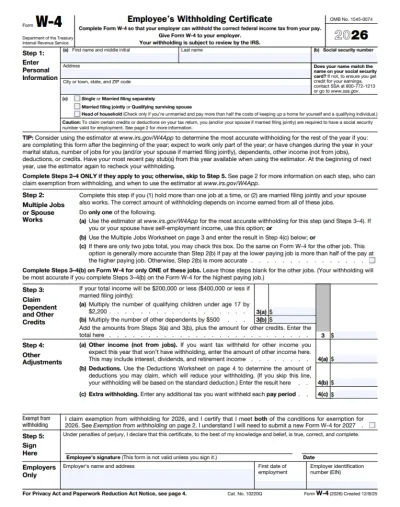
Form W-4
IRS Form W-4 informs the employer of the correct federal income tax to withhold from the employee’s paycheck.On pdf.net, you can now select a fillable tax form, open it in our PDF editor, and enter the information directly in the fields; once you complete it, you can save your W-4 and submit it to your employer.
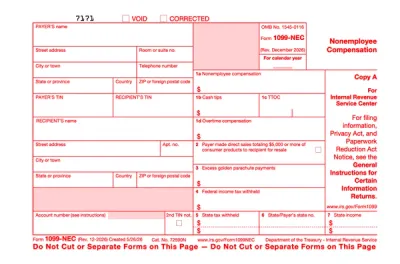
Form 1099-NEC
Form 1099-NEC is used to report payments of $600 or more to nonemployees who have performed services for you.Complete our editable Form 1099-NEC online and download it to your device. All you have to do is open it in our editor, and enter the required information as instructed.
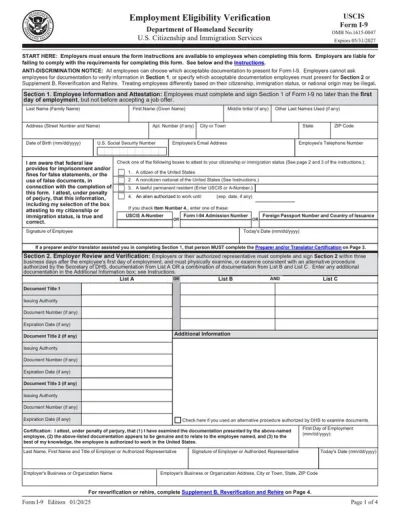
Form I-9
Employers use Form I-9 to verify the identity and employment authorization of their employees, whether they are U.S. citizens or noncitizens.Fill out our editable Form I-9 online by simply typing the required information directly into the empty slots. Once that’s done, download the form to your device.
Ver todos os formulários em PDF
Os formulários de que você precisa. Sempre atualizados.
Veja-o preencher um formulário em tempo real
Assista à IA ler um documento e preencher um formulário plano campo por campo

Preencha seu formulário PDF agora
Envie um documento e deixe a IA preencher qualquer formulário PDF, plano ou preenchível, e depois baixe-o pronto para enviar
Os arquivos permanecem privados
Perguntas frequentes
Sim. Você pode preencher um PDF online sem o Adobe Acrobat, usando o preenchimento de formulários PDF do pdf.net. Ele é executado no seu navegador, então não há nada para instalar antes de você preencher um formulário.
Você não consegue digitar no seu formulário PDF porque ele não tem campos interativos para clicar. No pdf.net você pode digitar em qualquer lugar da página ou transformar o arquivo em um formulário preenchível e avançar pelos campos com a tecla Tab.
Ele lê um documento que você fornece, associa cada valor ao campo certo no seu formulário e permite que você veja por que escolheu esse valor. Você pode alterar qualquer coisa antes de fazer o download.
Você pode digitar diretamente no formulário PDF se não tiver um documento de origem. Nossa ferramenta também permite que você preencha seu PDF manualmente.
Sim, você pode preencher um PDF que não é preenchível com nosso editor de formulários PDF, já que ele permite colocar caixas de texto e marcas de seleção em qualquer lugar da página, até mesmo em documentos digitalizados ou achatados.
Você pode enviar PDF, DOC, DOCX, XLS, XLSX, PPT, PPTX, PPSX, JPG, PNG e HEIC. Isso inclui uma foto de um formulário em papel tirada no seu celular, para que você possa preencher um documento que só tem em papel.
Sim, os documentos que você envia são salvos na sua conta, e você decide o que acontece com eles. Mantenha um documento de origem para usar novamente mais tarde ou exclua-o quando seu formulário estiver preenchido.
Sim. Seus arquivos são criptografados com AES-256 em repouso e TLS em trânsito, e você decide o que é mantido, excluído ou compartilhado.
Sim, você pode preencher um PDF no seu celular. Envie o arquivo do armazenamento do seu celular ou da unidade na nuvem, digite seus dados e faça o download do formulário concluído.
Não, você não precisa imprimir um PDF antes de preenchê-lo. Nosso preenchedor de formulários PDF permite que você digite diretamente no documento na tela, esteja ele achatado ou digitalizado, para que você possa pular totalmente a impressão, a escrita à mão e a digitalização.
Você pode preencher quase qualquer tipo de formulário PDF, incluindo documentos fiscais como o W-9 e o 1040, formulários de emprego como o I-9 e o W-4, documentação de imigração e solicitações de reembolso de saúde, como o CMS-1500.
Sim, você pode adicionar sua assinatura a um PDF logo após preenchê-lo. Desenhe, digite ou envie sua assinatura e depois coloque-a em qualquer lugar do formulário.
Todas as ferramentas de PDF em um só lugar
Sem instalações, sem trocar de aplicativo — funciona em qualquer dispositivo


Mais ferramentas

Converter Word em PDF
Transforme DOC/DOCX em PDF. Preserve a formatação.

Converter JPG em PDF
Mescle fotos JPEG em um único arquivo PDF sem perder qualidade.

Converter PNG em PDF
Combine várias imagens PNG em um PDF. Resolução mantida.

Converter PDF para JPG
Transforme páginas de PDF em imagens JPEG separadas. Prontas para compartilhar ou enviar.

PDF para Excel
Transforme tabelas de PDF em planilhas editáveis, prontas para usar no Excel ou no Google Sheets.

Converter PDF para PNG
Divida páginas do PDF em PNGs separados. Resolução total preservada.

Converter Markdown em PDF
Cole ou envie seu arquivo .md e obtenha um PDF formatado em segundos. Tabelas e blocos de código incluídos.

Converter Excel em PDF
Transforme XLS e XLSX em um PDF limpo e fácil de compartilhar. Formatação intacta.

PDF para CSV
Extraia dados de tabelas de PDFs em arquivos CSV limpos, prontos para planilhas e análise de dados.

PDF para PowerPoint
Obtenha slides PPT e PPTX editáveis. Mantenha fontes e layout.

Converter HEIC em PDF
Transforme fotos HEIC do iPhone em um PDF compartilhável. Abre em qualquer dispositivo.

Converter PowerPoint para PDF
Transforme PPT e PPTX em um PDF pronto para compartilhar. Abre em qualquer dispositivo.

Extrato bancário para Excel
Converta extratos bancários em PDF em arquivos editáveis do Excel ou CSV para contabilidade e análise.

Converter EPUB em PDF
Transforme um eBook EPUB em um PDF pronto para impressão. Abre em qualquer dispositivo.

Converter PDF para Markdown
Transforme um PDF em texto MD limpo, pronto para suas notas, documentos ou repositório.

Converter PDF para Texto
Obtenha o texto do seu PDF como um arquivo .txt. Copie-o em e-mails, documentos ou notas.

Comprimir
Reduza o tamanho do arquivo PDF com 3 níveis de compressão.

Compare PDF
Spot every change between two PDFs. View side by side or overlay.

Adicionar imagem
Adicione logotipos, fotos e gráficos a PDFs. Ajuste o tamanho e a posição.

Dividir arquivo
Divida o PDF em vários arquivos. Escolha qualquer página para separar.

Reorganizar páginas
Arraste e solte para reorganizar. Exclua, duplique, gire páginas.

Adicionar números de página
Numere as páginas automaticamente. Escolha posição, formato e margens.

Anotar
Marque PDFs: desenhe, realce, apague. Várias cores e larguras de linha.

Girar páginas
Ajuste a orientação do PDF com facilidade. Escolha páginas únicas, múltiplas ou todas.

Numeração Bates
Adicione números de Bates automaticamente. Escolha o prefixo, sufixo e o estilo de numeração.

Extrair páginas
Selecione as páginas de que você precisa e salve-as como um novo PDF.

Tornar PDF preenchível
Adicione campos de texto, caixas de seleção e assinaturas. Funciona em formulários simples e digitalizados.

Adicionar marca d'água ao PDF
Marque páginas do PDF com seu texto ou uma imagem

Desbloquear PDF
Remova senhas e restrições com apenas alguns cliques.

Proteger PDF
Proteja o PDF contra uso não autorizado com uma senha.

Aplicar tarjas em PDF
Oculte texto sensível ou páginas inteiras antes de compartilhar um PDF.

Gerador de Assinaturas
Digite, desenhe ou envie sua assinatura. Salve e reutilize-a em todos os documentos.

Chat com PDF
Pergunte à IA qualquer coisa sobre o seu PDF.

Resumidor de PDF
Resuma PDFs em pontos-chave com IA.

Gerar PDF
Descreva um documento de que você precisa e receba um PDF formatado.

Compartilhar PDF
Envie e compartilhe PDFs por link seguro ou e-mail em segundos. Controle quem pode visualizar ou editar.