

Make a PDF form fillable
Turn a flat or scanned PDF form into a fillable PDF form. Add text fields, clickable checkboxes instead of a typed X, dates, and a place to sign, right in your browser.
or
Supports PDF, DOC, DOCX, JPG, PNG, HEIC, HEIF
Files stay private
Huge variety of tool sets, especially for form filling.

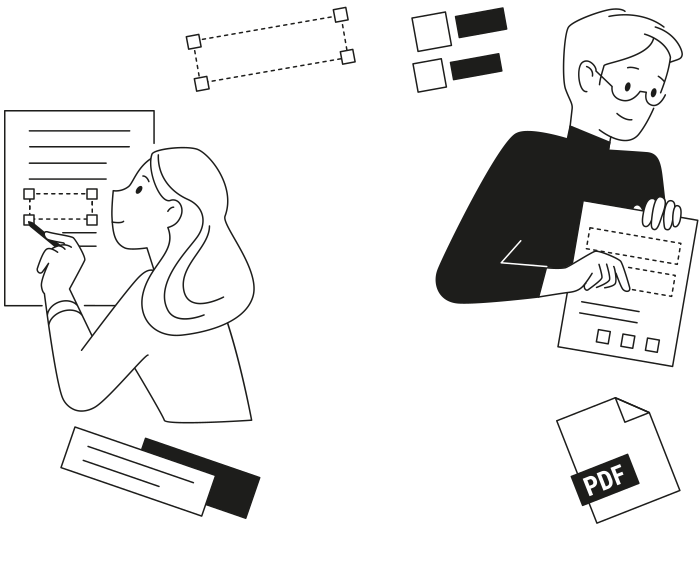
- No printingFill it on screen, or send it to whoever will
- No fillable fields neededIt works on flat and scanned PDFs
- No layout changesFields sit on top of the page, nothing shifts
When you'd make a form fillable
Four situations where a flat PDF form costs you time
The form won't let you type
The fields were never there, flat or scanned. Add them yourself and fill it on screen.The form comes back every month
Timesheets, invoices, claim forms. Convert that PDF to a fillable form once and stop printing.The form goes to someone else
Send proper fields instead of a flat page, so nobody has to print, write, and scan.The form needs a signature
Add a signature field where it belongs, and it can be signed without a printer.


How to make a PDF fillable
- Step 1 — 0:13
Upload your form
- Step 2 — 0:22
Turn it into a fillable PDF
- Step 3 — 0:35
Fill it in, or let AI do it
How to Make a PDF Form Fillable (Without Acrobat)
Read the steps
- Open pdf.net and drop your form on the homepage. Everything runs in your browser, so there's nothing to install, and you can make a PDF fillable from a laptop or your phone.
- Once the file loads, click Make it fillable in the top toolbar. The toggle appears when your form has no interactive fields, which is true of most flat and scanned forms.
- pdf.net places the input fields where the form expects them: text boxes, clickable checkboxes, date fields, and signature fields. The page underneath stays exactly as it was, so the layout never shifts.
- Adjust anything that isn't right. You can move a field, resize it, or add one the form is missing.
- Fill the form in yourself, or upload a document that already has your details and let the AI form filler put each value in the right field.
- Download your fillable PDF, ready to complete or send to whoever needs to sign it.
Your file stays protected from upload to storage
Encrypted with AES-256 at rest and TLS in transit
Built for the forms you actually file
Browse fillable forms by category, or jump to the tax, immigration, legal, and healthcare forms people fill most
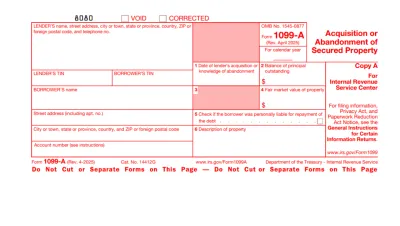
Form 1099
Form 1099 is a family of IRS information returns that payers use to report income other than regular wages, such as freelance pay, interest, dividends, or proceeds from certain sales.Access our editable Form 1099 online, enter your details, make quick changes, and download your form instantly. Simple, secure, and perfect for freelancers, contractors, and small business owners.
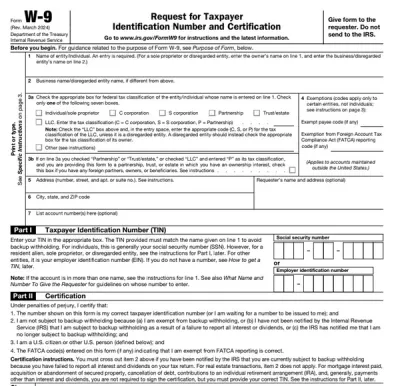
Form W-9
Form W-9 is a document used to give your correct taxpayer identification number (TIN) to a person who must report payments to the IRS.Get yours ready in minutes; add your details to our fillable Form W-9 and prepare it for submission more simply.
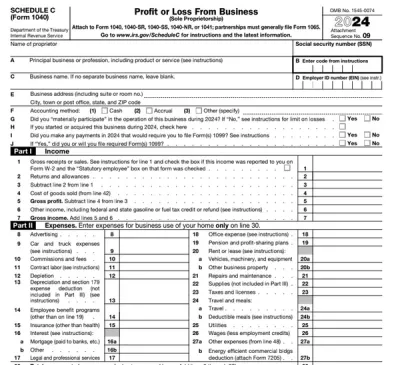
Schedule C (Form 1040)
Schedule C on Form 1040 is used to report income and loss from a business you operated or a profession you practiced as a sole proprietor.Our editable Schedule C (Form 1040) facilitates the tax filing process. All you have to do is type information directly into the empty slots.
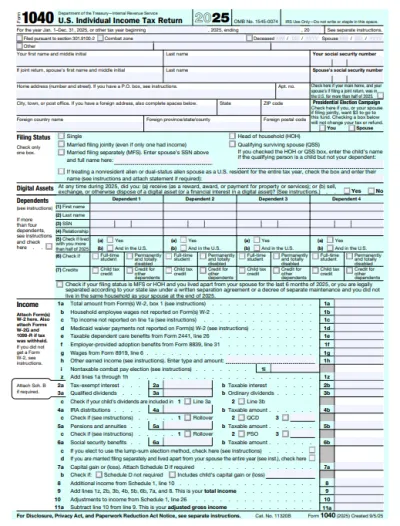
Form 1040
A Form 1040 is the IRS tax return used to report your annual income, calculate taxable income, claim credits and deductions, and determine whether you owe taxes or will receive a refund.Access our 1040 fillable form online and handle your tax return without a hassle. You can enter your income, deductions, and credits easily, review the details, and download a completed copy ready to print and mail.
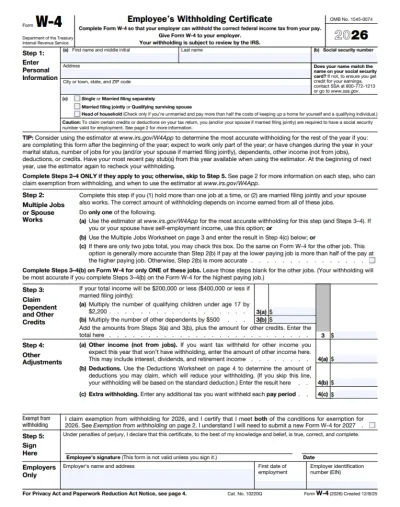
Form W-4
IRS Form W-4 informs the employer of the correct federal income tax to withhold from the employee’s paycheck.On pdf.net, you can now select a fillable tax form, open it in our PDF editor, and enter the information directly in the fields; once you complete it, you can save your W-4 and submit it to your employer.
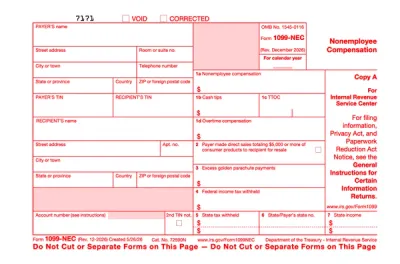
Form 1099-NEC
Form 1099-NEC is used to report payments of $600 or more to nonemployees who have performed services for you.Complete our editable Form 1099-NEC online and download it to your device. All you have to do is open it in our editor, and enter the required information as instructed.
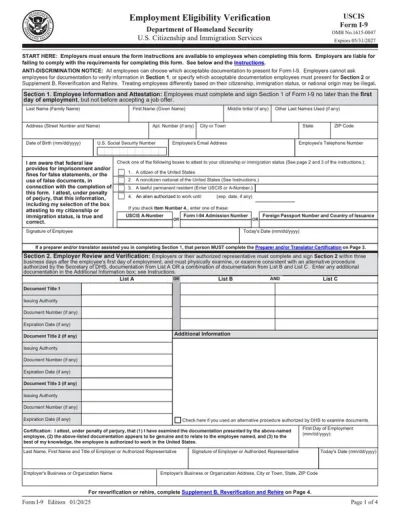
Form I-9
Employers use Form I-9 to verify the identity and employment authorization of their employees, whether they are U.S. citizens or noncitizens.Fill out our editable Form I-9 online by simply typing the required information directly into the empty slots. Once that’s done, download the form to your device.
Browse all PDF forms
The forms you need. Always up to date.
Frequently asked questions
To make a PDF fillable, upload your form to our PDF form creator and drag the fields it needs onto the page: text boxes, clickable checkboxes, dates, and a signature field. Then download the fillable PDF, or share it with whoever has to complete it.
To convert a PDF to a fillable form, open the file on pdf.net and turn on Make it fillable. The input fields are placed over the existing page, so the original layout is untouched, and a flat or scanned PDF converts the same way.
Because those boxes are printed on the page rather than being interactive fields, so there is nothing to click. Place real checkboxes over them with pdf.net and you can tick them instead of typing an X.
Yes, you can make a scanned form fillable. Upload the scan or a photo of the printed form and place text fields, checkboxes, and signature boxes over the layout. The scan stays underneath as the background.
The Make it fillable toggle appears when a form has no interactive fields at all. If yours already has a few, you can still add the missing ones yourself: place the extra text boxes, checkboxes, or signature fields wherever the form needs them.
An editable PDF lets you change the existing text and images. A fillable PDF keeps the layout fixed and adds interactive fields that someone else completes.
Automatic field detection currently works on forms of up to 200 interactive fields and up to 100 pages. Above that you can still place the fields yourself, and we are raising both limits.
The pdf.net fillable PDF tool is secure: your files are encrypted with AES-256 at rest and TLS in transit. Forms you upload are saved to your account, and you can delete any of them whenever you want.
To make a PDF fillable offline, you would need to download a third-party tool that works without an internet connection. Our online fillable PDF creator is much more convenient, as there is nothing to install: upload your form, drop in the fields, and download it.
Yes, you can use pdf.net on a Mac, Linux, and smartphones. Essentially, you can use our online PDF editor on any device with a browser and an internet connection.
pdf.net accepts PDF, Word documents (DOC, DOCX), JPG, PNG, HEIC, and HEIF images. Anything that is not a PDF is converted first, and then you add the fields.
Yes, you can complete it in the same editor. You can also upload a document with your details and let our AI form filler do it for you, in any format we support.
All PDF tools in one place
No installs, no app-switching — works on any device


More tools

Convert JPG to PDF
Merge JPEG photos into a single PDF file without losing quality.

Convert PNG to PDF
Combine multiple PNG images into one PDF. Resolution maintained.

Convert PDF to JPG
Turn PDF pages into separate JPEG images. Ready to share or upload.

PDF to Excel
Turn PDF tables into editable spreadsheets ready to use in Excel or Google Sheets.

Convert PDF to PNG
Split PDF pages into separate PNGs. Full resolution preserved.

Convert Markdown to PDF
Paste or upload your .md file and get a formatted PDF in seconds. Tables and code blocks included.

Convert Excel to PDF
Turn XLS & XLSX into a clean, shareable PDF. Formatting intact.

PDF to CSV
Extract table data from PDFs into clean CSV files ready for spreadsheets and data analysis.

PDF to PowerPoint
Get editable PPT & PPTX slides. Keep fonts & layout.

Convert HEIC to PDF
Turn iPhone HEIC photos into a shareable PDF. Opens on any device.

Convert PowerPoint to PDF
Turn PPT & PPTX into a share-ready PDF. Opens on any device.

Bank Statement to Excel
Convert PDF bank statements to editable Excel or CSV files for accounting and analysis.

Convert EPUB to PDF
Turn an EPUB eBook into a print-ready PDF. Opens on any device.

Convert PDF to Markdown
Turn a PDF into clean MD text, ready for your notes, docs, or repo.

Convert PDF to Text
Get the text from your PDF as a .txt file. Copy it into emails, documents, or notes.

Compare PDF
Spot every change between two PDFs. View side by side or overlay.

Add Image
Add logos, photos & graphics to PDFs. Adjust size and position.

Split File
Split PDF into multiple files. Choose any page to divide.

Rearrange Pages
Drag & drop to reorganize. Delete, duplicate, rotate pages.

Add Page Numbers
Number pages automatically. Choose position, format, margins.

Annotate
Mark up PDFs: draw, highlight, erase. Multiple colors & line widths.

Rotate Pages
Adjust PDF orientation easily. Choose single, multiple, or all pages.

Bates Numbering
Add Bates numbers automatically. Choose prefix, suffix, and numbering style.

Extract Pages
Select the pages you need and save them as a new PDF.

Add Watermark to PDF
Mark PDF pages with your text or an image

Unlock PDF
Remove passwords and restrictions with just a few clicks.

Protect PDF
Secure PDF from unauthorized use with a password.

Redact PDF
Black out sensitive text or whole pages before you share a PDF.

Request Signature
Send PDFs to anyone for signing. Mark where to sign, invite by email. Get signed document back.

Remove Signature Background
Make your signature transparent to sign PDFs without a white box.

Signature Generator
Type, draw, or upload your signature. Save and reuse it across documents.

Chat with PDF
Ask AI any questions about your PDF.

PDF Summarizer
Summarize PDFs into key points with AI.

Generate PDF
Describe a doc you need and get a formatted PDF.

AI Form Filler
Upload a form & a doc you have. AI fills in the fields.

Share PDF
Upload and share PDF via secure link or email in seconds. Control who can view or edit.