

Add watermark to PDF before you share it
Watermark PDF online with any text or image. Place it once or tile it across the page, set the opacity, size, and angle, then download the file.
أو
يدعم PDF, DOC, DOCX, PPT, PPTX, PPSX, XLS, XLSX, JPG, PNG, HEIC, HEIF
تبقى الملفات خاصة
I love this tool...I have been using it for years..It always does just what I want

chaqueiasctمراجعة Trustpilot (مترجمة من الإنجليزية)
Why people watermark PDF documents
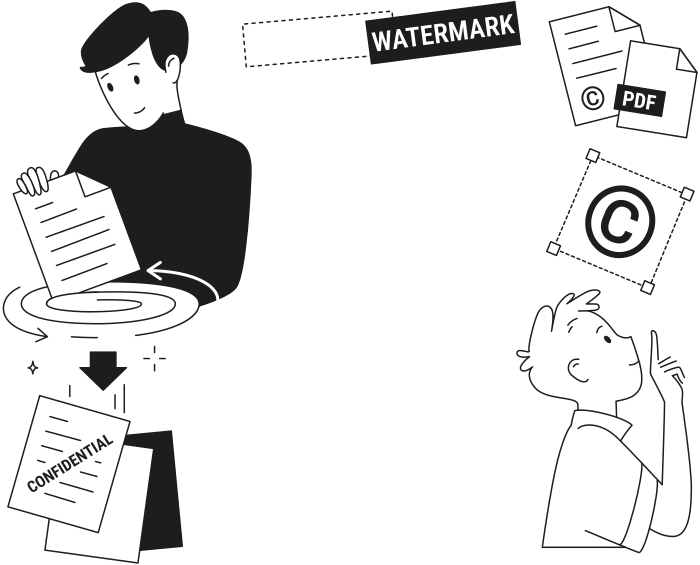
For files that go to clients, partners, or your team
Drafts in review
Mark every page as a draft, so no one signs or forwards an unfinished version.Confidential files
Mark every page as confidential, so contracts, reports, and HR files stay labeled wherever they go.Branded documents
Add your logo to every page, so proposals and price lists carry your brand.Your own work
Add your name with a © symbol, so it’s clear who the work belongs to.


Set what your PDF watermark says and where it goes
Everything is set in one panel, next to a preview of your document
Text or an image
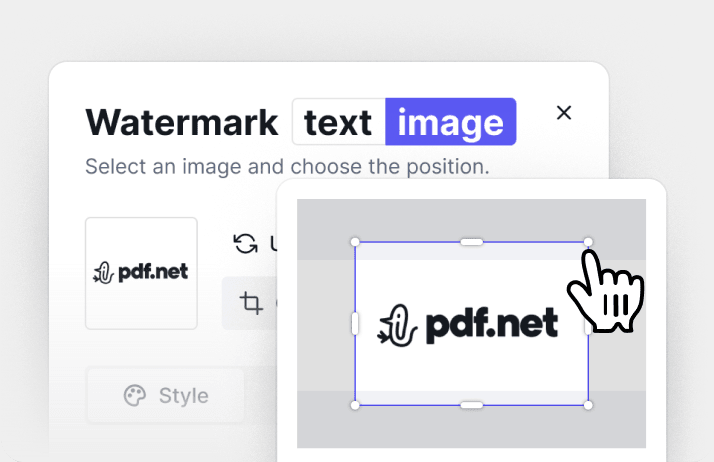
Type any text, like “Confidential” or your company name, or upload an image and crop it.
Font, color, and angle
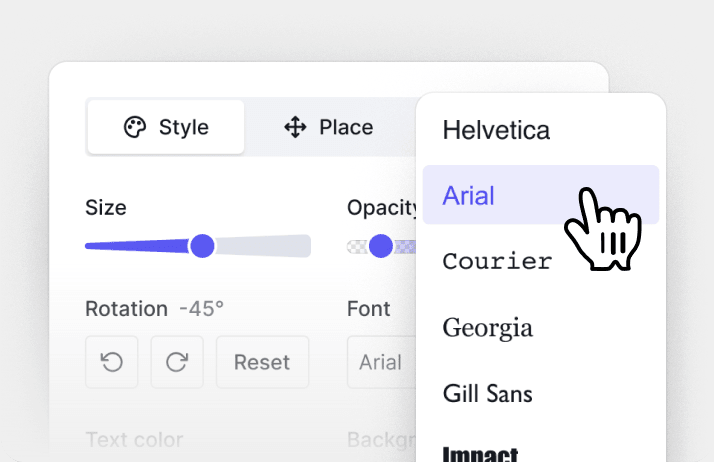
Pick a font and a color, then set the size, opacity, and angle. Add the date if you need it.
Once or across the page
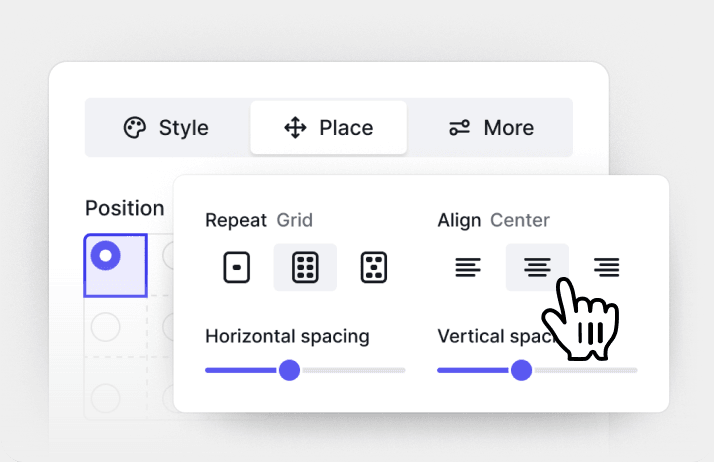
Put it in the center or a corner, or repeat it in a grid or offset grid with your own spacing.
تبقى الملفات خاصة
كل أدوات PDF في مكان واحد
دون تثبيتات، ودون تبديل بين التطبيقات — يعمل على أي جهاز


المزيد من الأدوات

تحويل JPG إلى PDF
دمج صور JPEG في ملف PDF واحد دون فقدان الجودة.

تحويل PNG إلى PDF
دمج عدة صور PNG في ملف PDF واحد. مع الحفاظ على الدقة.

تحويل PDF إلى JPG
تحويل صفحات PDF إلى صور JPEG منفصلة. جاهزة للمشاركة أو التحميل.

PDF إلى Excel
حوّل جداول PDF إلى جداول بيانات قابلة للتعديل وجاهزة للاستخدام في Excel أو Google Sheets.

تحويل PDF إلى PNG
تقسيم صفحات PDF إلى ملفات PNG منفصلة. مع الحفاظ على الدقة الكاملة.

تحويل Markdown إلى PDF
الصق أو حمّل ملف .md الخاص بك واحصل على ملف PDF منسق في ثوانٍ. يتم تضمين الجداول وكتل التعليمات البرمجية.

تحويل Excel إلى PDF
حوّل XLS وXLSX إلى ملف PDF منظم وقابل للمشاركة. مع الحفاظ على التنسيق.

تحويل PDF إلى CSV
استخرج بيانات الجداول من ملفات PDF إلى ملفات CSV نظيفة وجاهزة لجداول البيانات وتحليل البيانات.

PDF إلى PowerPoint
احصل على شرائح PPT وPPTX قابلة للتعديل. حافظ على الخطوط والتخطيط.

تحويل HEIC إلى PDF
حوّل صور HEIC من iPhone إلى ملف PDF قابل للمشاركة. يفتح على أي جهاز.

تحويل PowerPoint إلى PDF
حوّل PPT وPPTX إلى ملف PDF جاهز للمشاركة. يفتح على أي جهاز.

كشف حساب بنكي إلى Excel
حوِّل كشوف الحساب البنكي بتنسيق PDF إلى ملفات Excel أو CSV قابلة للتعديل لأغراض المحاسبة والتحليل.

تحويل EPUB إلى PDF
حوّل كتاب EPUB الإلكتروني إلى ملف PDF جاهز للطباعة. يفتح على أي جهاز.

تحويل PDF إلى Markdown
حوّل ملف PDF إلى نص MD نظيف، جاهز لملاحظاتك أو مستنداتك أو المستودع الخاص بك.

Convert PDF to Text
Get the text from your PDF as a .txt file. Copy it into emails, documents, or notes.

مقارنة PDF
اكتشف كل تغيير بين ملفي PDF. اعرضهما جنبًا إلى جنب أو في وضع التراكب.

إضافة صورة
أضف الشعارات والصور والرسومات إلى ملفات PDF. اضبط الحجم والموضع.

تقسيم الملف
قسّم PDF إلى عدة ملفات. اختر أي صفحة للتقسيم.

إعادة ترتيب الصفحات
اسحب وأفلت لإعادة التنظيم. احذف الصفحات أو كرّرها أو دوّرها.

إضافة أرقام الصفحات
رقّم الصفحات تلقائيًا. اختر الموضع والتنسيق والهوامش.

إضافة تعليقات توضيحية
وضع علامات على ملفات PDF: ارسم وميّز وامسح. ألوان متعددة وعروض خطوط مختلفة.

تدوير الصفحات
اضبط اتجاه PDF بسهولة. اختر صفحة واحدة أو عدة صفحات أو كل الصفحات.

ترقيم بيتس
أضف أرقام بيتس تلقائيًا. اختر البادئة واللاحقة ونمط الترقيم.

استخراج الصفحات
حدد الصفحات التي تحتاجها واحفظها كملف PDF جديد.

اجعل PDF قابلاً للملء
أضف حقول نص ومربعات اختيار وتوقيعات. يعمل على النماذج المسطحة والممسوحة ضوئيًا.

فتح قفل ملف PDF
أزل كلمات المرور والقيود ببضع نقرات فقط.

حماية PDF
تمكن من تأمين ملف PDF من الاستخدام غير المصرّح به باستخدام كلمة مرور.

Redact PDF
Black out sensitive text or whole pages before you share a PDF.

طلب توقيع
أرسل ملفات PDF إلى أي شخص للتوقيع. حدّد مكان التوقيع، وادعُ عبر البريد الإلكتروني. استلم المستند الموقّع مرة أخرى.

إزالة خلفية التوقيع
اجعل خلفية توقيعك شفافة لتوقيع ملفات PDF دون مربع أبيض.

Signature Generator
Type, draw, or upload your signature. Save and reuse it across documents.

الدردشة مع PDF
اطرح على الذكاء الاصطناعي أي أسئلة حول ملف PDF الخاص بك.

أداة تلخيص PDF
لخّص ملفات PDF إلى نقاط رئيسية باستخدام الذكاء الاصطناعي.

إنشاء PDF
صِف المستند الذي تحتاجه واحصل على ملف PDF منسق.

أداة ملء النماذج بالذكاء الاصطناعي
حمّل نموذجًا ومستندًا لديك. يملأ الذكاء الاصطناعي الحقول.

مشاركة PDF
حمّل ملفات PDF وشاركها عبر رابط آمن أو البريد الإلكتروني في ثوانٍ، وتحكّم في صلاحيات العرض أو التعديل.
How to add watermark to PDF
 1
1Upload your PDF and open the Watermark tool
 2
2Type your text or upload an image, then set the position
 3
3Save the watermark and download your PDF
Ready when you are
لماذا يفضّل الناس pdf.net
بسيط وسهل للاستخدام اليومي
تتميز أداة تعديل ملفات PDF عبر الإنترنت لدينا بواجهة نظيفة وبديهية وسهلة الاستخدام، مصممة للمبتدئين وللمحترفين على حد سواء. يمكنك التنقل بسهولة وتعديل ملف PDF الخاص بك، حتى إن لم تفعل ذلك من قبل.

أداة تعديل ملفات PDF متكاملة
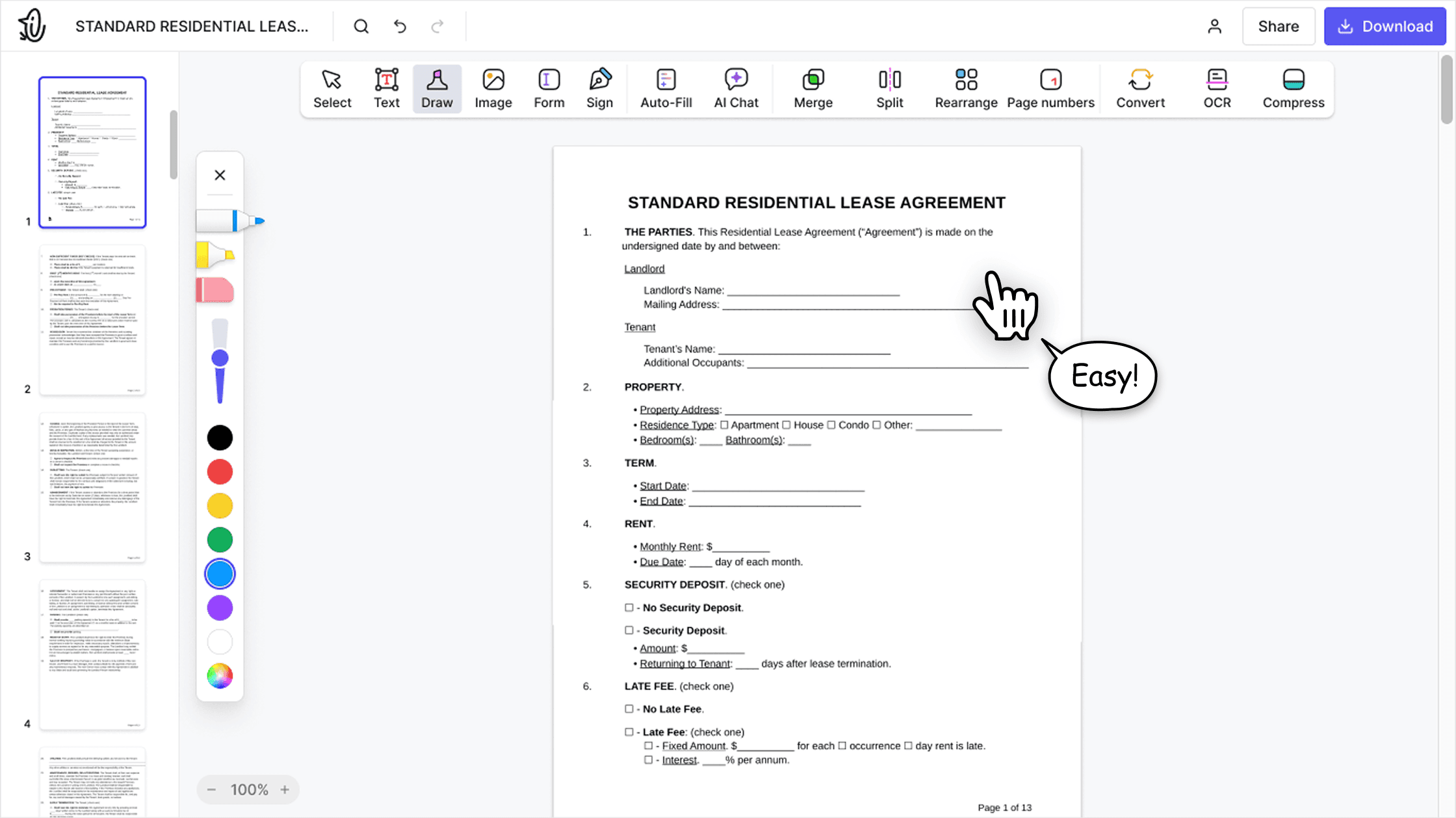
توفر أداة التعديل مجموعة ميزات قوية وشاملة تتيح لك تخصيص مستنداتك ودمجها وتوقيعها وغير ذلك الكثير. لم تعد بحاجة لنقل ملفاتك بين عدة تطبيقات.

الحفاظ على التنسيق دون مشكلات
وداعاً للمستندات غير المنظمة والتنسيق غير المتناسق عبر الأنظمة والأجهزة المختلفة. إن أداة تعديل ملفات PDF لدينا متوافقة مع جميع المنصات، وتحافظ على التنسيق الموحد سواء كنت تستخدم جهاز كمبيوتر شخصي أو نظام macOS أو هاتفًا ذكيًا أو جهازًا لوحيًا.
يثق الناس حول العالم في pdf.net لتعديل مستنداتهم
Adobe was giving me a hard time and I found this website and I was able to get my tasks acomplished.


Jesus Torresمراجعة Trustpilot (مترجمة من الإنجليزية)
Adobe was giving me a hard time and I found this website and I was able to get my tasks acomplished.
Jesus Torresمراجعة Trustpilot (مترجمة من الإنجليزية)
Very easy to use, and the conversion is highly accurate.

not complicated - i have no mouse to write signatures so this way helps

Patricia Delgadilloمراجعة Trustpilot (مترجمة من الإنجليزية)
I enjoyed it because it was simple to use and the platform was easy to maneuver.

GJ Frazierمراجعة Trustpilot (مترجمة من الإنجليزية)
الأسئلة الشائعة
Here’s how to add a watermark to a PDF: upload your PDF and open the Watermark tool. Type your text or upload an image, choose the style and position, then click Save & Close. To download the file, sign in to your pdf.net account.
Yes. Switch to Image, drop an image into the upload area or choose a file, and crop it if needed. It can be a logo or a stamp: upload an image of your stamp or seal and place it once to add a PDF stamp.
Yes. In the More tab, set the page range, for example, pages 1–3. The watermark goes only on those pages.
Yes. Choose Grid to tile it evenly or Offset grid to shift every second row, then set the spacing. To place it once, choose Single and pick a position on the page.
Yes. Use the sliders to set the size and opacity, and rotate the watermark in 15° steps. Reset puts the angle back to the default.
Yes. Pick a font, a text color, and a background color, or choose a custom color. You can remove the background at any time.
Yes. Click Add a © symbol under the text field. To add a date, turn on Display date in the More tab.
Yes. pdf.net works in your browser on Windows and Mac, so you can put a watermark on a PDF without Acrobat or any other app.
Here’s how to watermark a PDF on your phone: open pdf.net in your mobile browser, upload the file, and open the Watermark tool. You get the same page preview as on desktop.
Yes. The PDF you watermark is encrypted with AES-256 while it’s stored on Google Cloud and in transit using HTTPS/TLS. We never sell your documents or share them for advertising, and the file stays in your account until you delete it.
Yes, setting up the watermark is free: upload your PDF, add your text or image, and see the result in the preview with no account. To download the watermarked PDF, you need a pdf.net account with a subscription.