

Add watermark to PDF before you share it
I love this tool...I have been using it for years..It always does just what I want

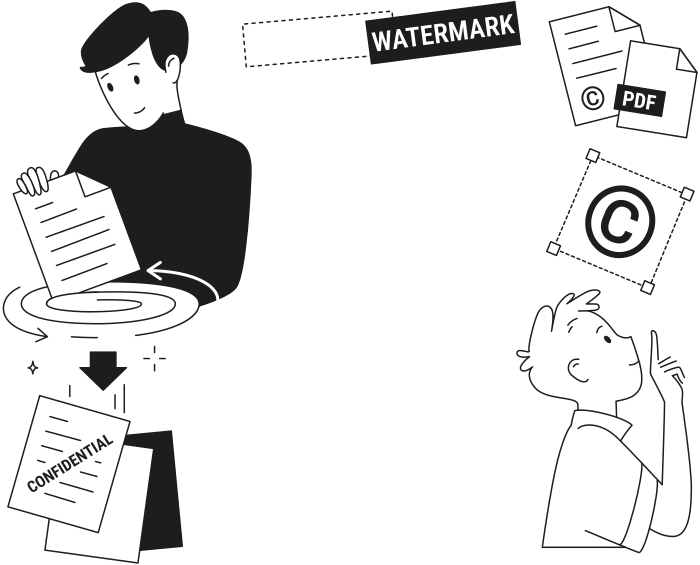
Why people watermark PDF documents
Drafts in review
Mark every page as a draft, so no one signs or forwards an unfinished version.Confidential files
Mark every page as confidential, so contracts, reports, and HR files stay labeled wherever they go.Branded documents
Add your logo to every page, so proposals and price lists carry your brand.Your own work
Add your name with a © symbol, so it’s clear who the work belongs to.


Set what your PDF watermark says and where it goes
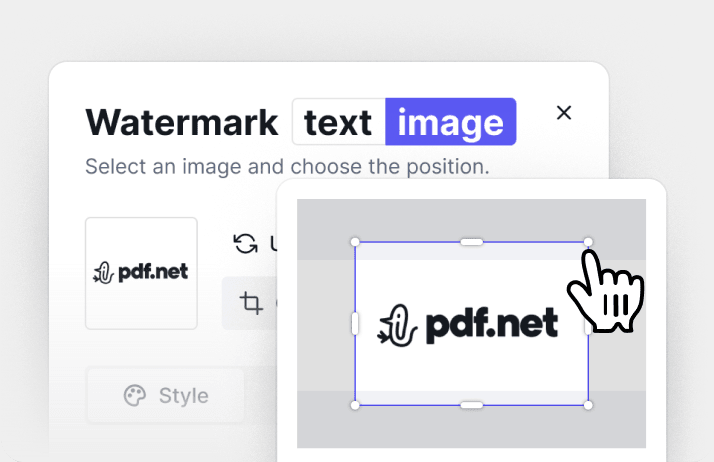
Text or an image
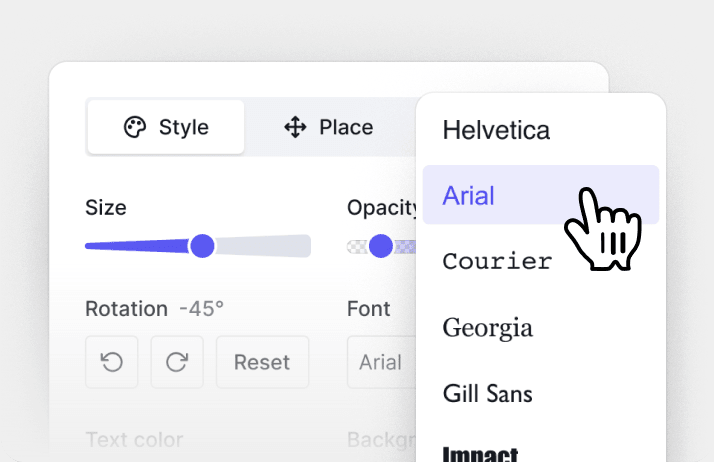
Font, color, and angle
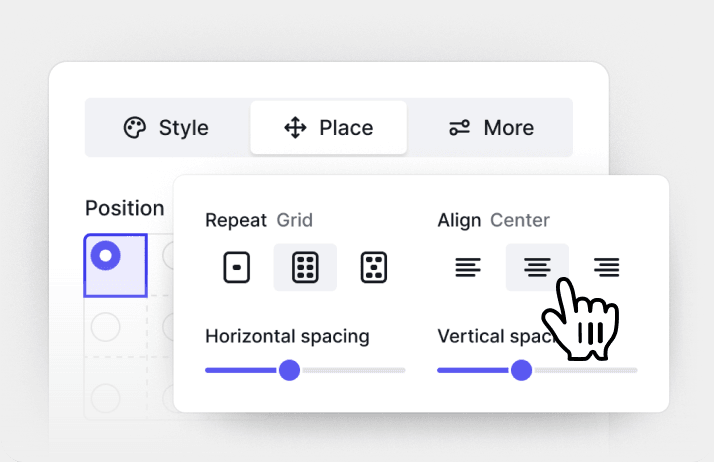
Once or across the page
Todas las herramientas PDF en un solo lugar


Más herramientas

Convertir JPG a PDF

Convertir PNG a PDF

Convertir PDF a JPG

PDF a Excel

Convertir PDF a PNG

Convertir Markdown a PDF

Convertir Excel a PDF

PDF a CSV

PDF a PowerPoint

Convertir HEIC a PDF

Convertir PowerPoint a PDF

Estado de cuenta bancario a Excel

Convertir EPUB a PDF

Convertir PDF a Markdown

Convert PDF to Text

Comparar PDF

Agregar imagen

Dividir PDF

Reordenar páginas

Agregar números de página

Anotar

Girar páginas

Numeración Bates

Extraer páginas

Hacer que el PDF sea rellenable

Desbloquear PDF

Proteger PDF

Redact PDF

Envía un archivo PDF para su firma

Quitar el fondo de la firma

Signature Generator

Chat con PDF

Resumir PDF con IA

Generar PDF

Llenador de formularios con IA

Compartir PDF
How to add watermark to PDF
 1
1Upload your PDF and open the Watermark tool
 2
2Type your text or upload an image, then set the position
 3
3Save the watermark and download your PDF
Por qué la gente prefiere pdf.net
Simple y fácil para el uso diario
Nuestro editor PDF en línea ofrece una interfaz limpia, intuitiva y fácil de usar, diseñada tanto para principiantes como para profesionales. Podrás navegar sin complicaciones y editar tu archivo PDF, incluso si es la primera vez que lo haces.
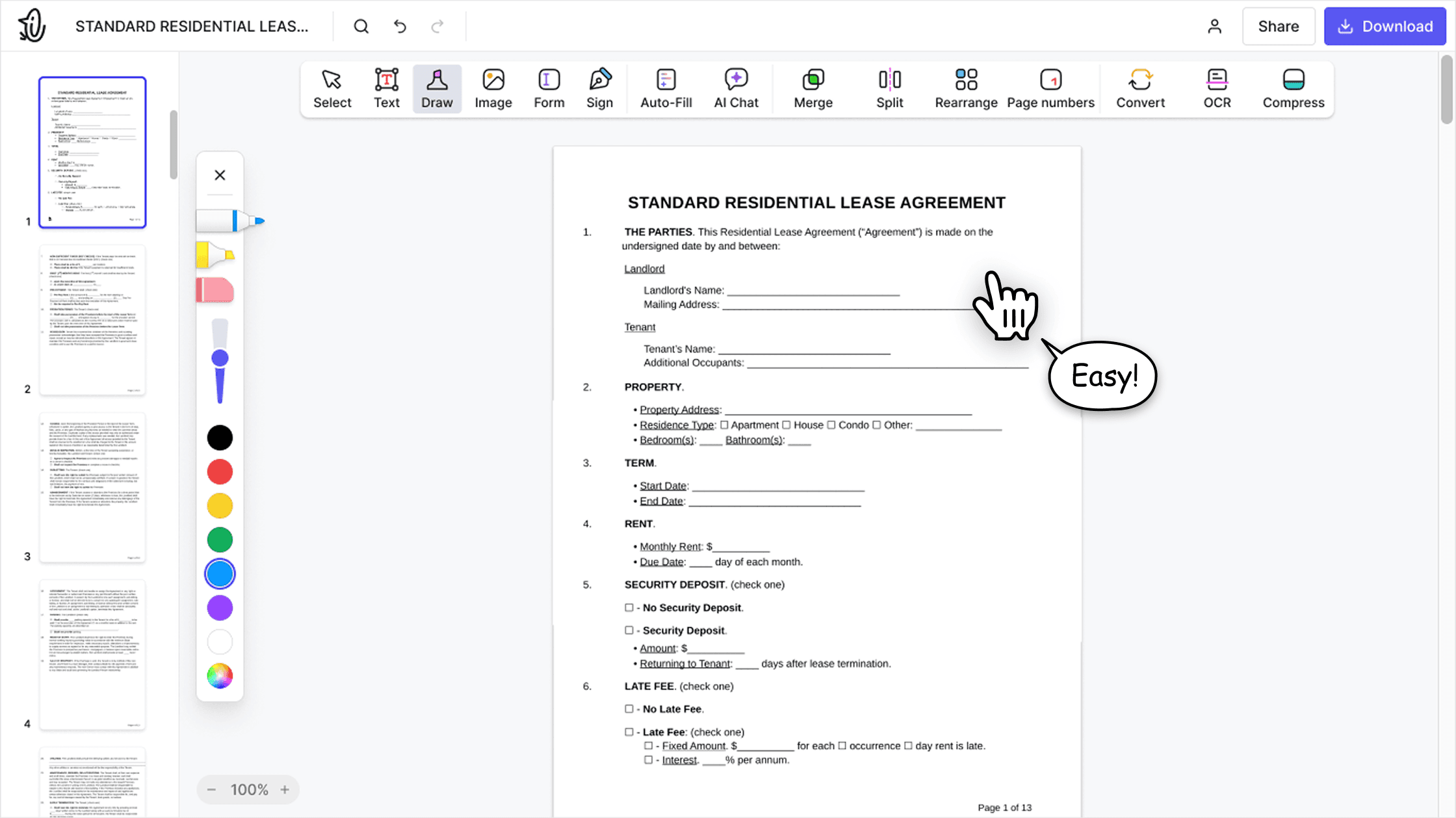

Editor PDF todo‑en‑uno
Nuestro editor ofrece un conjunto de funciones sólido y completo que te permite personalizar tus documentos, combinarlos, firmarlos y mucho más. Ya no necesitas mover tus archivos entre varias aplicaciones.

Conserva el formato sin problemas
Olvídate de los documentos desordenados y del formato inconsistente entre distintos sistemas o dispositivos. Nuestro editor PDF en línea es compatible entre plataformas y mantiene la uniformidad sin importar si usas una PC, macOS, un smartphone o una tablet.
Personas de todo el mundo confían en pdf.net para editar sus documentos
Adobe was giving me a hard time and I found this website and I was able to get my tasks acomplished.


Adobe was giving me a hard time and I found this website and I was able to get my tasks acomplished.
Very easy to use, and the conversion is highly accurate.

not complicated - i have no mouse to write signatures so this way helps

I enjoyed it because it was simple to use and the platform was easy to maneuver.
