

Comparte PDFs en línea con enlaces seguros y fáciles de compartir
Comparte PDF en línea en segundos. Solo sube tu archivo, genera un enlace y envía tu PDF por enlace o correo electrónico sin descargar ningún software.
Compatible con PDF
Los archivos se mantienen privados
Lo que más me gusta de esta plataforma es que puedo colaborar y compartir archivos aquí mismo. La seguridad también mejora gracias a la opción de agregar contraseña, que protege todo el contenido de los archivos.

Konjengbam Mitindra SinghReseña de G2 (traducido del inglés)
Todas las herramientas PDF en un solo lugar
Sin instalaciones, sin cambiar de app, funciona en cualquier dispositivo


Más herramientas

Convertir JPG a PDF
Combina fotos JPEG en un solo archivo PDF sin perder calidad.

Convertir PDF a JPG
Convierte las páginas de tu PDF en imágenes JPEG separadas. Listas para compartir o subir.

PDF a Excel
Convierte las tablas de un PDF en hojas de cálculo editables listas para usar en Excel o Google Sheets.

Convertir PDF a PNG
Divide las páginas del PDF en PNG separados. Ideal para dividir PDF sin perder resolución.

Convertir Markdown a PDF
Pega o sube tu archivo .md y obtén un PDF con formato en segundos. Incluye tablas y bloques de código.

Convertir Excel a PDF
Convierte XLS y XLSX en un PDF limpio y fácil de compartir. Formato intacto.

PDF a CSV
Extrae los datos de tablas de archivos PDF y conviértelos en archivos CSV limpios, listos para usar en hojas de cálculo y análisis de datos.

PDF a PowerPoint
Obtén diapositivas PPT y PPTX editables. Conserva las fuentes y el diseño.

Convertir HEIC a PDF
Convierte fotos HEIC de iPhone en un PDF que se puede compartir. Se abre en cualquier dispositivo.

Convertir PowerPoint a PDF
Convierte PPT y PPTX en un PDF listo para compartir. Se abre en cualquier dispositivo.

Estado de cuenta bancario a Excel
Convierte PDF de estados de cuenta bancarios a archivos Excel o CSV editables para contabilidad y análisis.

Convertir EPUB a PDF
Convierte un libro electrónico EPUB en un PDF listo para imprimir. Se abre en cualquier dispositivo.

Convertir PDF a Markdown
Convierte un PDF en texto MD limpio, listo para tus notas, documentos o repositorio.

Convert PDF to Text
Get the text from your PDF as a .txt file. Copy it into emails, documents, or notes.

Cambiar texto
Edita texto en PDF directamente. Cambia la fuente, el tamaño y el color.

Comparar PDF
Detecta cada cambio entre dos PDF. Visualízalos lado a lado o superpuestos.

Agregar imagen
Agrega logotipos, fotos y gráficos a archivos PDF. Ajusta su tamaño y posición.

Dividir PDF
Divide un PDF en varios archivos. Elige cualquier página para separarla.

Reordenar páginas
Arrastra y suelta para reorganizar. Elimina, duplica y gira páginas.

Agregar números de página
Numera páginas automáticamente. Elige posición, formato y márgenes.

Anotar
Marca PDFs: dibuja, resalta y borra. Varios colores y grosores de línea.

Girar páginas
Ajusta la orientación del PDF fácilmente. Elige una, varias o todas las páginas.

Numeración Bates
Agrega números Bates automáticamente. Elige prefijo, sufijo y estilo de numeración.

Extraer páginas
Selecciona las páginas que necesitas y guárdalas como un PDF nuevo.

Hacer que el PDF sea rellenable
Agrega campos de texto, casillas de verificación y firmas. Funciona en formularios planos y escaneados.

Desbloquear PDF
Elimina contraseñas y restricciones con solo unos clics.

Proteger PDF
Protege un PDF contra el uso no autorizado con una contraseña.

Envía un archivo PDF para su firma
Envía PDFs a quien quieras para firmarlos. Marca dónde firmar, invita por correo y recibe el documento firmado.

Quitar el fondo de la firma
Haz tu firma transparente para firmar PDFs sin un recuadro blanco.

Signature Generator
Type, draw, or upload your signature. Save and reuse it across documents.

Chat con PDF
Hazle a la IA cualquier pregunta sobre tu PDF.

Resumir PDF con IA
Resume PDF en puntos clave con IA.

Generar PDF
Describe un documento que necesitas y obtén un PDF con formato.

Llenador de formularios con IA
Sube un formulario y un documento que tengas. La IA llena los campos.
Cómo compartir un PDF en línea
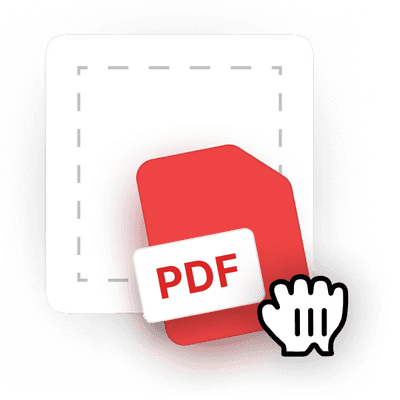 1
1Sube tu archivo
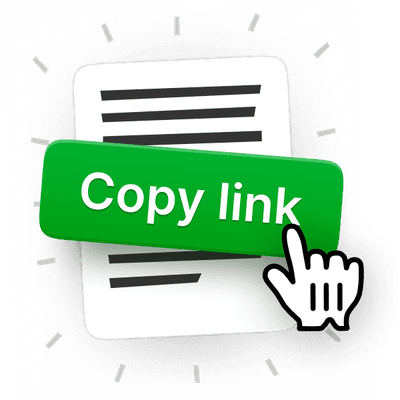 2
2Configura los permisos
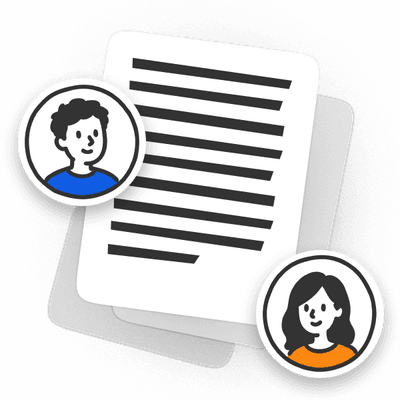 3
3Comparte tu PDF por enlace o correo electrónico
Diseñado para compartir PDF de forma rápida y flexible
Envía PDFs grandes sin que los límites de carga te detengan
Comparte PDFs en línea y evita las restricciones de tamaño generando un enlace en lugar de enviar archivos adjuntos pesados.
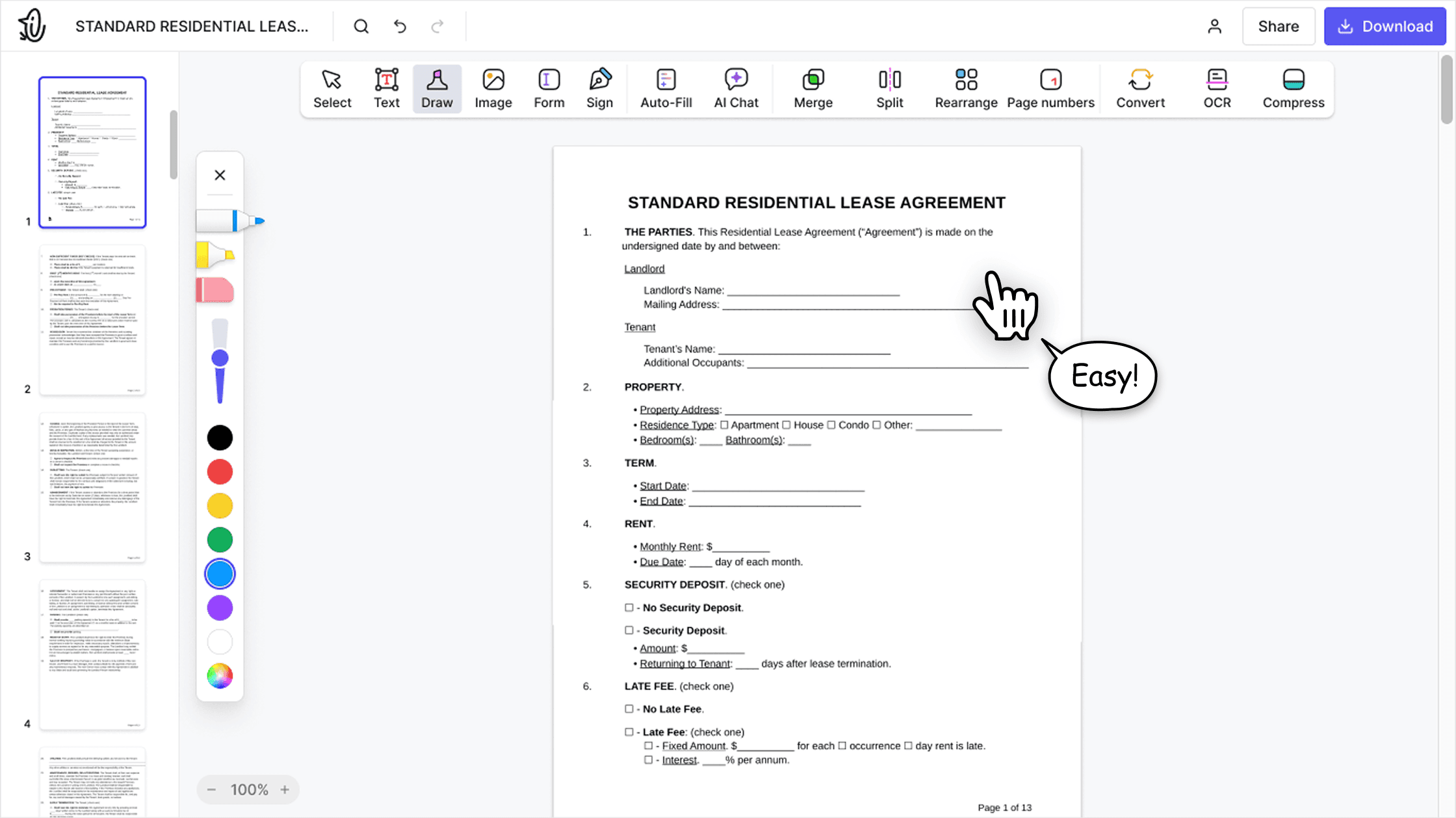

Entrega documentos sin saturar la bandeja de entrada
Comparte PDF por correo electrónico o como enlace para simplificar la entrega y evitar archivos adjuntos de correo demasiado pesados.

Controla el acceso a los documentos con permisos de enlace
Configura permisos para asegurarte de que solo las personas correctas puedan ver tu documento, ya sea que lo compartas por enlace o por correo electrónico.
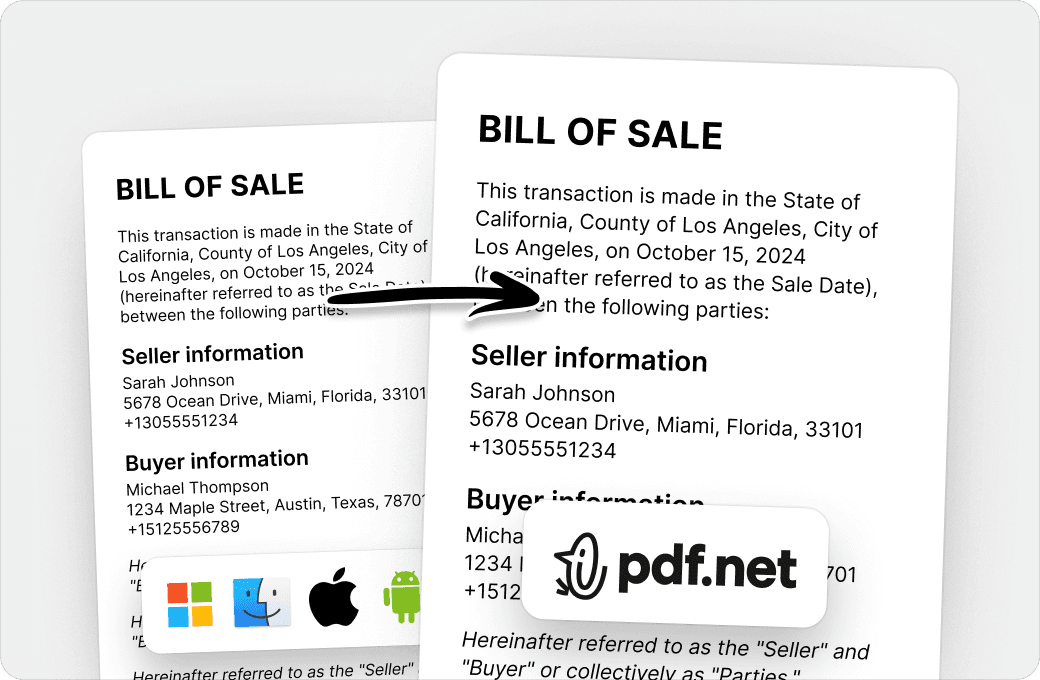
Gestiona revisiones y aprobaciones en un solo flujo
Envía enlaces de PDF a clientes o equipos y maneja comentarios, aprobaciones o colaboración sin cambiar de herramienta.
Personas de todo el mundo confían en pdf.net para editar sus documentos
Tenía un documento que necesitaba enviar y no podía convertirlo, pero pude hacerlo gracias a pdf.net. Obtuve mi certificado. ¡Lo usaré en el futuro si lo necesito!


Jamie Sasser-DroneReseña de Trustpilot (traducido del inglés)
Tenía un documento que necesitaba enviar y no podía convertirlo, pero pude hacerlo gracias a pdf.net. Obtuve mi certificado. ¡Lo usaré en el futuro si lo necesito!
Jamie Sasser-DroneReseña de Trustpilot (traducido del inglés)
El software funciona muy bien. Es fácil de usar y procesa rápidamente. Es IMPRESCINDIBLE cuando trabajas con documentos PDF.

Fabio TagliasacchiReseña de Trustpilot (traducido del inglés)
Sin problemas para agregar texto en campos existentes. ¡El documento terminado se veía muy profesional!

¡Fácil de usar; pude hacer las correcciones necesarias en mi documento y descargarlo de inmediato sin ninguna dificultad técnica!

Gregory CrawfordReseña de Trustpilot (traducido del inglés)
Preguntas frecuentes
- ¿Es seguro compartir mis archivos?
- Sí, es seguro compartir tus archivos con pdf.net porque tú controlas quién puede acceder a ellos. Puedes compartir un documento mediante un enlace seguro o por correo, y elegir si los destinatarios pueden verlo o editarlo. Para mayor protección, puedes compartir un PDF protegido con contraseña.
- ¿Los destinatarios necesitan una cuenta para ver el archivo?
- No, los destinatarios no necesitan una cuenta para ver el archivo que compartiste con ellos. Cualquier persona con el enlace para compartir PDF puede acceder y abrir el documento en cualquier dispositivo. Esto garantiza un acceso rápido, especialmente cuando estás en movimiento.
- ¿Hay un límite de tamaño de archivo?
- El límite de tamaño de archivo depende del plan que estés usando. En general, pdf.net admite archivos PDF grandes adecuados para la mayoría de las necesidades cotidianas. Si tu archivo excede el límite, se te notificará antes de subirlo.
- ¿Qué tan rápido es el proceso de compartir?
- El proceso de compartir es casi instantáneo si tienes una conexión a internet estable. Puedes subir tu archivo, generar un enlace y compartir tu PDF en línea en segundos. Puede tardar un poco más con archivos pesados, pero la diferencia será mínima.
- ¿Puedo compartir archivos que no sean PDF?
- No, no puedes compartir archivos que no sean PDF. Esta herramienta está diseñada específicamente para archivos PDF para garantizar rendimiento, seguridad y compatibilidad en todos los dispositivos. Si quieres, puedes convertir tus archivos a PDF con otras herramientas de pdf.net antes de compartirlos.
- ¿Puedo compartir PDF desde mi teléfono o tablet?
- Sí, puedes compartir PDF desde tu teléfono o tablet. No necesitas instalar ninguna app para compartir PDF; solo sube y comparte archivos directamente desde tu navegador móvil, sin extensiones ni descargas.
- ¿Necesito descargar algún software?
- No, no necesitas descargar ningún software para compartir archivos PDF mediante pdf.net. Nuestra herramienta funciona completamente en el navegador; solo asegúrate de tener una conexión estable para compartir tu PDF como enlace.
- ¿Puedo compartir varios archivos a la vez?
- No, no puedes compartir varios archivos a la vez. Actualmente, nuestra herramienta Share PDF solo admite compartir un archivo PDF a la vez para garantizar cargas rápidas, enlaces estables y acceso confiable.
- ¿Mis archivos se almacenan permanentemente?
- No, tus archivos no se almacenan permanentemente en pdf.net. Solo se guardan temporalmente en nuestro sistema para permitir la función de compartir. Después de un periodo establecido, se eliminarán automáticamente para garantizar tu privacidad y seguridad.
- ¿Puedo editar mi PDF antes de compartirlo?
- Sí, puedes editar tu PDF antes de compartirlo. Nuestro editor de PDF incluye un conjunto completo de herramientas para que hagas cambios en tu documento. Cuando estés satisfecho, puedes compartir el PDF mediante un enlace con nuestra herramienta para compartir PDF.
- ¿Qué pasa si pierdo mi enlace?
- Si pierdes tu enlace, puedes subir el PDF de nuevo en nuestra herramienta Share PDF y generar un enlace nuevo para compartirlo con otras personas. Y no te preocupes por los enlaces anteriores; dejarán de funcionar automáticamente cuando los archivos expiren.
- ¿Cómo enviar un PDF por WhatsApp?
- Puedes enviar un PDF por WhatsApp subiendo tu archivo a nuestra herramienta Share PDF, generando un enlace seguro y pegándolo directamente en tu chat de WhatsApp. Esto evita límites de tamaño y mantiene el documento fácil de acceder en cualquier dispositivo.
- ¿Por qué debería usar esta herramienta PDF?
- Deberías usar esta herramienta porque es mucho más rápida y fácil que compartir PDFs por correo o subirlos a plataformas de almacenamiento como Google Drive, OneDrive o Dropbox.