

Convierte Excel a PDF con tu formato intacto
¡Me encantó! Pude hacer todo lo que necesitaba hacer

Todas las herramientas PDF en un solo lugar


Más herramientas

Convertir Word a PDF

Convertir PNG a PDF

PDF a Excel

Convertir PDF a PNG

PDF a CSV

PDF a PowerPoint

Convertir HEIC a PDF

Convertir PowerPoint a PDF

Estado de cuenta bancario a Excel

Convertir EPUB a PDF

Convertir PDF a Markdown

Convert PDF to Text

Cambiar texto

Comprimir

Comparar PDF

Agregar imagen

Dividir PDF

Reordenar páginas

Agregar números de página

Anotar

Girar páginas

Numeración Bates

Extraer páginas

Hacer que el PDF sea rellenable

Desbloquear PDF

Proteger PDF

Redact PDF

Envía un archivo PDF para su firma

Quitar el fondo de la firma

Signature Generator

Chat con PDF

Resumir PDF con IA

Generar PDF

Llenador de formularios con IA

Compartir PDF
Cómo convertir Excel a PDF
 1
1Sube tu archivo de Excel (XLS o XLSX)
 2
2Deja que termine la conversión de Excel a PDF
 3
3Descarga tu PDF
Por qué la gente prefiere pdf.net
Simple y fácil para el uso diario
Nuestro editor PDF en línea ofrece una interfaz limpia, intuitiva y fácil de usar, diseñada tanto para principiantes como para profesionales. Podrás navegar sin complicaciones y editar tu archivo PDF, incluso si es la primera vez que lo haces.
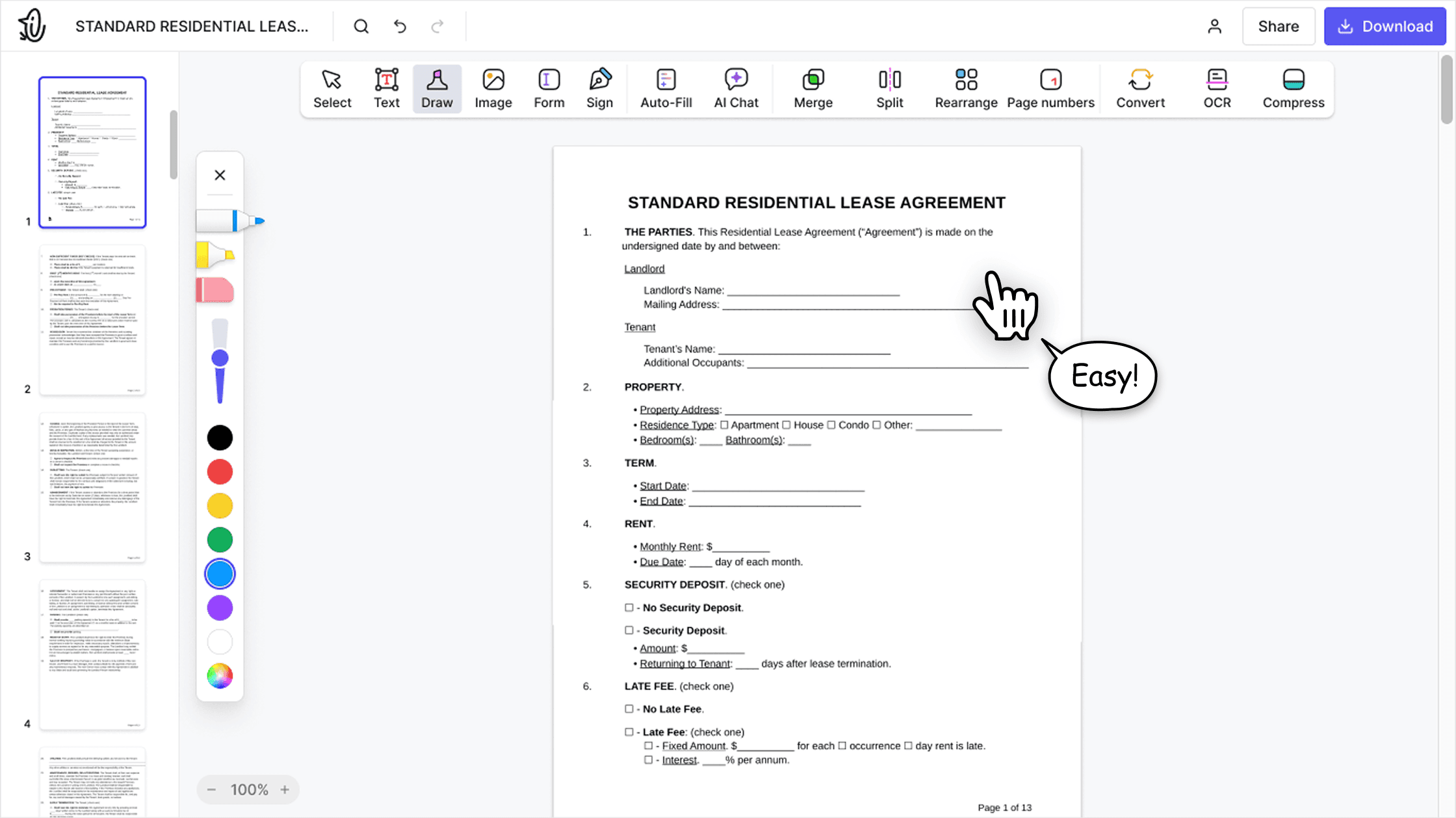

Editor PDF todo‑en‑uno
Nuestro editor ofrece un conjunto de funciones sólido y completo que te permite personalizar tus documentos, combinarlos, firmarlos y mucho más. Ya no necesitas mover tus archivos entre varias aplicaciones.

Conserva el formato sin problemas
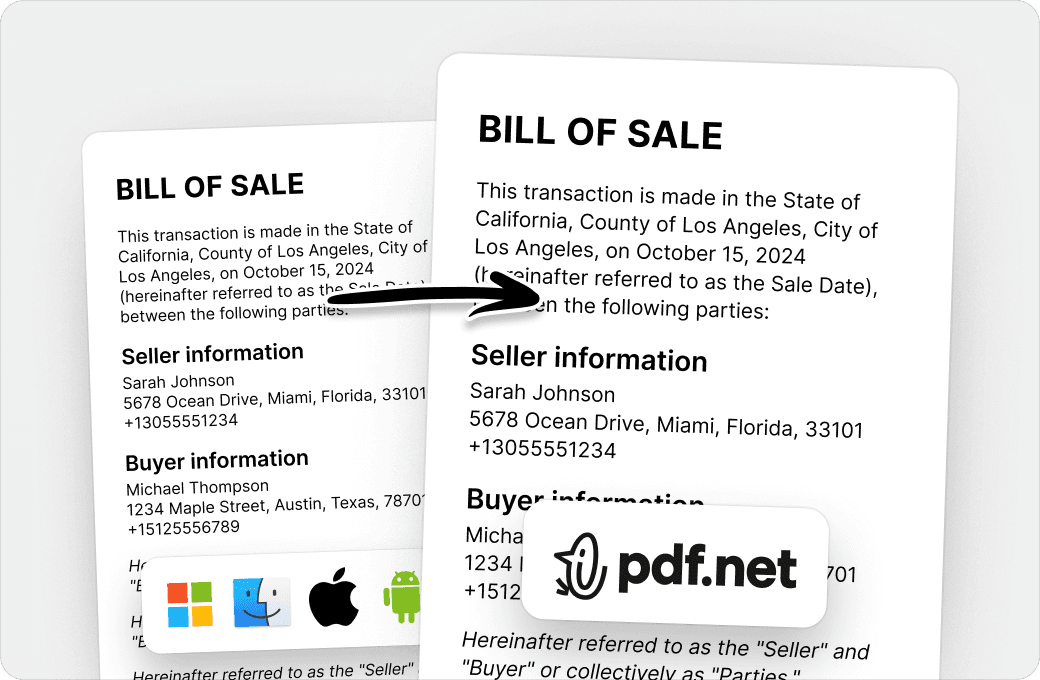
Olvídate de los documentos desordenados y del formato inconsistente entre distintos sistemas o dispositivos. Nuestro editor PDF en línea es compatible entre plataformas y mantiene la uniformidad sin importar si usas una PC, macOS, un smartphone o una tablet.
Personas de todo el mundo confían en pdf.net para editar sus documentos
¡Esto hizo que todo fuera mucho más fácil y mejor! ¡Gracias!


¡Esto hizo que todo fuera mucho más fácil y mejor! ¡Gracias!
Las acciones que necesitaba, cortar y fusionar, no podrían haber sido más fáciles.

El hecho de que esté en línea y se pueda acceder a él desde cualquier dispositivo es una verdadera ventaja. Además, tiene todas las herramientas que necesito para administrar archivos PDF

He batallado con archivos enormes por años, y solo tengo Adobe Reader instalado. Otro servicio en línea, con un costo parecido al de ustedes, no puede manejar archivos de más de 100 MB. Así que me encantó encontrarlos esta noche.

Preguntas frecuentes
- ¿Se conservará mi formato al convertir Excel a PDF?
- Sí. Nuestro convertidor de Excel a PDF conserva tus columnas, diseño y formato, para que el PDF coincida lo más posible con tu hoja de cálculo original.
- ¿Qué formatos de archivo son compatibles?
- Puedes convertir XLSX y XLS a PDF. Las imágenes JPG y PNG también son compatibles, y tu archivo se abre en el editor.
- ¿Cómo guardo un archivo de Excel como PDF?
- Para guardar un archivo de Excel como PDF, sube tu XLS o XLSX a nuestro convertidor de Excel a PDF, deja que se convierta y descarga el PDF.
- ¿Puedo convertir un libro con varias hojas?
- Sí, sube tu libro y conviértelo a PDF. Para combinar varios archivos en un solo PDF, convierte cada uno y combínalos con nuestra herramienta Unir PDF.
- ¿Mis enlaces seguirán funcionando?
- Sí. Los enlaces web y de correo electrónico siguen siendo clicables en el PDF, y apuntan a la dirección original incluso cuando el texto visible es diferente de la URL.
- ¿Puedo convertir Excel a PDF en una Mac?
- Sí, puedes convertir Excel a PDF en Mac en tu navegador, sin instalar nada.
- ¿Puedo convertir Excel a PDF en mi teléfono?
- Sí, puedes convertir Excel a PDF en tu teléfono, directamente en el navegador móvil.
- ¿Es seguro usar convertidores de Excel a PDF en línea?
- Sí. Los archivos se transfieren a través de conexiones HTTPS cifradas y se manejan conforme a nuestra política de privacidad.
- ¿Cómo puedo reducir el tamaño del archivo PDF después de la conversión?
- Usa nuestra herramienta Comprimir PDF para reducir el archivo sin perder calidad.
- ¿Puedo proteger con contraseña el PDF después de convertirlo desde Excel?
- Sí. Después de convertirlo, usa nuestra herramienta Proteger PDF para agregar una contraseña antes de descargarlo.