

Convert PDF to text you can copy and edit
Very easy to use, and the conversion is highly accurate.

When to use our PDF to text converter
Quoting a research paper
Working with AI tools
Reusing text
Translating a document
Todas las herramientas PDF en un solo lugar


Más herramientas

Convertir JPG a PDF

Convertir PNG a PDF

Convertir PDF a JPG

PDF a Excel

Convertir PDF a PNG

Convertir Markdown a PDF

Convertir Excel a PDF

PDF a CSV

PDF a PowerPoint

Convertir HEIC a PDF

Convertir PowerPoint a PDF

Estado de cuenta bancario a Excel

Convertir EPUB a PDF

Convertir PDF a Markdown

Comparar PDF

Agregar imagen

Dividir PDF

Reordenar páginas

Agregar números de página

Anotar

Girar páginas

Numeración Bates

Extraer páginas

Hacer que el PDF sea rellenable

Desbloquear PDF

Proteger PDF

Redact PDF

Envía un archivo PDF para su firma

Quitar el fondo de la firma

Signature Generator

Chat con PDF

Resumir PDF con IA

Generar PDF

Llenador de formularios con IA

Compartir PDF
How to convert PDF to text
 1
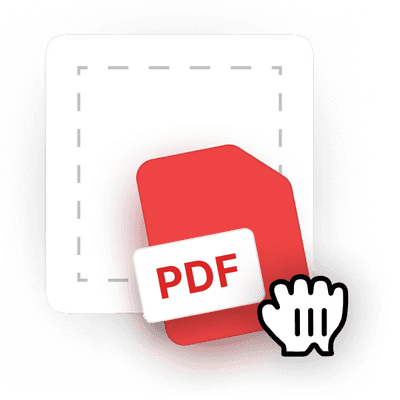
1Upload your PDF
 2
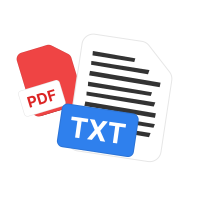
2Let the tool extract PDF text
 3
3Download the .txt file
Por qué la gente prefiere pdf.net
Simple y fácil para el uso diario
Nuestro editor PDF en línea ofrece una interfaz limpia, intuitiva y fácil de usar, diseñada tanto para principiantes como para profesionales. Podrás navegar sin complicaciones y editar tu archivo PDF, incluso si es la primera vez que lo haces.
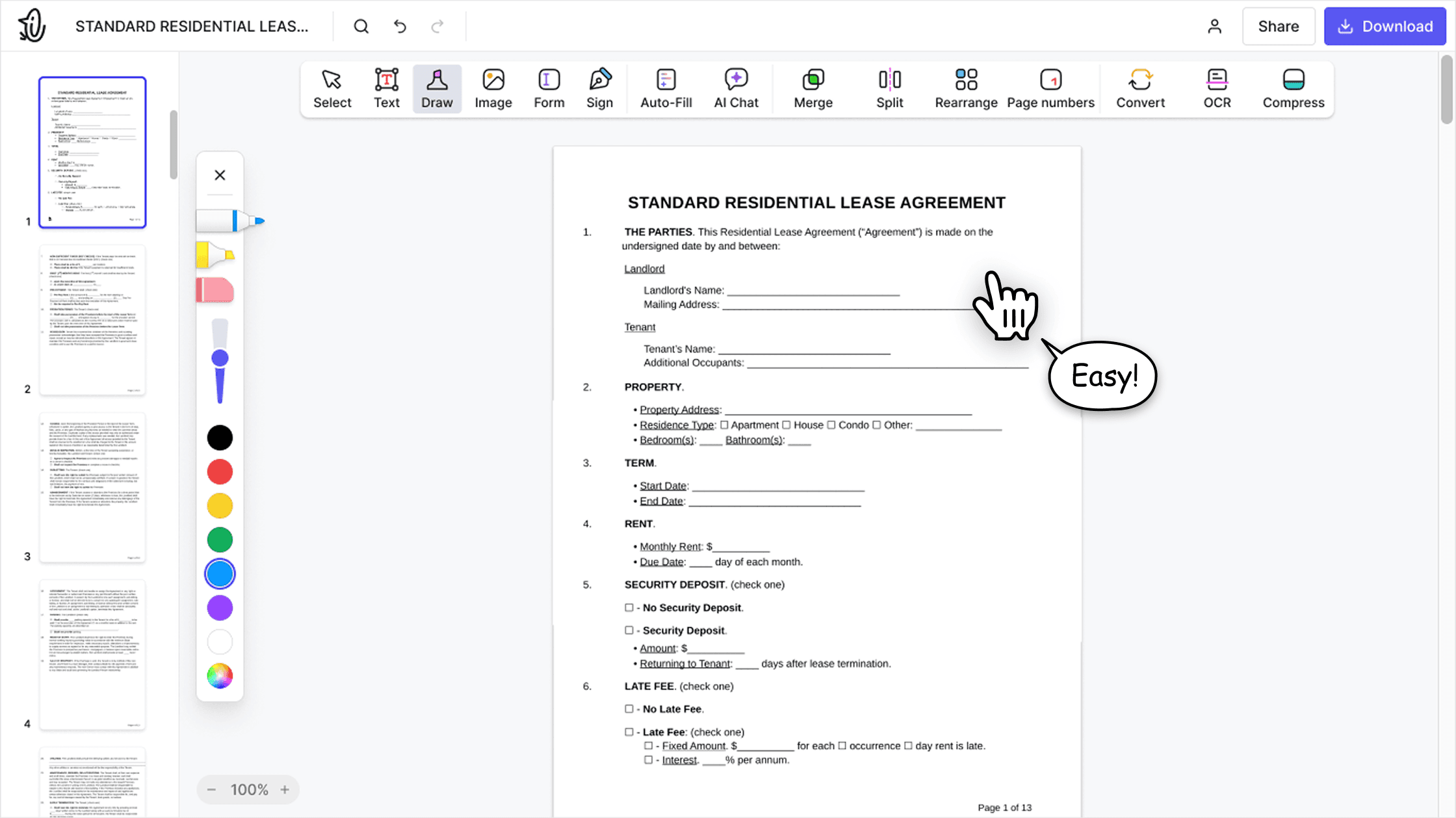

Editor PDF todo‑en‑uno
Nuestro editor ofrece un conjunto de funciones sólido y completo que te permite personalizar tus documentos, combinarlos, firmarlos y mucho más. Ya no necesitas mover tus archivos entre varias aplicaciones.

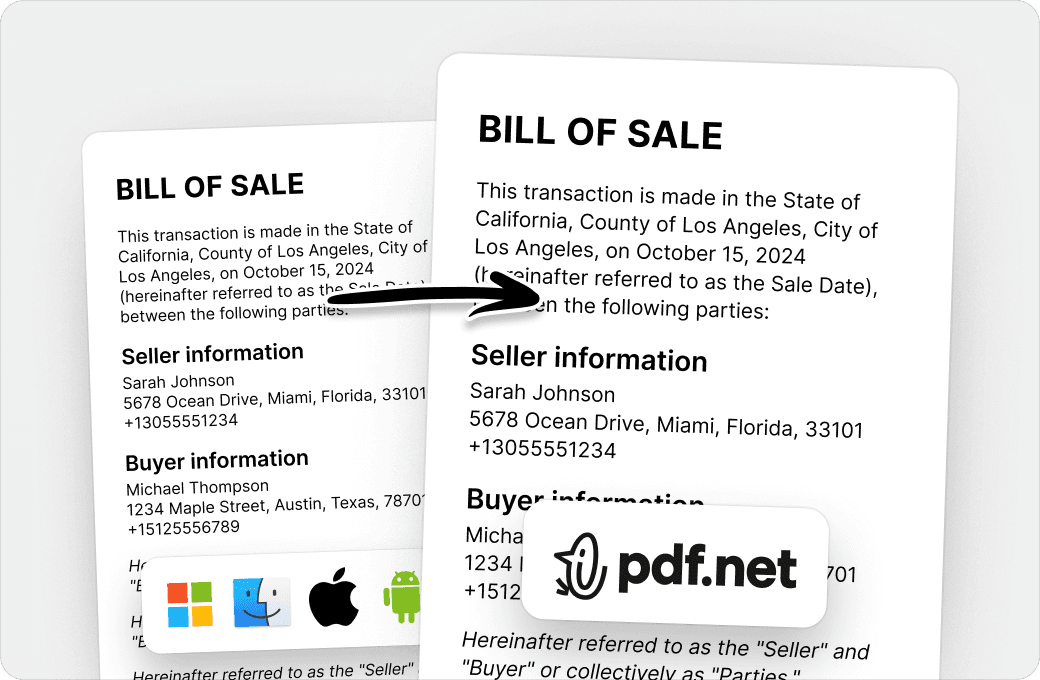
Conserva el formato sin problemas
Olvídate de los documentos desordenados y del formato inconsistente entre distintos sistemas o dispositivos. Nuestro editor PDF en línea es compatible entre plataformas y mantiene la uniformidad sin importar si usas una PC, macOS, un smartphone o una tablet.
Personas de todo el mundo confían en pdf.net para editar sus documentos
I enjoyed it because it was simple to use and the platform was easy to maneuver.


I enjoyed it because it was simple to use and the platform was easy to maneuver.
Útil para crear diferentes tipos de archivos usando los que ya tienes, ¡solo conviértelos!

Fácil de seguir y funciona tal como dicen los servicios que lo hará. Muy útil para mi negocio.

Es genial que pueda acceder desde todos mis dispositivos, ya que funciona en el navegador.
