

Convertir EPUB a PDF en línea
Útil para crear diferentes tipos de archivos usando los que ya tienes, ¡solo conviértelos!

Cuándo usar nuestro convertidor de EPUB a PDF
Compartir un eBook con alguien
Imprimir capítulos o páginas
Archivar un libro a largo plazo
Enviar trabajo académico
Todas las herramientas PDF en un solo lugar


Más herramientas

Convertir JPG a PDF

Convertir PNG a PDF

Convertir PDF a JPG

PDF a Excel

Convertir PDF a PNG

Convertir Markdown a PDF

Convertir Excel a PDF

PDF a CSV

PDF a PowerPoint

Convertir HEIC a PDF

Convertir PowerPoint a PDF

Estado de cuenta bancario a Excel

Convertir PDF a Markdown

Convert PDF to Text

Comparar PDF

Agregar imagen

Dividir PDF

Reordenar páginas

Agregar números de página

Anotar

Girar páginas

Numeración Bates

Extraer páginas

Hacer que el PDF sea rellenable

Desbloquear PDF

Proteger PDF

Redact PDF

Envía un archivo PDF para su firma

Quitar el fondo de la firma

Signature Generator

Chat con PDF

Resumir PDF con IA

Generar PDF

Llenador de formularios con IA

Compartir PDF
Cómo convertir EPUB a PDF
 1
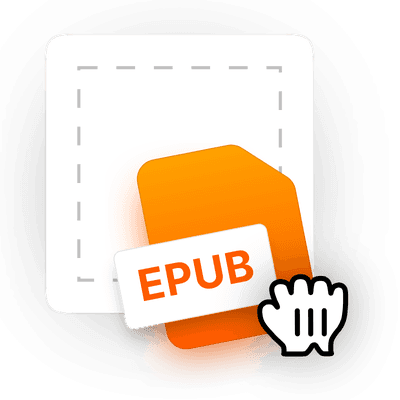
1Sube tu archivo EPUB
 2
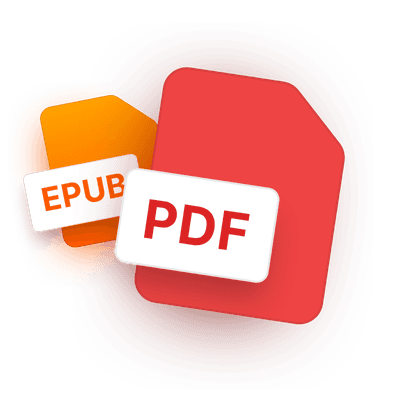
2Deja que la herramienta convierta EPUB a PDF
 3
3Descarga tu eBook en PDF
Por qué la gente prefiere pdf.net
Simple y fácil para el uso diario
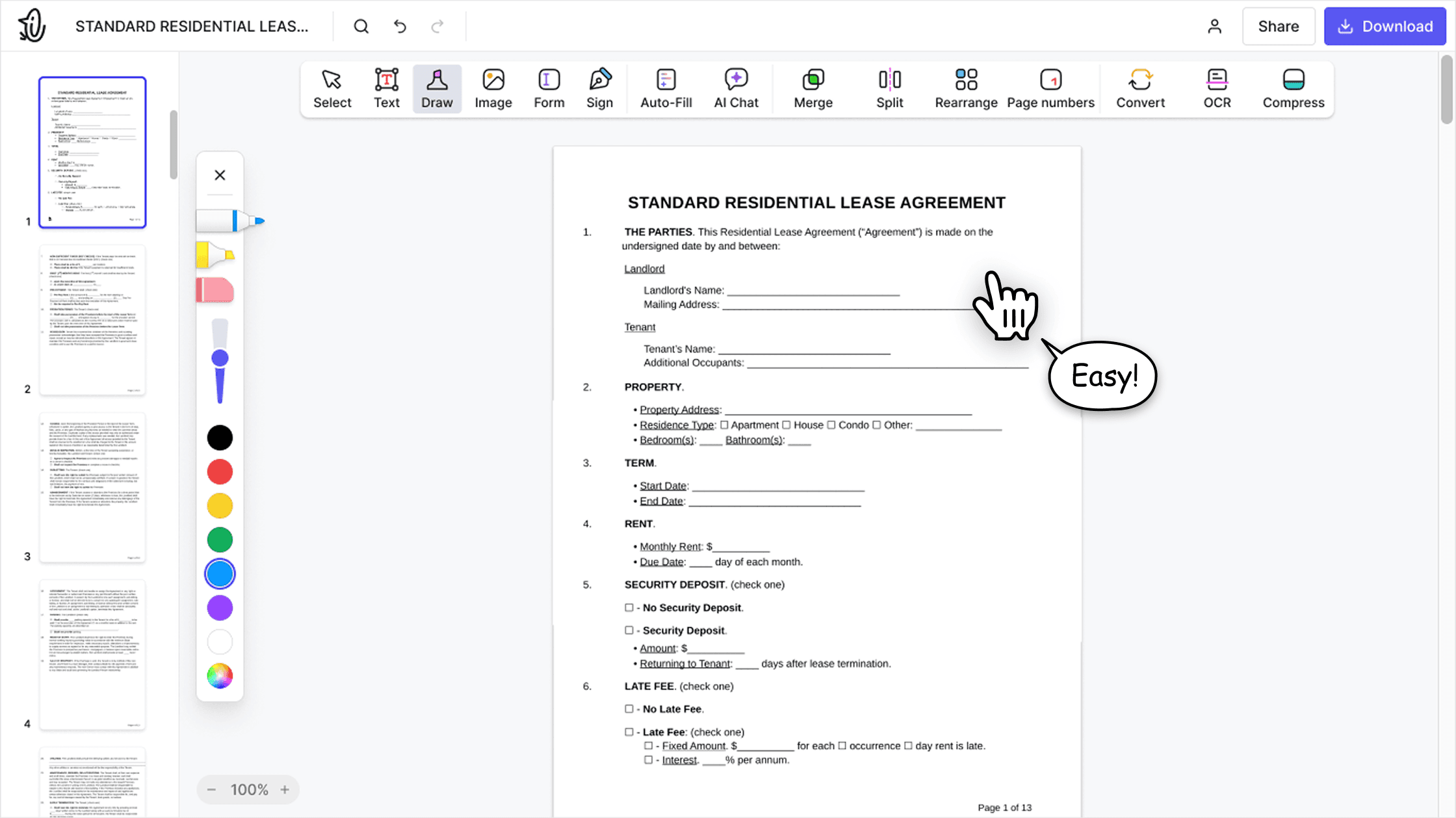
Nuestro editor PDF en línea ofrece una interfaz limpia, intuitiva y fácil de usar, diseñada tanto para principiantes como para profesionales. Podrás navegar sin complicaciones y editar tu archivo PDF, incluso si es la primera vez que lo haces.

Editor PDF todo‑en‑uno
Nuestro editor ofrece un conjunto de funciones sólido y completo que te permite personalizar tus documentos, combinarlos, firmarlos y mucho más. Ya no necesitas mover tus archivos entre varias aplicaciones.

Conserva el formato sin problemas
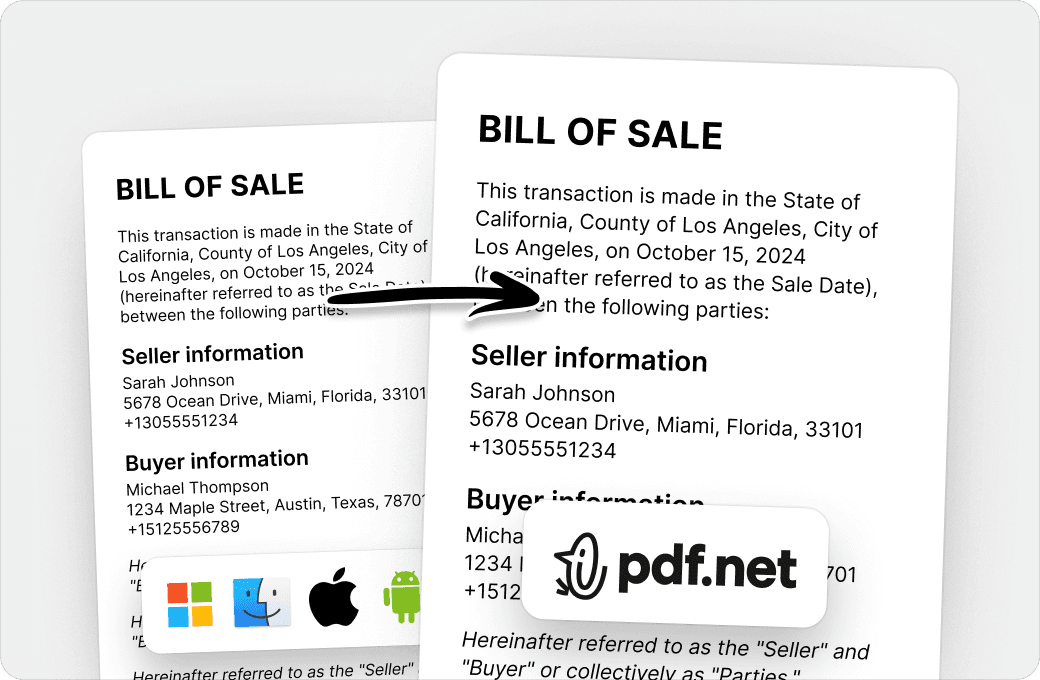
Olvídate de los documentos desordenados y del formato inconsistente entre distintos sistemas o dispositivos. Nuestro editor PDF en línea es compatible entre plataformas y mantiene la uniformidad sin importar si usas una PC, macOS, un smartphone o una tablet.
Personas de todo el mundo confían en pdf.net para editar sus documentos
¡Me encantó! Pude hacer todo lo que necesitaba hacer


¡Me encantó! Pude hacer todo lo que necesitaba hacer
¡Esto hizo que todo fuera mucho más fácil y mejor! ¡Gracias!

Fácil de seguir y funciona tal como dicen los servicios que lo hará. Muy útil para mi negocio.

Me ahorra tiempo que prefiero dedicar a realmente administrar mi negocio en lugar de pelear con documentos.

Preguntas frecuentes
- ¿Cómo convierto un archivo EPUB a PDF?
- Para convertir un archivo EPUB a PDF, súbelo al convertidor de EPUB a PDF de pdf.net y espera a que termine la conversión. Después de eso, simplemente descarga tu eBook en PDF; no se necesitan pasos adicionales.
- ¿Qué formatos de archivo son compatibles?
- Sube un EPUB y pdf.net lo convierte en un eBook en PDF limpio y fácil de compartir. También puedes subir archivos DOC, DOCX, XLS, XLSX, JPG, PNG, HEIC y HEIF, y tu archivo se abre en el editor.
- ¿Convertir EPUB a PDF afectará el formato?
- Nuestro convertidor redistribuye el texto de tu EPUB y las imágenes compatibles en un PDF fijo y listo para imprimir. El diseño y la tipografía pueden diferir del eBook original.
- ¿Puedo convertir EPUB a PDF sin instalar software?
- Sí, puedes convertir EPUB a PDF sin instalar nada. pdf.net funciona completamente en tu navegador, así que no hay nada que descargar y no se requiere una cuenta para comenzar.
- ¿Es seguro cargar mis archivos EPUB?
- Subir tus archivos EPUB a pdf.net es seguro y protegido. Nuestro editor PDF online usa cifrado HTTPS y protocolos avanzados de seguridad para mantener tus documentos privados y protegidos.
- ¿Puedo convertir EPUB a PDF en el móvil?
- Sí, puedes convertir EPUB a PDF en el móvil usando cualquier navegador de smartphone o tablet. Nuestro convertidor de EPUB online funciona igual en el móvil que en computadoras de escritorio.
- ¿Puedo convertir varios archivos EPUB a PDF?
- La conversión por lotes aún no está disponible.
- ¿Qué pasa con las imágenes de un EPUB cuando lo convierto a PDF?
- Las imágenes JPEG, PNG y SVG se incluyen en el PDF y se redimensionan para ajustarse a sus páginas. Su ubicación puede cambiar a medida que se redistribuye el libro. Se omiten los formatos de imagen no compatibles.