

Redact PDF and permanently black out sensitive information
Adobe was giving me a hard time and I found this website and I was able to get my tasks acomplished.

Redact documents before you send them
Apply for an apartment or a loan
Landlords and lenders ask for bank statements, pay stubs, and tax returns. Keep the income they need to see and redact account numbers and unrelated transactions.Prepare court filings and discovery
Black out client names, case numbers, and account details before a filing goes out. The court and the other side see only what they need.Review resumes without names
Remove names, photos, and home addresses from resumes, so the hiring team reads the experience first.Answer public records requests
Release a report or a letter and redact the personal details of people who aren’t part of the request.Send invoices to a client or an auditor
Show the work and the totals, and redact bank details, rates, or signatures the other side doesn’t need.Remove photos and ID numbers from scans
Draw a box over a face, an ID, or a signature on a scan, and the image under it is removed.


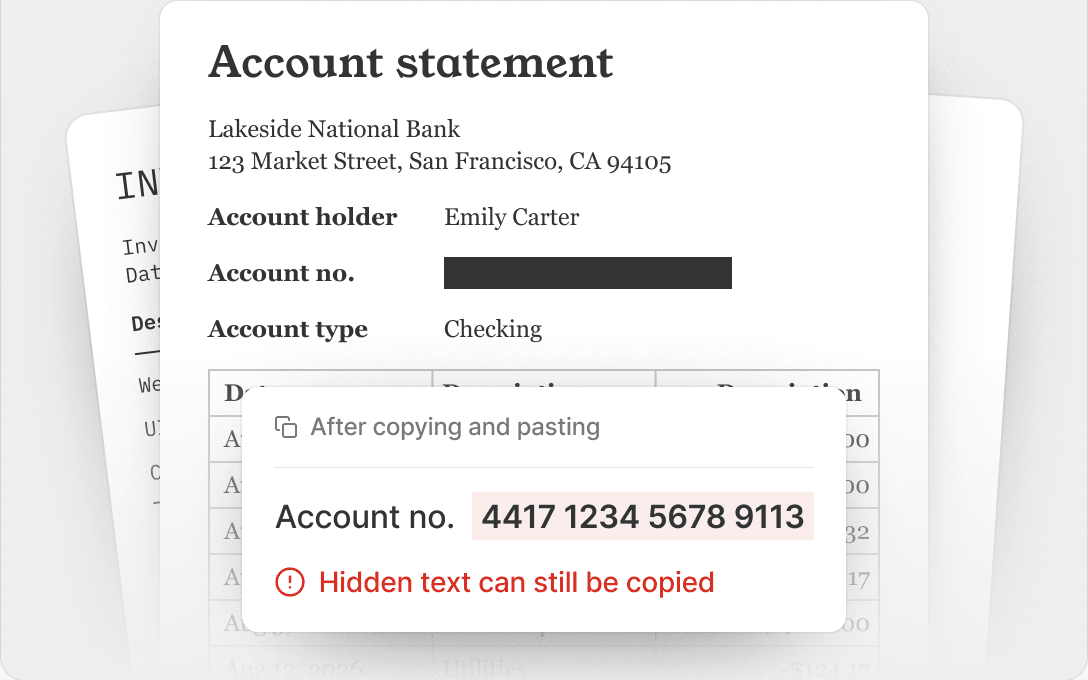
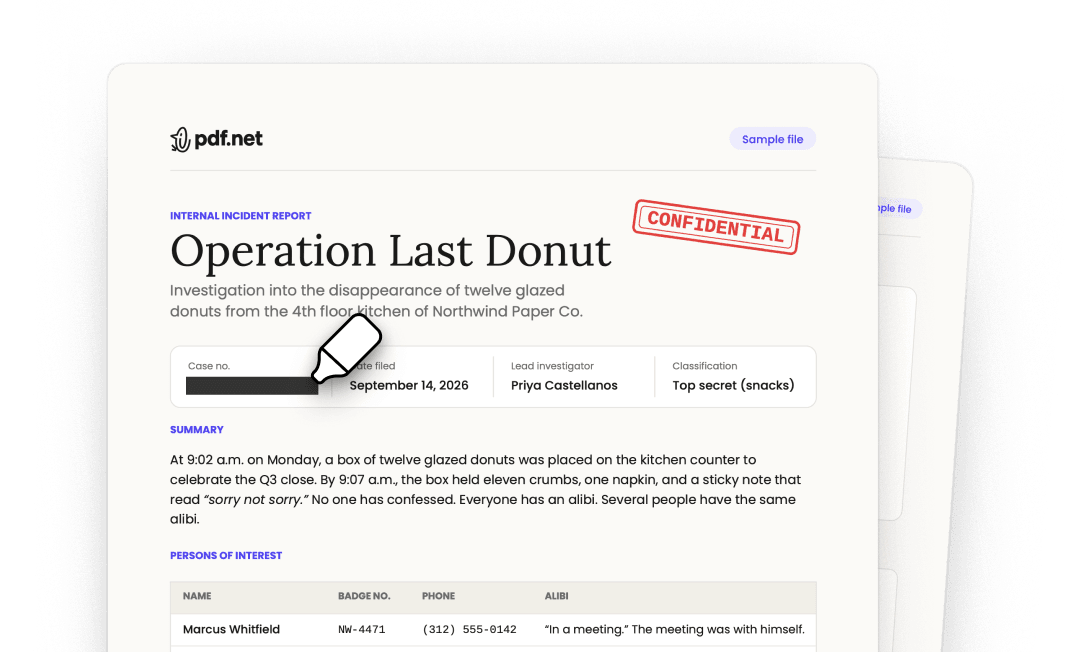
A black box isn’t a redaction
Covered with a shape
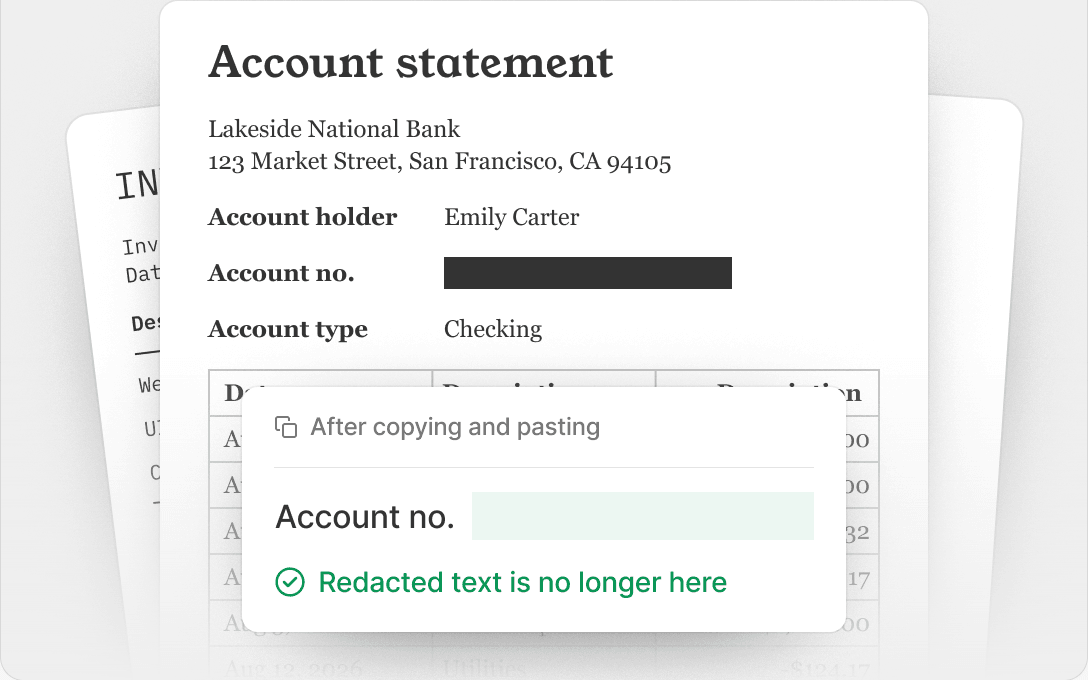
Redacted in pdf.net
Todas las herramientas PDF en un solo lugar


Más herramientas

Convertir Word a PDF

Convertir JPG a PDF

Convertir PNG a PDF

Convertir PDF a JPG

PDF a Excel

Convertir PDF a PNG

Convertir Markdown a PDF

Convertir Excel a PDF

PDF a CSV

PDF a PowerPoint

Convertir HEIC a PDF

Convertir PowerPoint a PDF

Estado de cuenta bancario a Excel

Convertir EPUB a PDF

Convertir PDF a Markdown

Convert PDF to Text

Comprimir

Comparar PDF

Agregar imagen

Dividir PDF

Reordenar páginas

Agregar números de página

Anotar

Girar páginas

Numeración Bates

Extraer páginas

Hacer que el PDF sea rellenable

Add Watermark to PDF

Envía un archivo PDF para su firma

Quitar el fondo de la firma

Signature Generator

Chat con PDF

Resumir PDF con IA

Generar PDF

Llenador de formularios con IA

Compartir PDF
How to redact a PDF
 1
1Upload your document
 2
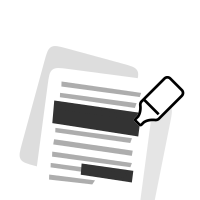
2Select text, images, or whole pages
 3
3Apply the redaction and download your PDF
Por qué la gente prefiere pdf.net
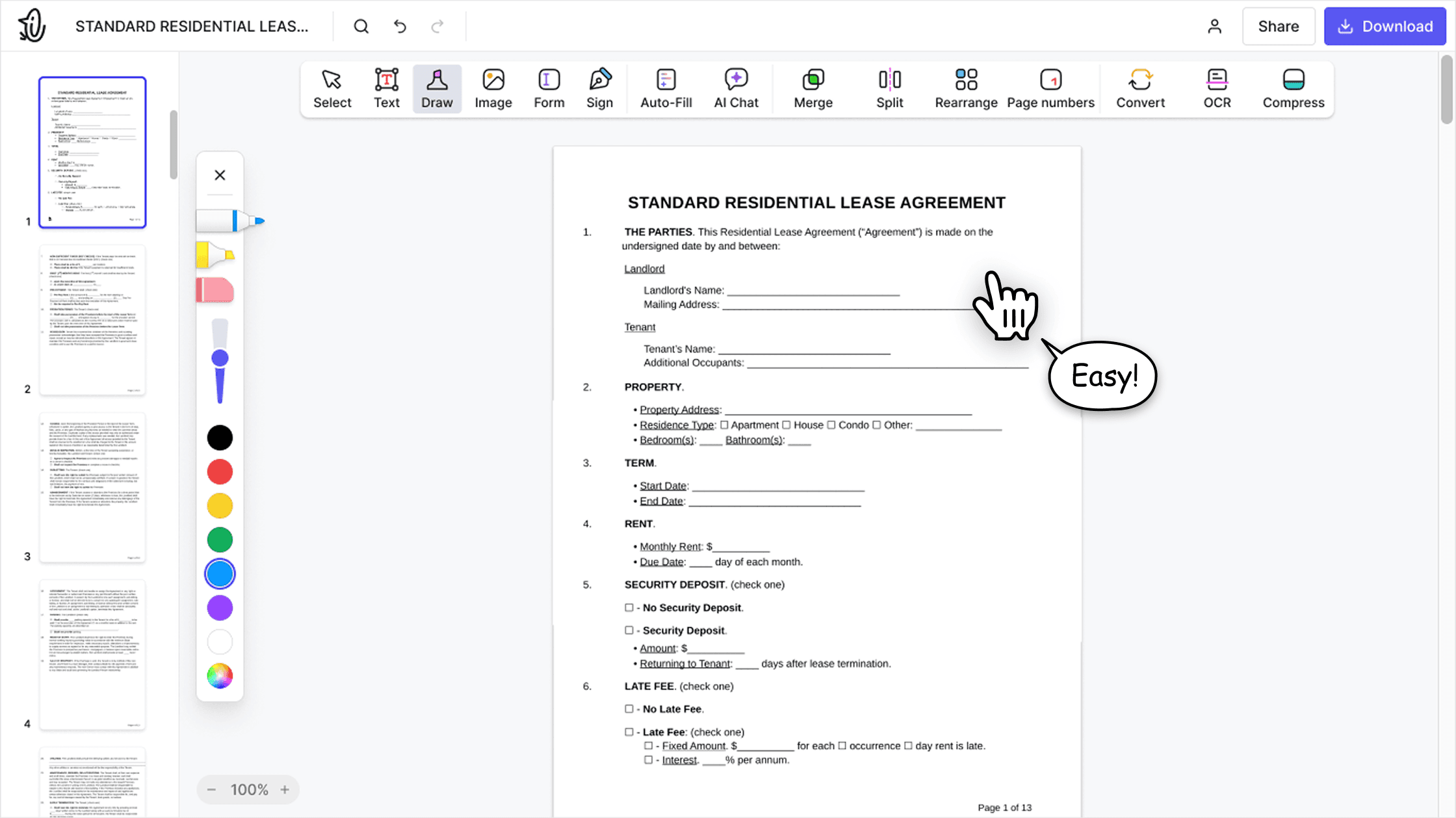
Simple y fácil para el uso diario
Nuestro editor PDF en línea ofrece una interfaz limpia, intuitiva y fácil de usar, diseñada tanto para principiantes como para profesionales. Podrás navegar sin complicaciones y editar tu archivo PDF, incluso si es la primera vez que lo haces.

Editor PDF todo‑en‑uno
Nuestro editor ofrece un conjunto de funciones sólido y completo que te permite personalizar tus documentos, combinarlos, firmarlos y mucho más. Ya no necesitas mover tus archivos entre varias aplicaciones.

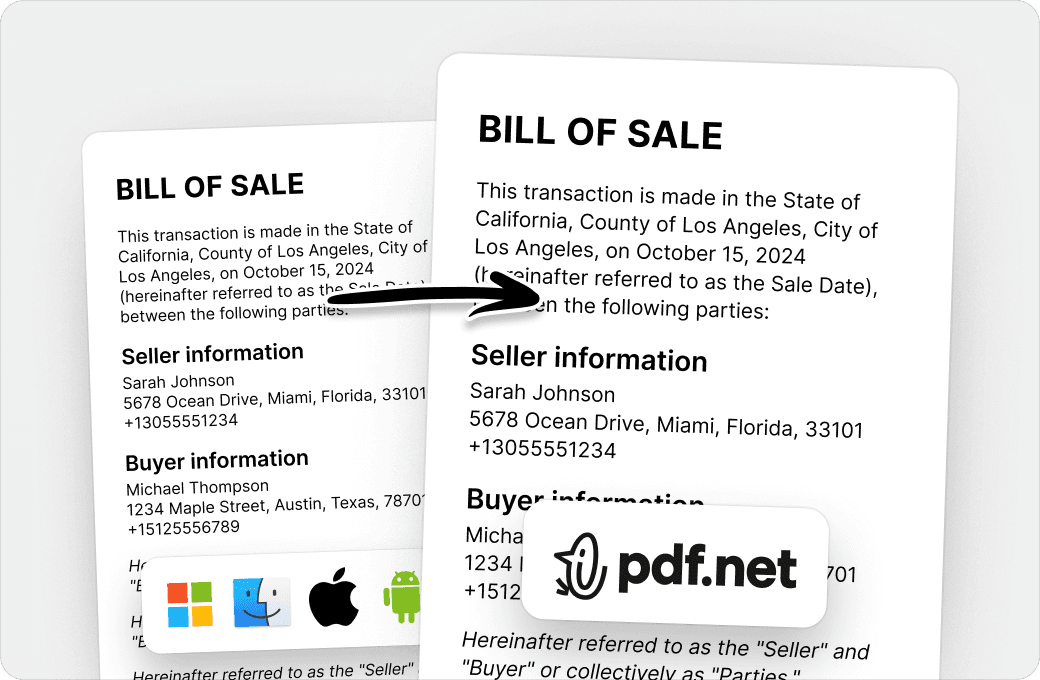
Conserva el formato sin problemas
Olvídate de los documentos desordenados y del formato inconsistente entre distintos sistemas o dispositivos. Nuestro editor PDF en línea es compatible entre plataformas y mantiene la uniformidad sin importar si usas una PC, macOS, un smartphone o una tablet.
Personas de todo el mundo confían en pdf.net para editar sus documentos
Very easy to use, and the conversion is highly accurate.


Very easy to use, and the conversion is highly accurate.
not complicated - i have no mouse to write signatures so this way helps

Gran variedad de conjuntos de herramientas, especialmente para rellenar formularios.

Útil para crear diferentes tipos de archivos usando los que ya tienes, ¡solo conviértelos!

Try it on a sample first
Preguntas frecuentes
- What does it mean to redact a PDF?
- Redacting a PDF means permanently removing sensitive content, such as names, numbers, images, or whole pages, and showing a black box in its place. Unlike a shape drawn over the text, a redaction deletes the content from the file, so no one can read, copy, or search it.
- How do I redact a PDF?
- Choose your file and it opens in the editor. Select the text you want to hide, draw a box over any image or area, then apply the redaction and download your PDF.
- Can a redaction be removed?
- No. Once you apply a redaction in pdf.net, the content under the box is deleted from the file. It can’t be recovered, even with other PDF software.
- How do I black out text in PDF files?
- Select the text and apply a redaction. pdf.net replaces it with a black box and removes the text itself. If you only draw a black rectangle over text, the text stays in the file and anyone can copy it from under the shape.
- Can I redact images and whole pages?
- Yes. Draw a box over a photo, a signature, or part of a scanned page to remove it, or redact an entire page at once.
- Can I redact a PDF without Adobe Acrobat Pro?
- Yes. pdf.net is an online PDF redaction tool that works in your browser on Windows, Mac, and mobile, so you don’t need Acrobat Pro, Preview, or any other installed software.
- Is blurring text the same as redacting it?
- No. A blur, a highlight, or a black shape only changes how the page looks, and the text underneath stays in the file. Our PDF redactor removes the text, so there is nothing left to uncover.
- Is this tool free?
- This tool is free to access and to redact PDF files. However, to download your new document, you need to subscribe to our services.
- Is it safe to upload sensitive documents?
- Yes. Uploading your documents to pdf.net is safe and secure. Our online PDF editor uses secure HTTPS encryption and advanced safety protocols to keep your documents private and protected. We run on Google Cloud infrastructure with strict access controls.
- What file formats are supported?
- You can upload PDF, DOC, DOCX, PPT, PPTX, PPSX, XLS, XLSX, JPG, PNG, HEIC, and HEIF files. Your file opens in the editor, where you can redact it and download it as a PDF.
- Can I redact a PDF on my phone?
- Yes. pdf.net works in your mobile browser, so you can redact a PDF on an iPhone, an Android phone, or a tablet without installing an app.