

Convierte Markdown a PDF en línea con formato
Puedo asegurar que es muy accesible y vale totalmente la pena. Hace todo lo que promete y más.

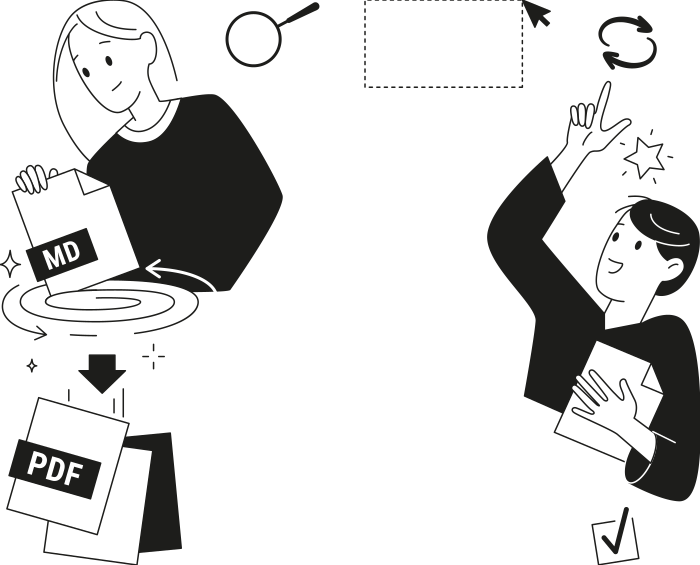
De Markdown a un PDF que vale la pena compartir
Escribe una vez, publícalo como PDF
Funciona con cualquier fuente de Markdown
De una página de wiki a un PDF en segundos
Tu contenido permanece privado
¿Quién se beneficia de nuestro conversor de MD a PDF?
Estudiantes e investigadores
Usuarios avanzados de IA y LLM
Desarrolladores de software
Redactores técnicos
Todas las herramientas PDF en un solo lugar


Más herramientas

Convertir Word a PDF

Convertir PDF a JPG

PDF a Excel

Convertir PDF a PNG

Convertir Excel a PDF

PDF a CSV

Convertir HEIC a PDF

Convertir PowerPoint a PDF

Estado de cuenta bancario a Excel

Convertir EPUB a PDF

Convertir PDF a Markdown

Convert PDF to Text

Agregar texto

Comprimir

Comparar PDF

Agregar imagen

Dividir PDF

Reordenar páginas

Agregar números de página

Girar páginas

Numeración Bates

Extraer páginas

Hacer que el PDF sea rellenable

Add Watermark to PDF

Desbloquear PDF

Proteger PDF

Redact PDF

Firmar documento

Envía un archivo PDF para su firma

Quitar el fondo de la firma

Signature Generator

Chat con PDF

Resumir PDF con IA

Generar PDF

Llenador de formularios con IA

Compartir PDF
Cómo convertir Markdown a un PDF
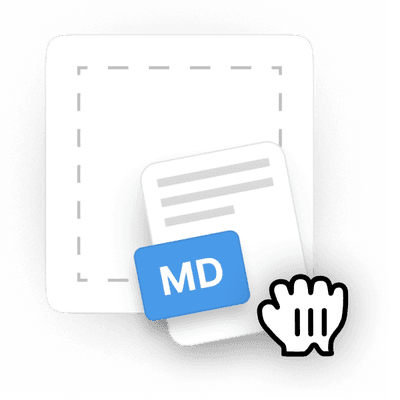 1
1Sube un archivo .md o pega tu Markdown
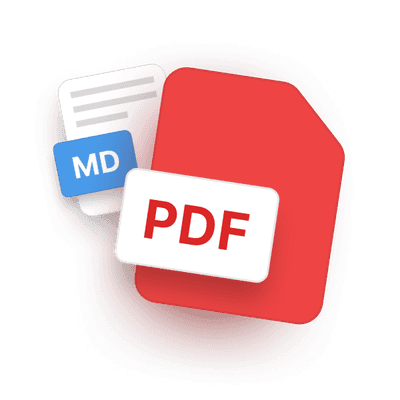 2
2Espera a que se complete la conversión de MD a PDF
 3
3Descárgalo, compártelo o sigue editándolo el PDF en línea
Por qué la gente prefiere pdf.net
Simple y fácil para el uso diario
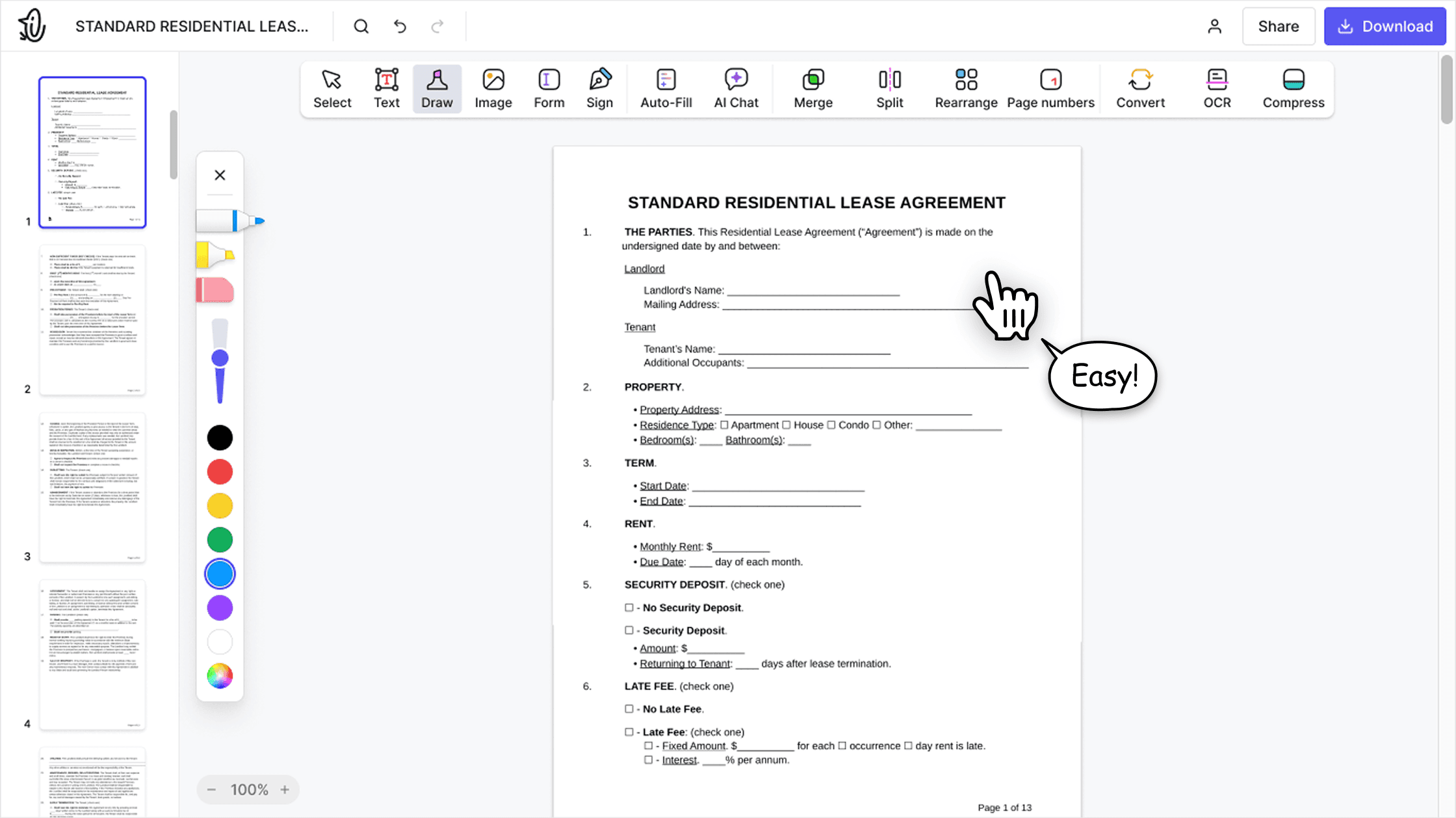
Nuestro editor PDF en línea ofrece una interfaz limpia, intuitiva y fácil de usar, diseñada tanto para principiantes como para profesionales. Podrás navegar sin complicaciones y editar tu archivo PDF, incluso si es la primera vez que lo haces.

Editor PDF todo‑en‑uno
Nuestro editor ofrece un conjunto de funciones sólido y completo que te permite personalizar tus documentos, combinarlos, firmarlos y mucho más. Ya no necesitas mover tus archivos entre varias aplicaciones.

Conserva el formato sin problemas
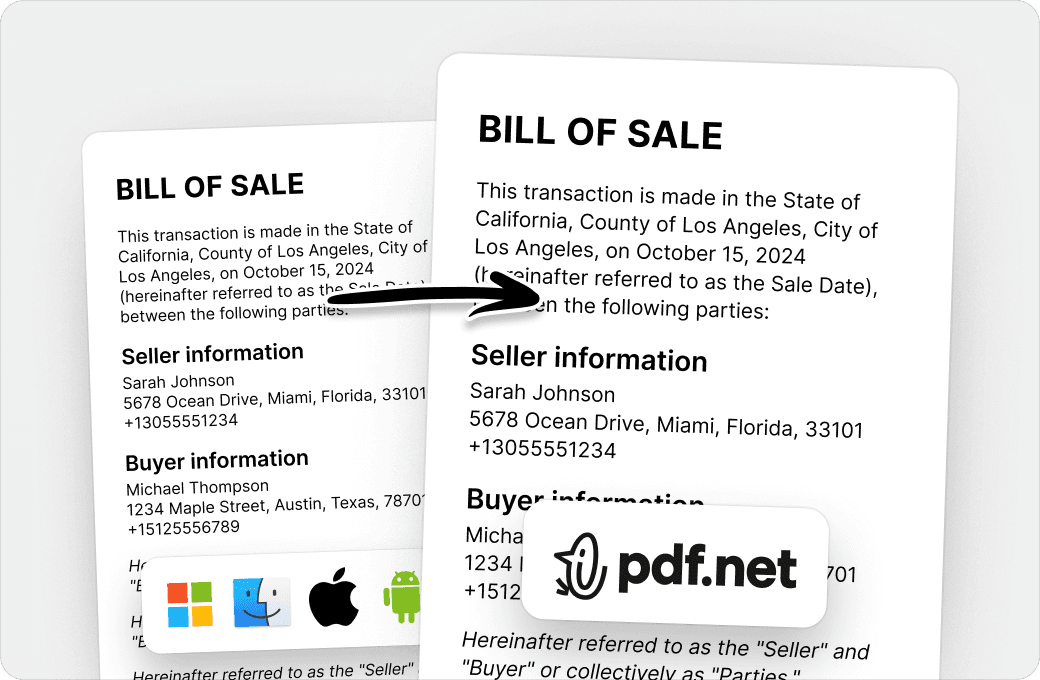
Olvídate de los documentos desordenados y del formato inconsistente entre distintos sistemas o dispositivos. Nuestro editor PDF en línea es compatible entre plataformas y mantiene la uniformidad sin importar si usas una PC, macOS, un smartphone o una tablet.
Personas de todo el mundo confían en pdf.net para editar sus documentos
Es genial que pueda acceder desde todos mis dispositivos, ya que funciona en el navegador.


Es genial que pueda acceder desde todos mis dispositivos, ya que funciona en el navegador.
Excelente interfaz de usuario, fácil de usar y pago por uso. ¡Una experiencia increíble!

La app funciona bien y es muy conveniente de acceder y usar. ¡Rápida y fácil!

Hoy estábamos enviando una RFP y, a último minuto, nos cayó encima un montón de trabajo con PDFs: extraer páginas individuales de un PDF maestro de 50 páginas, editarlas y unirlas en un nuevo documento para la entrega. Sin esta herramienta, probablemente no habríamos llegado a la fecha límite.

Preguntas frecuentes
- ¿Qué es un archivo .md?
- Un archivo .md es un archivo de texto sin formato escrito en Markdown, que es una sintaxis de formato ligera que usa símbolos simples como (#) para encabezados, (-) para listas y (**) para negritas. Se usa ampliamente para documentación, archivos README y notas porque es legible tal como está y fácil de convertir a otros formatos.
- ¿Puedo convertir markdown a PDF?
- Sí, puedes convertir Markdown a PDF con pdf.net. Nuestro conversor en línea toma tu Markdown de texto sin formato, como encabezados, listas, tablas, bloques de código y enlaces, y lo renderiza como un PDF con formato profesional y listo para compartir. No se necesita CLI, plantilla ni flujo de publicación.
- ¿Cómo convertir un archivo Markdown a PDF?
- Abre nuestro conversor de Markdown a PDF en línea y arrastra tu archivo .md al área de carga, o haz clic para seleccionarlo. Si prefieres omitir la carga del archivo, puedes pegar tu Markdown directamente y convertirlo a PDF.
- ¿Qué formatos de archivo Markdown son compatibles?
- Nuestro conversor de Markdown a PDF acepta archivos .md y .markdown, además de cualquier texto Markdown que pegues. Además, el conversor es totalmente compatible con Markdown estándar, por ejemplo, CommonMark con extensiones GitHub Flavored (GFM) como tablas, bloques de código delimitados, listas de tareas y texto tachado.
- ¿Este conversor de MD a PDF mantiene el formato de los bloques de código y las tablas?
- Sí, nuestra herramienta de MD a PDF preserva los bloques de código delimitados con tipografía monoespaciada, las tablas con alineación correcta de columnas, las listas anidadas y ordenadas, las citas, los enlaces y el énfasis en línea. El código en línea y los ejemplos de código multilínea se renderizan limpiamente en el PDF final.
- ¿Puedo convertir Markdown generado por ChatGPT, Claude u otros agentes de IA?
- Sí, puedes convertir Markdown generado por ChatGPT, Claude u otros agentes a PDF. Esta es una de las formas más comunes en que la gente usa nuestro conversor en línea de Markdown a PDF. Los encabezados, listas con viñetas, listas numeradas, tablas, bloques de código delimitados, código en línea, citas y enlaces se renderizan correctamente. Después de eso, puedes usar nuestro editor de PDF para agregar imágenes, firmar, anotar y más antes de descargar o compartir.
- ¿Puedo convertir Markdown desde GitHub, Obsidian o Notion?
- Sí, puedes convertir Markdown desde GitHub, Obsidian o Notion con nuestro conversor de MD a PDF. Solo copia el Markdown desde tu fuente y pégalo en nuestra herramienta. Las extensiones de Markdown al estilo GitHub, como tablas, listas de tareas y bloques de código delimitados, son compatibles desde el primer momento.
- ¿Puedo editar el PDF después de convertirlo desde Markdown?
- Sí, puedes editar el PDF después de convertirlo desde markdown. Nuestro editor de PDF en línea te permite anotarlo, agregar texto o imágenes, reorganizar o eliminar páginas, firmarlo y exportar el archivo final cuando estés listo. Cualquier cambio que hagas en el editor no afecta tu Markdown original.
- ¿Puedo convertir Markdown a PDF sin instalar nada?
- Sí, puedes, porque nuestro conversor de Markdown a PDF funciona completamente en tu navegador. No necesitas configurar una CLI, instalar pandoc, usar una cadena de herramientas LaTeX ni ejecutar ningún paso de compilación. Pega o suelta tu Markdown y obtén un PDF en segundos en cualquier dispositivo, desde cualquier lugar.
- ¿Este conversor de Markdown a PDF es gratuito?
- Sí, nuestro conversor de Markdown a PDF es gratuito. Sin embargo, descargar el resultado o usar el editor de PDF completo para ajustar el resultado requiere una suscripción.
- ¿Mis archivos Markdown son privados?
- Sí, tus archivos Markdown se mantienen privados. pdf.net cifra los archivos en tránsito y en reposo, y no los conserva a largo plazo. Tu contenido Markdown y el PDF generado siguen siendo tuyos, ya que nunca usamos los documentos subidos para entrenar modelos ni los compartimos con terceros.