

Convert PDF to text you can copy and edit
Very easy to use, and the conversion is highly accurate.

When to use our PDF to text converter
Quoting a research paper
Working with AI tools
Reusing text
Translating a document
Semua alat PDF di satu tempat


Lebih banyak alat

Tukar JPG ke PDF

Tukar PNG kepada PDF

Tukar PDF ke JPG

PDF ke Excel

Tukar PDF kepada PNG

Tukar Markdown kepada PDF

Tukar Excel ke PDF

PDF ke CSV

PDF ke PowerPoint

Tukar HEIC ke PDF

Tukar PowerPoint ke PDF

Penyata Bank ke Excel

Tukar EPUB ke PDF

Tukar PDF ke Markdown

Bandingkan PDF

Tambah Imej

Pisah Fail

Susun Semula Halaman

Tambah Nombor Halaman

Anotasi

Putar Halaman

Penomboran Bates

Ekstrak Halaman

Jadikan PDF boleh diisi

Buka kunci PDF

Lindungi PDF

Redact PDF

Minta Tandatangan

Buang Latar Belakang Tandatangan

Signature Generator

Sembang dengan PDF

Peringkas PDF

Jana PDF

Pengisi Borang AI

Kongsi PDF
How to convert PDF to text
 1
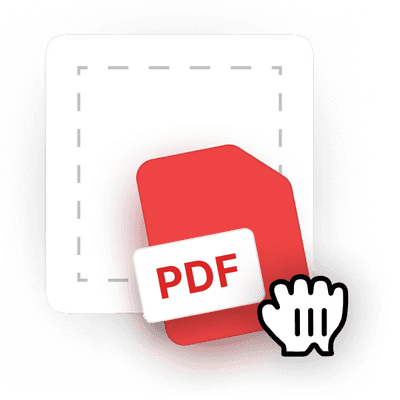
1Upload your PDF
 2
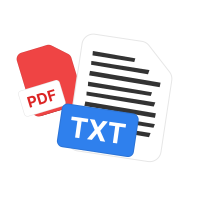
2Let the tool extract PDF text
 3
3Download the .txt file
Mengapakah orang ramai memilih pdf.net
Ringkas dan mudah untuk kegunaan harian
Editor PDF dalam talian kami menampilkan antara muka yang kemas, intuitif dan mesra pengguna yang direka untuk amatur dan profesional. Anda boleh menggunakannya dengan mudah dan mengedit fail PDF anda, walaupun anda belum pernah melakukannya sebelum ini.
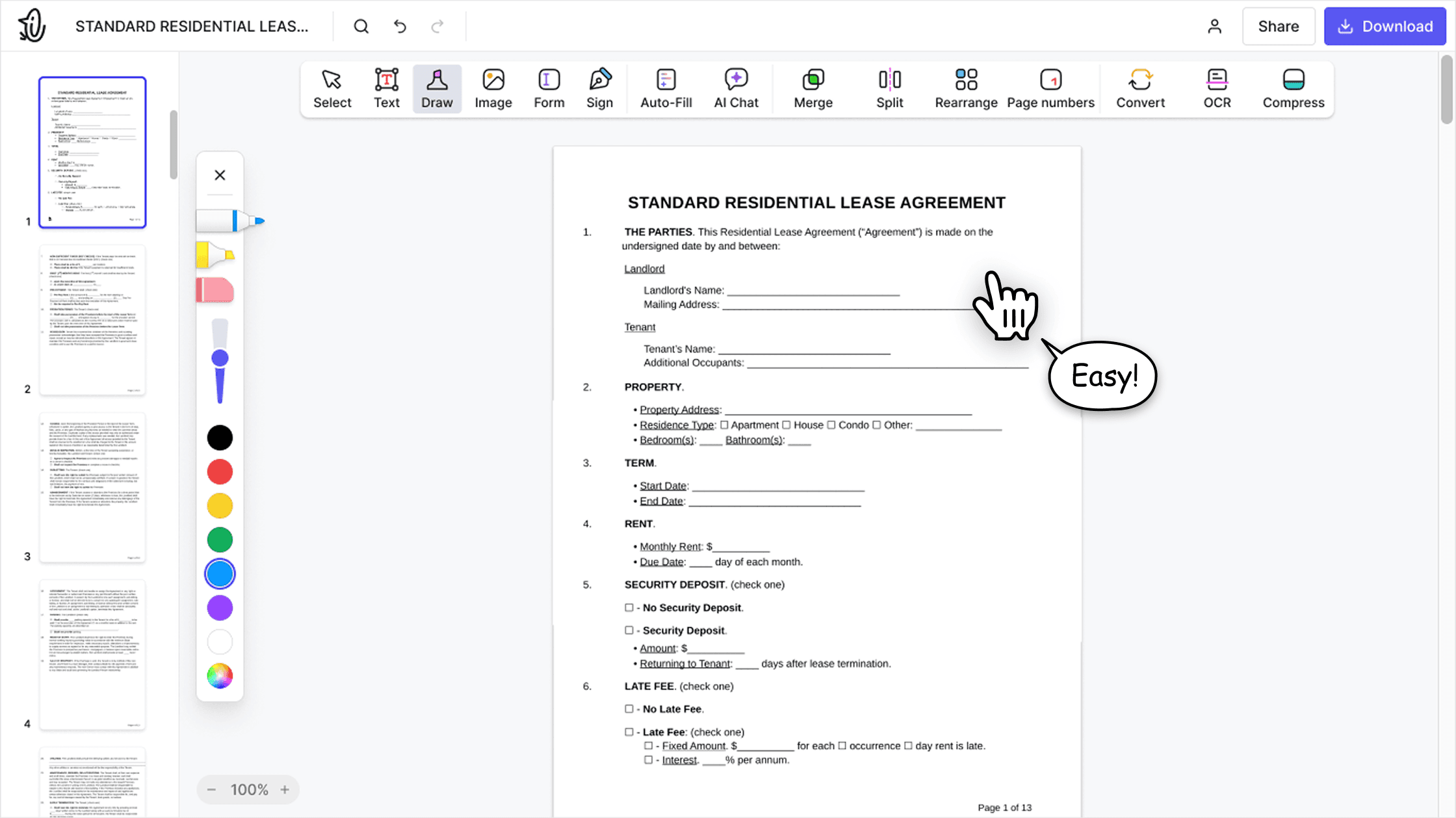

Editor PDF semua-dalam-satu
Editor kami menawarkan set ciri yang mantap dan menyeluruh yang membolehkan anda menyesuaikan dokumen anda, menggabungkannya, menandatanganinya dan banyak lagi. Anda tidak lagi perlu memindahkan fail anda antara beberapa aplikasi.

Mengekalkan pemformatan tanpa masalah
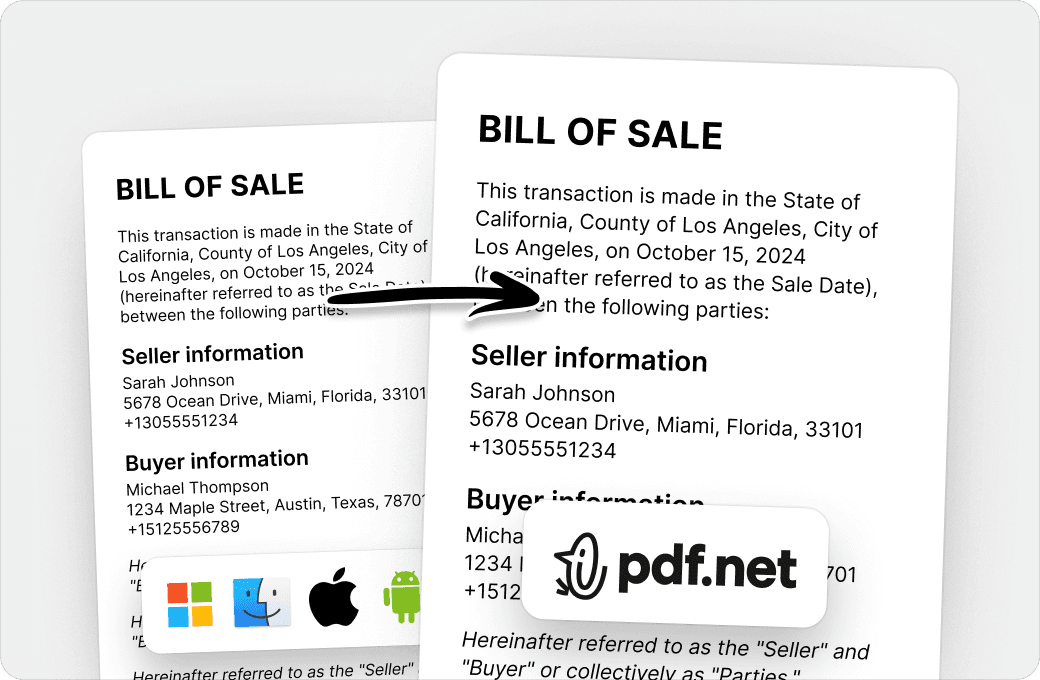
Tiada lagi dokumen yang berselerak dan pemformatan yang tidak konsisten antara pelbagai sistem atau peranti. Editor PDF dalam talian kami serasi antara platform dan mengekalkan keseragaman sama ada anda menggunakan PC, MacOS, telefon pintar atau tablet.
Orang di seluruh dunia mempercayai pdf.net untuk mengedit dokumen mereka
I enjoyed it because it was simple to use and the platform was easy to maneuver.


I enjoyed it because it was simple to use and the platform was easy to maneuver.
Berguna untuk mencipta pelbagai jenis fail menggunakan fail yang anda sudah ada, hanya tukarkannya!

Mudah untuk diikuti, dan berfungsi seperti yang dinyatakan oleh perkhidmatan ini. Sangat membantu untuk perniagaan saya.

Sangat bagus kerana saya boleh mengaksesnya daripada semua peranti saya, kerana ia berjalan dalam pelayar.
