

Redact PDF and permanently black out sensitive information
Adobe was giving me a hard time and I found this website and I was able to get my tasks acomplished.

Redact documents before you send them
Apply for an apartment or a loan
Landlords and lenders ask for bank statements, pay stubs, and tax returns. Keep the income they need to see and redact account numbers and unrelated transactions.Prepare court filings and discovery
Black out client names, case numbers, and account details before a filing goes out. The court and the other side see only what they need.Review resumes without names
Remove names, photos, and home addresses from resumes, so the hiring team reads the experience first.Answer public records requests
Release a report or a letter and redact the personal details of people who aren’t part of the request.Send invoices to a client or an auditor
Show the work and the totals, and redact bank details, rates, or signatures the other side doesn’t need.Remove photos and ID numbers from scans
Draw a box over a face, an ID, or a signature on a scan, and the image under it is removed.


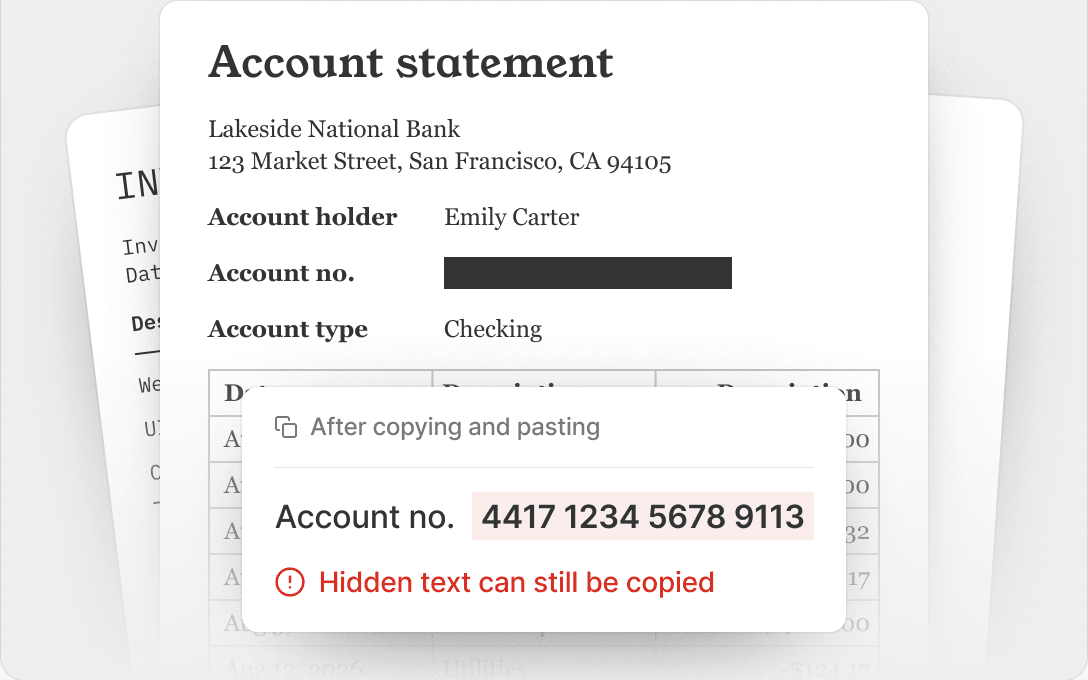
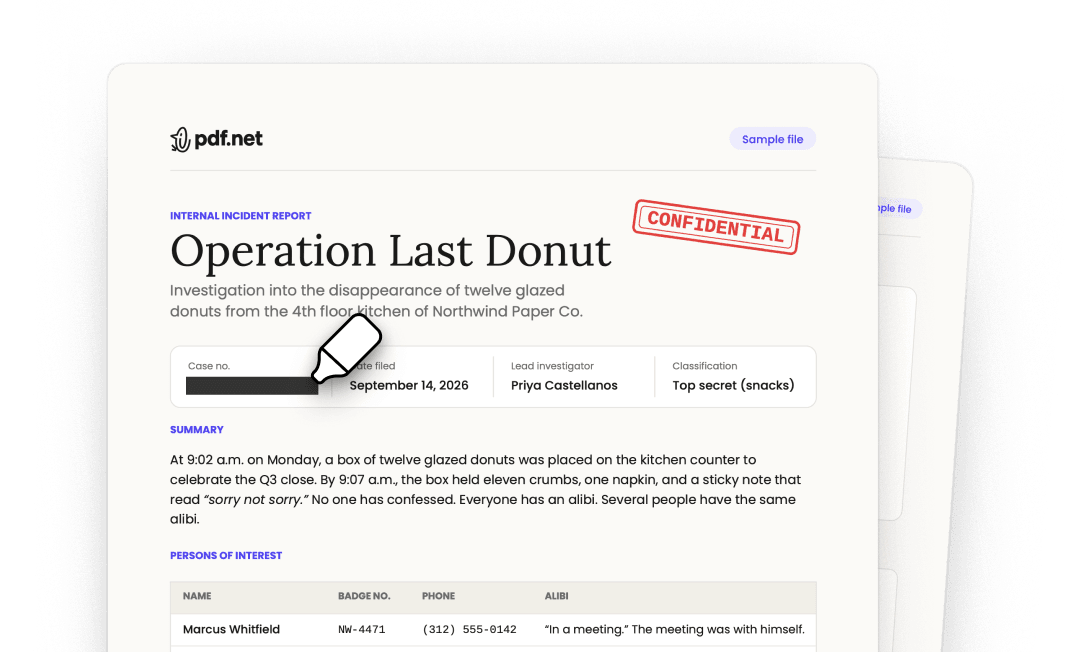
A black box isn’t a redaction
Covered with a shape
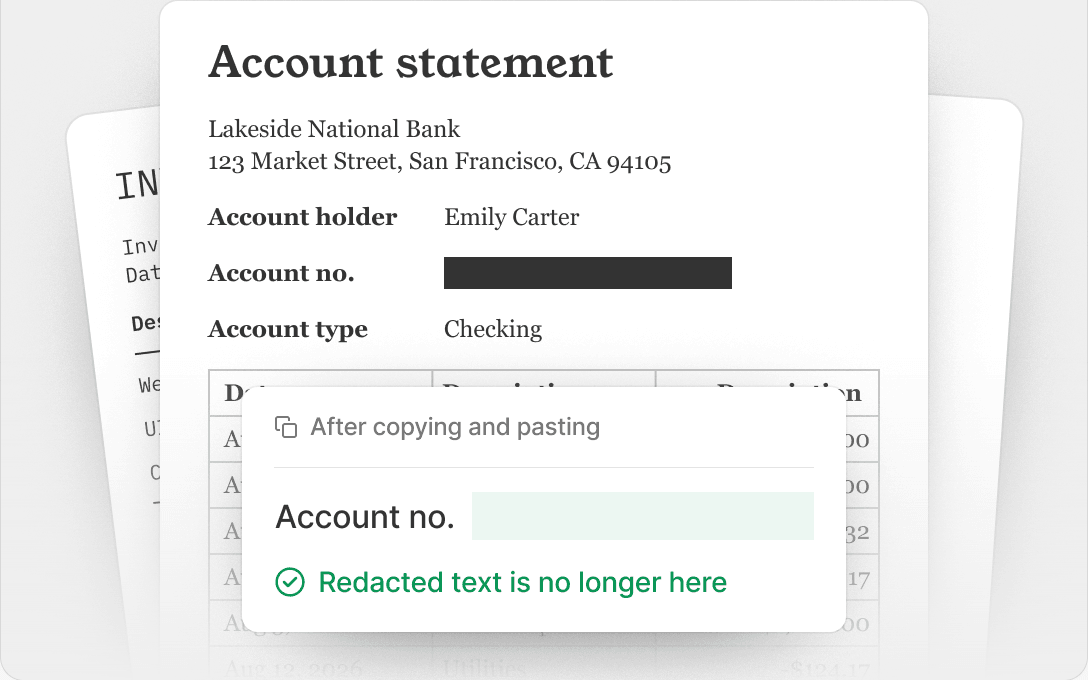
Redacted in pdf.net
Semua alat PDF di satu tempat


Lebih banyak alat

Tukar Word ke PDF

Tukar JPG ke PDF

Tukar PNG kepada PDF

Tukar PDF ke JPG

PDF ke Excel

Tukar PDF kepada PNG

Tukar Markdown kepada PDF

Tukar Excel ke PDF

PDF ke CSV

PDF ke PowerPoint

Tukar HEIC ke PDF

Tukar PowerPoint ke PDF

Penyata Bank ke Excel

Tukar EPUB ke PDF

Tukar PDF ke Markdown

Convert PDF to Text

Mampatkan

Bandingkan PDF

Tambah Imej

Pisah Fail

Susun Semula Halaman

Tambah Nombor Halaman

Anotasi

Putar Halaman

Penomboran Bates

Ekstrak Halaman

Jadikan PDF boleh diisi

Add Watermark to PDF

Minta Tandatangan

Buang Latar Belakang Tandatangan

Signature Generator

Sembang dengan PDF

Peringkas PDF

Jana PDF

Pengisi Borang AI

Kongsi PDF
How to redact a PDF
 1
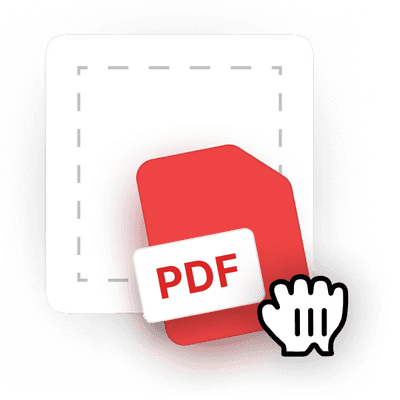
1Upload your document
 2
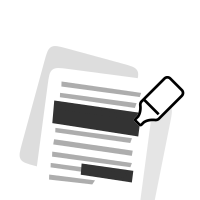
2Select text, images, or whole pages
 3
3Apply the redaction and download your PDF
Mengapakah orang ramai memilih pdf.net
Ringkas dan mudah untuk kegunaan harian
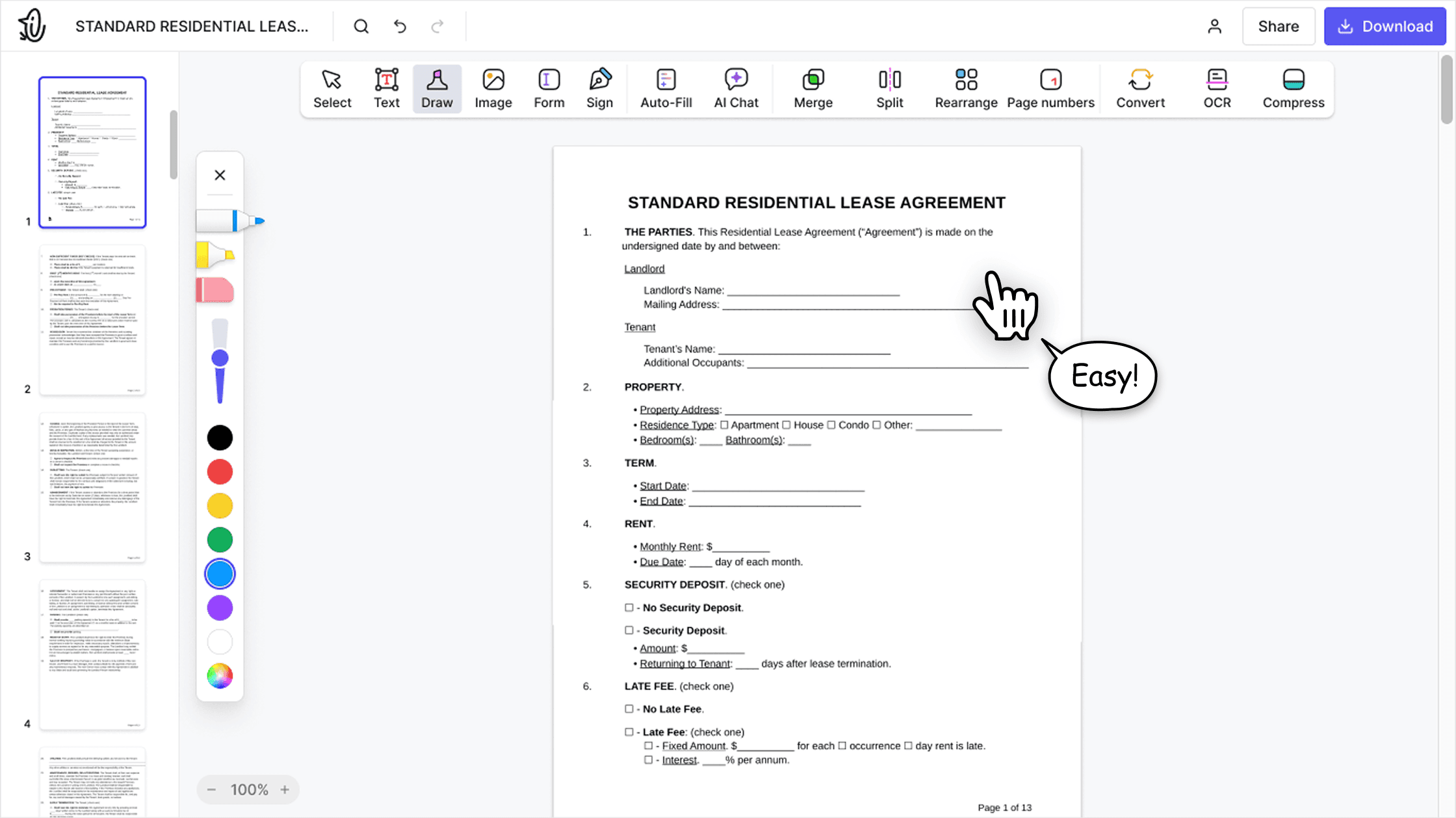
Editor PDF dalam talian kami menampilkan antara muka yang kemas, intuitif dan mesra pengguna yang direka untuk amatur dan profesional. Anda boleh menggunakannya dengan mudah dan mengedit fail PDF anda, walaupun anda belum pernah melakukannya sebelum ini.

Editor PDF semua-dalam-satu
Editor kami menawarkan set ciri yang mantap dan menyeluruh yang membolehkan anda menyesuaikan dokumen anda, menggabungkannya, menandatanganinya dan banyak lagi. Anda tidak lagi perlu memindahkan fail anda antara beberapa aplikasi.

Mengekalkan pemformatan tanpa masalah
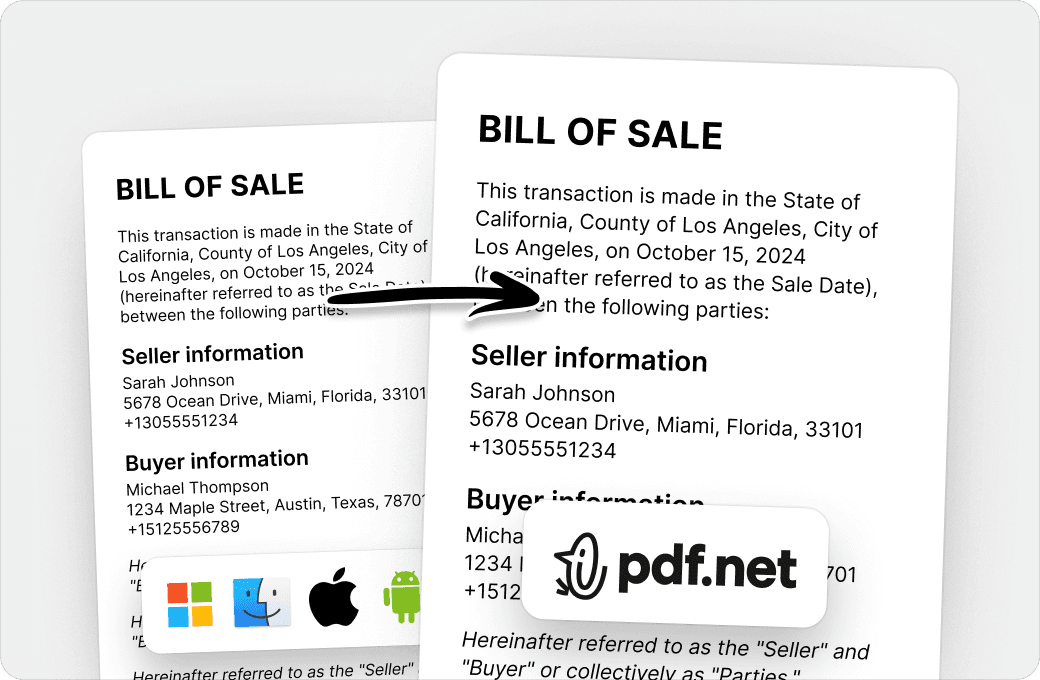
Tiada lagi dokumen yang berselerak dan pemformatan yang tidak konsisten antara pelbagai sistem atau peranti. Editor PDF dalam talian kami serasi antara platform dan mengekalkan keseragaman sama ada anda menggunakan PC, MacOS, telefon pintar atau tablet.
Orang di seluruh dunia mempercayai pdf.net untuk mengedit dokumen mereka
Very easy to use, and the conversion is highly accurate.


Very easy to use, and the conversion is highly accurate.
not complicated - i have no mouse to write signatures so this way helps

Pelbagai set alat yang sangat banyak, terutamanya untuk mengisi borang.

Berguna untuk mencipta pelbagai jenis fail menggunakan fail yang anda sudah ada, hanya tukarkannya!

Try it on a sample first
Soalan lazim
- What does it mean to redact a PDF?
- Redacting a PDF means permanently removing sensitive content, such as names, numbers, images, or whole pages, and showing a black box in its place. Unlike a shape drawn over the text, a redaction deletes the content from the file, so no one can read, copy, or search it.
- How do I redact a PDF?
- Choose your file and it opens in the editor. Select the text you want to hide, draw a box over any image or area, then apply the redaction and download your PDF.
- Can a redaction be removed?
- No. Once you apply a redaction in pdf.net, the content under the box is deleted from the file. It can’t be recovered, even with other PDF software.
- How do I black out text in PDF files?
- Select the text and apply a redaction. pdf.net replaces it with a black box and removes the text itself. If you only draw a black rectangle over text, the text stays in the file and anyone can copy it from under the shape.
- Can I redact images and whole pages?
- Yes. Draw a box over a photo, a signature, or part of a scanned page to remove it, or redact an entire page at once.
- Can I redact a PDF without Adobe Acrobat Pro?
- Yes. pdf.net is an online PDF redaction tool that works in your browser on Windows, Mac, and mobile, so you don’t need Acrobat Pro, Preview, or any other installed software.
- Is blurring text the same as redacting it?
- No. A blur, a highlight, or a black shape only changes how the page looks, and the text underneath stays in the file. Our PDF redactor removes the text, so there is nothing left to uncover.
- Is this tool free?
- This tool is free to access and to redact PDF files. However, to download your new document, you need to subscribe to our services.
- Is it safe to upload sensitive documents?
- Yes. Uploading your documents to pdf.net is safe and secure. Our online PDF editor uses secure HTTPS encryption and advanced safety protocols to keep your documents private and protected. We run on Google Cloud infrastructure with strict access controls.
- What file formats are supported?
- You can upload PDF, DOC, DOCX, PPT, PPTX, PPSX, XLS, XLSX, JPG, PNG, HEIC, and HEIF files. Your file opens in the editor, where you can redact it and download it as a PDF.
- Can I redact a PDF on my phone?
- Yes. pdf.net works in your mobile browser, so you can redact a PDF on an iPhone, an Android phone, or a tablet without installing an app.