
모든 PDF 양식을 작성하세요. 전부 직접 입력할 필요 없이
대부분의 작성기는 모든 필드를 직접 입력하게 합니다. pdf.net은 이미 가지고 있는 문서를 읽어 양식을 작성해 주며, 평면 PDF와 스캔된 PDF에서도 작동합니다. 검토하고, 다운로드하면, 끝입니다.
파일은 비공개로 유지됩니다
업로드할 파일이 없나요? 모든 양식 찾아보기


- 다시 입력할 필요 없음세부 정보는 이미 가지고 있는 파일에서 가져옵니다
- 작성 가능한 필드가 없어도 됨평면 PDF와 스캔된 PDF에서도 작동합니다
- 맹목적 신뢰 없음다운로드 전에 모든 값을 보고 변경하세요
내 파일에서 PDF 양식 자동 작성
AI 양식 작성기는 세부 정보가 담긴 문서, 스캔본 또는 사진을 읽고 어떤 값을 어디에 넣을지 파악합니다. 또는 직접 입력하세요.
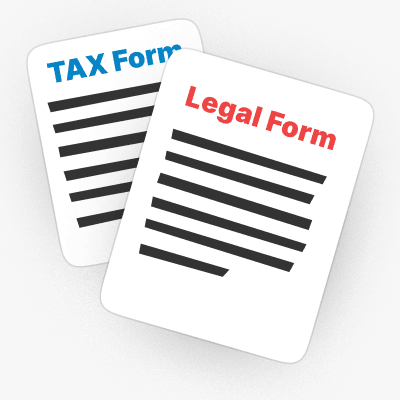
문서에서
세부 정보가 들어 있는 PDF, 계약서 또는 Word 파일을 업로드하면 AI가 각 값을 양식으로 가져옵니다.
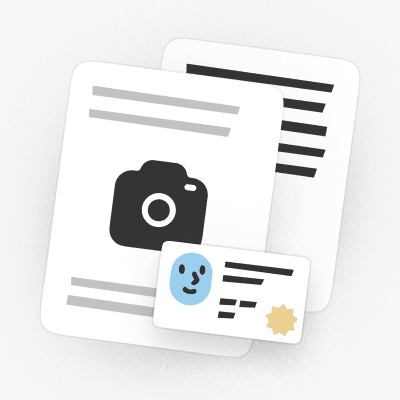
스캔본 또는 사진에서
신분증이나 문서의 스캔본 또는 사진을 업로드하면 AI가 어떤 필드를 작성해야 하는지 읽어냅니다.

또는 직접 입력
수동으로 하시겠어요? 양식 어디에나 입력하고, AI가 작성한 값을 수정하세요.

파일은 스토리지에 업로드되지 않도록 보호됩니다
저장 시 AES-256으로 암호화되고 전송 중에는 TLS로 보호됩니다
파일은 비공개로 유지됩니다
이 PDF 작성기는 PDF 문서를 편집하고 완성하는 데 제가 사용해 본 최고의 도구 중 하나입니다.
인터페이스가 깔끔하고 사용하기 쉬우며, 번거로움 없이 텍스트, 서명, 확인란 및 기타 정보를 매우 쉽게 추가할 수 있습니다.


Mark PepitoTrustpilot 리뷰 (영어 번역)
무엇을 작성해야 하든
신규 고객용 W-9부터 새 직장의 서류까지, 상황에 맞는 항목을 선택하고 작성을 시작하세요
프리랜서 업무
새 고객용 W-9, 세금 신고 시의 1099-NEC, 그리고 Schedule C를 세부 정보를 다시 입력하지 않고 작성하세요.새 직장 시작
서류 작업을 빠르게 끝내세요: I-9와 W-4를 몇 분 만에 작성하고 다운로드할 수 있습니다.세금 시즌
1040, W-2 또는 1040-NR을 온라인으로 작성하고 제출할 준비가 된 상태로 다운로드하세요.이민 및 여행
N-400, I-130 또는 DS-11 여권 신청서를 작성한 뒤 제출할 준비가 된 상태로 다운로드하세요.의료 서류
번거로운 서류 추적 없이 CMS-1500 청구서, UB-04 또는 Medicare CMS-40B를 작성하세요.법률 및 개인 양식
사회보장카드용 SS-5 또는 위임장용 Form 2848을 작성한 뒤 서명하세요.


모든 양식 찾아보기
필요한 양식. 항상 최신 상태.
3단계로 PDF 양식 작성하는 방법
- 1
양식을 업로드하세요. 평면 PDF든 스캔본이든 가능합니다
- 2
문서를 추가하거나 세부 정보를 입력하면 AI가 필드를 작성합니다
- 3
검토 및 다운로드
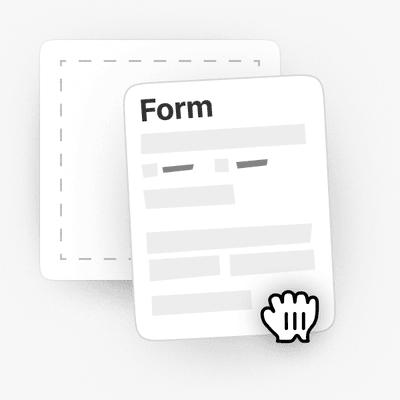
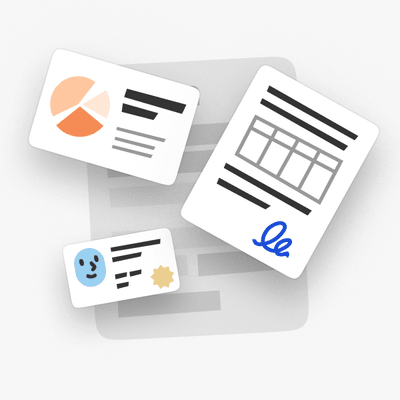
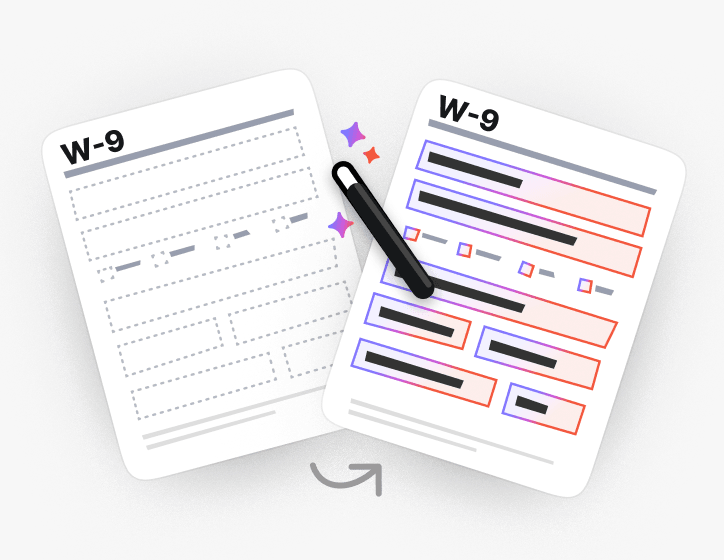
평면 양식과 스캔된 양식도 작성 가능
클릭할 필드가 없나요? AI가 평면 PDF와 스캔된 PDF에서 각 필드가 들어갈 위치를 찾아 그래도 작성합니다.
또는 PDF를 작성 가능한 양식으로 만들고 직접 입력하세요.
특히 양식 작성에 유용한 매우 다양한 도구 세트.

실제로 제출하는 양식을 위해 제작됨
카테고리별로 작성 가능한 PDF 양식을 찾아보거나, 사람들이 가장 많이 작성하는 세금, 이민, 법률, 의료 양식으로 바로 이동하세요
Form 1099
Form 1099 is a family of IRS information returns that payers use to report income other than regular wages, such as freelance pay, interest, dividends, or proceeds from certain sales.Access our editable Form 1099 online, enter your details, make quick changes, and download your form instantly. Simple, secure, and perfect for freelancers, contractors, and small business owners.
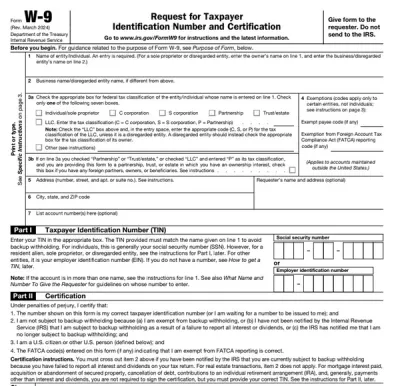
Form W-9
Form W-9 is a document used to give your correct taxpayer identification number (TIN) to a person who must report payments to the IRS.Get yours ready in minutes; add your details to our fillable Form W-9 and prepare it for submission more simply.
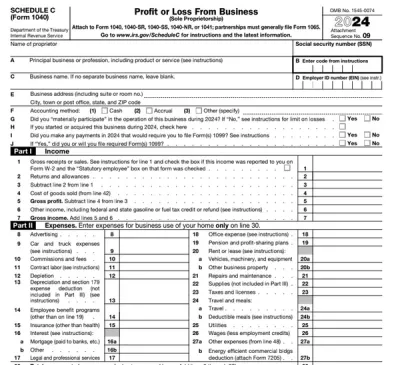
Schedule C (Form 1040)
Schedule C on Form 1040 is used to report income and loss from a business you operated or a profession you practiced as a sole proprietor.Our editable Schedule C (Form 1040) facilitates the tax filing process. All you have to do is type information directly into the empty slots.
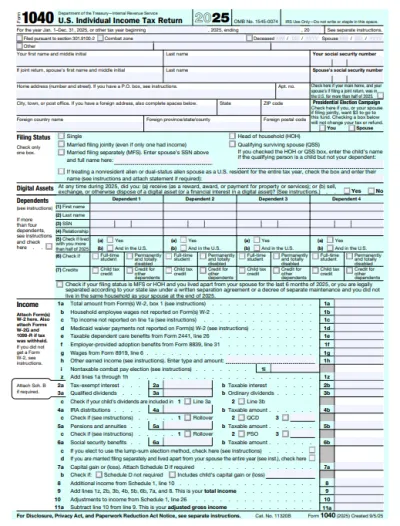
Form 1040
A Form 1040 is the IRS tax return used to report your annual income, calculate taxable income, claim credits and deductions, and determine whether you owe taxes or will receive a refund.Access our 1040 fillable form online and handle your tax return without a hassle. You can enter your income, deductions, and credits easily, review the details, and download a completed copy ready to print and mail.
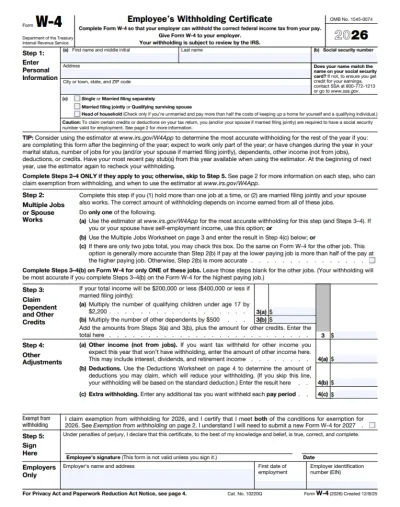
Form W-4
IRS Form W-4 informs the employer of the correct federal income tax to withhold from the employee’s paycheck.On pdf.net, you can now select a fillable tax form, open it in our PDF editor, and enter the information directly in the fields; once you complete it, you can save your W-4 and submit it to your employer.
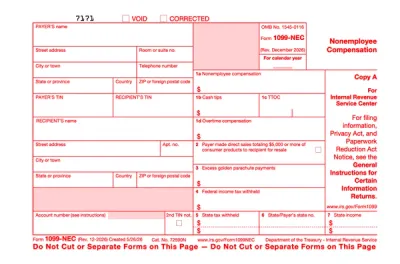
Form 1099-NEC
Form 1099-NEC is used to report payments of $600 or more to nonemployees who have performed services for you.Complete our editable Form 1099-NEC online and download it to your device. All you have to do is open it in our editor, and enter the required information as instructed.
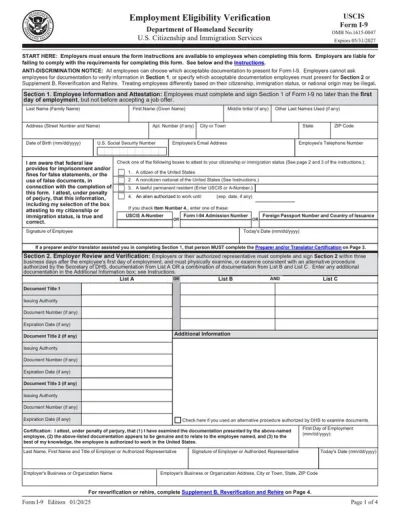
Form I-9
Employers use Form I-9 to verify the identity and employment authorization of their employees, whether they are U.S. citizens or noncitizens.Fill out our editable Form I-9 online by simply typing the required information directly into the empty slots. Once that’s done, download the form to your device.
모든 PDF 양식 찾아보기
필요한 양식. 항상 최신 상태입니다.
실시간으로 양식이 작성되는 모습을 확인하세요
AI가 문서를 읽고 평면 양식을 항목별로 작성하는 모습을 확인하세요

지금 PDF 양식을 작성하세요
문서를 업로드하고 AI로 평면 양식이든 작성 가능한 양식이든 모든 PDF 양식을 작성한 다음, 제출할 준비가 된 상태로 다운로드하세요
파일은 비공개로 유지됩니다
자주 묻는 질문
예. Adobe Acrobat 없이 pdf.net의 PDF 양식 작성기를 사용하여 온라인으로 PDF를 작성할 수 있습니다. 브라우저에서 실행되므로 양식을 작성하기 전에 설치할 것이 없습니다.
클릭해서 입력할 수 있는 대화형 필드가 없기 때문에 PDF 양식에 입력할 수 없습니다. pdf.net에서는 페이지 어디에나 입력할 수 있고, 파일을 작성 가능한 양식으로 바꾼 뒤 필드를 탭으로 이동할 수도 있습니다.
제공한 문서를 읽고, 각 값을 양식의 올바른 필드에 맞춘 다음, 해당 값을 선택한 이유를 확인할 수 있게 해줍니다. 다운로드하기 전에 무엇이든 변경할 수 있습니다.
원본 문서가 없어도 PDF 양식에 직접 입력할 수 있습니다. 저희 도구를 사용하면 PDF를 수동으로 작성할 수도 있습니다.
예, PDF 양식 편집기를 사용하면 스캔되었거나 플랫화된 문서에서도 페이지 어디에나 텍스트 상자와 체크 표시를 배치할 수 있으므로, 입력 가능한 형식이 아닌 PDF도 작성할 수 있습니다.
PDF, DOC, DOCX, XLS, XLSX, PPT, PPTX, PPSX, JPG, PNG 및 HEIC를 업로드할 수 있습니다. 여기에는 휴대폰으로 찍은 종이 양식의 사진도 포함되므로, 종이로만 가지고 있는 문서도 작성할 수 있습니다.
예, 업로드한 문서는 계정에 저장되며, 그 문서를 어떻게 할지는 사용자가 결정합니다. 나중에 다시 사용할 수 있도록 원본 문서를 보관하거나, 양식 작성이 끝나면 삭제할 수 있습니다.
예. 파일은 저장 시 AES-256으로, 전송 중에는 TLS로 암호화되며, 무엇을 보관, 삭제 또는 공유할지는 사용자가 결정합니다.
예, 휴대폰에서 PDF를 작성할 수 있습니다. 휴대폰 저장소나 클라우드 드라이브에서 파일을 업로드하고, 세부 정보를 입력한 다음, 완성된 양식을 다운로드하세요.
아니요, 작성하기 전에 PDF를 인쇄할 필요가 없습니다. PDF 양식 작성 도구를 사용하면 플랫화되었거나 스캔된 문서라도 화면에서 문서에 직접 입력할 수 있으므로, 인쇄, 손글씨 작성 및 스캔을 완전히 건너뛸 수 있습니다.
W-9 및 1040 같은 세금 문서, I-9 및 W-4 같은 고용 양식, 이민 서류, CMS-1500 같은 의료 청구서류를 포함해 거의 모든 유형의 PDF 양식을 작성할 수 있습니다.
예, PDF를 작성한 직후 서명을 추가할 수 있습니다. 서명을 그리거나 입력하거나 업로드한 다음, 양식의 원하는 위치에 배치하세요.
한곳에서 제공되는 모든 PDF 도구
설치 없음, 앱 전환 없음 — 모든 기기에서 작동


기타 도구

Word를 PDF로 변환
DOC/DOCX를 PDF로 변환하세요. 서식을 유지할 수 있습니다.

JPG를 PDF로 변환
JPEG 사진을 품질 손실 없이 하나의 PDF 파일로 병합하세요.

PNG를 PDF로 변환
여러 PNG 이미지를 하나의 PDF로 결합하세요. 해상도가 유지됩니다.

PDF를 JPG로 변환
PDF 페이지를 각각의 JPEG 이미지로 변환하세요. 공유하거나 업로드하도록 준비할 수 있습니다.

PDF Excel 변환
PDF 표를 Excel 또는 Google Sheets에서 바로 사용할 수 있는 편집 가능한 스프레드시트로 변환하세요.

PDF를 PNG로 변환
PDF 페이지를 각각의 PNG로 분할하세요. 전체 해상도가 유지됩니다.

Markdown을 PDF로 변환
.md 파일을 붙여넣거나 업로드하고 몇 초 만에 서식이 적용된 PDF를 받으세요. 표와 코드 블록도 포함됩니다.

Excel을 PDF로 변환
XLS 및 XLSX를 깔끔하고 공유하기 쉬운 PDF로 변환하세요. 서식은 그대로 유지됩니다.

PDF CSV 변환
PDF에서 표 데이터를 추출해 스프레드시트와 데이터 분석에 바로 사용할 수 있는 깔끔한 CSV 파일로 만드세요.

PDF를 PowerPoint로 변환
편집 가능한 PPT 및 PPTX 슬라이드를 가져오세요. 글꼴과 레이아웃을 유지할 수 있습니다.

HEIC를 PDF로 변환
iPhone HEIC 사진을 공유 가능한 PDF로 바꾸세요. 모든 기기에서 열 수 있습니다.

PowerPoint를 PDF로 변환
PPT 및 PPTX를 공유 준비가 된 PDF로 변환하세요. 모든 기기에서 열 수 있습니다.

은행 거래 내역 Excel로 변환
PDF 은행 거래 내역을 회계 및 분석용 편집 가능 Excel 또는 CSV 파일로 변환하세요.

EPUB를 PDF로 변환
EPUB 전자책을 인쇄용 PDF로 변환하세요. 모든 기기에서 열 수 있습니다.

PDF를 Markdown으로 변환
PDF를 깔끔한 MD 텍스트로 변환하여 메모, 문서 또는 리포지토리에 바로 사용할 수 있습니다.

PDF를 텍스트로 변환
PDF의 텍스트를 .txt 파일로 가져오세요. 이메일, 문서 또는 메모에 복사하세요.

압축
3가지 압축 수준으로 PDF 파일 크기를 줄이세요.

Compare PDF
Spot every change between two PDFs. View side by side or overlay.

이미지 추가
PDF에 로고, 사진, 그래픽을 추가하세요. 크기와 위치를 조정할 수 있습니다.

파일 분할
PDF를 여러 파일로 분할하세요. 분할할 페이지를 자유롭게 선택할 수 있습니다.

페이지 재정렬
드래그 앤 드롭으로 재정렬하세요. 페이지를 삭제, 복제, 회전할 수 있습니다.

페이지 번호 추가
페이지 번호를 자동으로 매기세요. 위치, 형식, 여백을 선택할 수 있습니다.

주석 추가
PDF에 마크업 추가: 그리기, 강조 표시, 지우기. 다양한 색상과 선 두께 지원.

페이지 회전
PDF 방향을 쉽게 조정하세요. 한 페이지, 여러 페이지 또는 전체 페이지를 선택할 수 있습니다.

Bates 번호 매기기
Bates 번호를 자동으로 추가하세요. 접두사, 접미사, 번호 매기기 스타일을 선택할 수 있습니다.

페이지 추출
필요한 페이지를 선택하고 새 PDF로 저장하세요.

PDF 작성 가능하게 만들기
텍스트 필드, 체크박스 및 서명을 추가하세요. 평면 양식과 스캔한 양식 모두에서 작동합니다.

PDF에 워터마크 추가
텍스트 또는 이미지로 PDF 페이지를 표시

PDF 잠금 해제
몇 번의 클릭만으로 비밀번호와 제한 사항을 제거하세요.

PDF 보호
비밀번호를 통해 무단 사용으로부터 PDF를 보호하세요.

PDF 블랙마킹
PDF를 공유하기 전에 민감한 텍스트나 전체 페이지를 블랙마킹하세요.

서명 생성기
서명을 입력하거나, 그리거나, 업로드하세요. 저장한 후 문서 전반에서 다시 사용할 수 있습니다.

PDF와 채팅
AI에게 PDF에 관한 무엇이든 물어보세요.

PDF 요약 생성기
AI로 PDF의 핵심 요점을 요약하세요.

PDF 생성
필요한 문서에 대해 설명하고 서식이 지정된 PDF를 받으세요.

PDF 공유
몇 초 만에 보안 링크 또는 이메일로 PDF를 업로드하고 공유하세요. 누가 보거나 편집할 수 있는지 제어하세요.