

Compare PDF files online in seconds
This made everything so much easier and better! Thank you!

When to use a PDF comparison tool
Checking what changed between two drafts
Reviewing a contract before you sign
Verifying a document you got back
Tracking revisions across versions
All PDF tools in one place


More tools

Convert JPG to PDF

Convert PNG to PDF

Convert PDF to JPG

PDF to Excel

Convert PDF to PNG

Convert Markdown to PDF

Convert Excel to PDF

PDF to CSV

PDF to PowerPoint

Convert HEIC to PDF

Convert PowerPoint to PDF

Bank Statement to Excel

Convert EPUB to PDF

Convert PDF to Markdown

Convert PDF to Text

Change Text

Add Image

Split File

Rearrange Pages

Add Page Numbers

Annotate

Rotate Pages

Bates Numbering

Extract Pages

Make PDF Fillable

Unlock PDF

Protect PDF

Redact PDF

Request Signature

Remove Signature Background

Signature Generator

Chat with PDF

PDF Summarizer

Generate PDF

AI Form Filler
How to compare two PDF files
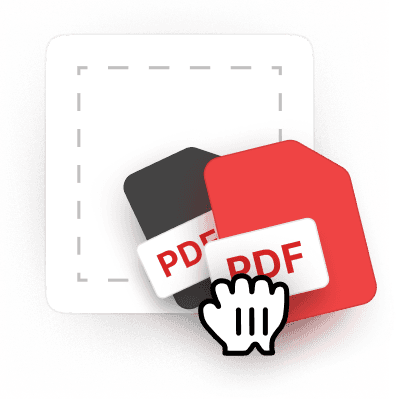 1
1Upload your PDF files
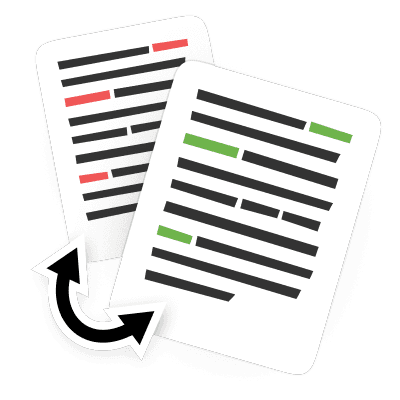 2
2Choose side-by-side text changes or overlay comparison view
 3
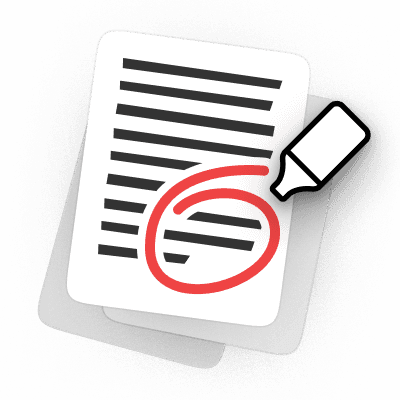
3Review all the highlighted differences between your PDF files
Why people prefer pdf.net
Simple and easy for daily use
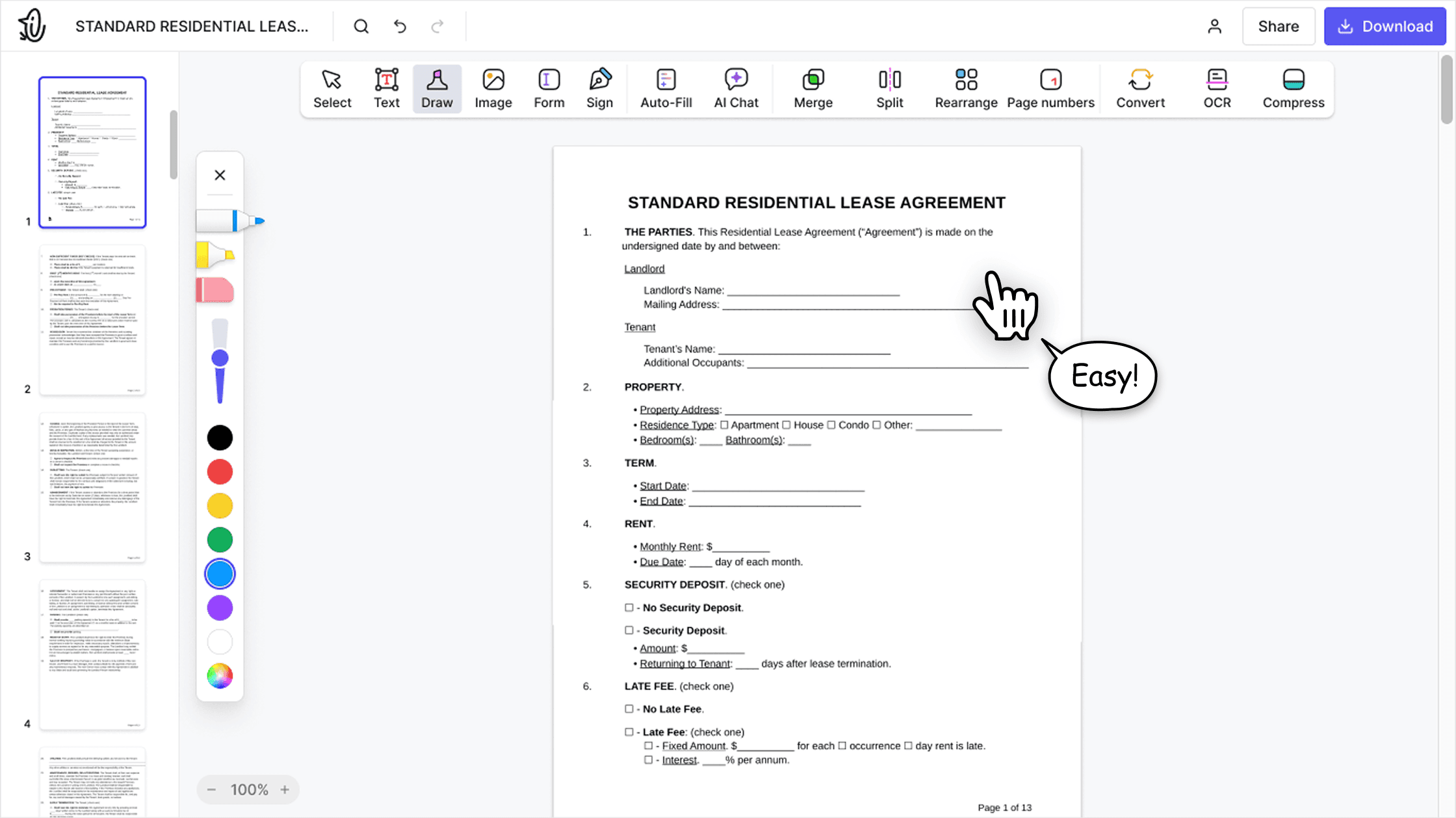
Our online PDF editor features a clean, intuitive, and user-friendly interface designed for amateurs and professionals alike. You can navigate it with ease and edit your PDF file, even if you’ve never done it before.

All‑in‑one PDF editor
Our editor offers a robust and comprehensive set of features that allow you to customize your documents, merge them, sign them, and much more. No need to transfer your files between several applications anymore.

Keeping formatting without issues
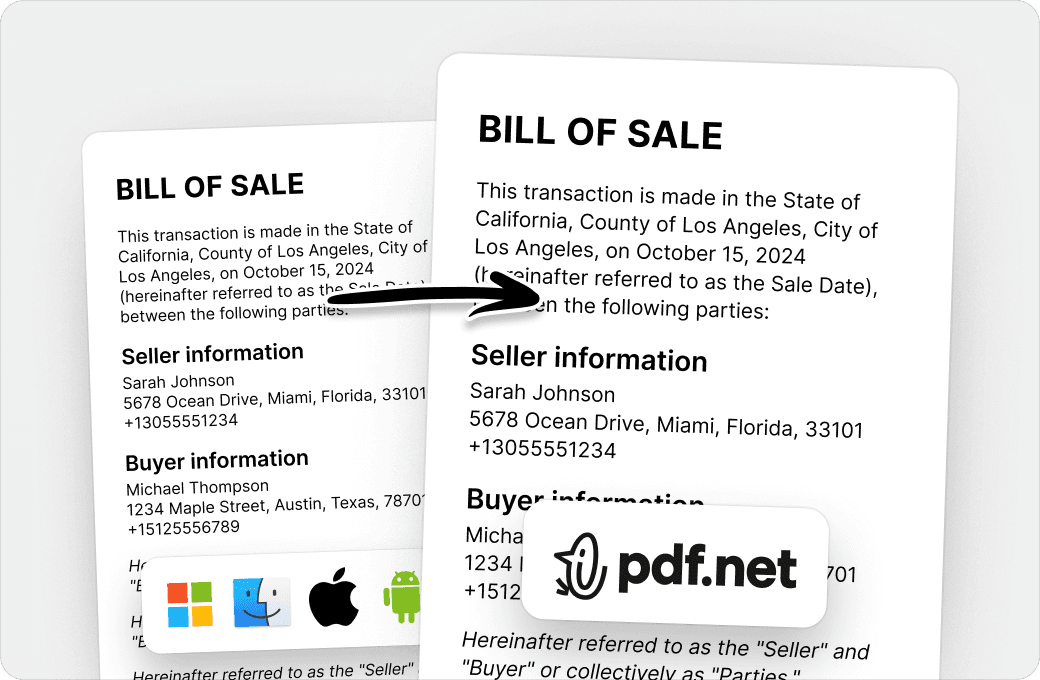
No more messy documents and inconsistent formatting across multiple systems or devices. Our online PDF editor is cross-platform compatible and maintains uniformity whether you’re using a PC, MacOS, smartphone, or tablet.
People all over the world trust pdf.net to edit their docs
I can handle contracts, invoices, and client documents without paying for expensive software or hiring someone to do it. The browser-based setup means I can work from the office, home, or even my phone when I'm meeting with clients. Processing is quick enough that I'm not wasting time, and the tools I use regularly (merging proposals, compressing files, converting documents) work consistently.


I can handle contracts, invoices, and client documents without paying for expensive software or hiring someone to do it. The browser-based setup means I can work from the office, home, or even my phone when I'm meeting with clients. Processing is quick enough that I'm not wasting time, and the tools I use regularly (merging proposals, compressing files, converting documents) work consistently.
It does the task for the available features of this platform very efficiently. Editing and organizing of pdf files can be done easy and fast on this platform.

That is what makes PDF.net stand out for me. I do not have to scratch my head or waste time figuring things out when I am under pressure. Everything feels obvious. It just flows.

Easy to use & does exactly what it says: split pdfs. Super easy to download and very intuitive to use.

Frequently asked questions
- Can I compare more than two files?
- No, you cannot compare more than two files at once. If you have three PDFs, compare each pair separately, for example File A with File B, then File A with File C. Our visual PDF comparison tool makes it easy to compare files as often as you need.
- What file formats are supported?
- This tool compares PDF files, Word documents (DOC, DOCX), PowerPoint files (PPT, PPTX, PPSX), and Markdown files (MD). You can also compare images (PNG, JPG, HEIC, and HEIF) in the overlay view, where they are converted to PDF before comparison.
- Is the PDF comparison tool free?
- Yes. You can upload two documents and compare them for free. Downloading the edited file is what requires a subscription.
- Can I compare a PDF with a Word document?
- Yes. Our diff checker helps you compare documents even if they are in different formats, for example a PDF against a Word document or a PowerPoint presentation. For text-based files, both the Text changes and the overlay views are available. If one of the files is an image, use the overlay view: text comparison needs a text layer, which images do not have.
- Can I compare a PDF with an image?
- Yes. Use the overlay view: it compares your files pixel by pixel and shows every visual difference.
- Can I compare scanned PDFs?
- Yes, in the overlay view. Scanned pages are compared pixel by pixel, so you can spot visual differences between two scans. Text comparison is not available for scans, as they do not contain a text layer.
- What types of changes can this PDF difference checker detect?
- It detects added, deleted, and replaced text and helps you spot layout differences in overlay mode. As a reliable PDF revision tracker, it helps you catch every edit.
- Which browsers and devices are supported?
- Chrome, Firefox, Edge, and Safari on desktops, laptops, tablets, and phones. You can compare PDF files anytime and anywhere.
- How do I view two different PDFs side by side?
- Right after uploading your documents, you will see them in a side-by-side comparison view. This mode shows both documents next to each other with synchronized scrolling, so you can compare two PDF documents for differences line by line.
- Are my files safe?
- Yes. Our PDF comparison tool uses encrypted connections to keep your files private.